1
Describe the Scene
Type your thumbnail concept: subject, mood, background, and where you need space for text. Specific descriptions produce better output.
Examples
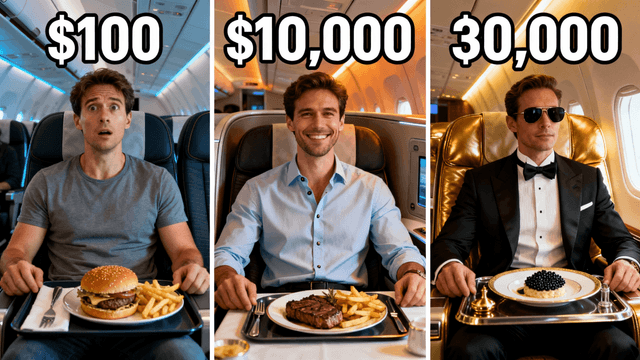
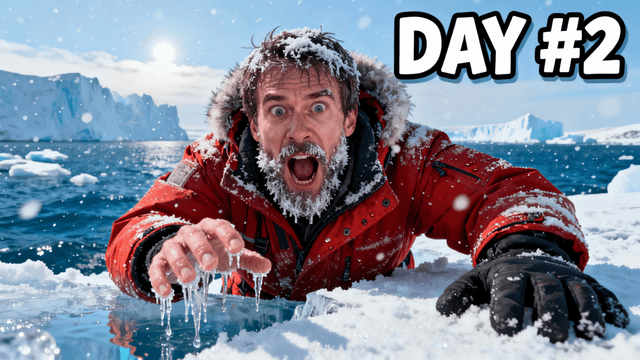
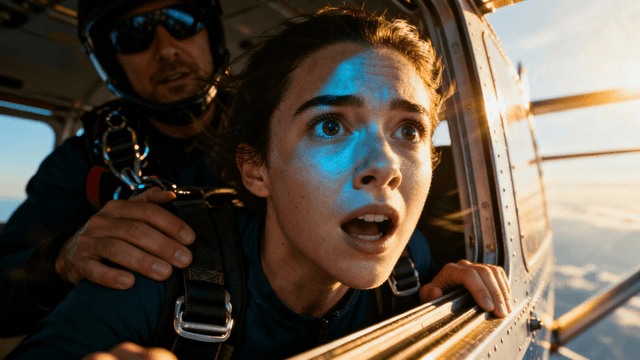
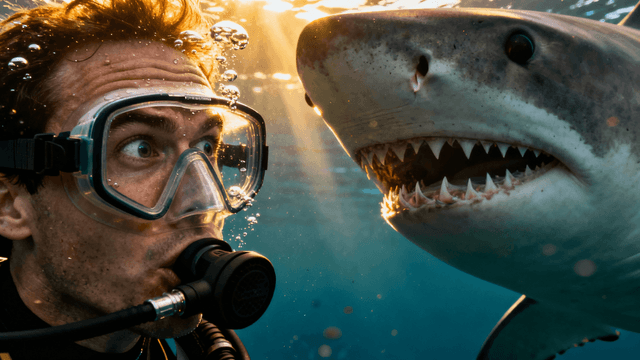
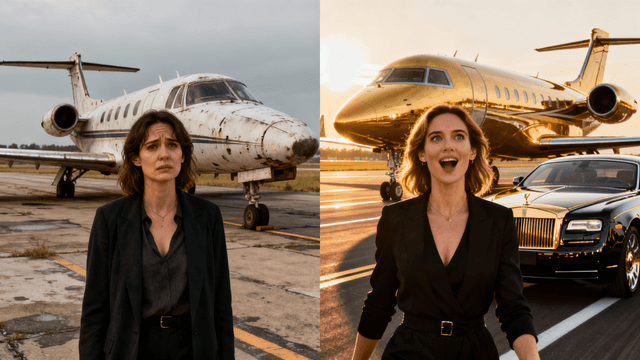
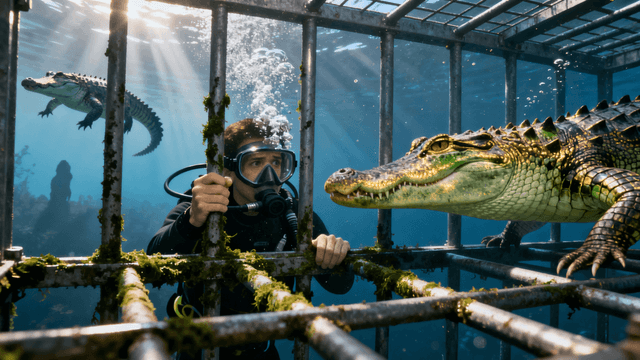
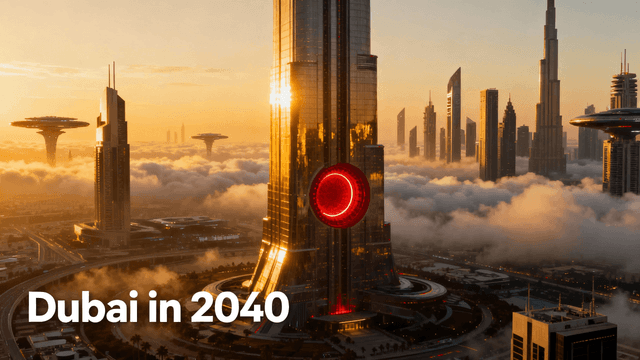
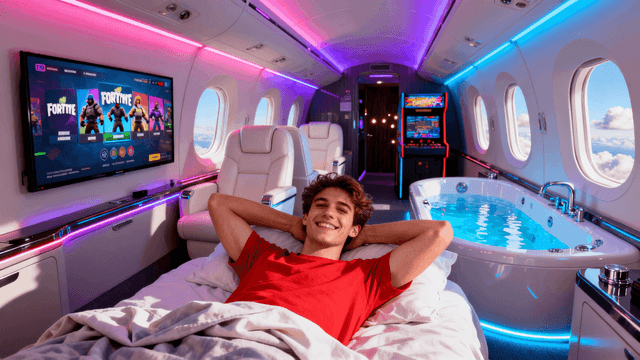
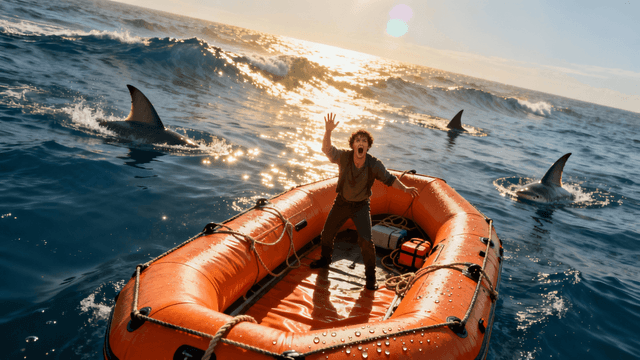
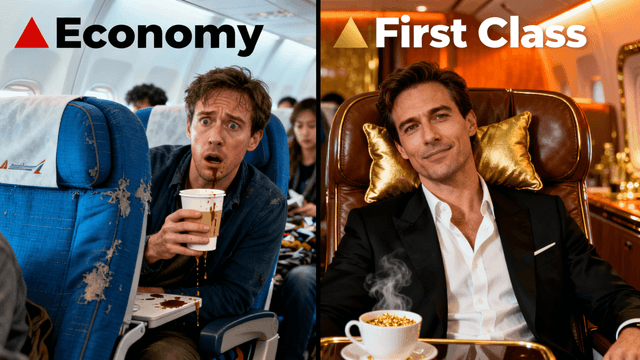
YouTube thumbnails have specific requirements that general AI art does not need to meet. Your text prompt should account for all of them:
High contrast. Thumbnails compete against 20 other videos on screen. Ask for bright, saturated colors that pop, "vivid blue background," "neon glow," "bright yellow lighting."
Readable at small size. Ask for clean compositions with one dominant subject. "Subject centered with clear background" or "person large in frame" prevents busy output that collapses at mobile size.
Emotional hook. Strong thumbnails create a feeling. Include the emotion in your prompt, "shocked expression," "triumphant pose," "nervous energy."
Space for your title. Ask for open space where you will place text: "clear dark area at top," "open space on the right third."
A well-structured prompt takes 20 seconds to write and dramatically improves the output.
Copy and modify these for your content type.
| Niche | Prompt Template |
|---|---|
| Challenge / reaction | "Person with [shocked/excited] expression reacting to [object or situation], [bright/dramatic] background, space for bold text at top" |
| Tutorial / how-to | "[Subject or tool] in a clean, well-lit setting, professional instructional feel, clear focus on [the thing being taught], space for title text" |
| Finance / business | "Person looking [confident/stressed] surrounded by [money/charts/graphs], [clean studio/dark dramatic] background, bold composition" |
| Gaming | "[Game character/player] in an intense action moment, [game's color palette] atmosphere, dark background with neon accents, space for text" |
| Travel / adventure | "Person standing in front of [famous landmark or landscape], [weather/mood], wide shot, cinematic feel, clear sky for text overlay" |
| Fitness / health | "[Before/after or action shot] showing [transformation/effort], motivational energy, bright clean background, person centered in frame" |
How It Works
Type your thumbnail concept: subject, mood, background, and where you need space for text. Specific descriptions produce better output.
AI creates your thumbnail at 1280x720, the exact spec YouTube needs. No manual resizing.
Open the editor, drop your video headline onto the generated image. Adjust font, size, and color.
Download and go straight to YouTube Studio. File is sized and compressed for YouTube's requirements.
Who It's For
YouTube creators who need thumbnails sized and optimized for the platform, not generic AI art
Channels covering topics that can't be filmed, history, finance, future tech, abstract concepts
Creators who want full control over the visual without needing to upload or photograph anything
YouTubers who need to produce thumbnails fast without a design workflow
Try These
“YouTuber with surprised expression looking at a laptop showing viral stats, colorful home studio setup, bright upbeat energy, space for title text at top”
“Epic mountain summit view at golden hour, adventurous traveler silhouette, dramatic sky, wide cinematic composition with space for text overlay”
“Person in business attire looking confident surrounded by holographic financial charts going up, clean dark background, professional and aspirational”
Benefits
1280x720, high contrast, mobile-readable compositions. Not adapted from a general image tool, built for YouTube.
No screenshot, no photo, no template. Just your description and 30 seconds.
Every generation is original. Your thumbnails will not look like every other channel using the same Canva template.
Under 5 minutes from description to upload-ready. Sustainable even if you publish every day.
The specific "youtube" in this search tells you the intent: they tried a text-to-image tool before and got something that looked like art, not a YouTube thumbnail. They want output that is sized correctly, high-contrast enough to compete in the feed, and ready to upload, not something they have to resize and rework.
Thumbnail Studioo generates thumbnails specifically for YouTube. The AI is optimized for 1280x720, high contrast, and compositions that read well at small mobile sizes. Describe your video, generate, add your title text in the thumbnail editor, and export. Sign in to generate free.
Describe it. AI builds it. Export at 1280x720. Free to start.
Generate from TextFree 3-day trial • Cancel anytime
FAQ
Yes. The generator outputs at 1280x720, favors high-contrast compositions, and prioritizes layouts that stay readable at the small sizes thumbnails display on mobile.
Each generation produces multiple options to compare. If none are right, refine your description and generate again.
During the 3-day free trial you have full access to AI generation. After the trial, a paid plan keeps your access going. Try it free for 3 days.
Add more specific instructions to your prompt. Tell it exactly where the subject should be, what the background looks like, and where you need clear space. More detail consistently produces better output.