1
Describe
Write what you want to see in plain language.
Reviewed by Thumbnail Studioo · Updated 13 March 2026
Generate AI Thumbnails FreeAI thumbnail generator
Describe the thumbnail you want and generate it directly on this page.
Your thumbnail will appear here
Write a description and choose a style to get started.
Try These
“Person with shocked expression discovering $10,000 cash hidden in a couch cushion, dramatic lighting, money bills flying everywhere, living room background”
“Split screen showing cheap fast food burger on left and expensive restaurant burger on right, dramatic comparison, bright studio lighting, food photography style”
“Gamer rage quitting, throwing headset, red angry face, RGB gaming setup in background, dramatic motion blur, intense frustration expression”
Examples
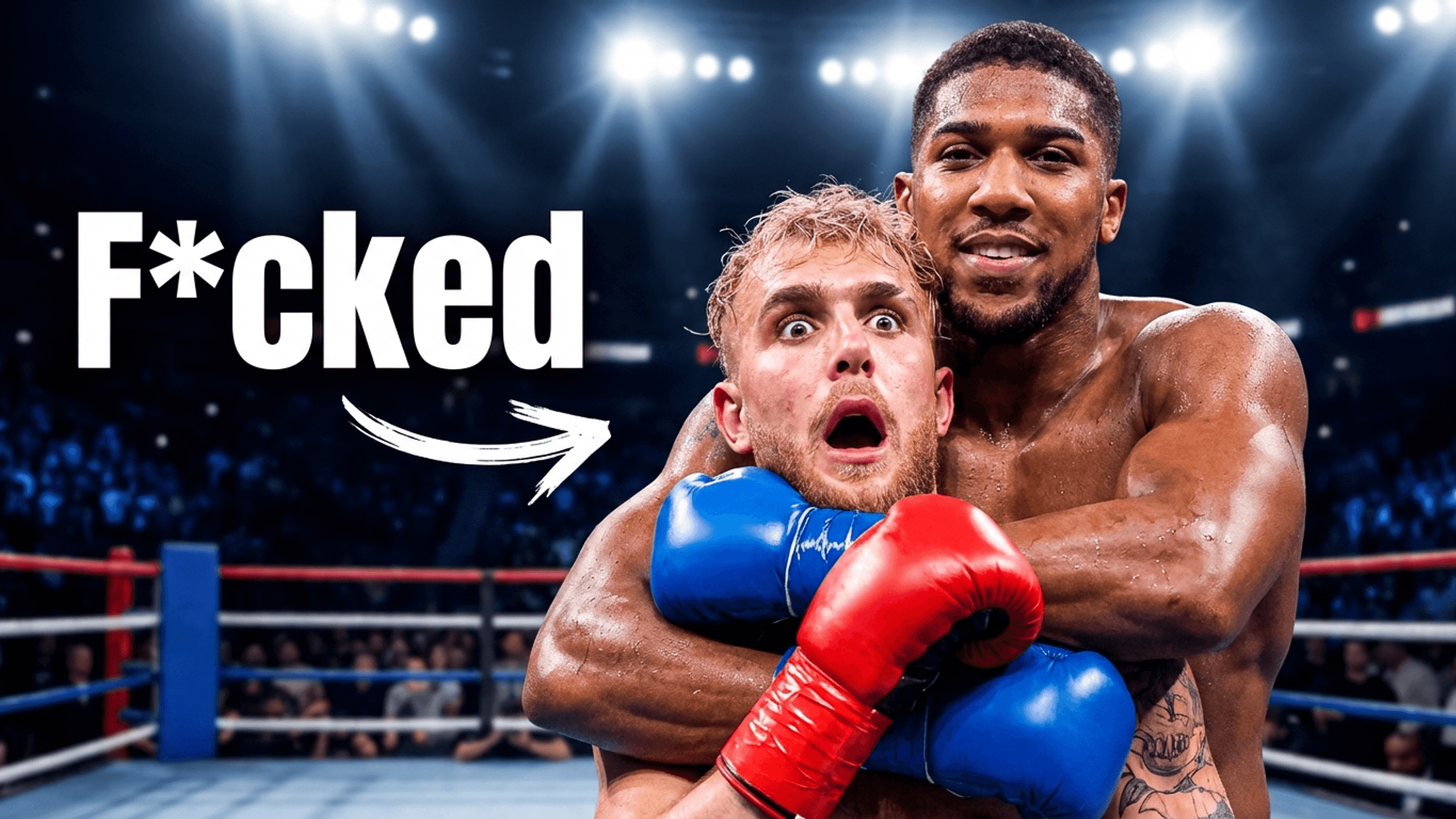
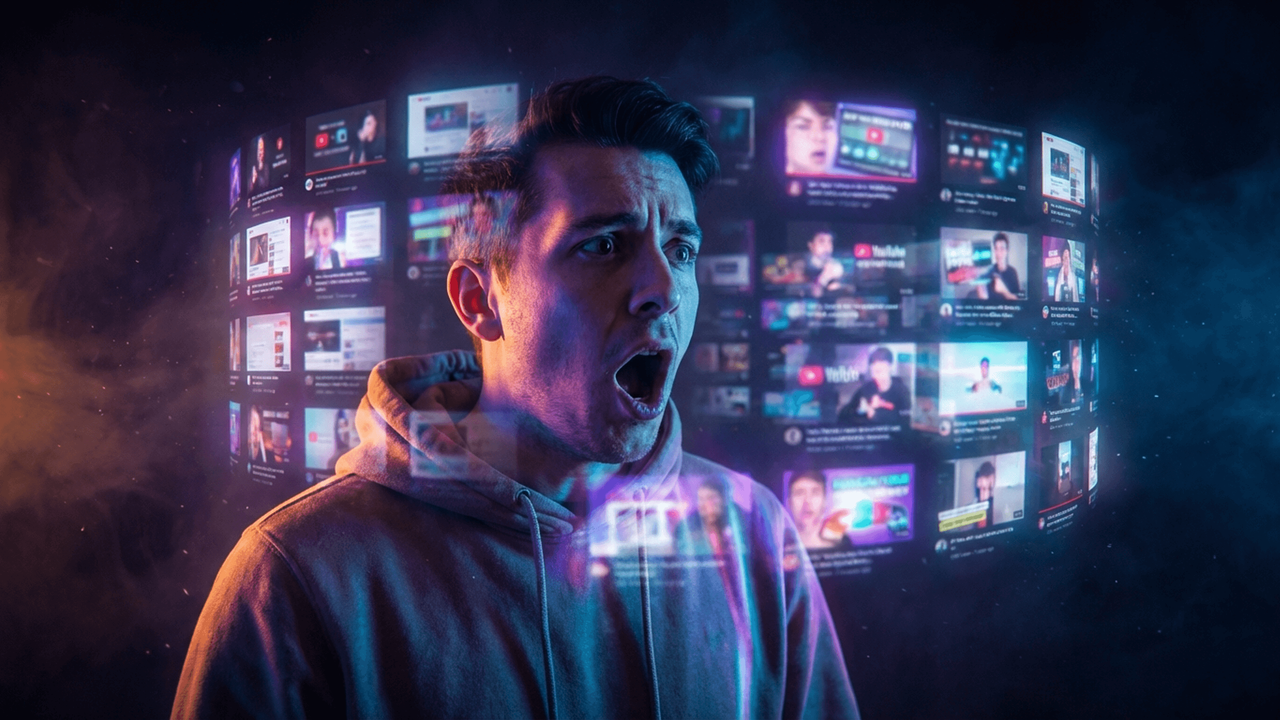
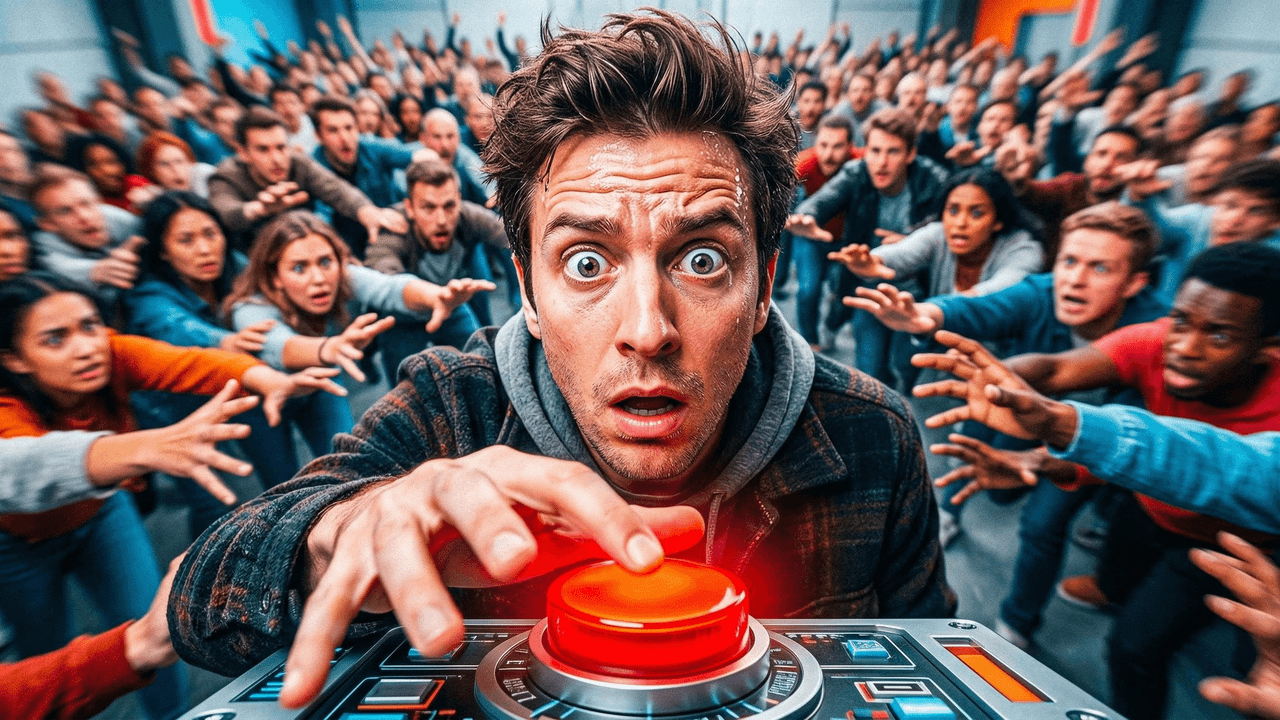
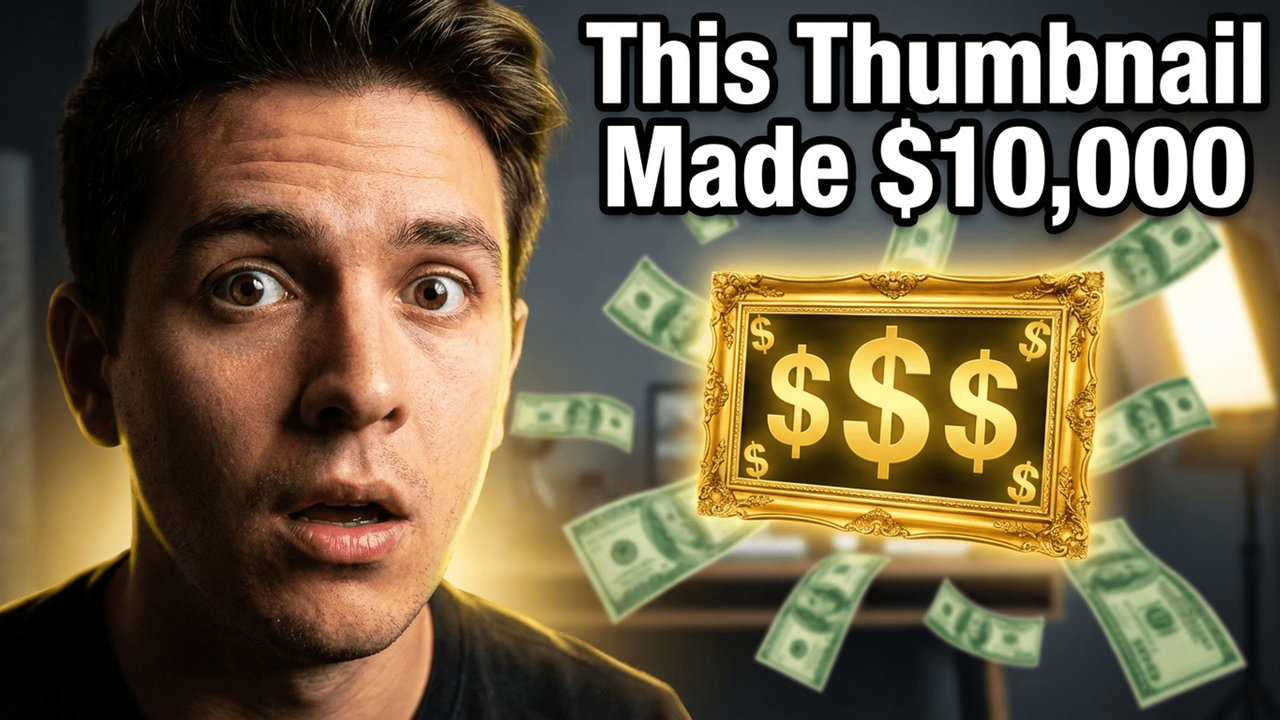
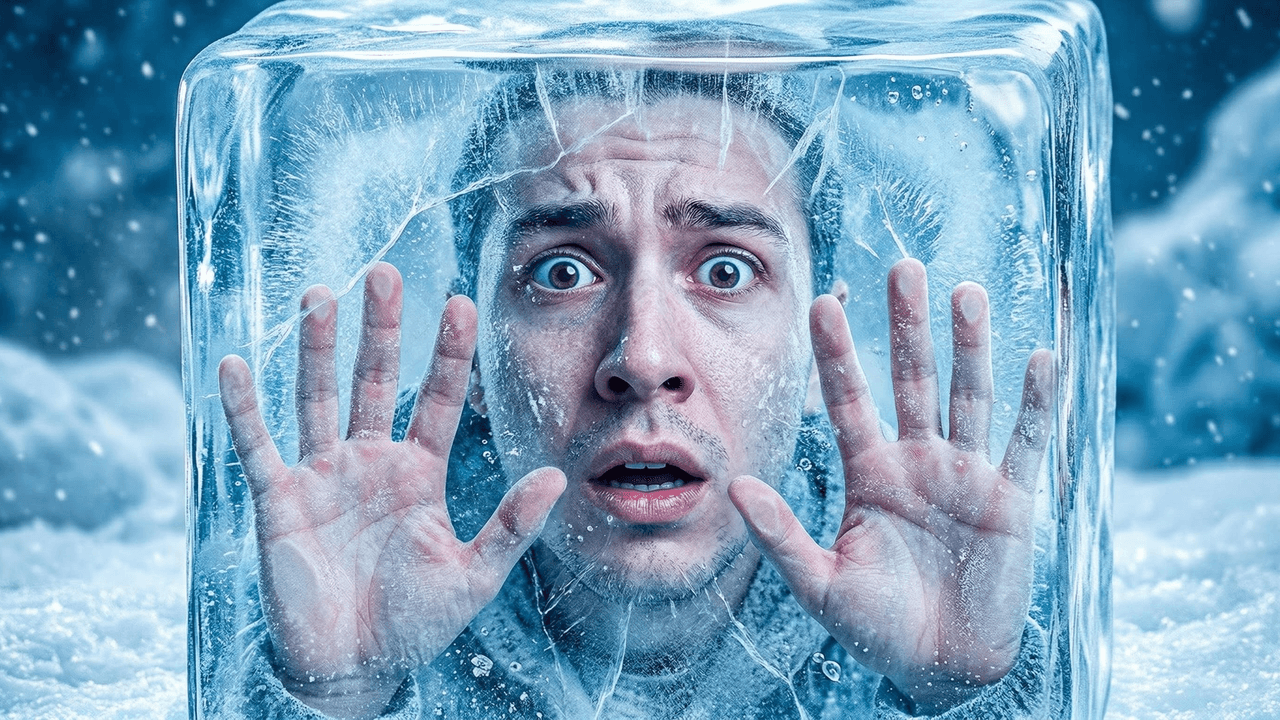

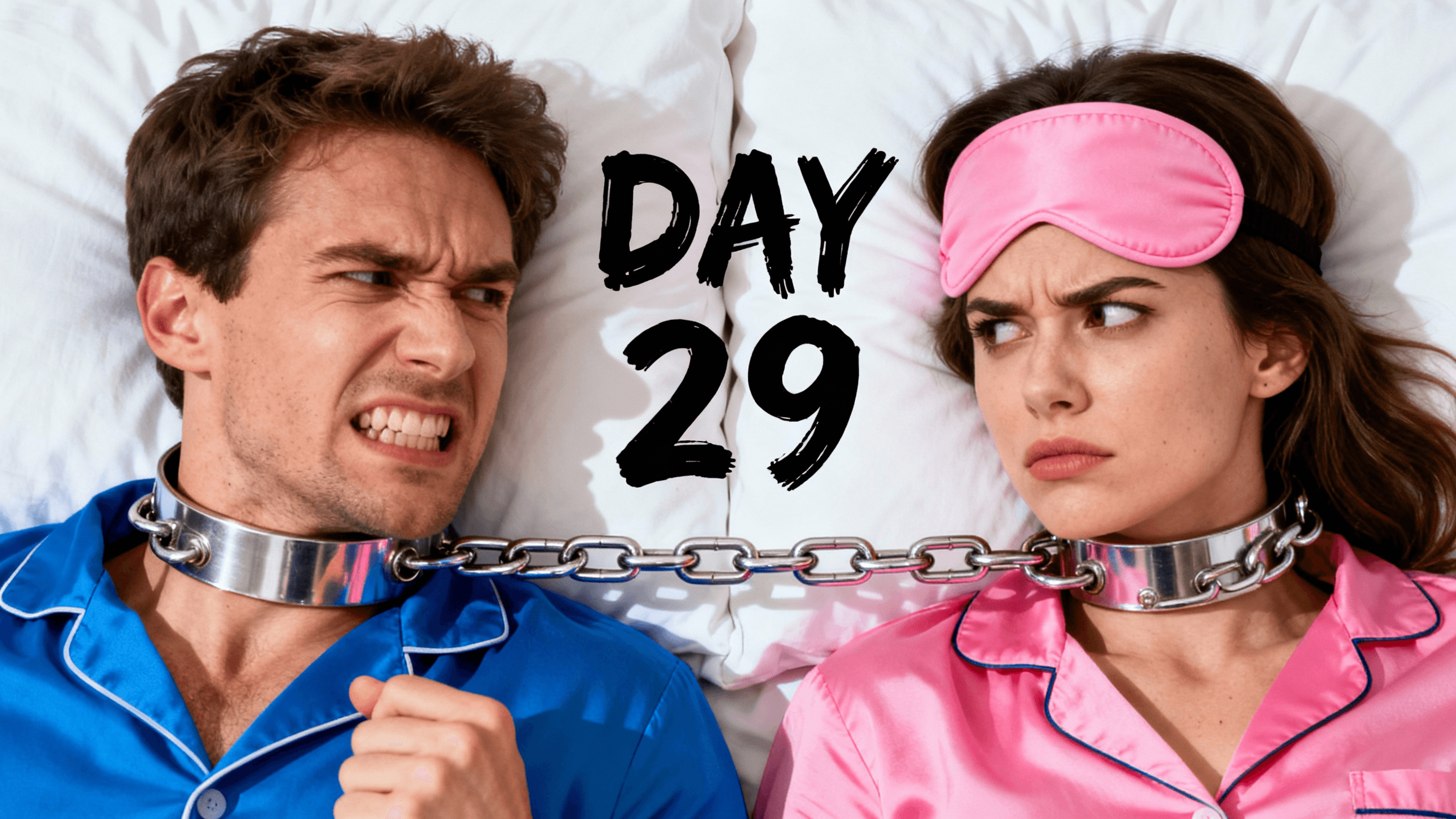
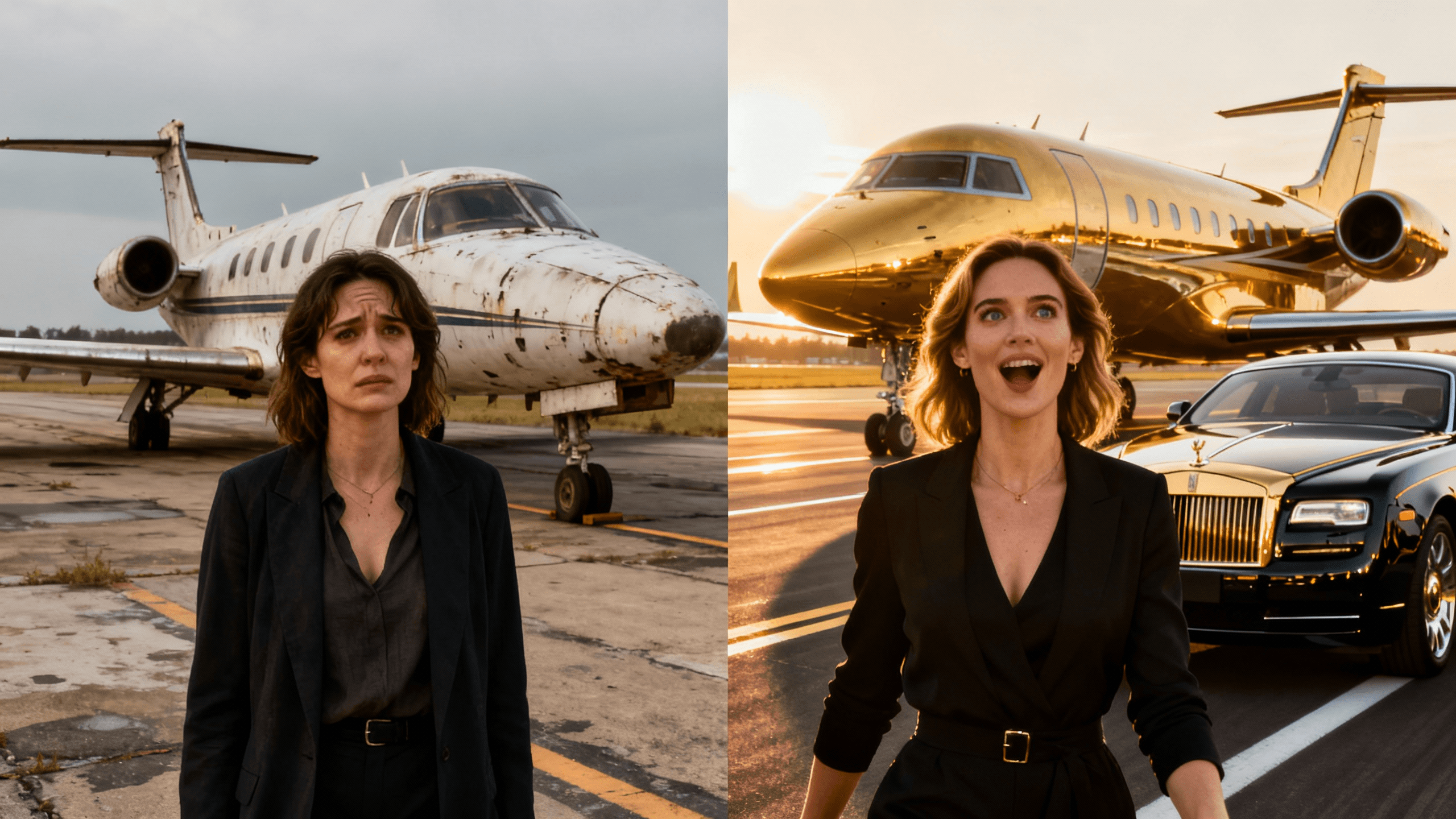
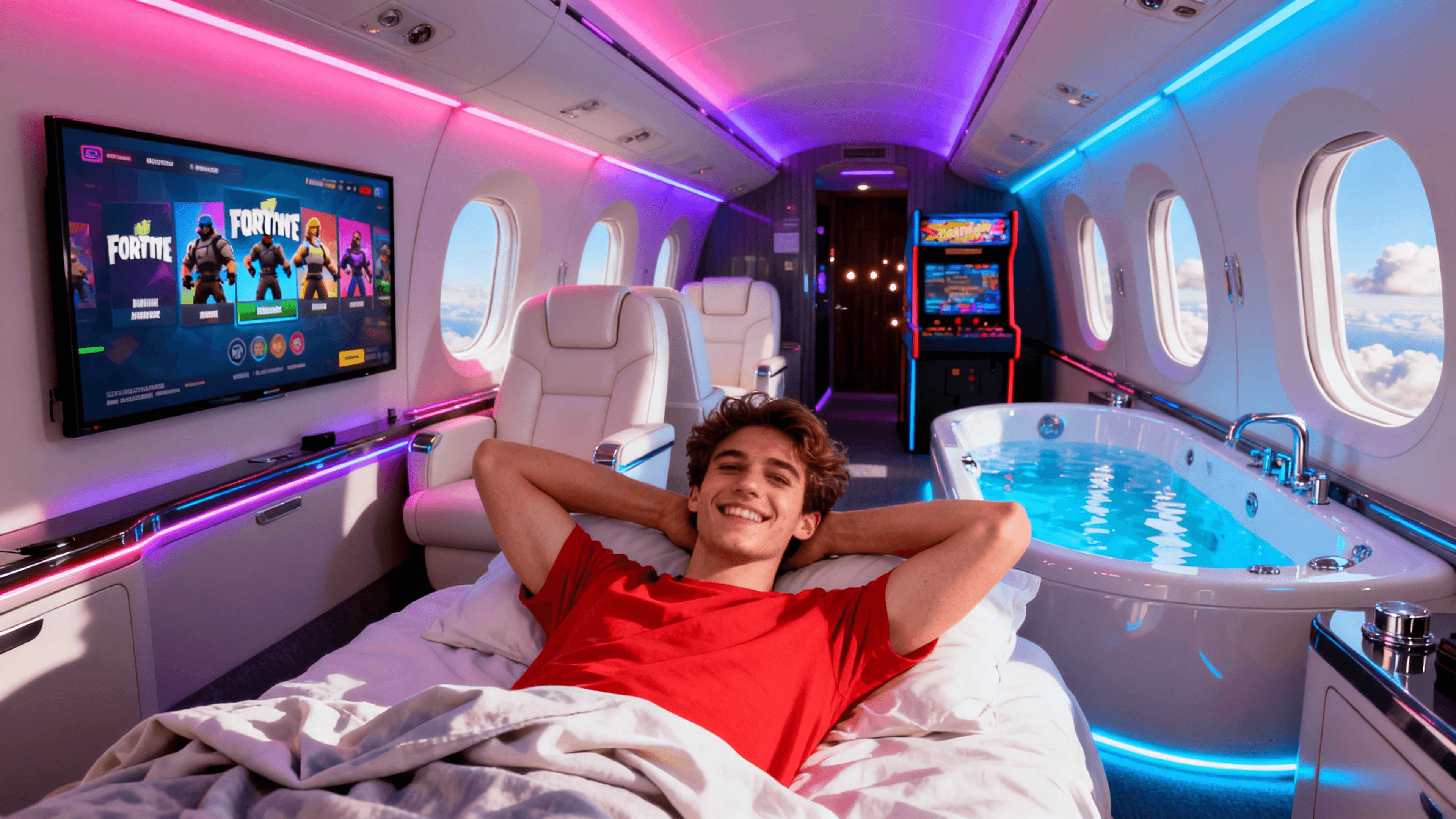
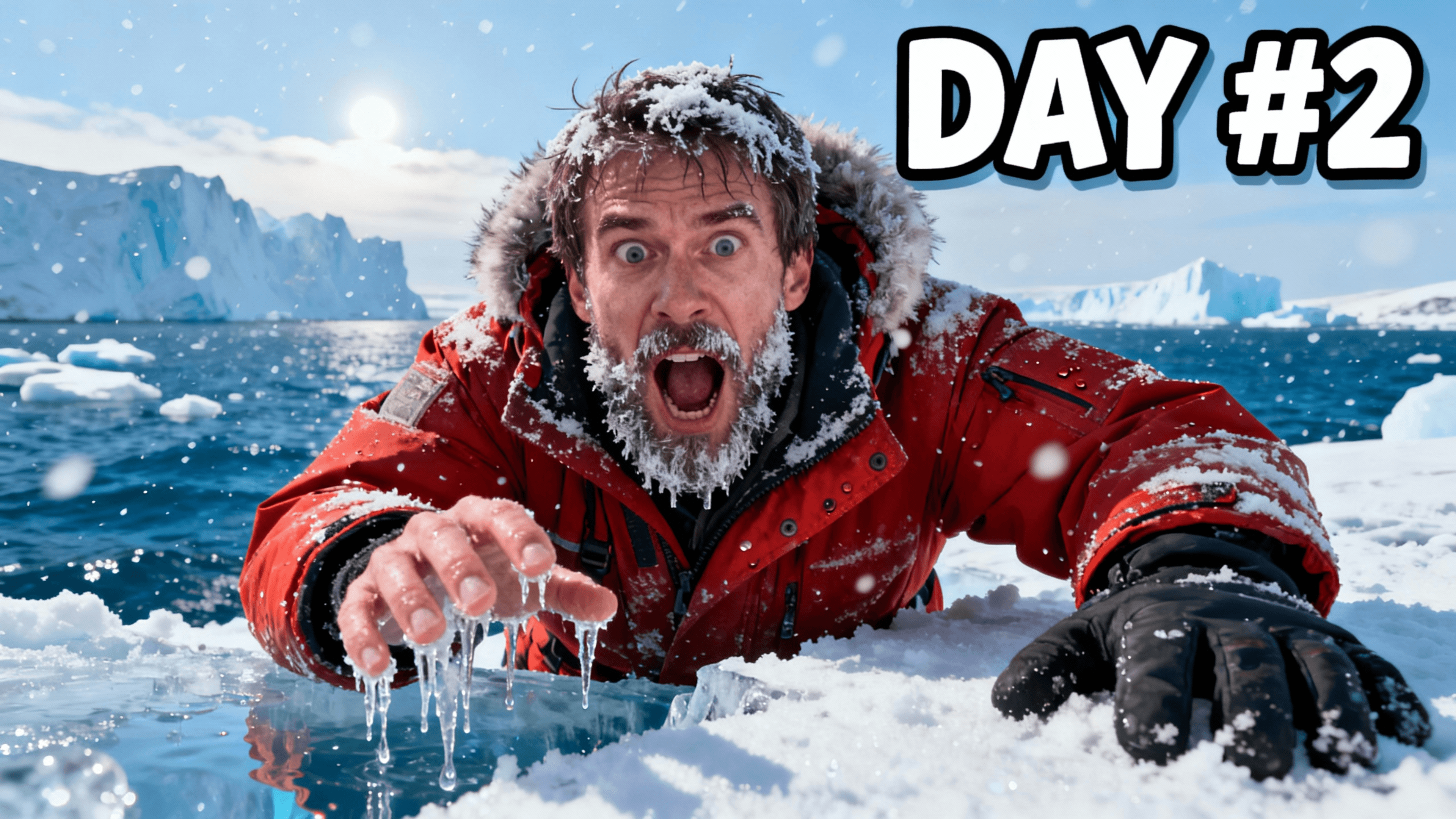
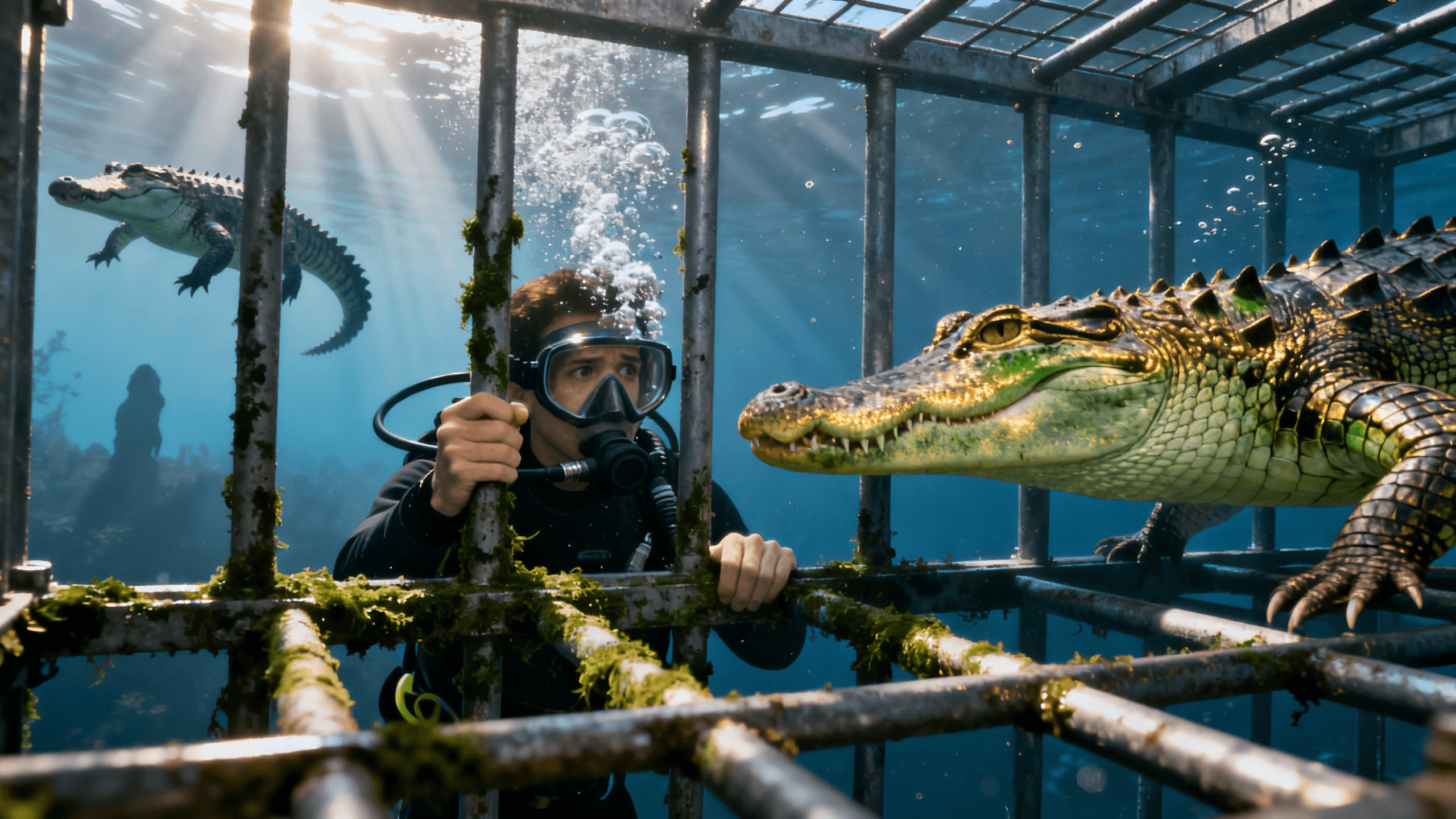
How It Works
Write what you want to see in plain language.
Get multiple variations in about thirty seconds.
Compare the options and select your favorite.
Add title text and download at YouTube resolution.
Who It's For
Creators who want a prompt-led alternative to shared template libraries
YouTubers who waste hours searching stock sites for images that never quite fit
Channels covering topics you can't photograph: future tech, historical events, fictional scenarios
Anyone who knows exactly what they want but can't find it anywhere online
Benefits
AI generates a new visual from your description instead of starting from a fixed stock image. Review each result for accidental similarities, visual errors, and brand fit before publishing.
No more scrolling through hundreds of stock photos hoping to find something close enough. Describe exactly what you want. Get it in half a minute. Speed makes experimentation practical.
Making a video about future technology? Historical events? Fictional scenarios? AI creates images of things that don't exist and could never be photographed. Your imagination is the only limit.
AI handles composition, lighting, and color balance. You describe what you want in plain English. If you can write a sentence, you can generate a thumbnail.
Stock libraries and preset templates can be limiting when the video depends on a very specific scene. A text-to-image workflow lets you describe the subject, setting, expression, lighting, and composition instead of searching for the closest available image.
Type what you're picturing, like "guy in a suit next to a Lamborghini, golden hour, confident smirk", and the AI generates it in about 30 seconds. Add your title text in the thumbnail editor and export at 1280x720, or up to 4K if you want the extra resolution. Sign in to try it free.
Most people type something like "cool gaming thumbnail" and then wonder why the result looks generic. The AI needs to know what you're seeing in your head. The more specific you get, the better the output.
Think of it like giving directions to someone. "Go somewhere nice" doesn't work. "Turn left on Main Street, drive two blocks, you'll see a red building on the right" works. Same thing here.
A useful starting formula is: who is in it + where + what emotion + what it looks like
So instead of: "gaming thumbnail"
Try: "Pro gamer leaning forward with an intense focused expression, RGB gaming setup glowing purple and blue behind them, dark room, close-up shot, looks like a real photo"
A few things that make a big difference:
Tell it the emotion. Shock, fear, excitement, curiosity, pride. Name it. The AI will match the facial expression and lighting to that feeling.
Name a lighting style. Golden hour, studio lights, neon glow, dramatic backlight. Lighting is what separates a thumbnail that pops from one that looks flat.
Say what style you want. "Looks like a real photo" vs "cinematic movie poster" vs "cartoon style". Completely different results from the same subject.
Leave room for your text. If you're putting your video title on the thumbnail, add "dark space on the left side for text" to your prompt. Otherwise the AI fills every corner.
One more thing. Run it at least 3 times before changing the prompt. The AI gives different results every time. Your best thumbnail is often the third or fourth attempt, not the first.
Different niches have completely different thumbnail styles. Here's what actually gets clicks in each one:
| Niche | What Gets Clicks | Prompt to Try | Why It Works |
|---|---|---|---|
| Finance & Money | Wealth visuals, big numbers, aspirational lifestyle | "Young guy in a tailored suit standing confidently next to a red Ferrari on a Monaco street, slight smirk, golden hour sunlight, cinematic, looks like a real photo" | Finance viewers are aspirational. They click on lifestyle content because they want to know how to get there. |
| Travel & Adventure | Epic scenery, tiny person for scale, golden hour | "Tiny silhouette of a person standing at the edge of a cliff overlooking a turquoise ocean at golden hour, massive sky, cinematic wide angle shot, breathtaking" | The contrast between the huge landscape and small person creates awe instantly. People click because they want to feel that. |
| Challenge & Entertainment | Absurd situations, extreme reactions, comparison splits | "Woman standing in her living room surrounded floor-to-ceiling by hundreds of Amazon packages stacked everywhere, hands on head completely overwhelmed, bright natural lighting, realistic photo" | Absurd situations trigger curiosity. Your brain needs to know what happened. That is the click. |
| Gaming | Big reaction faces, dramatic moments, intense energy | "Gamer with wide eyes and mouth open in shock, hands covering cheeks, glowing RGB setup behind them in purple and blue, dark room, tight close-up, photorealistic" | In gaming, the reaction face is everything. Bigger emotion means more clicks. Simple as that. |
| Education & How-To | Before and after, clear transformation, one simple concept | "Split screen. Left side: stressed person drowning in paperwork at a messy desk. Right side: same person calm and smiling at a clean organized desk, dramatic contrast, realistic photo" | Transformation thumbnails make a silent promise. Watch this and you will go from left to right. That promise drives clicks. |
| Lifestyle & Vlog | Real moments, interesting places, feels achievable | "Young woman sitting in a private jet window seat, looking out with a calm confident expression, soft golden sunlight coming through the oval window, luxury but not over the top, realistic photo" | Aspirational but believable. If it looks too staged it stops working. It has to feel real. |
Each approach solves a different problem.
Use AI generation when you need a scene that is difficult to photograph or find, and you can describe the visual clearly. Generate several options and inspect details before publishing.
Use your own photo or screenshot when identity and accuracy matter, such as a real product, person, place, game moment, or event. A genuine source image is usually a stronger foundation than asking AI to recreate a specific fact.
Use a template when consistency and speed matter more than creating a new composition. Templates are useful for repeatable series, announcements, and channels with an established layout.
These methods can also work together. Start with your own subject, generate or replace the background, then reuse a consistent text treatment across the channel.
The prompt is a creative brief. It guides the model toward visual patterns associated with your words, but it does not guarantee an exact composition or perfectly accurate details.
Specific visual language usually gives you more control. "Dramatic" is broad. "Harsh shadows, high contrast, and one bright light from the left" describes choices the model can represent.
Name the subject, action, setting, emotion, lighting, camera angle, and where you need empty space. Then generate several options and check hands, faces, text-like marks, logos, and factual details before using the image.
When an exact person, product, or place matters, add a permitted reference image or begin with a real photo rather than relying on text alone.
A pure text prompt is not always the fastest path to the thumbnail you want. If you already have a face, a persona, or a past thumbnail whose style you want to keep, upload it as a reference alongside your prompt instead of describing it from scratch.
Thumbnail Studioo's generator accepts up to three reference images per generation, so you can guide the output toward a specific face, product, or visual style while the AI builds the rest of the scene around it. This is different from editing an existing image: the reference guides a brand-new generation, it does not just patch the original.
Once you land on a look you like, keep using the same reference images across future thumbnails. It is the fastest way to build a consistent visual identity without writing an increasingly long prompt every time.
If you generated something close but not quite right, you do not have to start over either. The thumbnail editor makes targeted AI edits, changing the background, fixing the text, or enhancing a face, without regenerating the whole image from scratch. Describe the specific change and only that part updates.
If your results keep looking generic or just not right, one of these is probably why:
Too vague. "Make it look cool" gives the AI nothing to work with. It needs to know who's in it, what's happening, what mood you're going for, and what visual style you want. Every prompt should describe a scene, not a feeling.
Keeping the first result. Run it 3 or 4 times with the same prompt before changing anything. The AI produces different outputs every time. Your best thumbnail is rarely the first one out.
Not adding text after generating. The AI gives you a background image. Your title, a hook, or a number goes on top of that in the editor. A background image alone almost never gets the click on its own.
Asking the AI to put text in the image. It can't render readable text. What comes out will be garbled and unreadable. Generate the visual background first, then layer your text on top in the thumbnail editor.
Not checking it on your phone. Most YouTube viewers are on mobile where thumbnails are tiny. Before you upload, look at it at small size. If the subject isn't immediately obvious, it needs to be bigger or simpler.
No space left for your title. If you're adding text, tell the AI to leave room. Something like "dark empty space on the left third for text overlay" in your prompt. Otherwise it fills the whole frame and your text ends up sitting on top of someone's face.
Describe what you want and get unique images in seconds. No design skills needed. Try free for 3 days.
Generate AI Thumbnails FreeFree 3-day trial • Cancel anytime
FAQ
You get a 3-day free trial with full access to all AI generation tools and no watermarks. Cancel anytime before the trial ends. Start your free trial. You own full commercial rights to everything you generate.
The AI learned relationships between words and images from millions of examples. When you write 'person discovering treasure in a dark cave,' it understands caves, treasure, discovery, and dramatic lighting, then generates an original image. This isn't collaging existing photos. It's creating new pixels. Takes about 30 seconds.
The generator creates a new visual result from your prompt rather than starting from a fixed layout. Similar prompts can still produce related compositions, so add specific details, reference images, and brand elements when you want a more distinctive result.
Four elements: Subject (what's in the image), Setting (where), Style (realistic, cartoon, cinematic), Mood (energetic, mysterious). Bad: 'gaming thumbnail'. Good: 'Pro gamer with intense focus, neon purple RGB lights, dark gaming room, competitive energy, realistic style'. Include camera angles, lighting, and emotions.
About 30 seconds. If you don't like the result, regenerate or refine your prompt. Adding title text takes another 1-2 minutes. Most creators finish a thumbnail in under 5 minutes.
Options: Regenerate (same prompt gives different results, try 3-4 times), Add detail ('make lighting more dramatic'), Change style (add 'cartoon style' or 'cinematic'), Try variations (keep subject, change setting). Generation is fast so experimentation is practical.
Yes. Full commercial use rights included. YouTube allows AI thumbnails as long as they accurately represent your video and follow Community Guidelines. Millions of creators use AI thumbnails on monetized content.