1
Create Free Account
Sign up in 30 seconds to start your 3-day free trial.
Examples
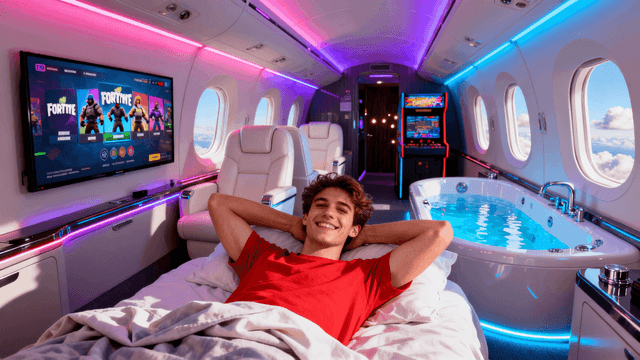
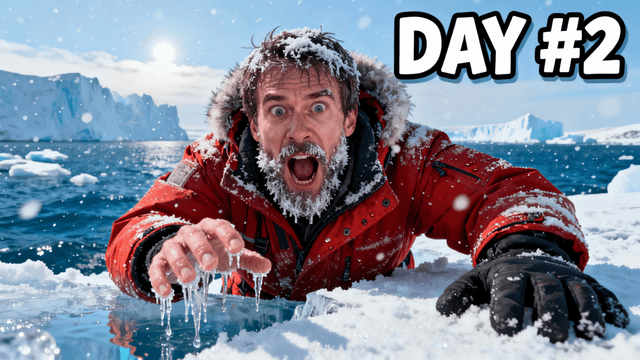

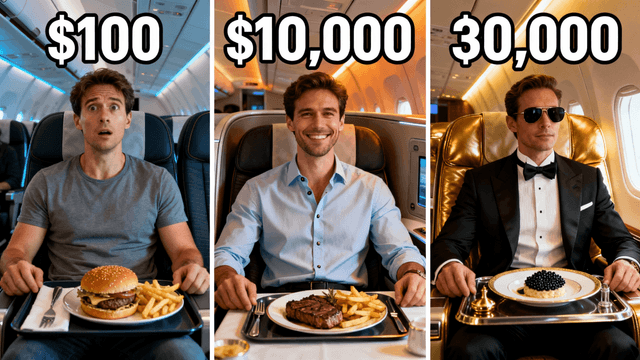


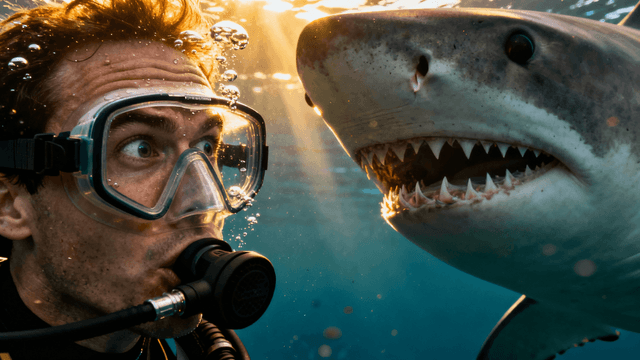
There are four ways a tool can be "free" and only one of them is actually useful.
Watermarked free: You can use the tool but every export has the company's logo burned into your thumbnail. This looks unprofessional and the watermark often lands in the center of the image. Useless for actual content.
Limited-export free: You get one or two exports for free, then you're blocked until you upgrade. Not enough to evaluate whether the tool actually works for your content style.
Full-trial free: You get a real 3-day trial with full feature access and no watermarks. Make as many thumbnails as you need, see actual results, and cancel anytime before the trial ends if it's not for you.
Thumbnail Studioo gives you the last kind. Zero watermarks, full AI generation, no feature restrictions. Seven days to decide based on real results.
3 days is enough time to know whether this tool belongs in your workflow. Here is how to use that time well.
Create thumbnails for real videos. Do not just experiment with random prompts. Make actual thumbnails for your upcoming videos. That gives you something concrete to judge.
Write specific prompts. Before generating, spend a minute writing a clear description of what you want. Specific prompts get usable results faster than vague ones. "Person holding empty wallet, shocked expression, clean white background" beats "surprised person with money."
Upload your own photos too. You can upload your own photos and edit them in the canvas alongside AI-generated images. Try both approaches during the trial to see which fits your content style better.
Compare against your current thumbnails. Put your old thumbnail next to the one you made in the trial. That comparison is usually the clearest signal of whether the tool is worth continuing.
Seven days is a real test. Use it to make real thumbnails, not just poke around the interface.
When comparing free thumbnail tools, these are the things that actually matter for your workflow:
| What to Check | Why It Matters | |--------------|----------------| | Watermarks on free exports | Watermarked thumbnails look unprofessional and you cannot use them on real videos | | Credit card required | Many creators forget to cancel, avoid tools that gate free access behind payment | | Output dimensions | Must export at 1280×720 for YouTube. Tools that export at lower resolution are not useful | | Image quality | Free tier should not have noticeably worse generation quality than paid | | Upload and edit without spending credits | Editing your own images should be free, you're just using the canvas | | Generation speed | Slow generation means you're waiting minutes per thumbnail, adds up quickly |
Thumbnail Studioo scores well on all six. The trial includes full 1280×720 HD exports, no watermarks, and upload-based editing at no extra cost.
How It Works
Sign up in 30 seconds to start your 3-day free trial.
Describe the thumbnail you want and AI generates it from your text.
Add text and adjust colors using free editing tools.
Export at 1280x720 with no branding or watermarks. Clean downloads during the trial and on every paid plan.
Who It's For
New creators who cannot afford paid design software yet
Anyone who wants to try AI thumbnails before paying
Small channels that need quality without spending money
YouTubers who want to try AI thumbnails before committing to a paid plan
Try These
“Person opening a gift box with light glowing out of it, surprised happy face, birthday party background with balloons, celebration moment, warm colors”
“Two friends high fiving after winning a game, victory celebration, crowd cheering in the blurry background, sports energy, bright stadium lights”
“Artist painting on a big canvas, colorful paint splashes flying around, creative messy studio, passion for art feeling, natural daylight from window”
Benefits
Full access to AI generation, the canvas editor, and HD exports during your trial. No restrictions, no watermarks.
Free exports look identical to paid exports with no branding or "made with" text.
Text, canvas, filters, and effects are all included during the trial. Editing your own uploaded images is also free with no subscription required.
Get professional thumbnails while building your channel, then upgrade when revenue justifies it.
Paid tools are a hard sell for channels that are not monetized yet, and most free tiers sabotage you with watermarks or export caps. What you actually need is a trial long enough to make real thumbnails and decide if the quality is worth paying for.
Start a 3-day free trial and get 7 full days with no restrictions. Use AI thumbnail generation to create from text, add text and effects with the YouTube thumbnail editor, and export at 1280x720 with zero watermarks. Try the whole thing before you decide.
AI generation, full editing tools, HD exports, zero watermarks. Try everything free for 3 days.
Start 3-Day Free TrialFree 3-day trial • Cancel anytime
FAQ
You get a 3-day free trial with complete access to every feature. AI generation, the canvas editor, HD exports, and no watermarks. Try it free for 3 days.
No watermarks on any exports during the trial. Your thumbnails look identical to paid plan exports, your audience will never know the difference.
After 3 days you can choose a paid plan to keep your access. If you used the trial to create real thumbnails, you will have a clear sense of whether the tool is worth continuing.
Yes. No commercial restrictions. AI generates original images so there are no licensing concerns like with stock photos.
When your channel is active enough that consistent thumbnail quality matters and your upload schedule justifies the investment. Most creators know after the trial whether this tool fits their workflow.