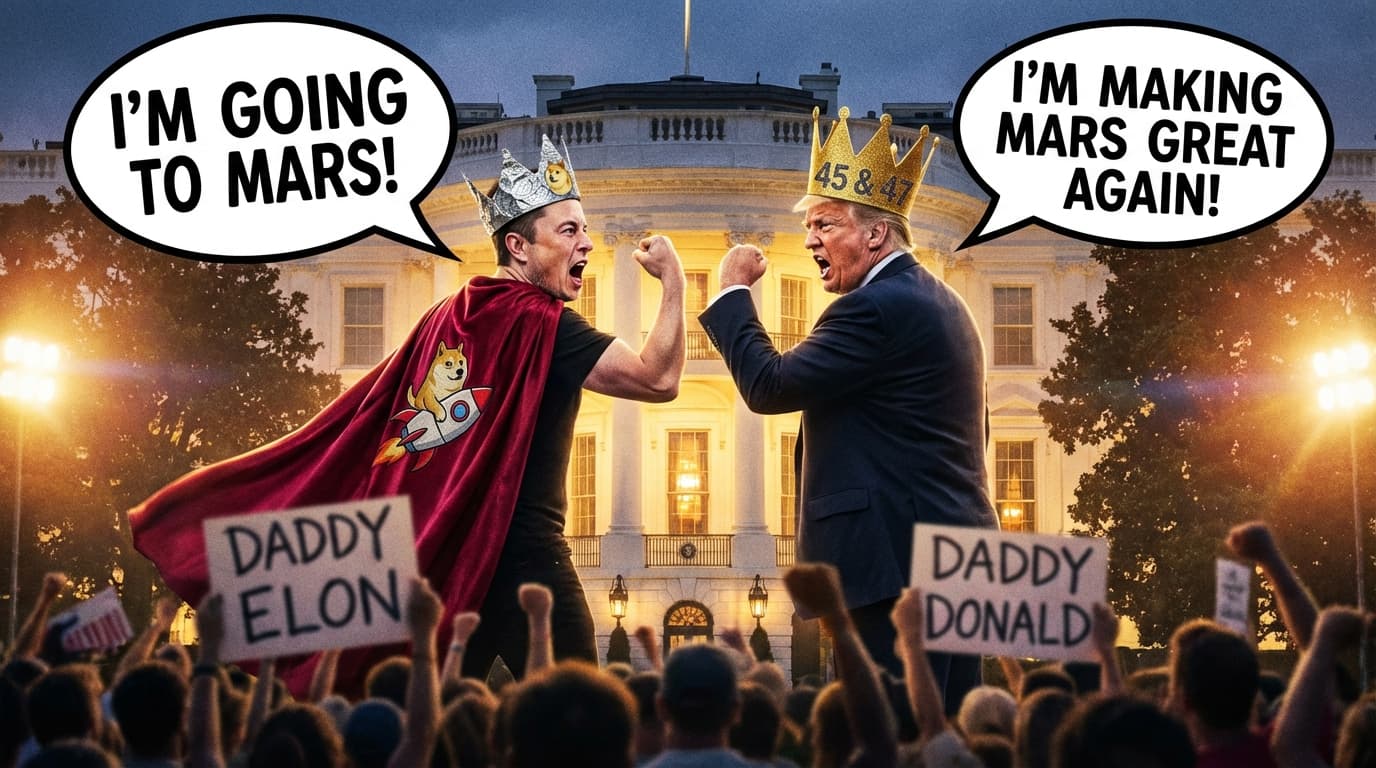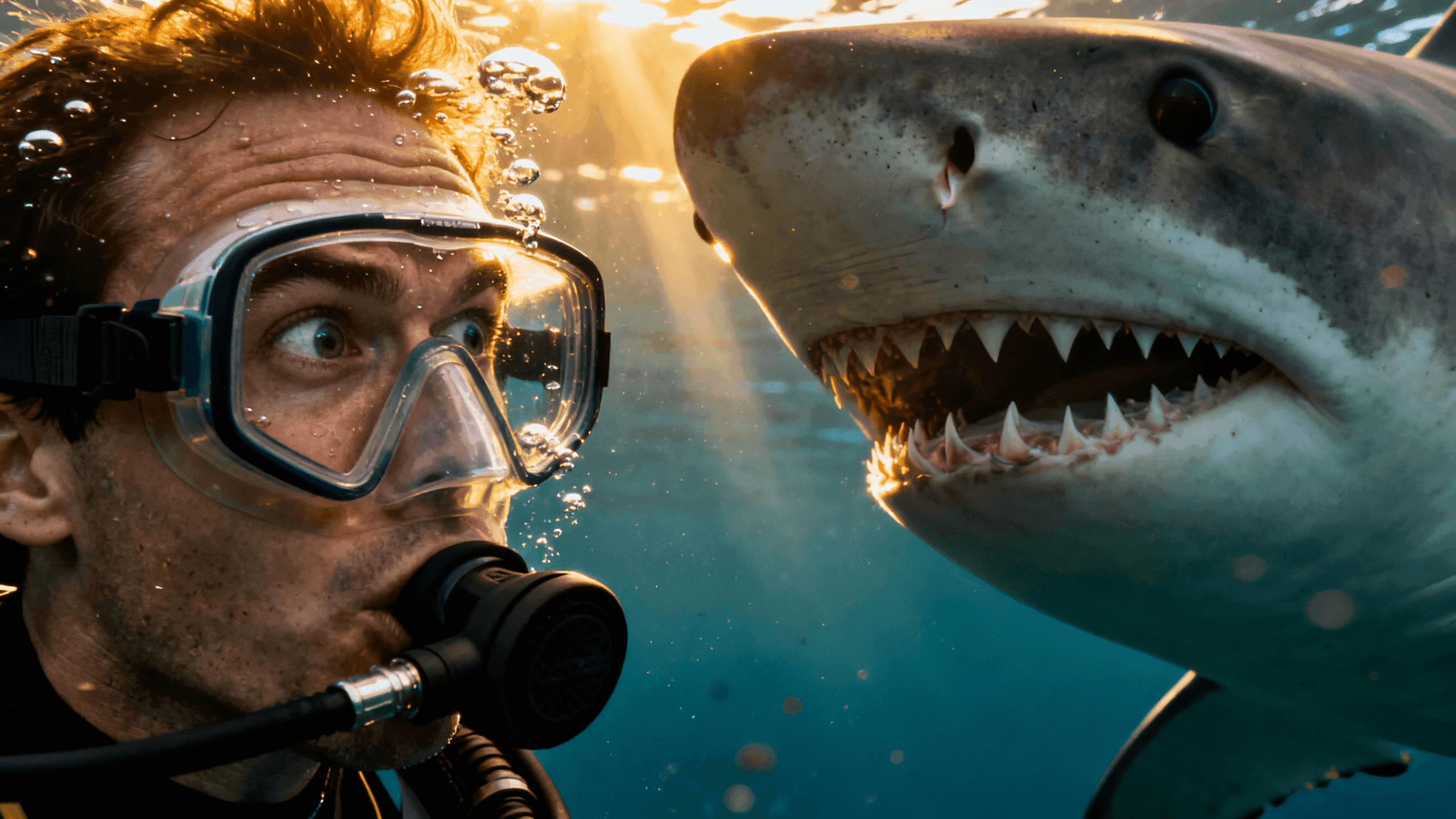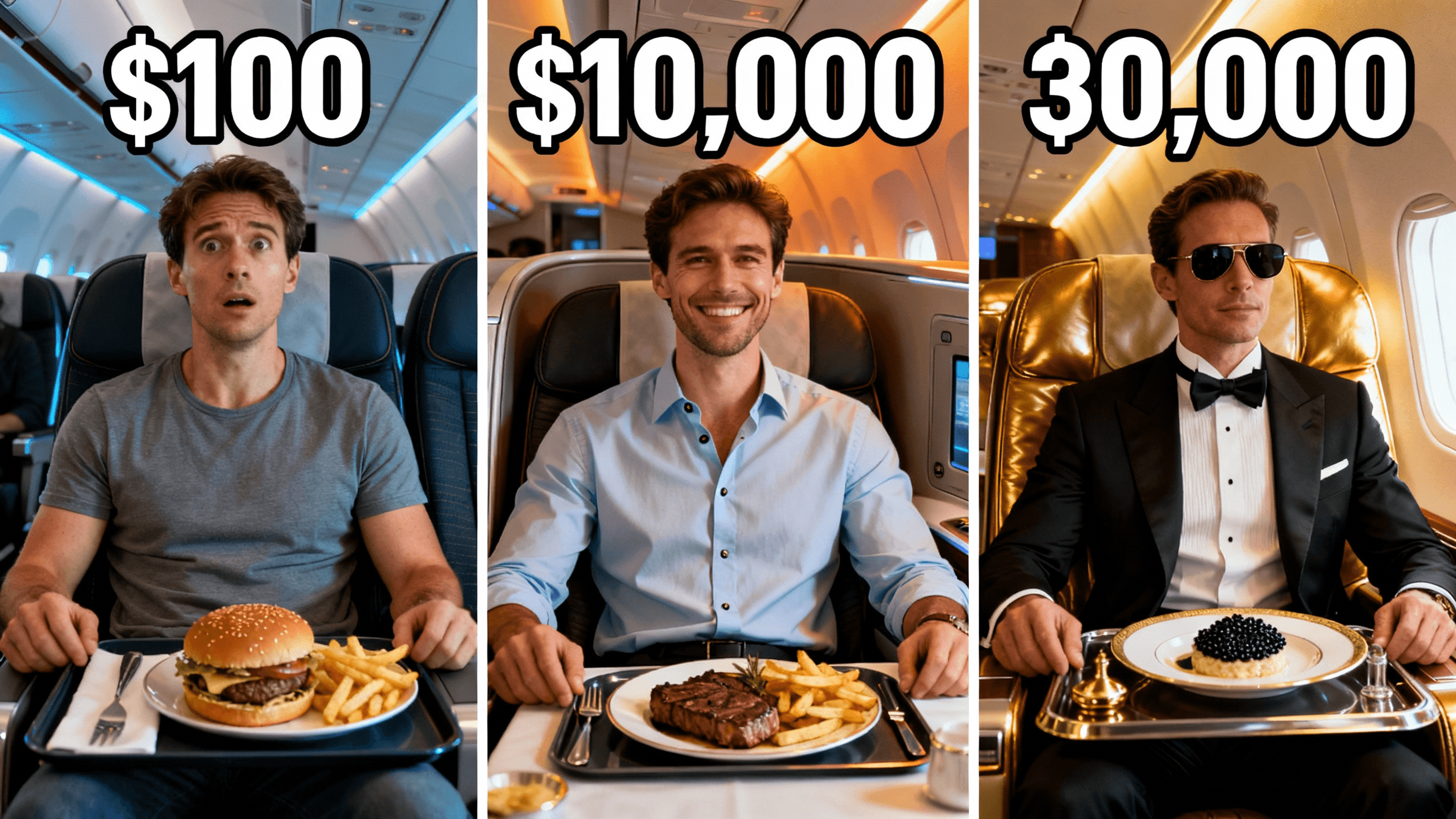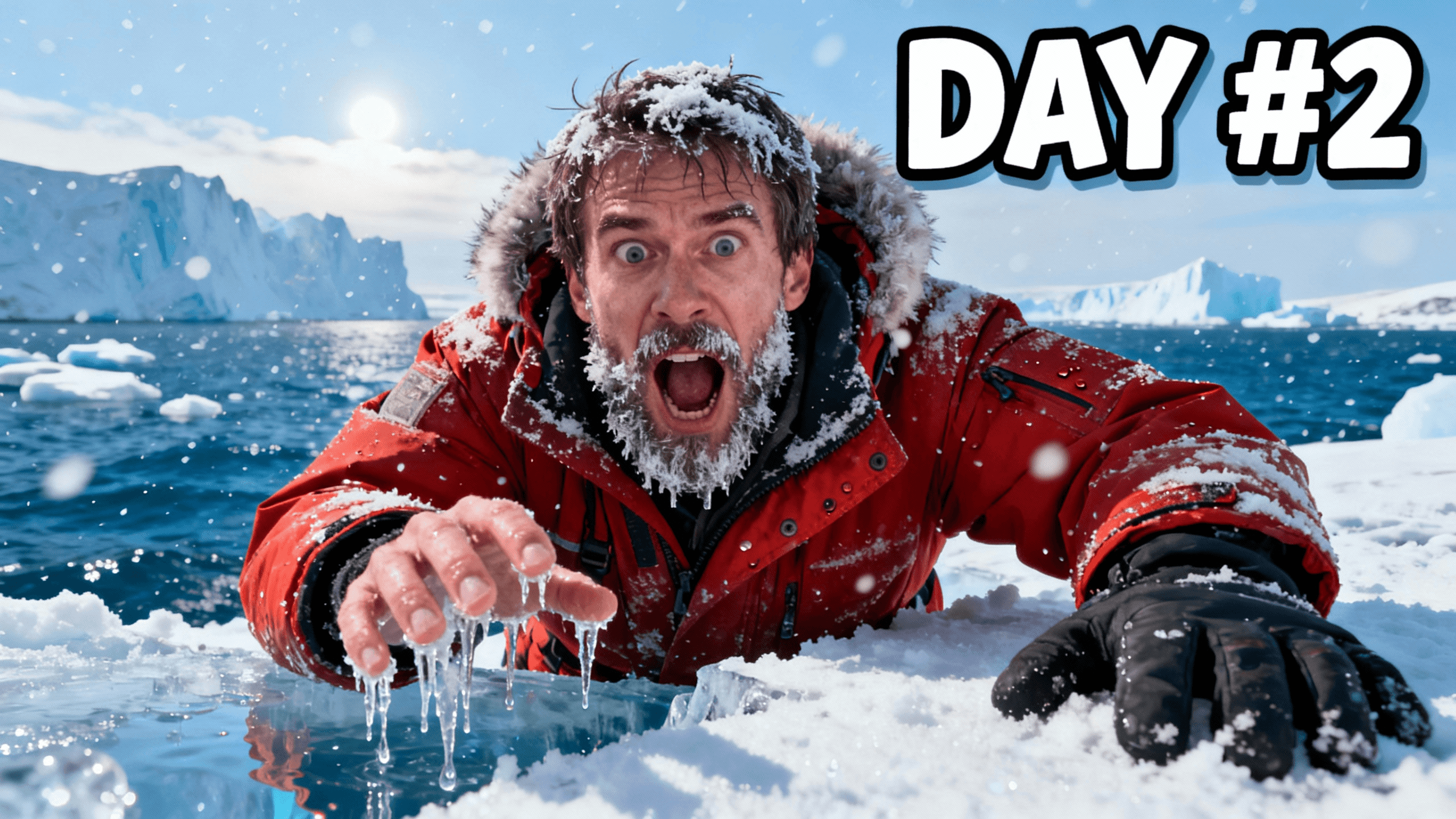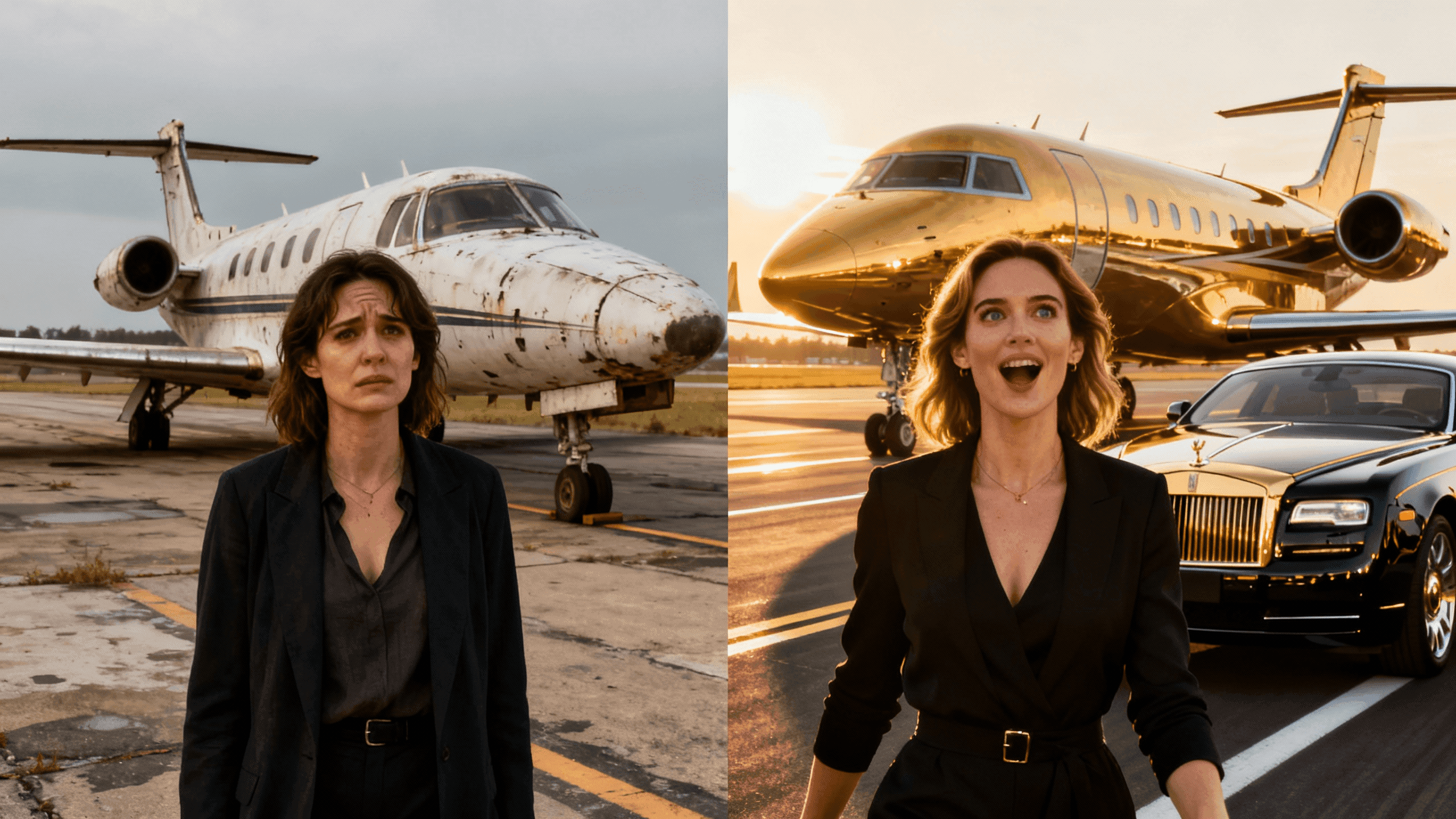
thumbnail editor
Your thumbnail is almost right but something's off. Upload it, make targeted fixes to text, backgrounds, or faces, and export in minutes.
What You Can Do
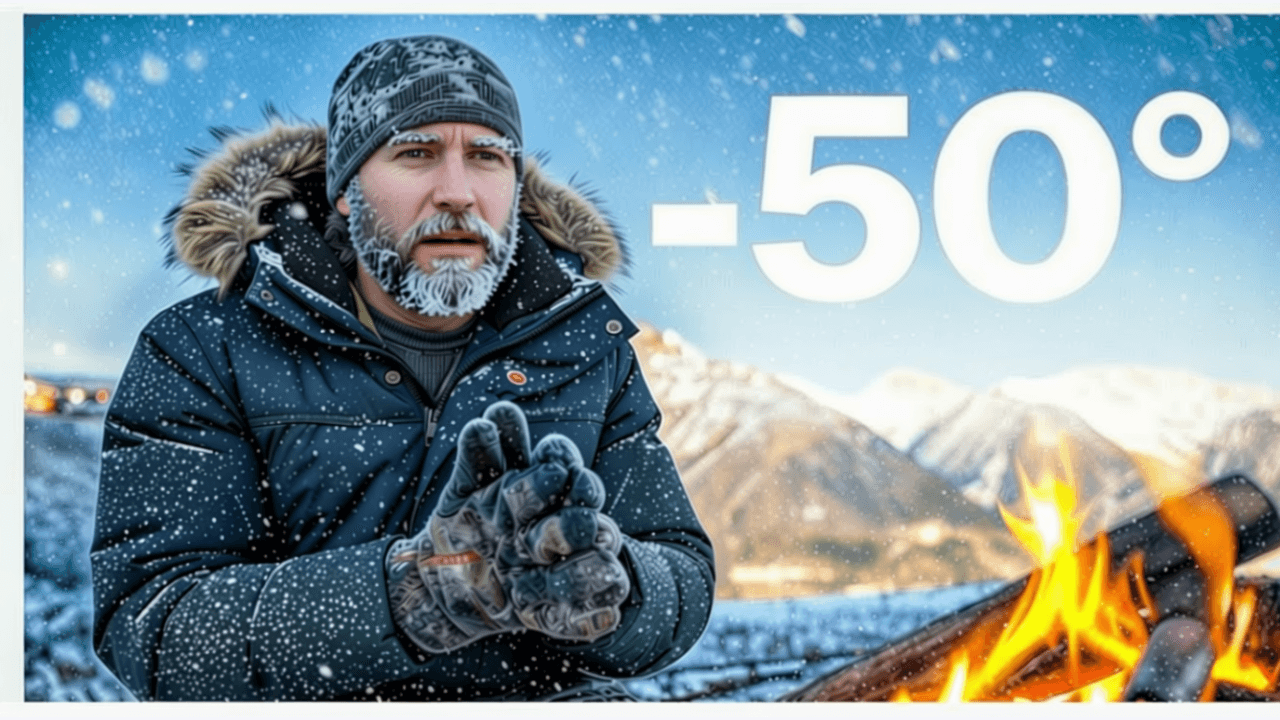
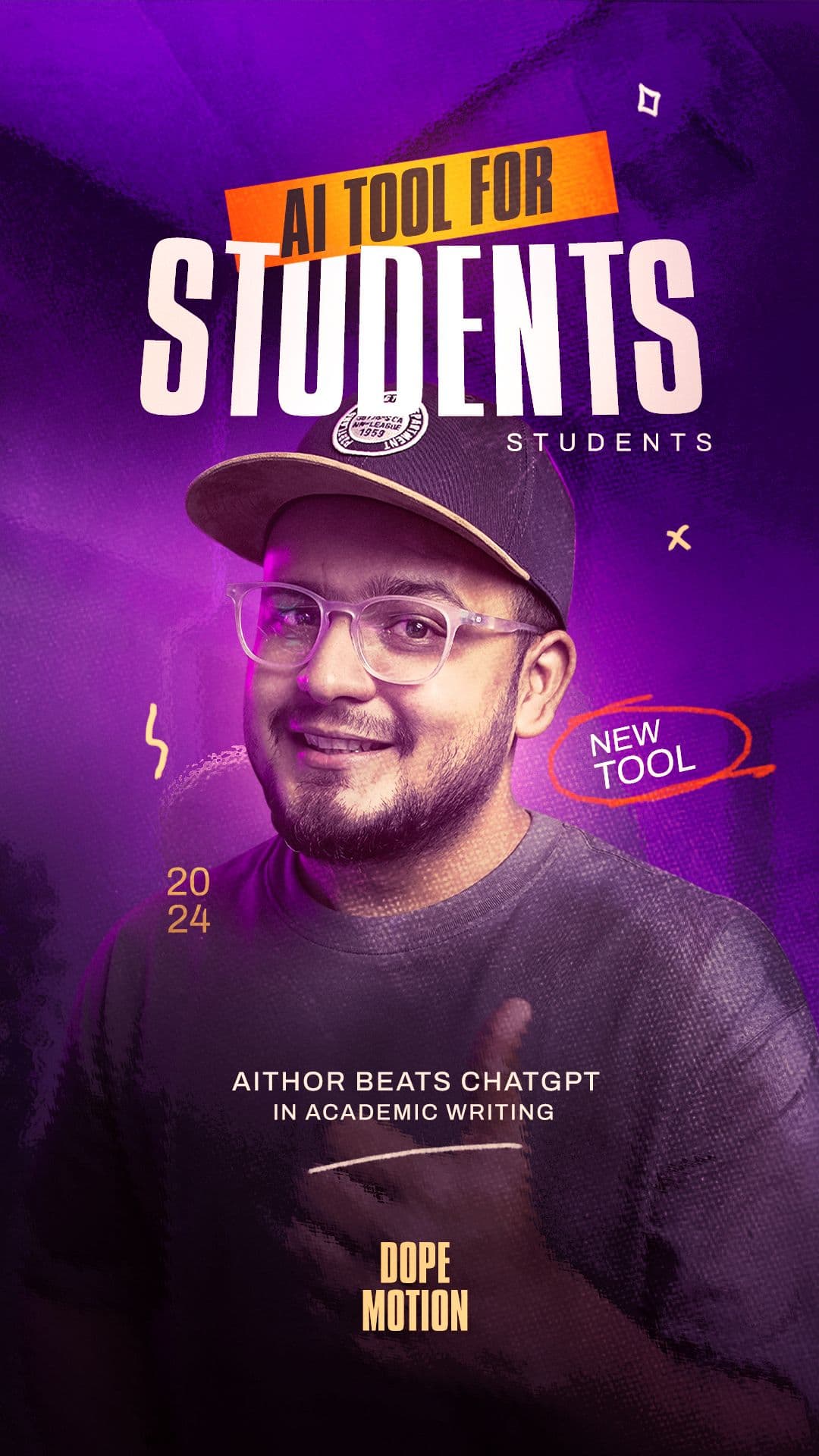
One editor. Five ways to create. Edit existing thumbnails, design from scratch, generate with AI, make YouTube thumbnails, or create for any platform.
Your thumbnail is almost right but something's off. Upload it, make targeted fixes to text, backgrounds, or faces, and export in minutes.
Your thumbnail is almost perfect but something's off. Upload it, make targeted fixes, and export without starting from scratch.
You don't need Photoshop or design experience to make professional thumbnails. Describe what you want, generate it with AI, and add your text.
Making thumbnails that actually get clicks shouldn't require design skills or expensive software. Describe what you want, generate it with AI, and export at the perfect YouTube size.
You know exactly what thumbnail you want, but you can't find it anywhere and don't have the skills to make it yourself. Describe it in plain English and AI generates it in 30 seconds.
Create thumbnails for YouTube, Twitch, or any video platform. Build click-worthy images that get your videos noticed.
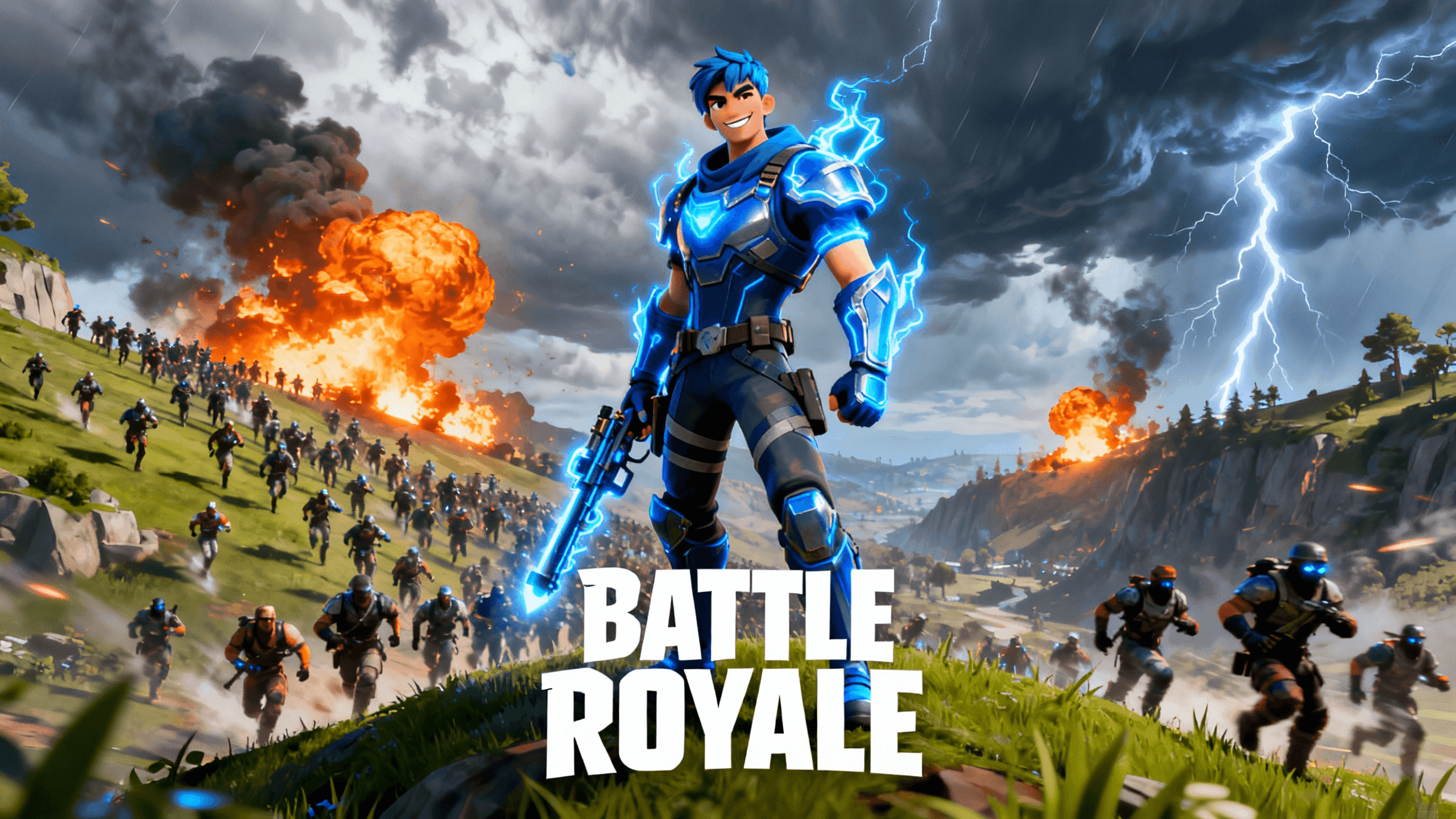
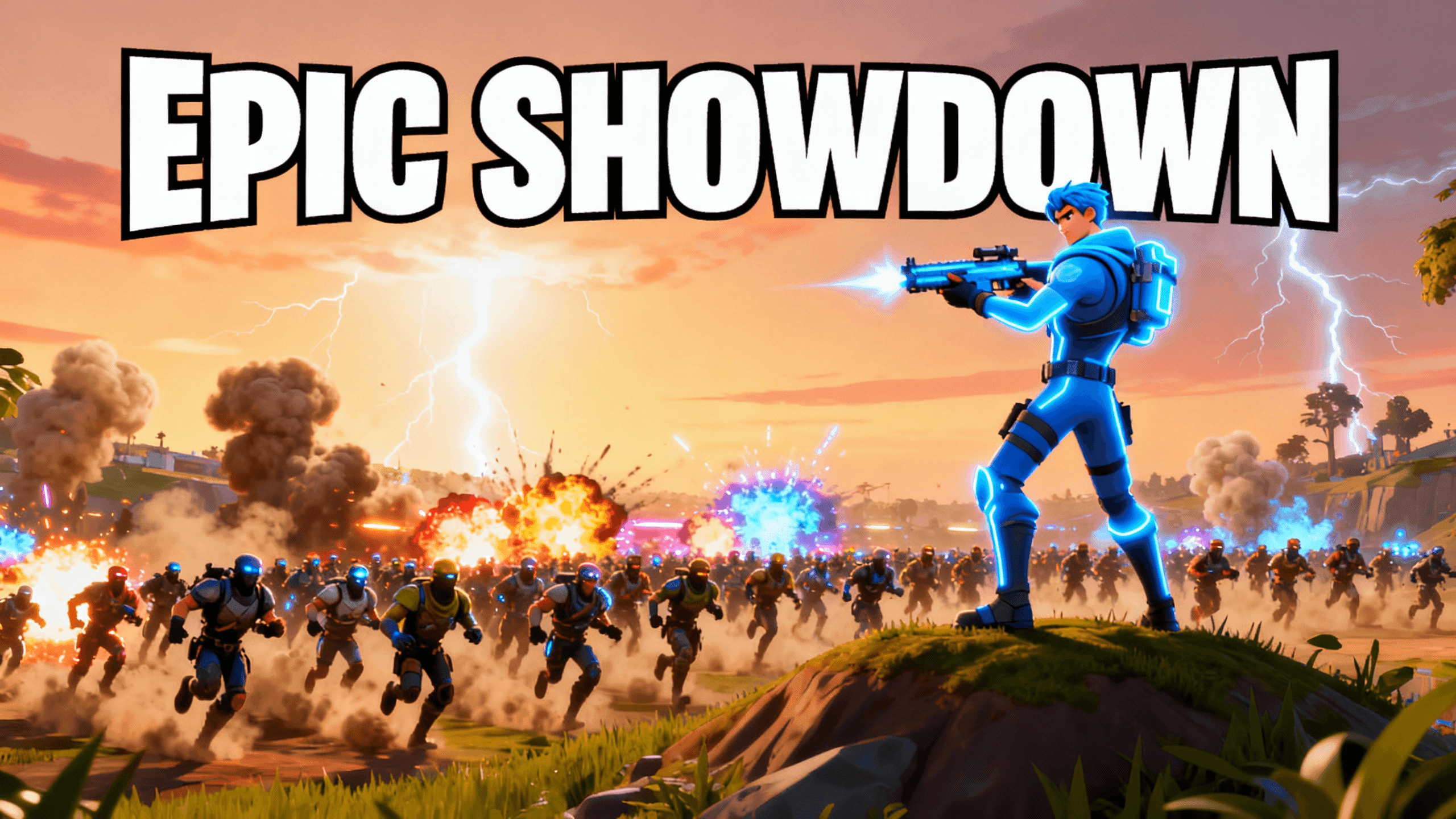
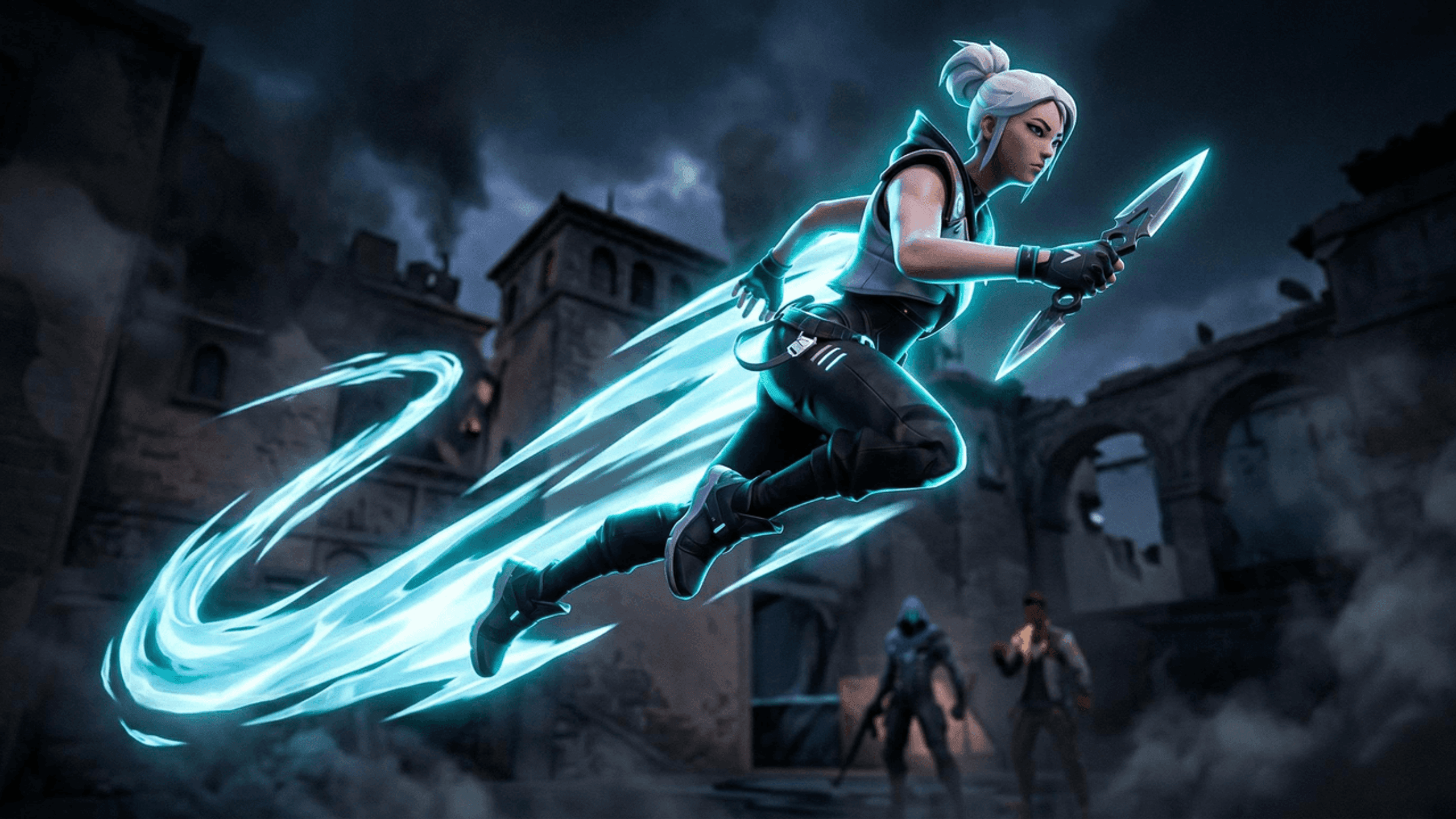
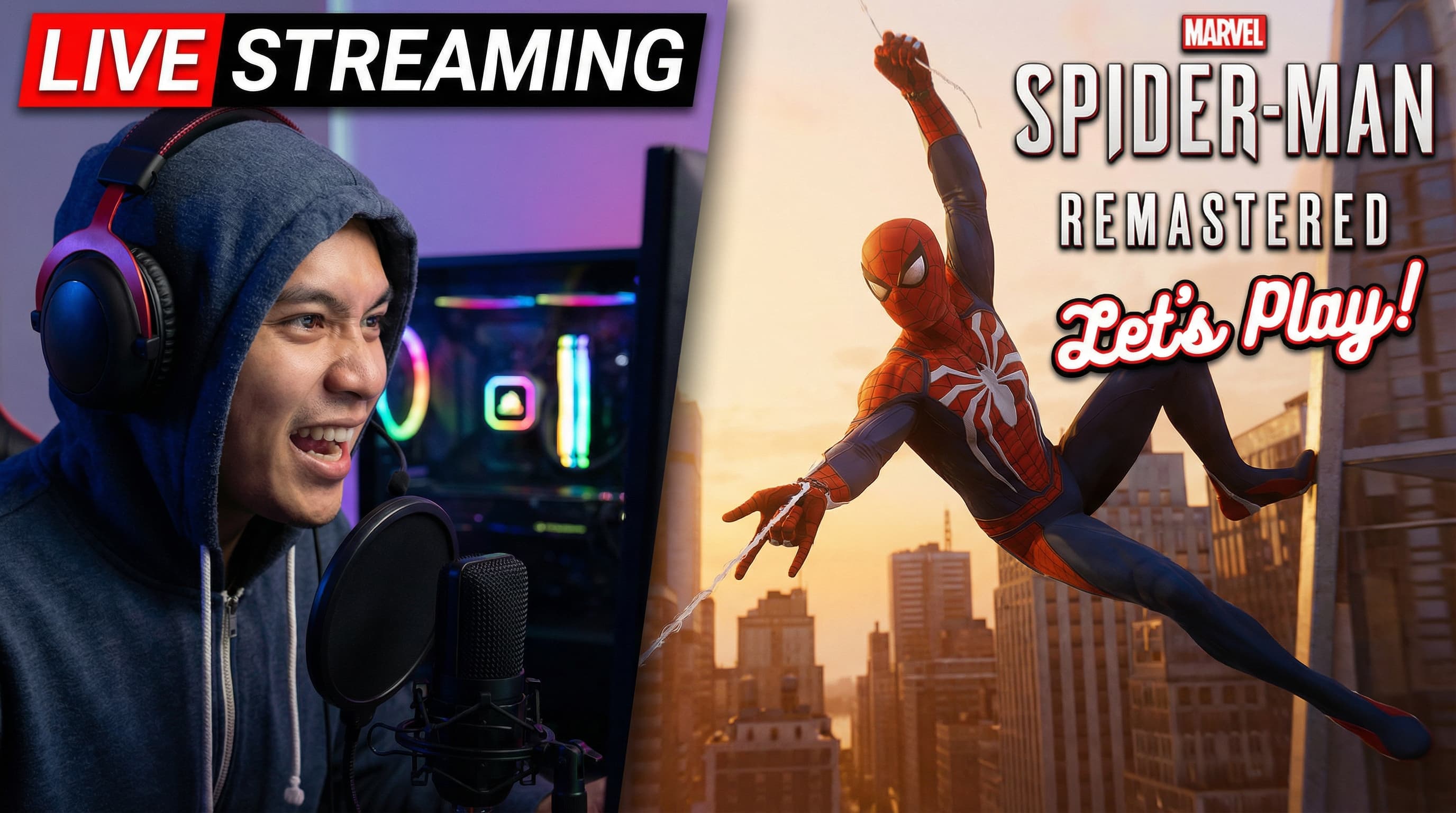
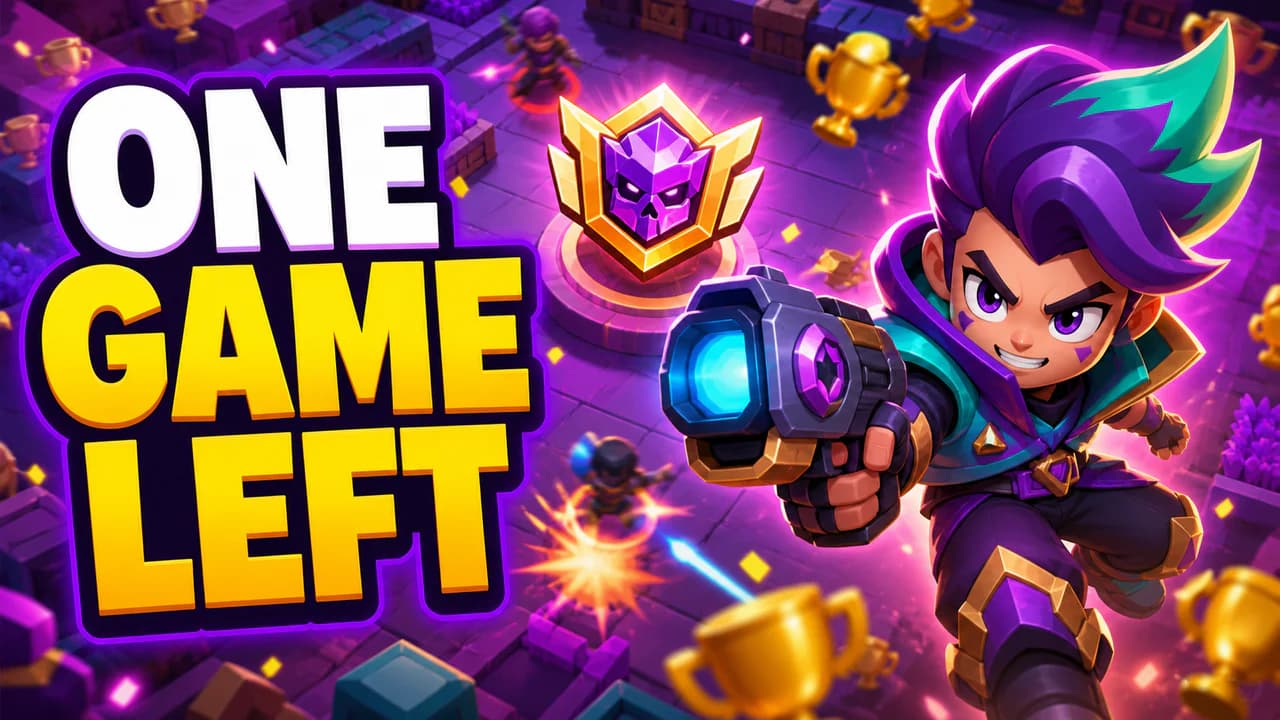
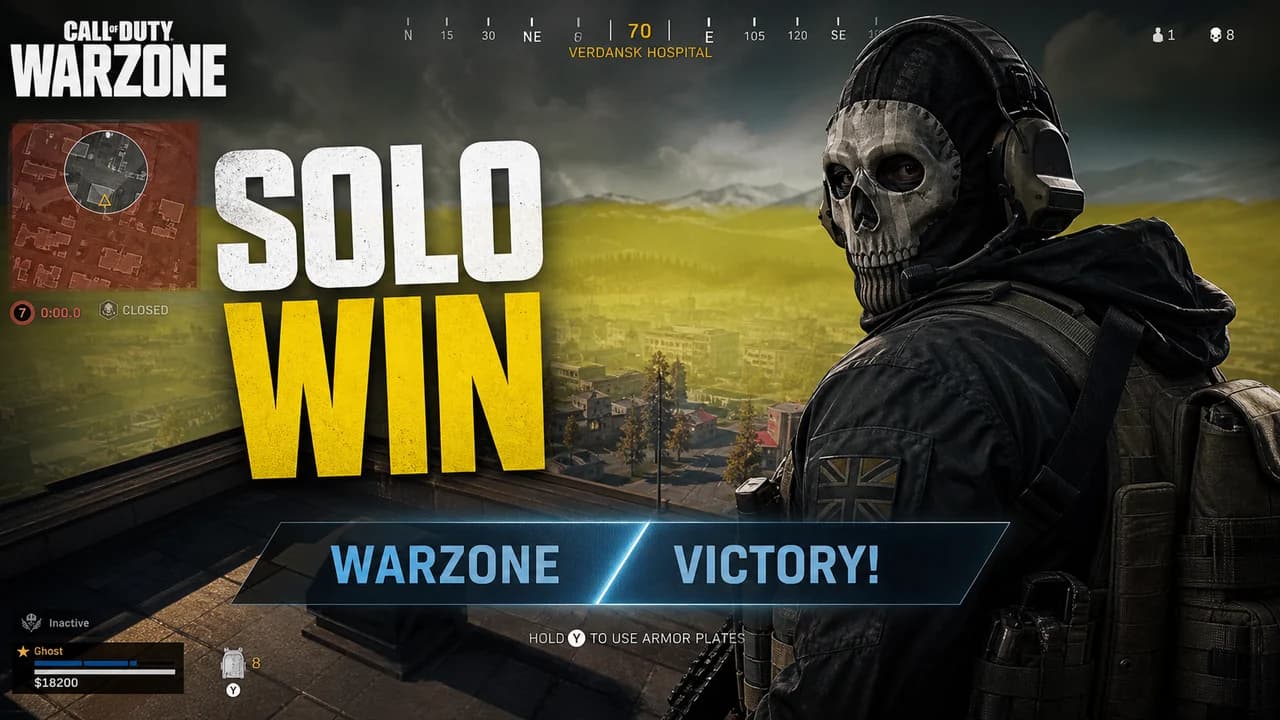
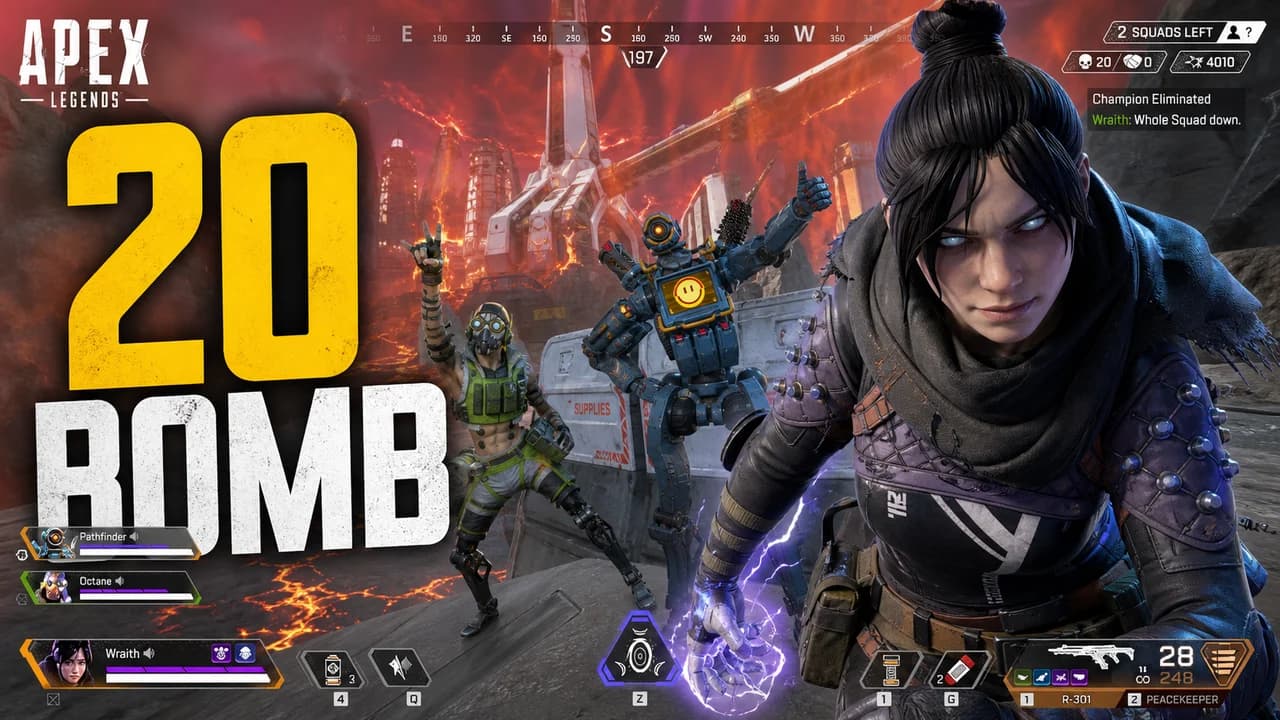
Generic thumbnails get scrolled past. Create gaming thumbnails with the neon colors, explosive effects, and bold text that actually get clicks.
Create episode artwork that gets clicks. Add guest photos, episode numbers, and consistent branding in minutes.
Create a reusable template once and use it for every video. Set your brand colors and layout, then just swap the text and images.
Build a unique visual style for your channel. Create thumbnails with your exact colors, fonts, and layouts that viewers will recognize instantly.
Most "free" tools add watermarks or require a credit card. Thumbnail Studioo is actually free—no catches, no hidden fees.
Stop using random screenshots as your VOD thumbnails. Create custom Twitch thumbnails with purple branding and streaming culture that actually get views.
No downloads, no installations, no waiting. Edit thumbnails directly in your browser and export in HD within minutes.
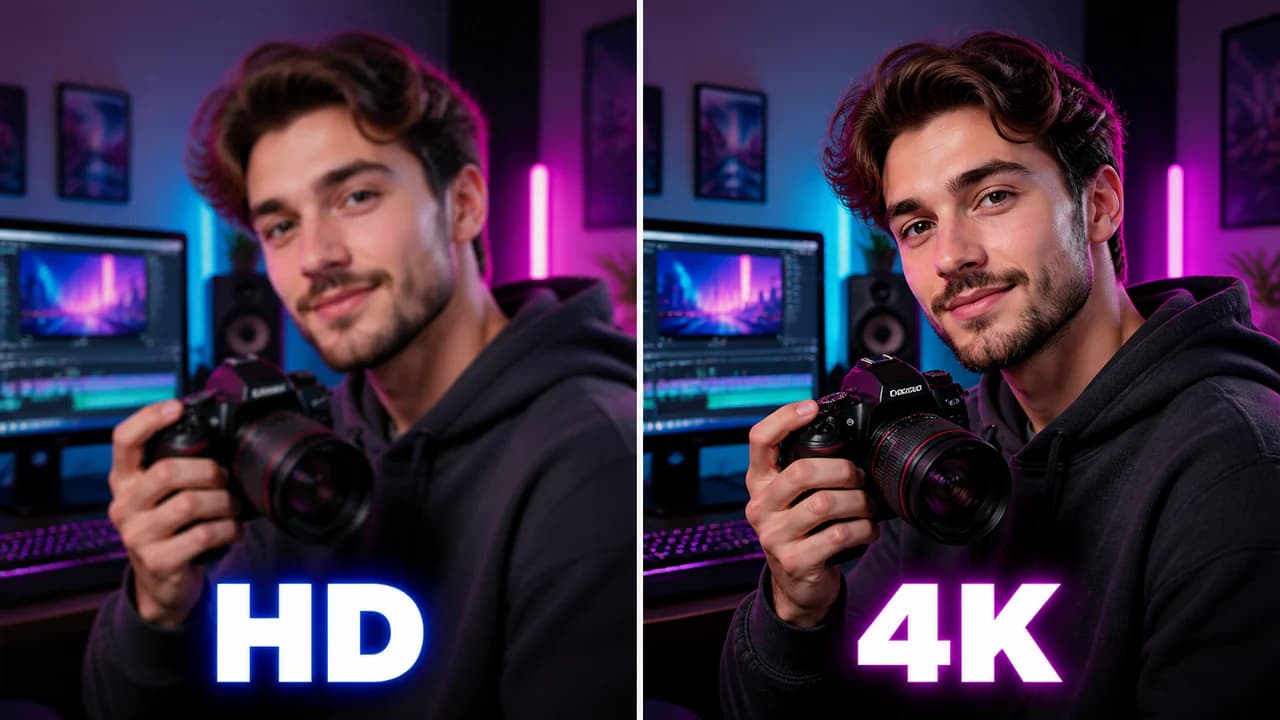
Amateur thumbnails hurt credibility. Create polished, studio-quality designs with precise colors, readable fonts, and crisp HD exports.
Most thumbnail text is too small for mobile. Add bold headlines with drop shadows and outlines that stay readable on tiny phone screens.
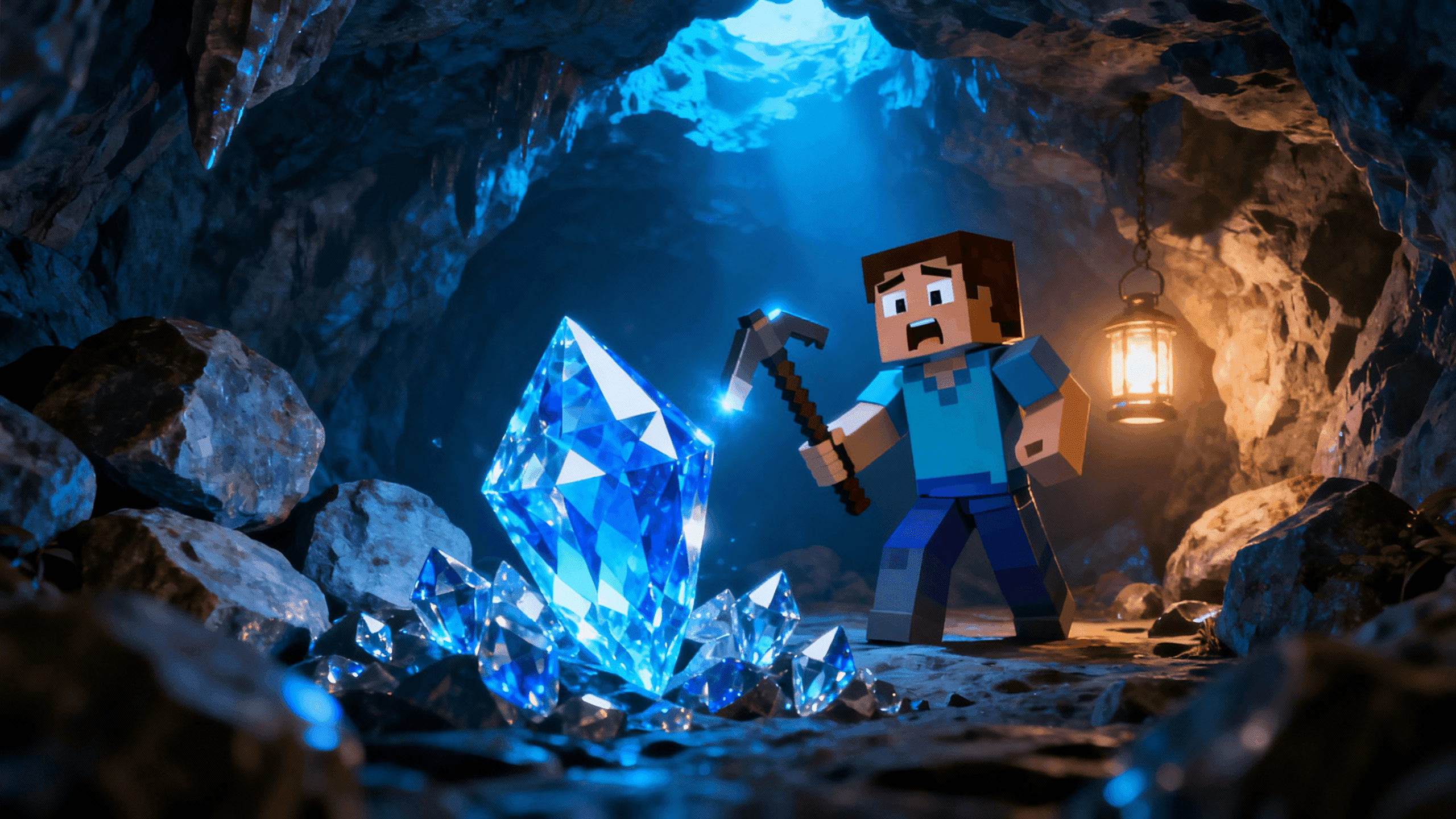
500 million Minecraft videos on YouTube. Yours needs a thumbnail that stops the scroll. Describe your scene, generate it with AI, done.
Stop searching stock photos for hours. Describe what you want, generate it with AI in thirty seconds, and get thumbnails nobody else has.
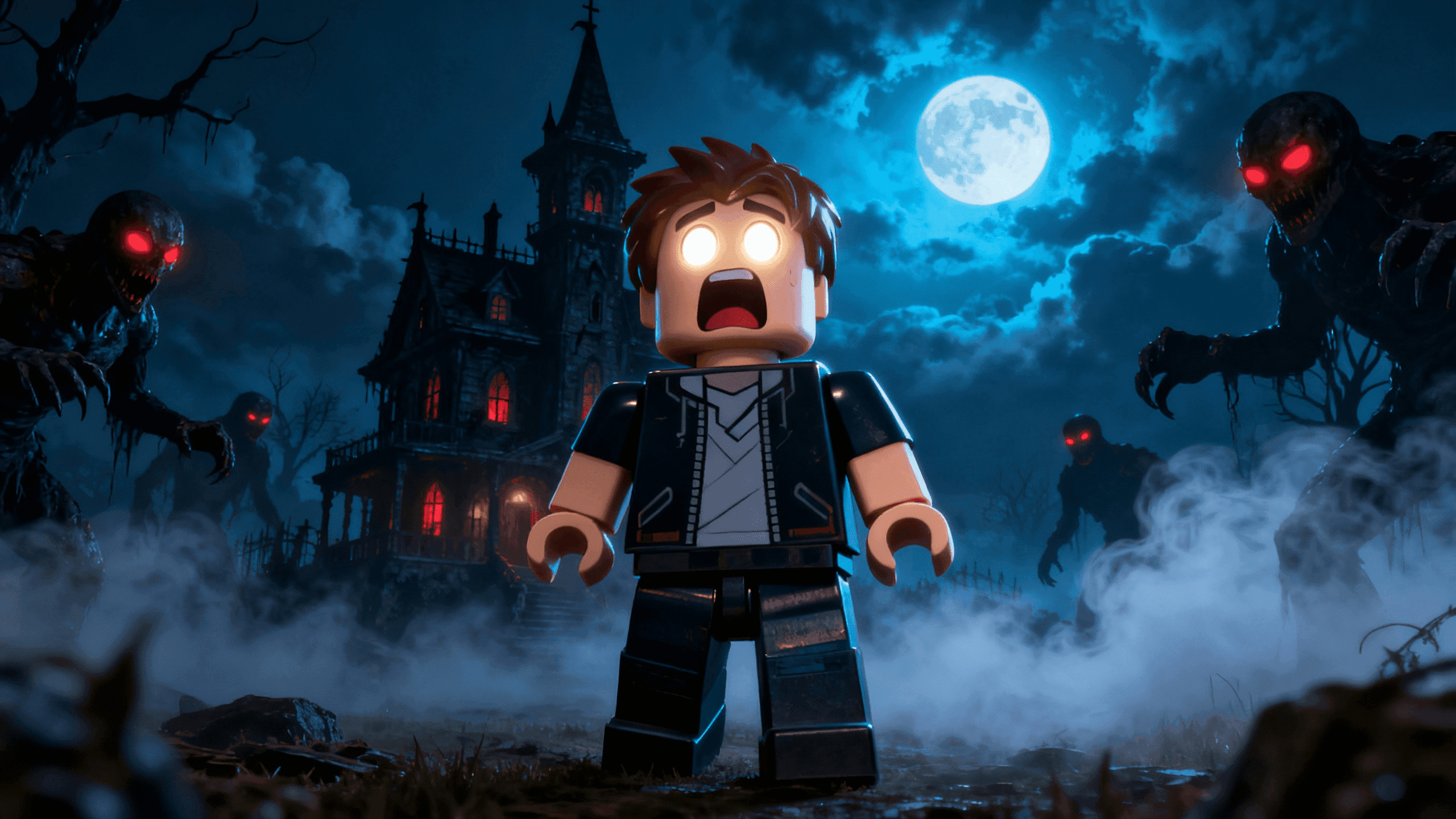
Roblox audiences are younger and scroll fast. Your thumbnails need bright colors, simple text, and obvious excitement to grab their attention.
You have the video idea but getting the thumbnail right takes forever. Describe what you want, generate it with AI, and export in minutes.
Stock photos all look the same and everyone uses them. Describe what you actually want, and AI creates it in thirty seconds.
Most "free" tools add watermarks or require a credit card. This one doesn't. Get 50 monthly credits, HD exports, and no watermarks—actually free.
You know exactly what thumbnail you need but stock photos never match your vision and you don't have the skills to create it yourself. Type what you want and AI generates it in seconds.
Every "free" tool you try either slaps watermarks on your thumbnails or asks for your credit card after one export. You just want to create thumbnails without paying or getting locked into subscriptions.
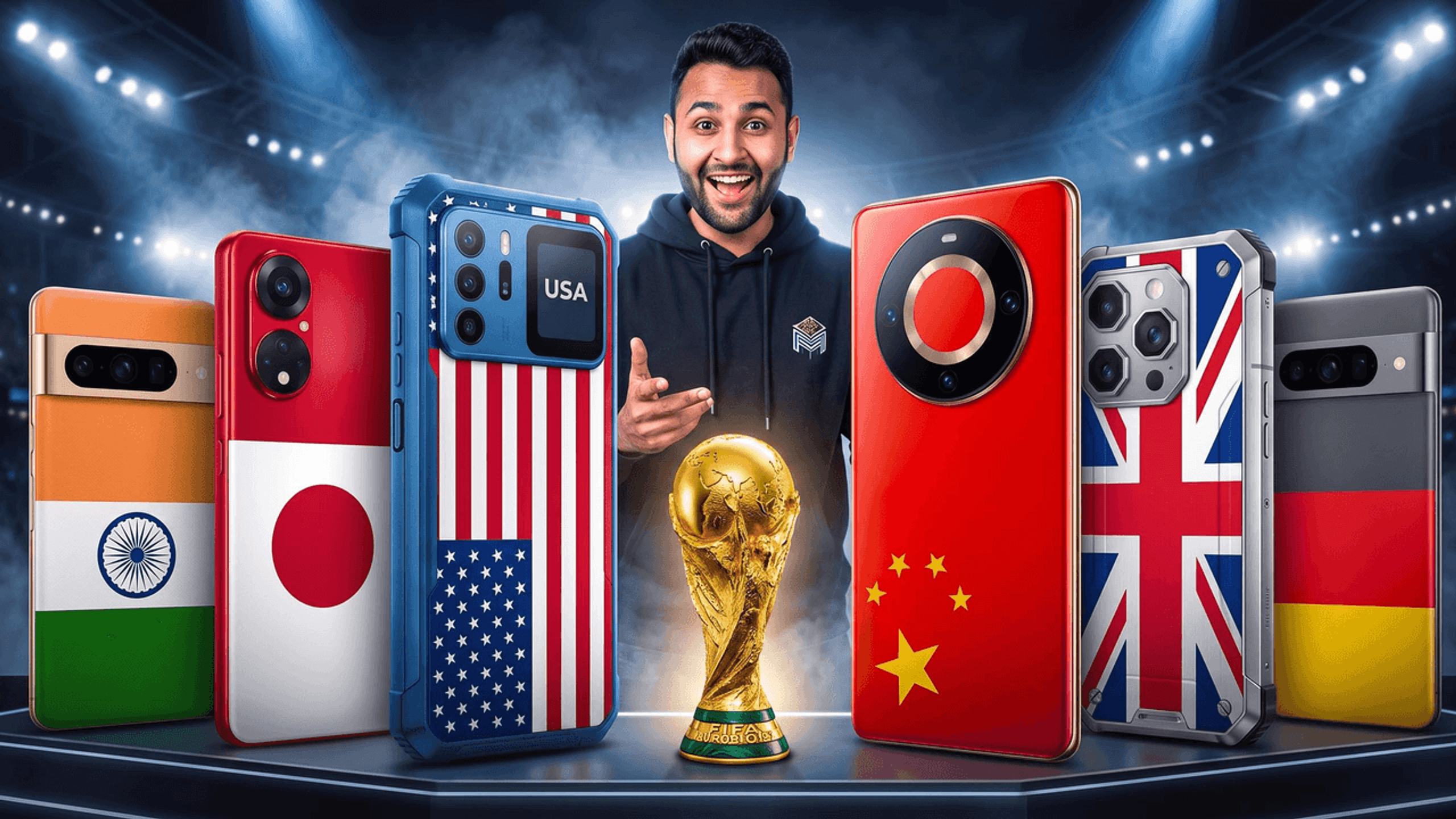
You need thumbnails that get clicks on YouTube specifically, not just generic images. Stock photos look like everyone else's and templates scream "amateur." AI creates thumbnails designed for YouTube's algorithm and viewer behavior.
Every creator in your niche uses the same 10 stock photos. Your thumbnails blend into the feed and nobody clicks. AI generates original images that nobody else has.
Scrolling through YouTube shows you the same stock photos and Canva templates over and over. Your thumbnails blend in and nobody clicks. AI creates original images that catch eyes in the crowded feed.
Pausing your video at random spots hoping for a good frame wastes time and usually gives you blurry results. Upload your video and AI finds the best moments automatically.
Making thumbnails takes too long because you are bouncing between five different tools. You need AI for backgrounds, Photoshop for editing, Canva for text, and screenshotting software for video frames. One tool should handle everything.
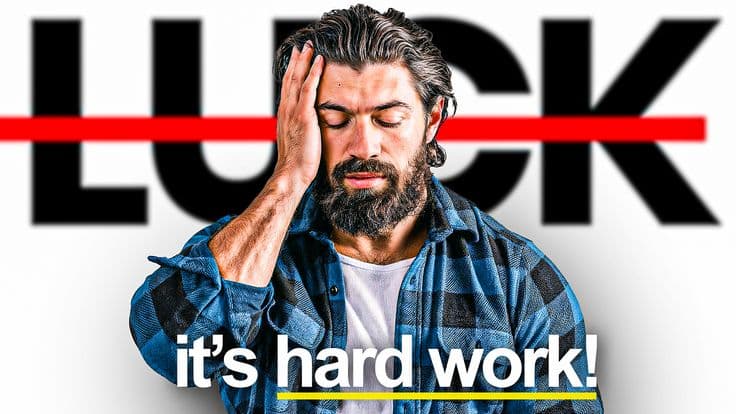
Messy backgrounds ruin otherwise good thumbnails. Click once, AI removes everything except your subject, replace with clean colors or custom images.
YouTube keeps rejecting your thumbnails because they are the wrong size or aspect ratio. You waste time resizing and re-uploading. This tool creates perfect 1280x720 thumbnails every time.
Your thumbnail text looks perfect on your monitor but disappears when you check it on your phone. Most viewers browse YouTube on mobile and can't read tiny text. You need text specifically sized for thumbnails, not documents.
Every platform needs different thumbnail sizes and you waste time manually resizing the same image five different ways. YouTube wants 1280x720, Twitch wants something else, and you can never remember which is which.
Stuck on what your thumbnail should look like? Learn from proven styles that work, then generate similar designs with AI in seconds.
The best thumbnail tools combine AI generation for original images with editing features you actually need. No templates, no watermarks, no complexity.
Stop spending hours on thumbnails. Describe your video concept in plain English and AI creates professional thumbnails in thirty seconds.
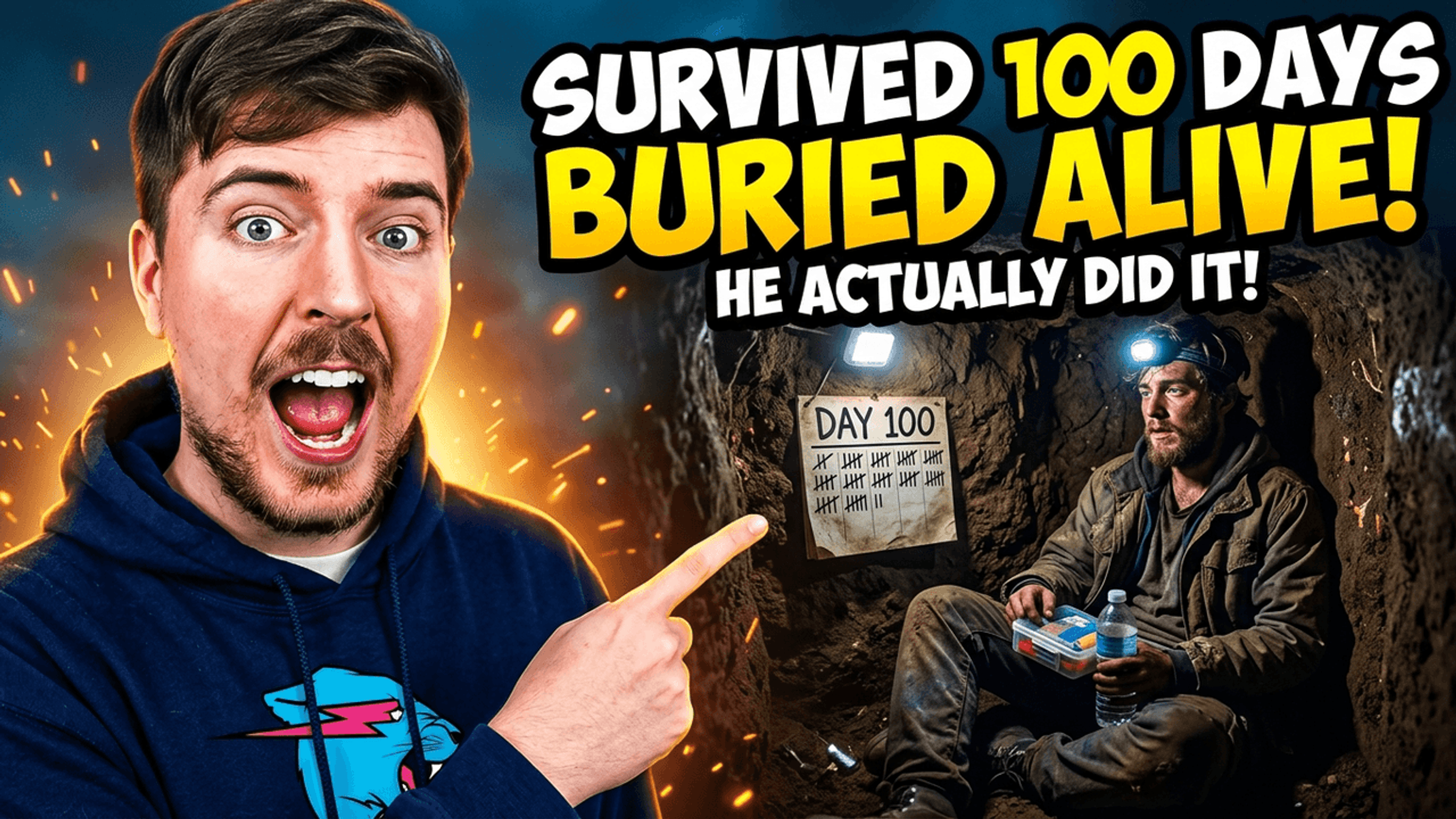
Your thumbnail determines whether people click or scroll past. Learn the exact techniques that get more clicks: bright colors, expressive faces, and bold readable text.
Already have a great photo or screenshot? Turn it into a professional YouTube thumbnail by adding text, removing backgrounds, adjusting colors, and cropping to HD. No need to start from scratch when your existing images work perfectly.
General design tools like Canva work for everything, which means they are not optimized for anything specific. This tool focuses exclusively on YouTube and Twitch thumbnails with HD exports, mobile preview, and video-specific features that generic designers lack.
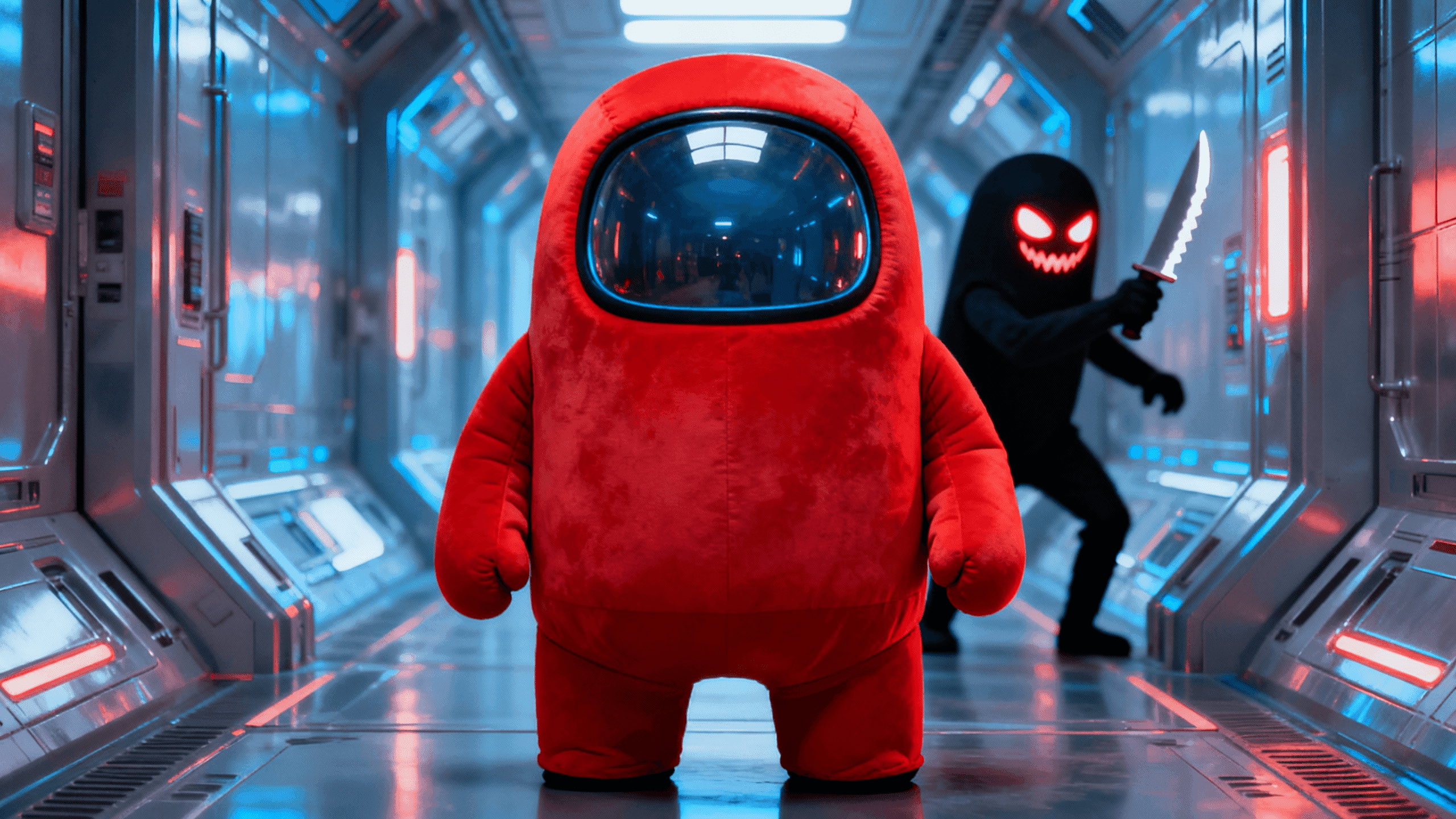
Fortnite thumbnails need to be as vibrant as the game itself. Neon purples, electric blues, and bold text effects that stand out in a sea of battle royale content.
GTA thumbnails need to match the game's over-the-top energy. Hot oranges, neon purples, supercars, and explosions that make viewers click.
Your thumbnail decides whether viewers click or scroll past. Create thumbnails that stop the scroll and boost your click-through rate.
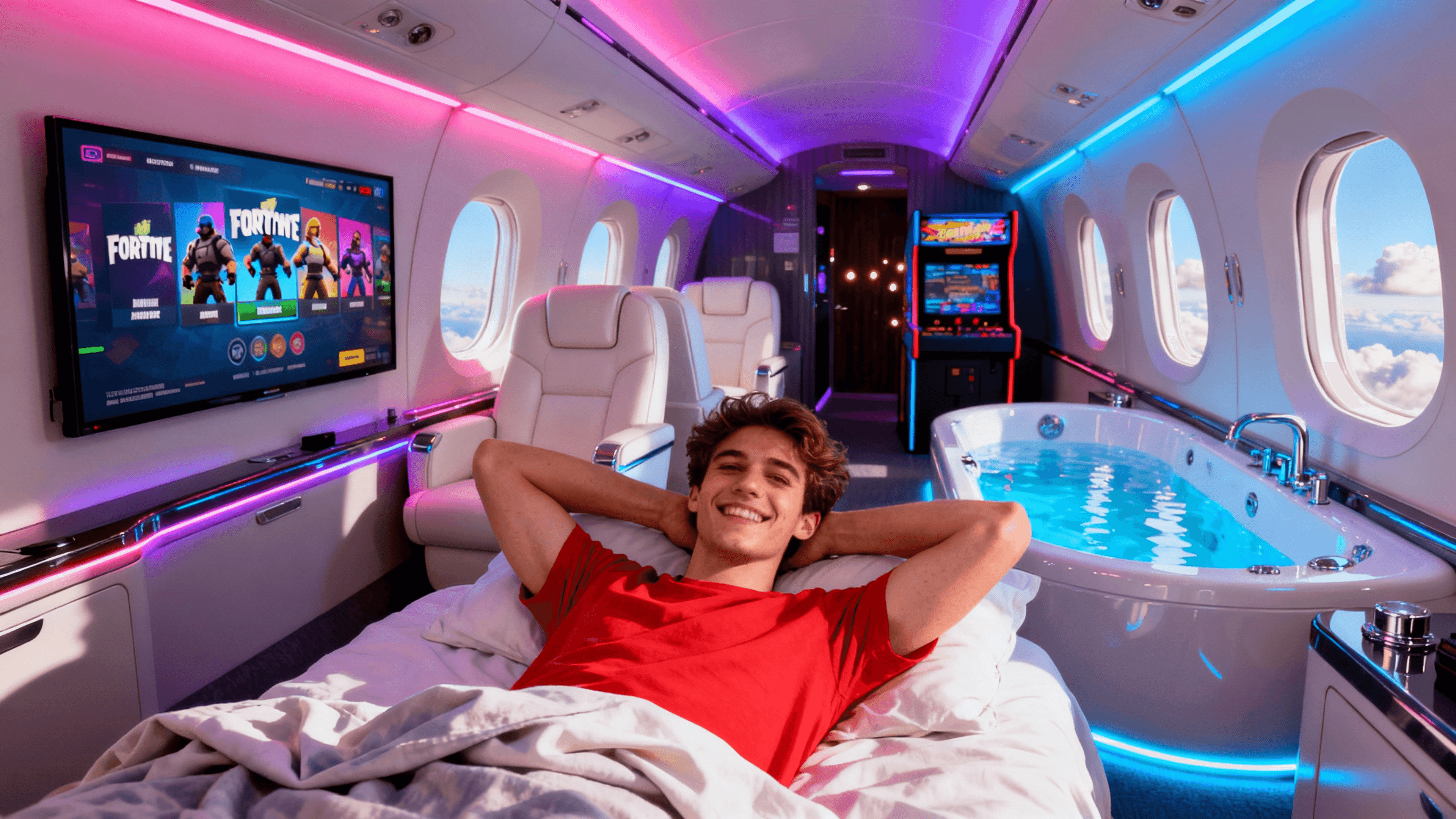
Study successful thumbnails to understand what gets clicks. Extract HD thumbnails, analyze what works, then create better versions for your own videos.
Find and download thumbnails from any YouTube video for analysis. Study successful designs to understand what attracts clicks in your niche.
Design thumbnails with professional-level control without Photoshop complexity. Advanced text effects, layer management, and composition tools built for YouTube.
Your videos deserve thumbnails that get clicks. Describe what you want, generate it with AI, and stop watching competitors get views you should have.
Create thumbnails that pop on YouTube and social feeds. Share your videos on Twitter, Reddit, or Discord and actually get clicks.
Generate AI thumbnails free. 60 credits on signup, no credit card, no watermarks. Real free tier that actually lets you create.
You know what thumbnail you want but can't make it yourself. Describe it in plain English and get a click-worthy thumbnail in 30 seconds. No design skills needed.
Generic design tools weren't made for YouTube. They don't understand 1280x720, mobile viewing, or what makes people click. You need a tool built specifically for YouTube thumbnails.
Upload your thumbnail, describe what to change, AI makes the edit. No software to install. Works in any browser.
Photoshop costs $23/month and takes weeks to learn. This takes minutes. Upload, describe what to change, AI does the edit.
Change text on existing thumbnails using AI. Describe what text to change, AI handles the edit while keeping everything else intact.
Remove backgrounds and place subjects on new backgrounds using AI. Describe what you want, AI handles the cutout and replacement.
Upload any image and export at YouTube dimensions. We auto-fit to 1280x720 so your thumbnails are always the right size.
You've got the perfect image, but without bold text, nobody knows what your video is about. Most free tools make text look good on desktop but invisible on mobile where 70% of viewers actually see it.
Works on Safari, Chrome, Firefox on your Mac. No app to download, no compatibility issues. Just open your browser and edit.
Great video content means nothing if nobody clicks. Your thumbnail is the first impression, the split-second decision maker. Bad thumbnails kill great videos before anyone watches them.
Generic AI tools create images. This creates YouTube thumbnails that actually get clicks. Built specifically for YouTube's 1280x720 format, mobile screens, and the unique challenge of competing against 20 other videos simultaneously.
Software downloads take forever. Updates break things. Storage fills up. You just want to make a thumbnail without installing anything.
You want professional-looking thumbnails but don't have years to learn Photoshop or hundreds to spend on a designer. Most "easy" tools give you generic templates. Most "professional" tools take forever to learn.
Create AI-generated YouTube thumbnails without paying anything. Free credits included, no watermarks, no credit card required.
Looking for the best AI thumbnail generator? Describe what you want in plain English, get click-worthy thumbnails in thirty seconds.
Your video is ready but you need a thumbnail that actually gets clicks. Screenshots from the video look boring. Stock photos look generic. Spending an hour in Photoshop for every video isn't sustainable.
Your videos are great but nobody clicks. The problem is your thumbnail blends into the feed like everything else. You need thumbnails that grab attention and make people curious enough to click.
You're getting impressions but your CTR is stuck at 2-3%. YouTube keeps showing your videos but nobody clicks. The fix isn't better content - it's better thumbnails.
Viral videos don't happen by accident. They have thumbnails that stop people mid-scroll and make them curious enough to click AND share. You need visuals that demand attention.
YouTube shows your video to people but they're not clicking. Every impression that doesn't convert is a missed opportunity. Better thumbnails fix that.
Growing on YouTube isn't about one viral video. It's about consistently good thumbnails across every upload. When every video looks professional, the algorithm trusts your channel more.
Your content is professional but your thumbnails look amateur. That mismatch hurts credibility before viewers even click. You need thumbnails that look as good as your actual videos.
People scroll right past your videos because they don't recognize them as yours. Your thumbnails look random instead of belonging to a cohesive channel. Building a visual brand fixes that.
Your channel has no visual identity. Every thumbnail looks different and viewers can't tell your videos apart from anyone else's. A consistent brand changes everything.
Tired of scrolling through Canva templates that all look the same? Describe what you want and get unique thumbnails in seconds instead.
Skip the months-long learning curve and expensive subscription. Describe what you want and get professional thumbnails in seconds.
vidIQ is great for analytics but thumbnail creation feels like an afterthought. When you need to make thumbnails fast, use a tool built specifically for that.
TubeBuddy is great for channel management but thumbnails feel like an afterthought. When you need thumbnails fast, use a dedicated tool that doesn't require browser extensions.
Kapwing is great for video editing but thumbnails feel like an afterthought in a video-centric interface. When you need thumbnails fast, use a tool built specifically for that.
Fotor is great for photo editing but thumbnails feel like an afterthought. When you need to create thumbnails from concepts (not just edit existing photos), use a tool built for that.
Snappa templates get used by everyone, which means your thumbnails look like other channels using the same designs. You need unique thumbnails that represent YOUR content.
Most new creators skip the thumbnail entirely and wonder why nobody clicks their videos. The truth is your thumbnail does more selling than your title, your description, or even the first 30 seconds of your video. Learning how to make a thumbnail for YouTube is the single highest-ROI skill you can pick up as a creator.
You have a video ready to publish and you need a thumbnail now. Not tomorrow, not after watching a 20-minute Photoshop tutorial. Right now. Here is how to make a YouTube thumbnail from start to finish in under 5 minutes, whether you are working from a screenshot or starting from scratch.
Anybody can slap text on an image and call it a thumbnail. Making a good one requires understanding why some thumbnails pull clicks while others get ignored. The difference comes down to a handful of design principles that top creators use instinctively, and that you can learn in the next few minutes.
YouTube's recommendation engine does not care how pretty your thumbnail is. It cares whether people click on it. Making a good thumbnail for YouTube means designing specifically for the platform: mobile-first viewing, dark mode compatibility, and the split-second decisions viewers make while scrolling through their feed.
Good thumbnails get clicks. Great thumbnails build careers. The difference between a 5% CTR and a 10% CTR is not better software or fancier fonts. It is understanding viewer psychology, mastering visual storytelling, and treating every thumbnail as a strategic decision rather than an afterthought.
Why Thumbnail Studioo
Type what you want and AI generates professional thumbnails instantly. No design skills needed.
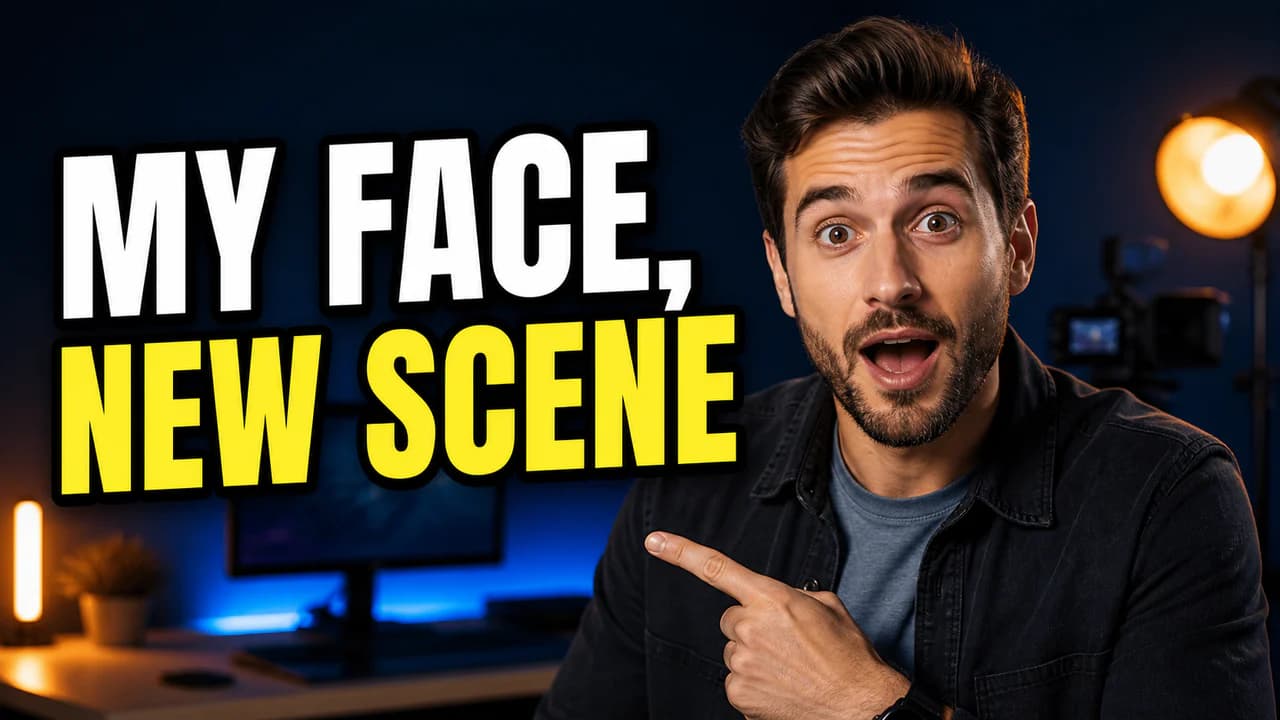
AI creates unique thumbnails from text, swaps faces in 3 clicks, and edits with simple commands.
Export in 2K or 4K for YouTube, TikTok, Instagram, or any platform. Everything saves to the cloud.
Start creating better thumbnails in the next 10 seconds.
Start Creating FreeFree credits to start • No credit card needed