1
Sign Up Free
Start your 3-day free trial. Full access to all tools, no restrictions during the trial.
Examples


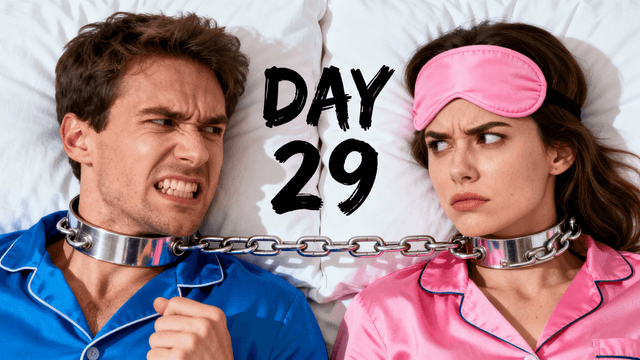
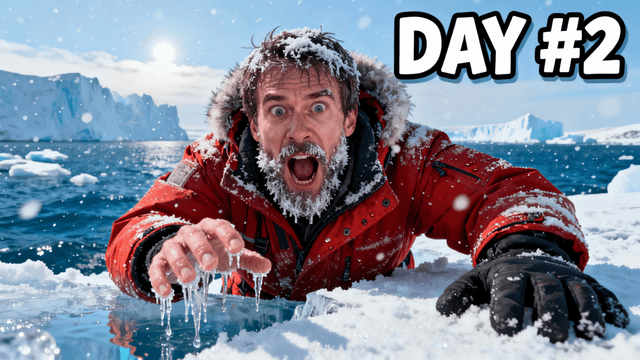


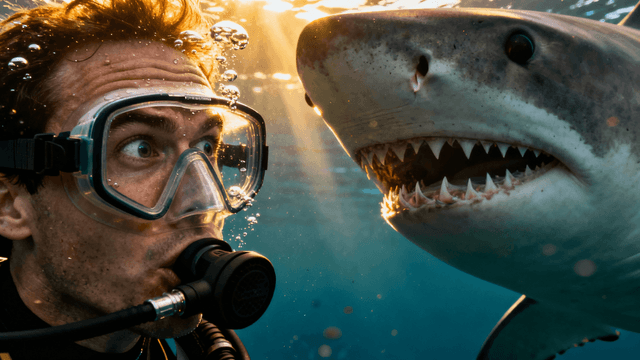
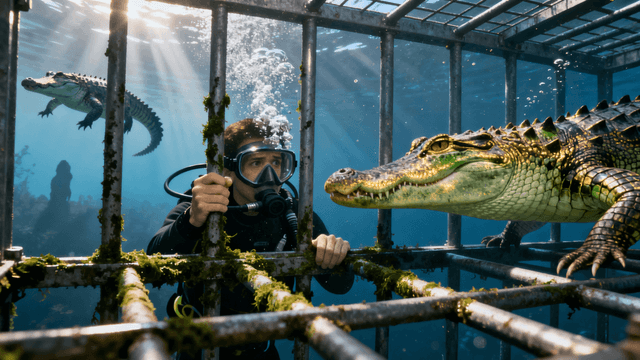

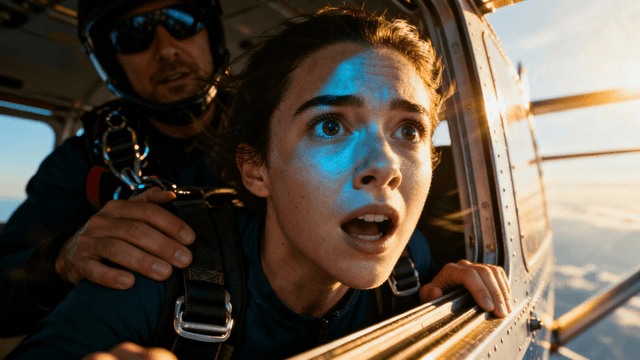


There are a few common tricks that make a tool look free until it isn't.
Watermark on export: The most common one. You can use the tool freely but every downloaded thumbnail has the platform's logo burned in. The only way to remove it is to pay. This is not free, it's a demo with a hard sell at the end.
Credit card required to activate: You enter your card "just to verify" and get charged when the free trial ends. Many creators forget to cancel. Avoid any free tool that requires payment information just to start.
One export then paywall: You get enough credits for one or two thumbnails, then the tool locks. You've already invested time learning the interface and now face a forced choice.
Low resolution or compressed exports: The free tier exports at 640×360 or applies heavy JPEG compression. Your thumbnail looks blurry on YouTube even though you made it "for free."
Thumbnail Studioo's trial has none of these: 7 full days of access with no watermarks, no bait-and-switch, and full 1280×720 HD exports from day one.
The 3-day free trial gives you complete access to every feature in Thumbnail Studioo. Here is what that means in practice.
AI generation lets you describe a thumbnail in plain English and get a custom image in 30 seconds. You can generate as many concepts as you want during the trial to find what works for your channel style.
The canvas editor gives you full text tools, shapes, filters, and background removal. You can upload your own photos and combine them with AI-generated backgrounds or elements.
HD export at 1280x720 is included during the trial with no watermarks. Every thumbnail you download is ready to upload directly to YouTube.
Seven days is enough time to create thumbnails for several real videos and see whether the tool genuinely improves your click-through rate compared to what you were doing before.
The main difference between tools comes down to three things: watermarks, whether a card is required, and whether AI generation is included.
| Tool | Watermarks | Card Required | Export Quality | AI Generation |
|---|---|---|---|---|
| Thumbnail Studioo | No | No | 1280x720 HD | Yes, free 3-day trial |
| Canva (free) | No | No | Limited sizes | No |
| Adobe Express (free) | No | No | 1280x720 | No |
| vidIQ | Yes | Yes | Limited | Basic only |
| Most other free tools | Yes | Sometimes | Reduced quality | None |
How It Works
Start your 3-day free trial. Full access to all tools, no restrictions during the trial.
Upload your own photos or use AI generation. Both are available in full during the 3-day trial.
Add text, adjust colors, apply effects with the canvas editor. All editing features are included with no restrictions.
Export in HD, 2K, and 4K resolution with no watermarks. Upload directly to YouTube. Completely free downloads.
Who It's For
New YouTubers who need professional thumbnails but have no budget yet
Hobbyist creators who post for fun and want quality without paying
Students and young creators building their first channels
Anyone testing YouTube before committing money to tools and equipment
Try These
“Person reacting with shocked face to a phone screen showing a notification, bright clean background, relatable moment, space at top for text overlay”
“Hands holding a camera pointing at the viewer, creative filming setup, colorful lights in background, behind the scenes creator vibe”
“Stack of money next to empty wallet comparison, split down the middle, one side rich one side broke, financial contrast thumbnail”
Benefits
Get full access to all AI thumbnail tools, the canvas editor, HD exports, and zero watermarks during your trial. No restrictions on any feature. See exactly what you get before deciding.
Free thumbnails download without watermarks or branding. Your thumbnails look professional. No "created with" text that screams free tool.
Text tools, shapes, filters, and the canvas editor are all included during the trial. Try every feature without restrictions before deciding on a plan.
Starting YouTubers need to minimize costs. Create professional thumbnails free while building your audience. Upgrade only when channel revenue justifies paid tools.
Most tools use "free" loosely: design all you want, but the export gets a watermark or a credit card wall. A genuinely free thumbnail generator gives you real 1280x720 exports you can upload straight to YouTube without paying or removing anything.
The classic bait-and-switch: sign up, spend 20 minutes on a thumbnail, then discover the download costs money or carries a watermark. A genuinely free tool lets you make real thumbnails and judge the quality before committing to anything.
Start a 3-day free trial and get full access to AI thumbnail generation, the complete YouTube thumbnail editor, and HD exports with no watermarks. Every feature is unlocked during the trial so you can properly test the tool before deciding. Start your free trial to get started.
Get full access to all AI tools, HD exports, and zero watermarks. Try everything free for 3 days and see the difference before you decide.
Start 3-Day Free TrialFree 3-day trial • Cancel anytime
FAQ
You get a full 3-day free trial with no restrictions. Every feature is unlocked during the trial so you can properly test the tool. No watermarks on any exports during the trial. Try it free for 3 days.
The 3-day free trial includes full access to every feature: AI thumbnail generation, the complete canvas editor with text and shape tools, background removal, HD export at 1280x720 with no watermarks, and version history. There are no feature locks or reduced quality during the trial. You get the same experience as a paid subscriber for 3 days.
No, never. All thumbnails export without watermarks, branding, or "created with" text regardless of whether you're on the free or paid plan. Your thumbnails look completely professional with no indication of what tool created them. This applies to both manually edited thumbnails and AI-generated ones. The absence of watermarks is a core principle, not a paid feature.
As many as you want during the 3-day trial. There are no caps or limits during the trial period. Use it to create thumbnails for several videos so you get a realistic sense of the workflow and output quality.
After the 3-day trial, you can choose the plan that fits your upload schedule. If you are posting regularly and want to keep the AI generation tools and HD exports, a paid plan keeps everything running. The trial gives you a full week to decide if it is worth it based on real use.
Yes, without any restrictions. Thumbnails you create during the trial have no usage limitations. Use them on monetized channels, in commercial content, for client work, or any other purpose. No attribution required. No licensing restrictions. Trial thumbnails are legally and functionally identical to those made on paid plans.
Yes. Thumbnails you create during the trial are yours to use. No watermarks, no attribution required, no restrictions on monetized content. Download and upload them to YouTube just like you would with any paid plan.