Thumbnail Studioo logo

Best AI YouTube Thumbnail Generator - Create Thumbnails That Actually Get Clicks

You know what thumbnail you want but can't make it yourself. Describe it in plain English and get a click-worthy thumbnail in 30 seconds. No design skills needed.
Try Free

How Thumbnail Studioo Helps

Thumbnail Studioo's AI thumbnail generator creates exactly what you describe. Type "shocked guy holding empty wallet" and get it in seconds. Need tweaks? Our YouTube thumbnail editor lets you refine with text, effects, and AI edits. Add your own face with face swap. Sign in to try free.

Testimonials

Here's what our users are saying...

Tested like 6 different AI thumbnail tools. This one actually understands what I mean. Said "guy reacting to crazy price tag" and it nailed the expression. Others gave me generic stock photo vibes.

MR

Marcus Rivera

Finance channel, 234K subs

My thumbnails used to take an hour in Photoshop. Now I describe what I want, pick from 4 options, add my text, done. Maybe 5 minutes total. CTR went up too which is the real test.

EN

Emma Nakamura

Lifestyle vlogger, 178K subs

The face swap feature sold me. I can generate any scene and put myself in it. My conspiracy videos need weird visuals that don't exist anywhere. Now I just describe them.

TB

Tyler Brooks

Mystery & true crime, 89K subs

Switched from Canva templates because everything looked the same as other channels. AI gives me unique images every time. My thumbnails finally stand out in suggested videos.

AP

Aisha Patel

Tech tutorials, 156K subs

Examples

Thumbnail Gallery

Real thumbnail examples

best ai youtube thumbnail generator thumbnail example - Cheapest vs Most Expensive Private Jet
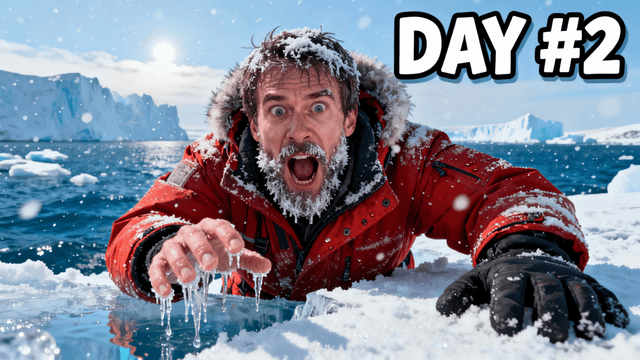
best ai youtube thumbnail generator thumbnail example - I survived 90 days in antarctica
best ai youtube thumbnail generator thumbnail example - I built my own private jet
best ai youtube thumbnail generator thumbnail example - I Flew the SAME AIRLINE for $100, $1,000, $10,000 & $30,000!
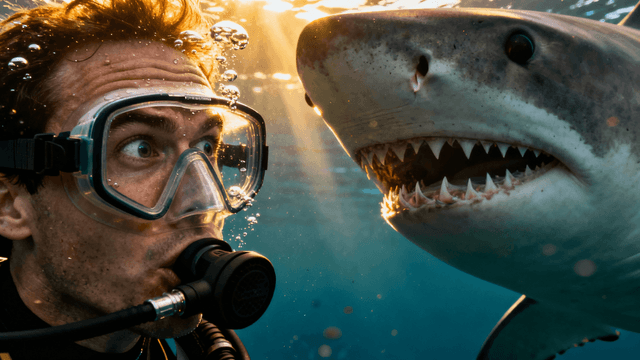
best ai youtube thumbnail generator thumbnail example - Swimming with sharks
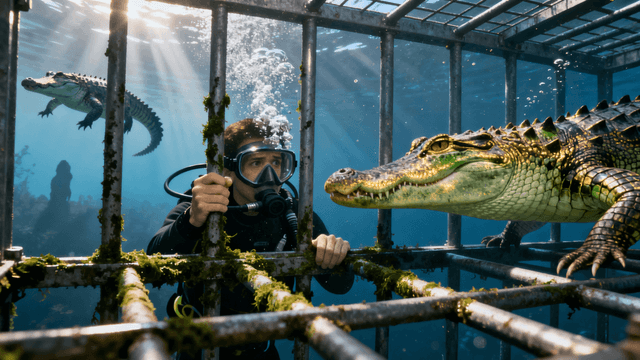
best ai youtube thumbnail generator thumbnail example - I Went Cage Diving With Crocodiles
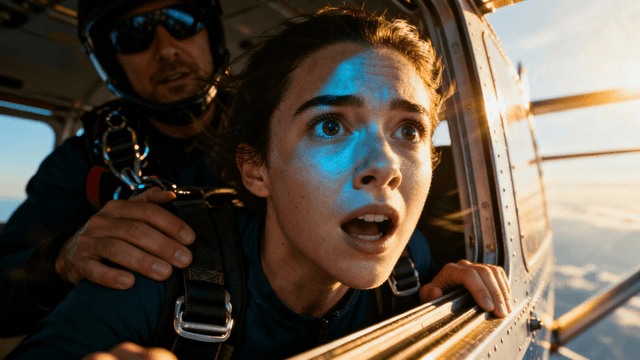
best ai youtube thumbnail generator thumbnail example - I Confronted My Biggest Fear
best ai youtube thumbnail generator thumbnail example - F1 Driver Goes Undercover in Amateur Kart Race
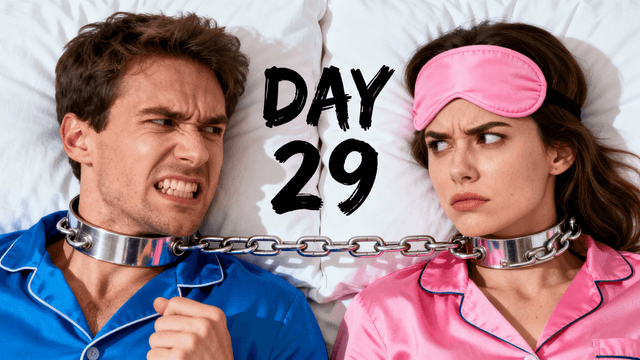
best ai youtube thumbnail generator thumbnail example - Survive 30 Days Chained To Your Ex.
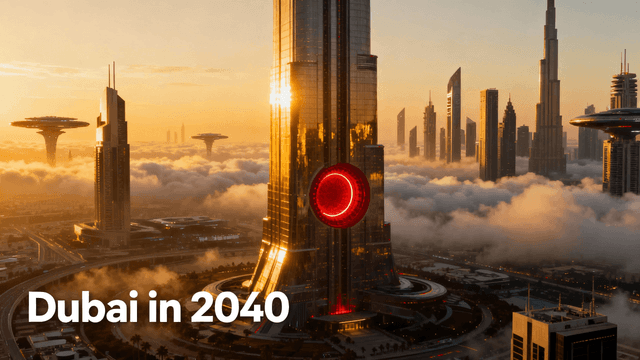
best ai youtube thumbnail generator thumbnail example - Dubai-Insane-100B-Future-Megaprojects
best ai youtube thumbnail generator thumbnail example - I tried every seat on the most expensive airline
best ai youtube thumbnail generator thumbnail example - You won't believe what i found

How It Works

Create Thumbnails in 4 Simple Steps

1

Describe Your Thumbnail

Write what you want. AI understands subjects, moods, styles. Be specific for better results.

2

Get Options Fast

3-4 variations in 20-30 seconds. AI is optimized for thumbnails, not generic images.

3

Edit and Polish

Use AI editing to refine. Adjust colors. Export in HD, 2K, or 4K.

4

Export and Upload

Download in YouTube dimensions. Upload to YouTube Studio. No resizing needed.

Who It's For

Built For

Creators who want unique thumbnails without stock photos

YouTubers tired of spending hours in Photoshop or Canva

Channels that need consistent quality across many uploads

Anyone who can describe what they want but cannot design it themselves

Try These

Example Prompts

Person reacting with extreme shock to something on a laptop screen, hands on head, bright room with soft lighting, clean background

Before and after weight transformation, same person on both sides, left side looking tired, right side looking confident and fit, dramatic lighting

Luxury vs budget comparison, expensive item on right glowing gold, cheap item on left looking dull, person in middle with questioning expression

Benefits

Why Choose Thumbnail Studioo?

AI Built for Thumbnails

Generic AI makes generic images. This AI is trained on high-CTR YouTube thumbnails. It knows what makes people click.

Fast Enough for Daily Uploads

20-30 seconds per generation. Other tools take 2-3 minutes. When you upload daily, that time adds up.

Pro Results, Simple Interface

Photoshop quality without Photoshop complexity. Drag and drop. No tutorials needed.

Made by Creators

We make content too. Every feature exists because someone asked for it. No bloat.

Best Practices

Tips for Making Great Thumbnails

Be specific in prompts. "Shocked person finding gold, dramatic lighting, cinematic" beats "person with treasure".

Generate multiple options. Best thumbnail is rarely the first one. Create 5-10 and compare.

Mix AI with real photos. Generate backgrounds, add your actual face on top.

Check mobile size. Most viewing happens on phones. If text is hard to read small, make it bigger.

Use version history. Save multiple versions. Upload one, check CTR, swap if needed.

Match thumbnail to content. AI can create anything, but it still needs to represent your actual video.

Common Mistakes

What to Avoid

Taking the first result. Generate multiple options. Compare them. Pick the best.

Vague prompts. "Gaming thumbnail" gets generic results. Be specific about what you want.

Skipping text overlays. AI makes backgrounds, not finished thumbnails. Always add your title.

Ignoring mobile preview. Looks great on desktop, fails on phones. Check small sizes.

Using AI when photos work better. If you have good footage, use it. AI is for creating what does not exist.

Not studying your niche. Look at what works for similar channels. Match proven styles with your angle.

Try the Best Thumbnail Generator

20-second generation. Pro editing. No watermarks. Free to start.

Try Free

No credit card required • Free plan available

FAQ

Frequently Asked Questions