1
Describe Your Video Content
Tell the AI about your video topic and the key moment you want to highlight. Include details about emotion, action, or the hook that will grab attention.
AI thumbnail generator
Describe the thumbnail you want and generate it directly on this page.
Your thumbnail will appear here
Write a description and choose a style to get started.
Examples




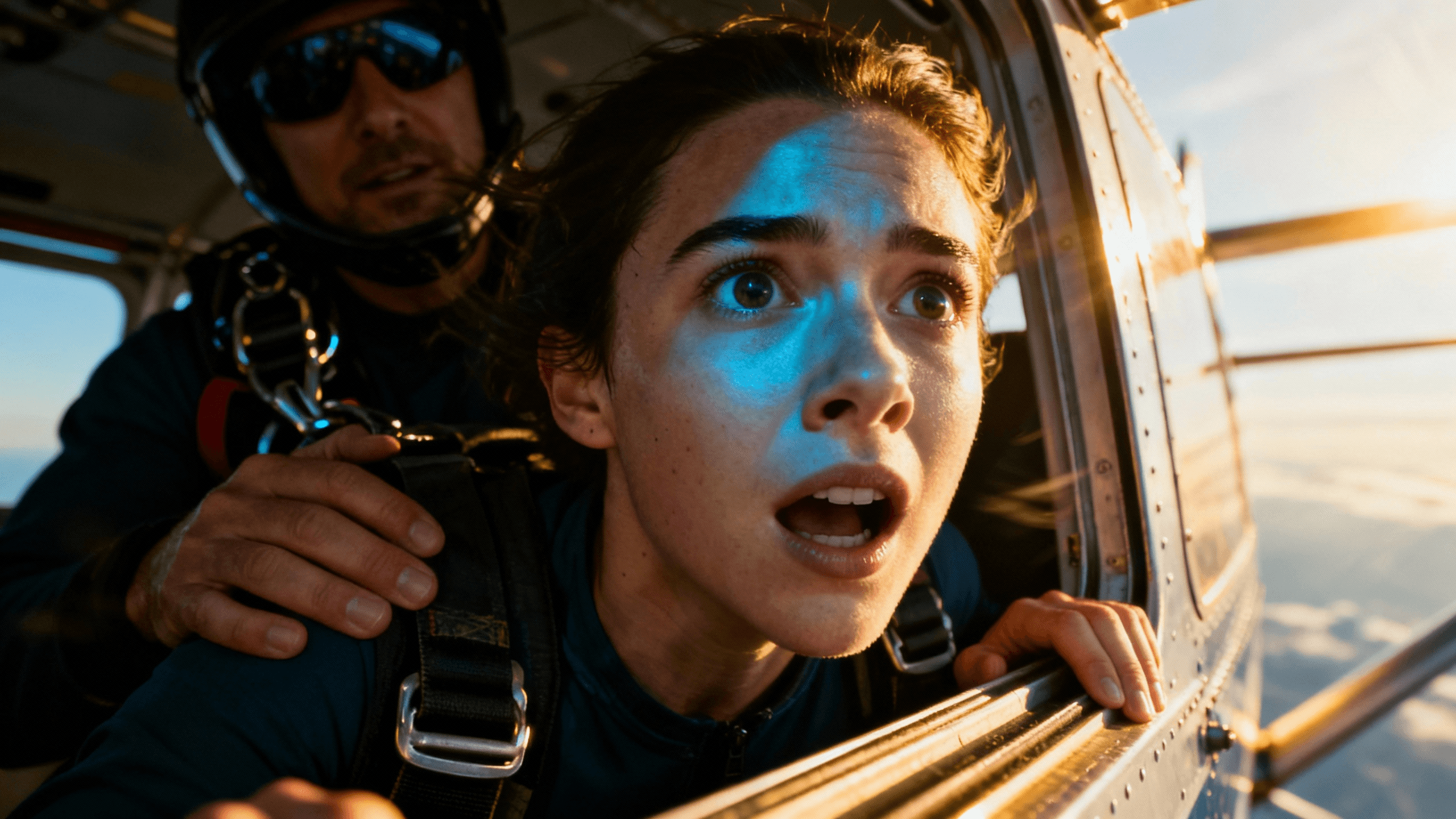



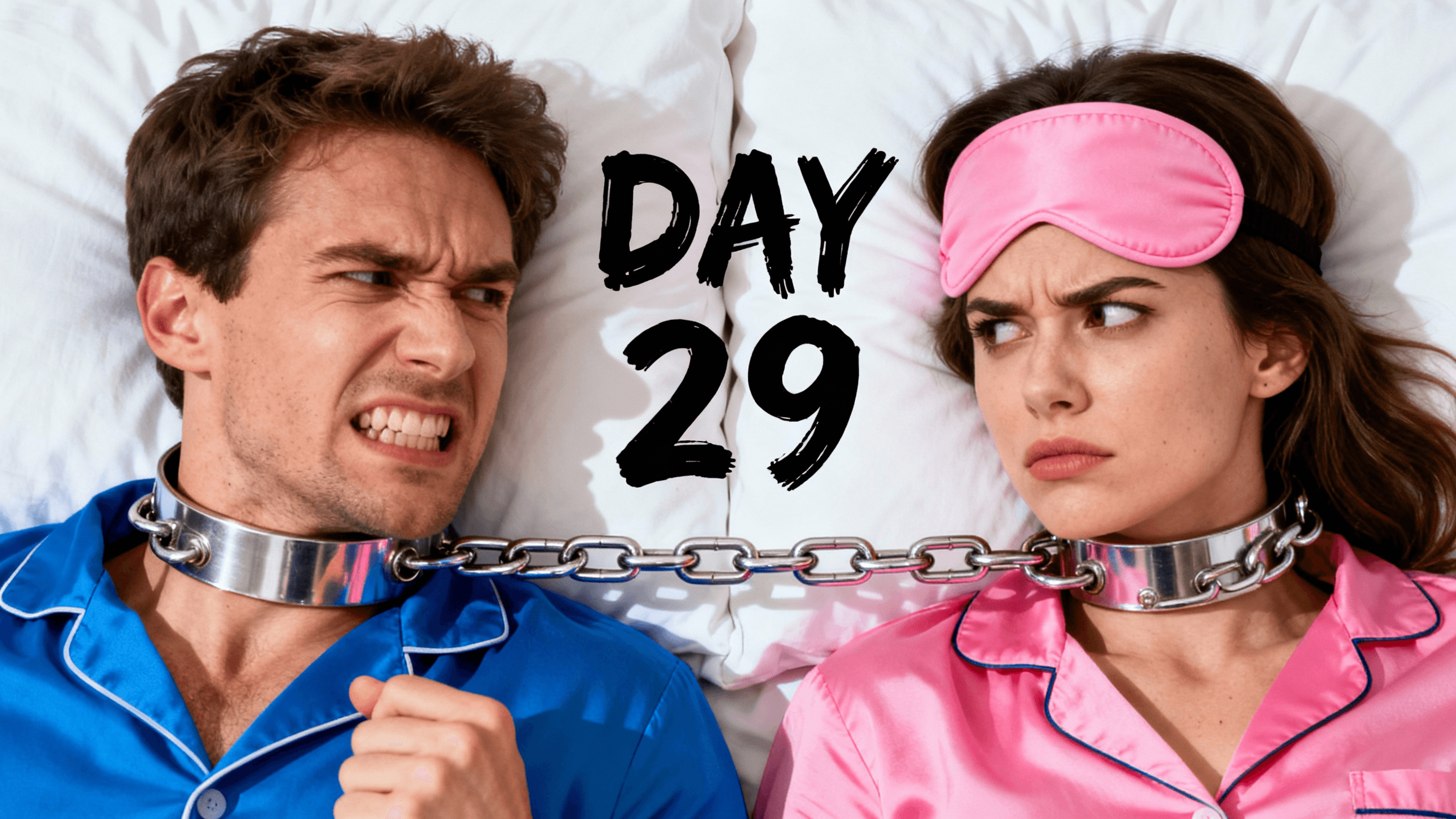

How It Works
Tell the AI about your video topic and the key moment you want to highlight. Include details about emotion, action, or the hook that will grab attention.
Get multiple thumbnail options with high-contrast compositions, clear focal points, and engaging visuals designed to perform in the YouTube feed.
Review your options and use AI editing to adjust colors, expressions, or composition. Fine-tune for maximum impact.
Download in 1280x720 HD and upload to YouTube. Track your CTR in YouTube Studio to measure performance.
Who It's For
YouTubers obsessing over CTR numbers in YouTube Studio analytics
Creators who get impressions but struggle to convert them to clicks
Channels that want to understand why some thumbnails work and others don't
Anyone ready to treat thumbnails as seriously as their video content
Try These
“Dramatic before and after comparison with person looking disappointed on left, same person celebrating on right, strong contrast between both sides, room for numbers or text overlay”
“Close-up of person with intense curious expression looking at something off-screen, dramatic side lighting creating shadows, mysterious mood, space for question text”
“Product review style with item glowing in center, person with skeptical expression holding it, clean background with subtle color gradient, professional lighting”
Benefits
The AI creates thumbnails with contrast, clear faces, and visual hierarchy. Principles that drive clicks without you needing to study design theory.
Create several variations quickly. YouTube allows thumbnail changes anytime, so you can test different versions and keep what performs best.
Spend your time making videos, not learning Photoshop. Describe what you want and get professional results.
Every thumbnail maintains high visual standards. No more rushed thumbnails that underperform because you ran out of time.
Thumbnail Studioo's AI thumbnail generator creates thumbnails using high-CTR principles automatically. Bold contrast, clear faces, curiosity hooks - all built in. Generate multiple versions, pick your favorite, then use our YouTube thumbnail editor to add text and refine. Sign in to boost your CTR.
Generate thumbnails optimized for clicks. Professional results in seconds.
Create CTR ThumbnailFree 3-day trial • Cancel anytime
FAQ
CTR varies by niche, but 4-10% is typical. New channels often see 2-5%. Focus on improving your own CTR over time rather than hitting a specific number.
Check YouTube Studio analytics. If impressions are high but CTR is low, your thumbnail or title likely needs work. If impressions are low, discoverability is the issue.
Yes, especially on underperforming videos. YouTube allows unlimited thumbnail changes. Test different versions and track CTR changes over 48-72 hours.
YouTube does not support animated thumbnails. Static images only. Focus on making your still image as compelling as possible.
Significantly. Your thumbnail is the first thing viewers see. A great video with a bad thumbnail may never get watched. Most successful creators prioritize thumbnails highly.