1
Describe
Tell AI what your video is about in plain English.
Examples
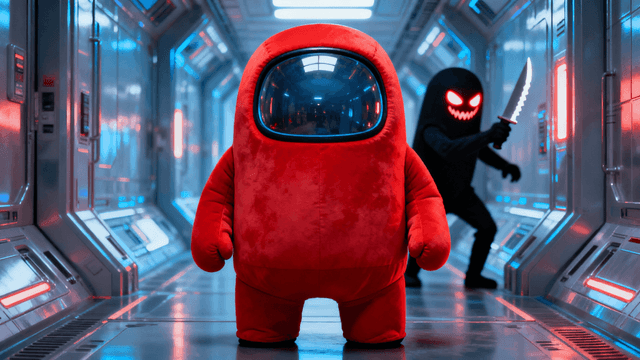
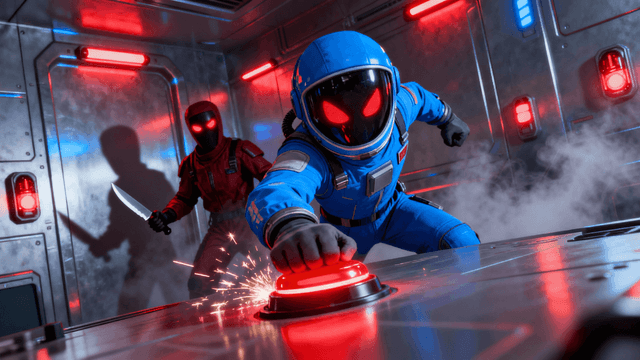
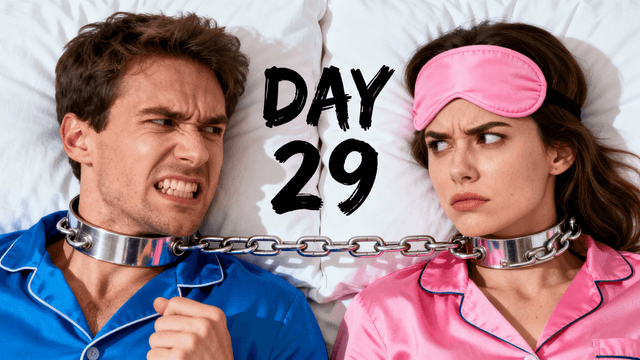
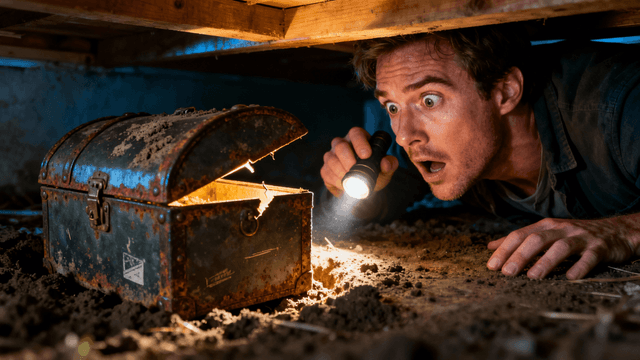



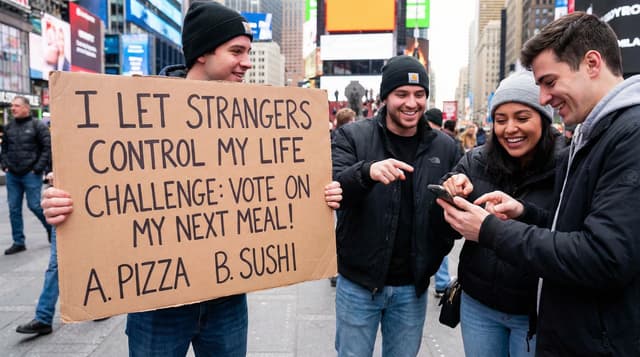
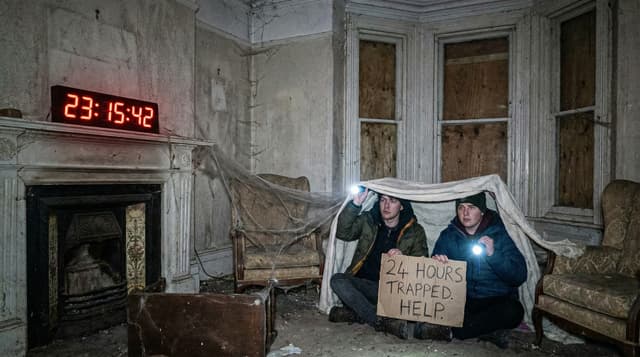
How It Works
Tell AI what your video is about in plain English.
AI creates multiple unique thumbnail options in 30 seconds.
Add your title text, effects, and fine-tune the design.
Export at 1280x720 and upload to YouTube immediately.
Who It's For
YouTubers who upload frequently and need thumbnails faster than traditional design
Creators whose video screenshots look boring and need something more eye-catching
Channels that can't afford to hire designers for every video thumbnail
Anyone making videos about topics that are hard to photograph or find stock images for
Try These
“Person looking shocked while pointing at screen showing graph going up, excited expression, office background with computer monitors, dramatic lighting”
“Before and after comparison split screen, dramatic transformation, person satisfied on right side, clear space for text at top”
“Gamer with intense focused expression, neon RGB lights in background, competitive energy, dark gaming room aesthetic, room for text overlay”
Benefits
AI generates unique thumbnails from your description. No more using the same boring screenshots or stock photos everyone else uses. Every video gets something fresh and original.
Optimized for YouTube's 1280x720 format. AI understands what works on the platform. Creates images designed to get clicks in the YouTube feed where it matters.
Generate thumbnails as fast as you publish videos. 30 seconds for generation, 5 minutes to add text and export. No more bottleneck on thumbnail design when you're trying to publish.
Just describe what you want in normal words. AI handles composition, lighting, colors. You don't need years of Photoshop experience to make thumbnails that look professional.
Describe your video in a sentence and our AI thumbnail generator creates original images in 30 seconds. Then use the thumbnail editor to add text, adjust colors, and export. Built specifically for YouTube videos. Sign in and generate your first thumbnail.
Describe your video. Get original thumbnails in 30 seconds. Add text and export. Built for YouTube creators.
Generate ThumbnailFree 3-day trial • Cancel anytime
FAQ
Yes. YouTube allows AI-generated thumbnails as long as they accurately represent your video content. Millions of creators use AI thumbnails. Just make sure the thumbnail matches what viewers will actually see in the video.
All types. Gaming, vlogs, tutorials, podcasts, reviews, commentary, educational content. AI adapts to your description. The more specific your prompt about the video content, the better the result.
Describe what happens in your video. If you're reviewing a product, describe the product and your reaction. If it's a tutorial, describe the result or transformation. Be specific and honest.
Depends on your content. Reaction videos and vlogs sometimes work better with screenshots. Educational content, gaming, commentary usually work better with custom AI thumbnails that create curiosity. Test both.
About 5 minutes total. AI generation takes 30 seconds. Adding text and effects takes another 3-4 minutes. Way faster than traditional design tools or hiring someone to make them.
Yes. Use similar AI prompts and add your channel colors or logo in the editor. Create a style guide for your prompts. Similar descriptions produce similar visual styles while keeping each thumbnail unique.
AI thumbnails work better than boring screenshots or generic stock photos. They don't automatically work better than great custom designs. The advantage is speed and originality. You get unique professional-looking thumbnails without hours of design work.