1
Upload Your Thumbnail
Drag and drop your existing thumbnail or click to browse files.
Reviewed by Thumbnail Studioo · Updated 16 February 2026
Open the Thumbnail EditorAI thumbnail generator
Describe the thumbnail you want and generate it directly on this page.
Your thumbnail will appear here
Write a description and choose a style to get started.
Most thumbnail problems are small: text that's hard to read, a busy background, a face that's too dark. Recreating from scratch wastes an hour. Creators search for a thumbnail editor because they want to fix the one problem without breaking everything else that works.
Thumbnail Studioo's editor lets you upload existing thumbnails and make AI-powered fixes with simple tools. Remove backgrounds, change text, enhance faces, and export in 16:9 at 1280x720 HD, 2K, or 4K. For creating new thumbnails from text descriptions, our AI thumbnail generator handles that workflow. Sign in to start editing.
How It Works
Drag and drop your existing thumbnail or click to browse files.
Look at what needs fixing-text readability, background clutter, or face visibility.
Use AI tools to fix specific issues without affecting the rest of your design.
Download at 1280x720 ready to upload to YouTube Studio.
Examples

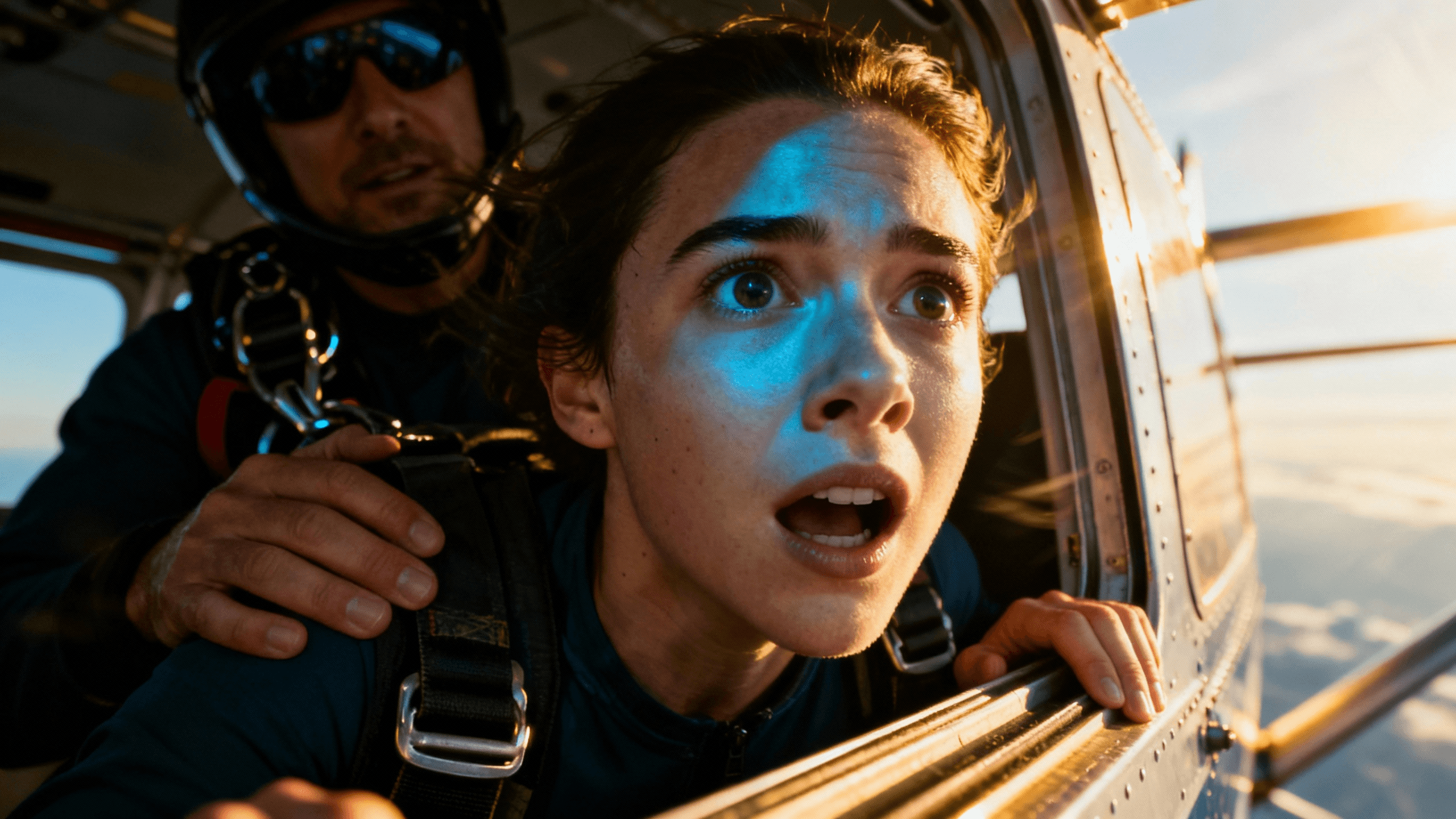
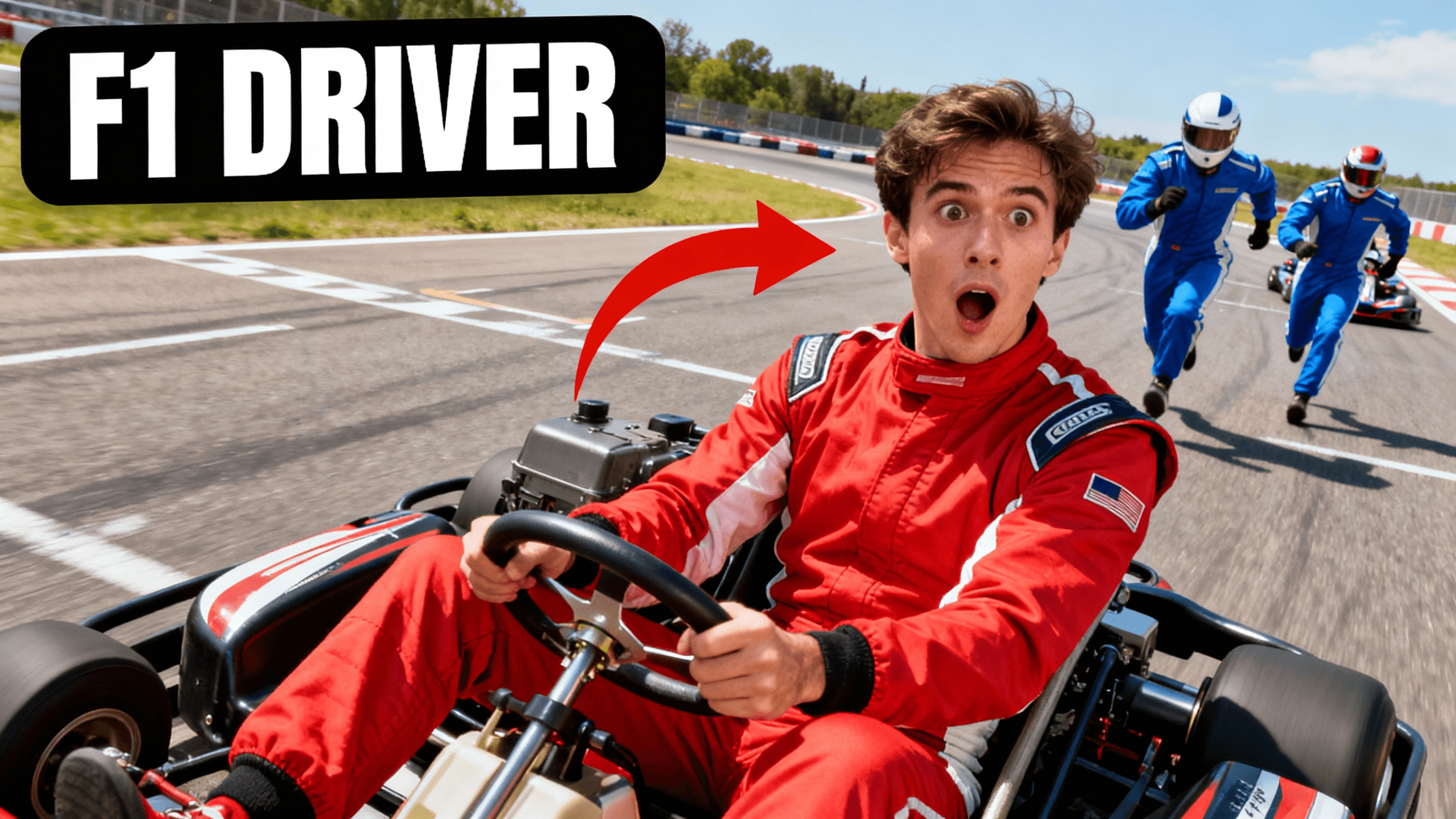
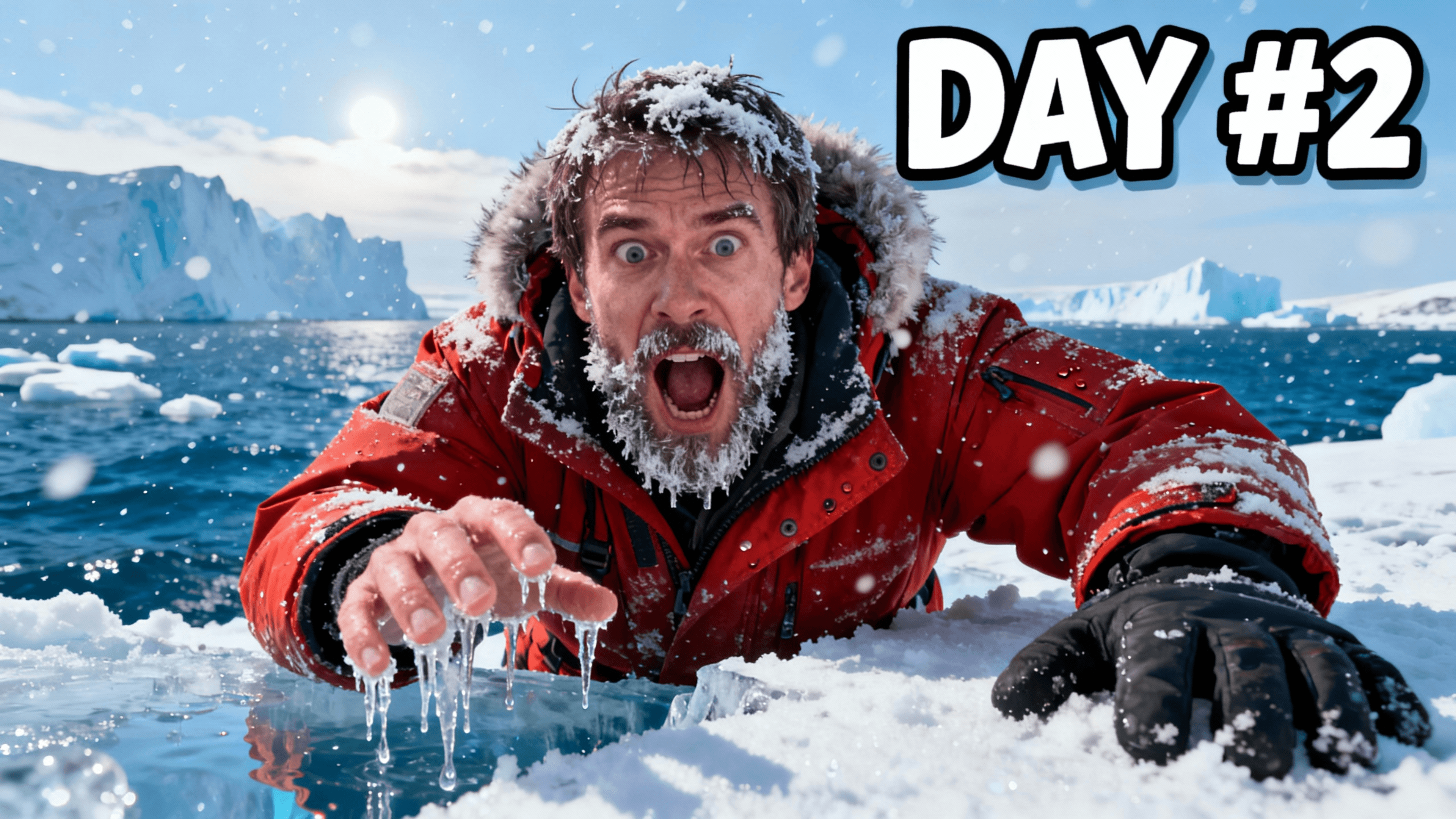

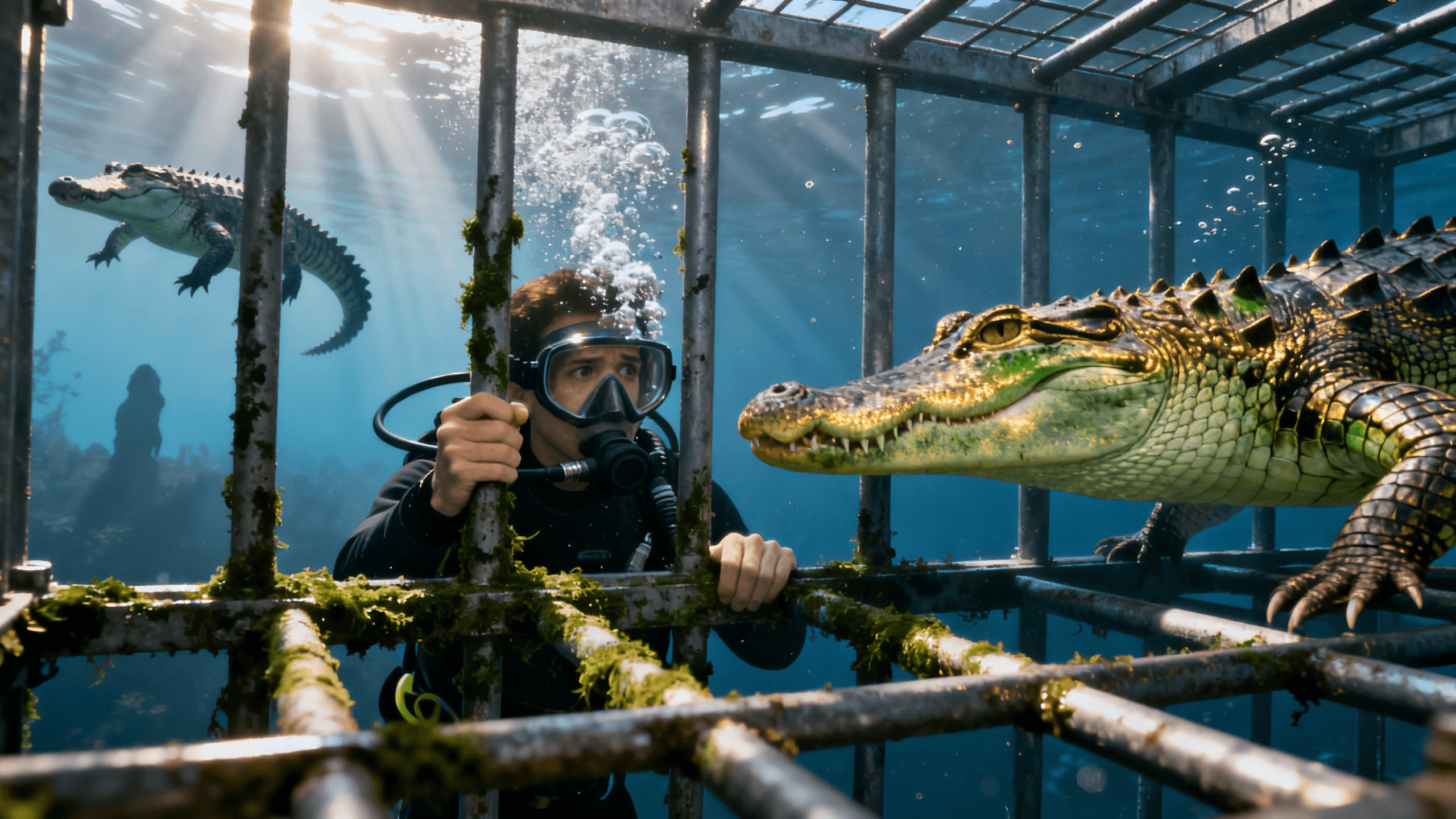
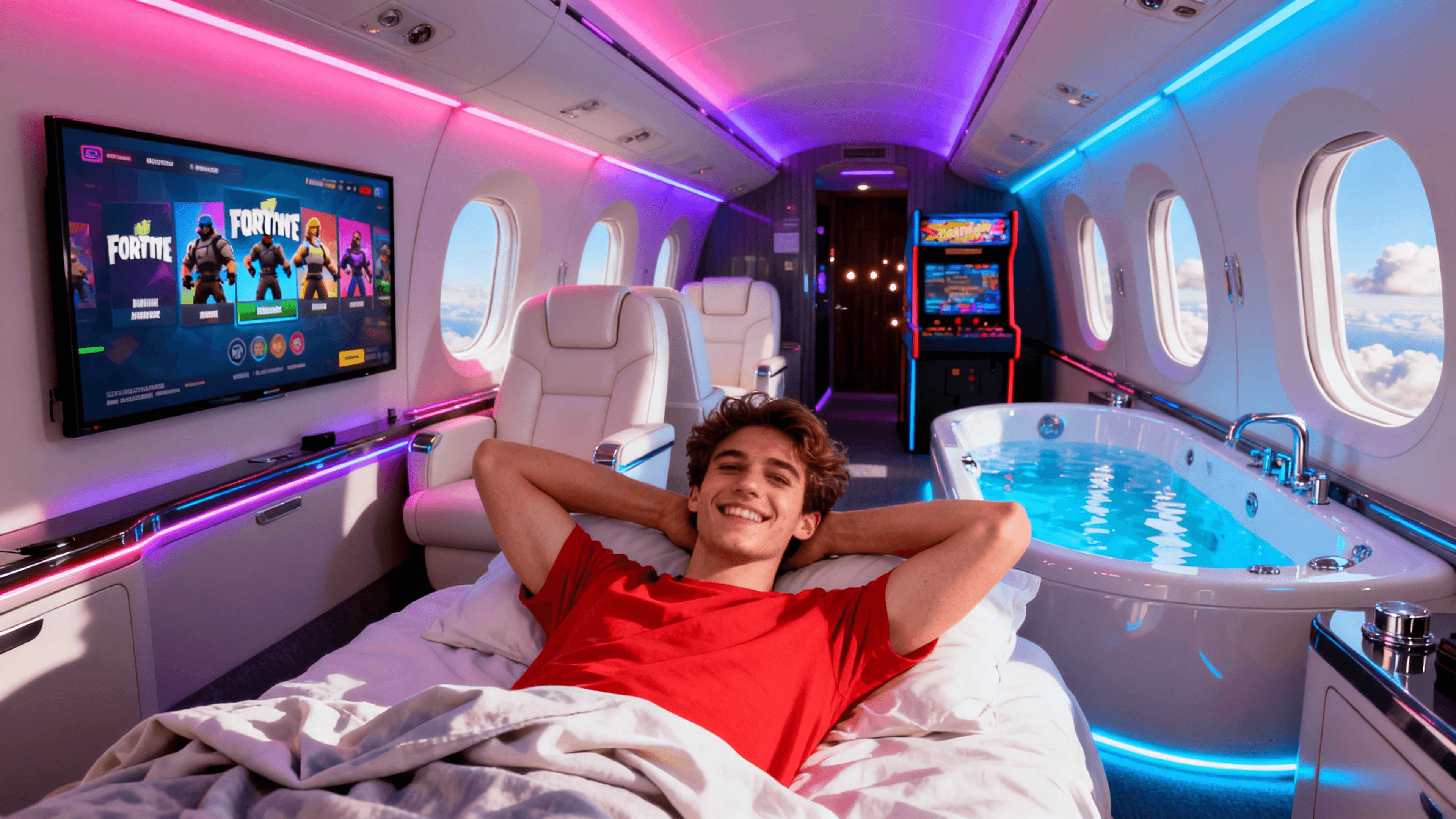


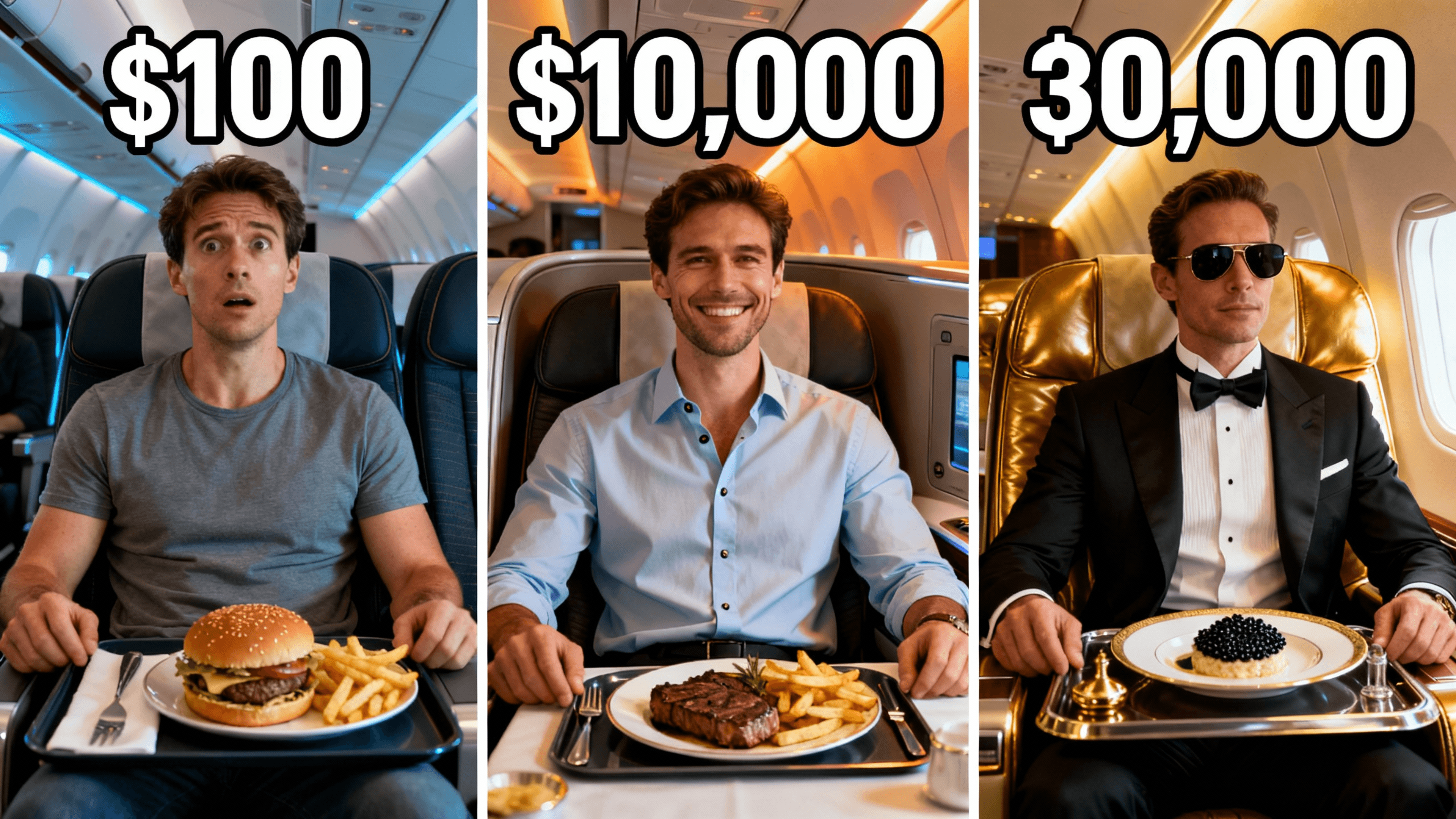
Who It's For
Creators who want to fix thumbnails without starting over
Channels testing different versions of the same thumbnail
Anyone who needs to update text on old thumbnails
YouTubers who want to improve thumbnails that are not getting clicks
Benefits
Target specific problems while keeping everything else intact instead of starting from scratch.
All edits process at full resolution with compression only on final export.
Version history saves every export so you can A/B test different approaches.
One-click tools handle complex edits like background removal and face enhancement.
Try These
“Portrait photo of a person talking, remove the messy background and replace with a clean solid color, keep the face and expression exactly the same”
“Screenshot from a video, make the colors brighter and more eye-catching, add a subtle glow around the main subject to make them pop”
“Existing thumbnail with small hard to read text, make the text bigger and bolder, add a dark outline so it shows up on any background”
Best Practices
Fix one problem at a time. Start with whatever is weakest in your thumbnail and evaluate before making additional changes.
Preview at mobile size before exporting. What looks readable on your monitor might be illegible when shrunk down.
Prioritize text contrast over creativity. White text with black outline reads against almost any background.
Make faces larger than you think necessary. Expressions drive clicks but only if viewers can actually see them.
Save multiple versions for A/B testing. Export different variations and let YouTube analytics show what works.
Common Mistakes
Making text too small for mobile viewing. If you squint to read it at full size, it will be illegible on phones.
Trying to fix too many things at once. Focus on the single biggest issue instead of overhauling everything.
Using low-contrast colors that fade into YouTube's interface. Stick to high-contrast combinations that pop.
Putting important elements in corners where YouTube overlays duration stamps and other UI elements.
Over-editing until the thumbnail looks unnatural. Heavy filters and unrealistic colors reduce viewer trust.
Most low-CTR thumbnails have one of these problems, and all of them are fixable without rebuilding from scratch.
| Problem | Fix | CTR Impact |
|---|---|---|
| Text too small or low contrast | Resize text, add dark outline or stroke | High, first thing viewers notice |
| Busy or distracting background | Remove background, replace with solid color or gradient | High, subject gets lost without it |
| Face too dark or hard to see | Brighten subject, increase contrast, add subtle glow | High, faces drive clicks |
| Too much going on | Crop tighter, remove secondary elements | Medium, simpler thumbnails get scanned faster |
| Colors blend with YouTube UI | Shift to high-contrast palette, avoid grey and white backgrounds | Medium, thumbnail disappears in the feed |
Edit the existing thumbnail when:
Start fresh when:
Most under-performing thumbnails need an edit, not a rebuild. Fix one thing, check analytics for a week, then decide if more changes are needed.
Upload an existing thumbnail and fix common problems in minutes. Try free for 3 days.
Open the Thumbnail EditorFree 3-day trial • Cancel anytime
FAQ
Yes. Describe the change in a prompt, for example "change the title text to say...", and the AI identifies the existing text region and edits it directly, no manual text tool needed.
Yes. Describe what you want, for example "remove the background and replace with a solid color," and the AI isolates your subject while preserving fine details like hair, then builds the new background.
PNG, JPG, and WebP at any resolution up to 15MB. The editor uses a 16:9 canvas and offers 1280x720 HD, 2K, and 4K exports.
No. All edits process at full resolution and compression only happens on final export. You can make multiple edits without degrading quality.
For thumbnail-specific fixes like background removal and text changes, it's faster and simpler. Photoshop offers more power but requires learning layers, masks, and selection tools.