1
Enter Your Title
Paste your YouTube video title and AI extracts the key concepts.

Thumbnail Studioo's AI thumbnail generator reads your video title and creates matching backgrounds in about thirty seconds. Pick from multiple variations, add text with our YouTube thumbnail editor, and export at 1280x720. Sign in to try it.
Testimonials
I already spend forever on titles so having AI just read them and make thumbnails is perfect. One less thing to think about every upload.
Alex Chen
Daily vlogger, 178K subs
My titles are descriptive for SEO so they work great as prompts. "I Survived 48 Hours in a Haunted House" and boom, matching thumbnail.
Taylor Brooks
Challenge videos, 234K subs
Title in, thumbnail out. That's literally it. I upload 5 times a week and this keeps me from burning out on design stuff.
Jordan Hayes
Gaming channel, 89K subs
Ngl I was skeptical but it actually reads titles well. Had to tweak a few results but way faster than starting from scratch.
Mia Rodriguez
Beauty content, 56K subs
Examples
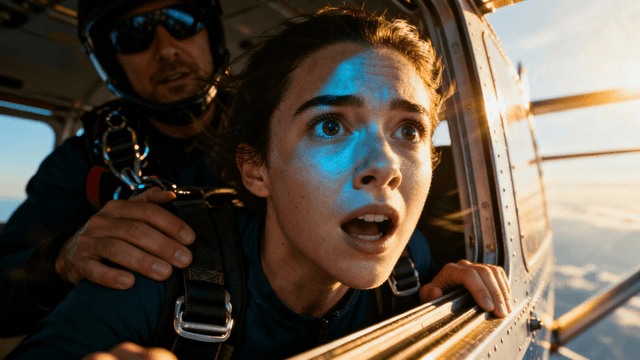
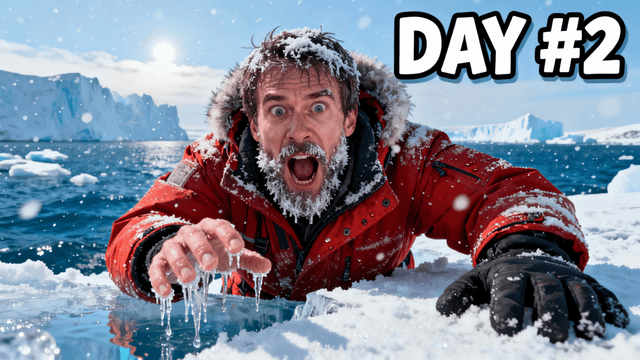
Real thumbnail examples








How It Works
Paste your YouTube video title and AI extracts the key concepts.
AI generates multiple thumbnail options that fit your title.
Add bold text, tweak colors, and adjust for mobile viewing.
Download at 1280x720 and upload to YouTube Studio.
Who It's For
Creators who write their titles before making thumbnails
Anyone who does not want to think about prompts
Channels that post frequently and need fast thumbnail workflows
YouTubers with descriptive clickbait-style titles that work as prompts
Try These
“I Survived 24 Hours in the Ocean”
“We Built a Secret Underground Bunker in My Backyard”
“I Tried the Most Expensive vs Cheapest Hotel in Vegas”
Benefits
No blank canvas anxiety. Your title already describes your video and AI visualizes it.
Generated from your actual title. Viewers get what they expect, no bait and switch.
Title in, thumbnail out. Keep your upload schedule without design decisions slowing you down.
Gaming, vlogs, tutorials, reviews. AI adapts to whatever content your title suggests.
Best Practices
Use descriptive titles. "I Survived 24 Hours in the Ocean" works better than "Ocean Video Part 3".
Finalize your title before generating. Changing titles means regenerating thumbnails.
Pick variations that show your hook. If your title promises something, choose images that tease it.
Add your face to AI backgrounds. Generate the scene, then overlay a real photo.
Batch your work. Enter 5-10 titles in one session and create thumbnails for your next week.
Common Mistakes
Vague titles like "My New Video" give AI nothing to visualize. Be specific about what happens.
Using thumbnails that don't match your video. If AI generates something misleading, regenerate.
Skipping text overlay. Raw AI images need your title added before they're complete.
Expecting perfect faces from AI. Use real photos for expressions. AI handles scenes better.
Taking the first result without checking variations. AI gives you options for a reason.
Paste your video title and get matching thumbnails in seconds. Free to start with 60 monthly credits.
Generate from TitleNo credit card required • Free plan available
FAQ
More Use Cases