1
Copy Your Video Description
Take the first 2–3 sentences of your YouTube description, the part that captures the main hook or concept.
Reviewed by Thumbnail Studioo · Updated 3 May 2026
Generate from DescriptionAI thumbnail generator
Describe the thumbnail you want and generate it directly on this page.
Your thumbnail will appear here
Write a description and choose a style to get started.
Examples
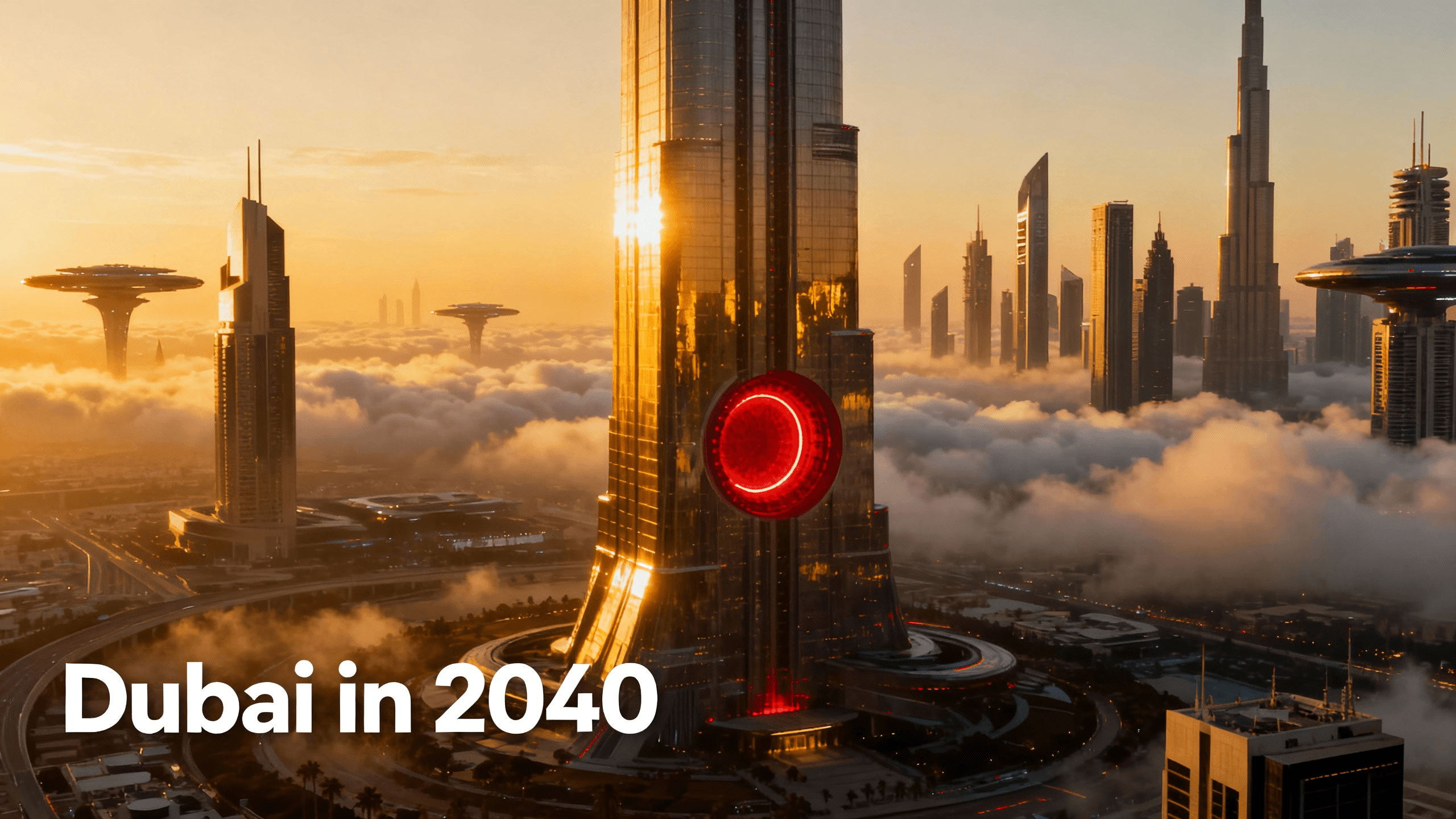
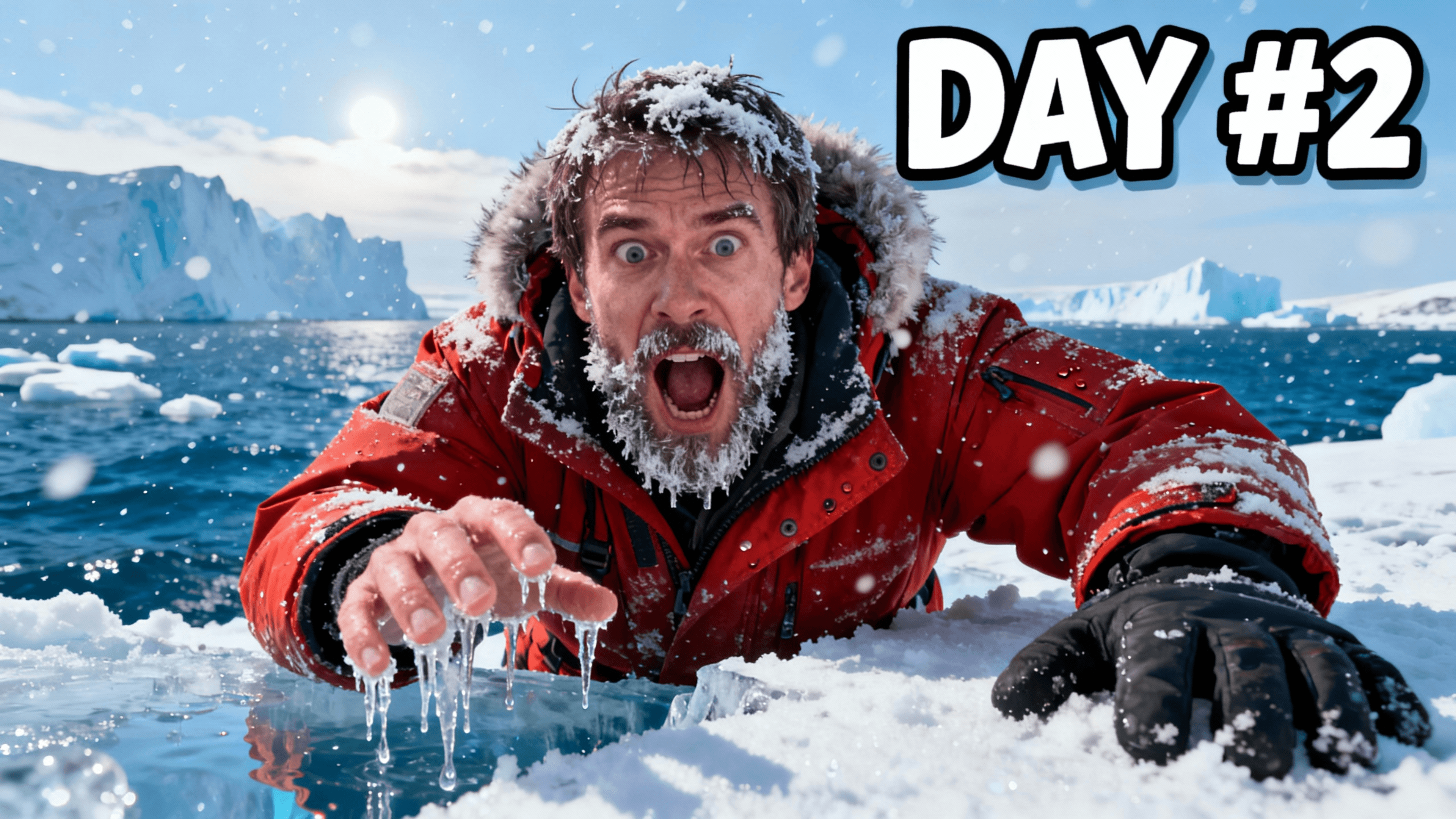
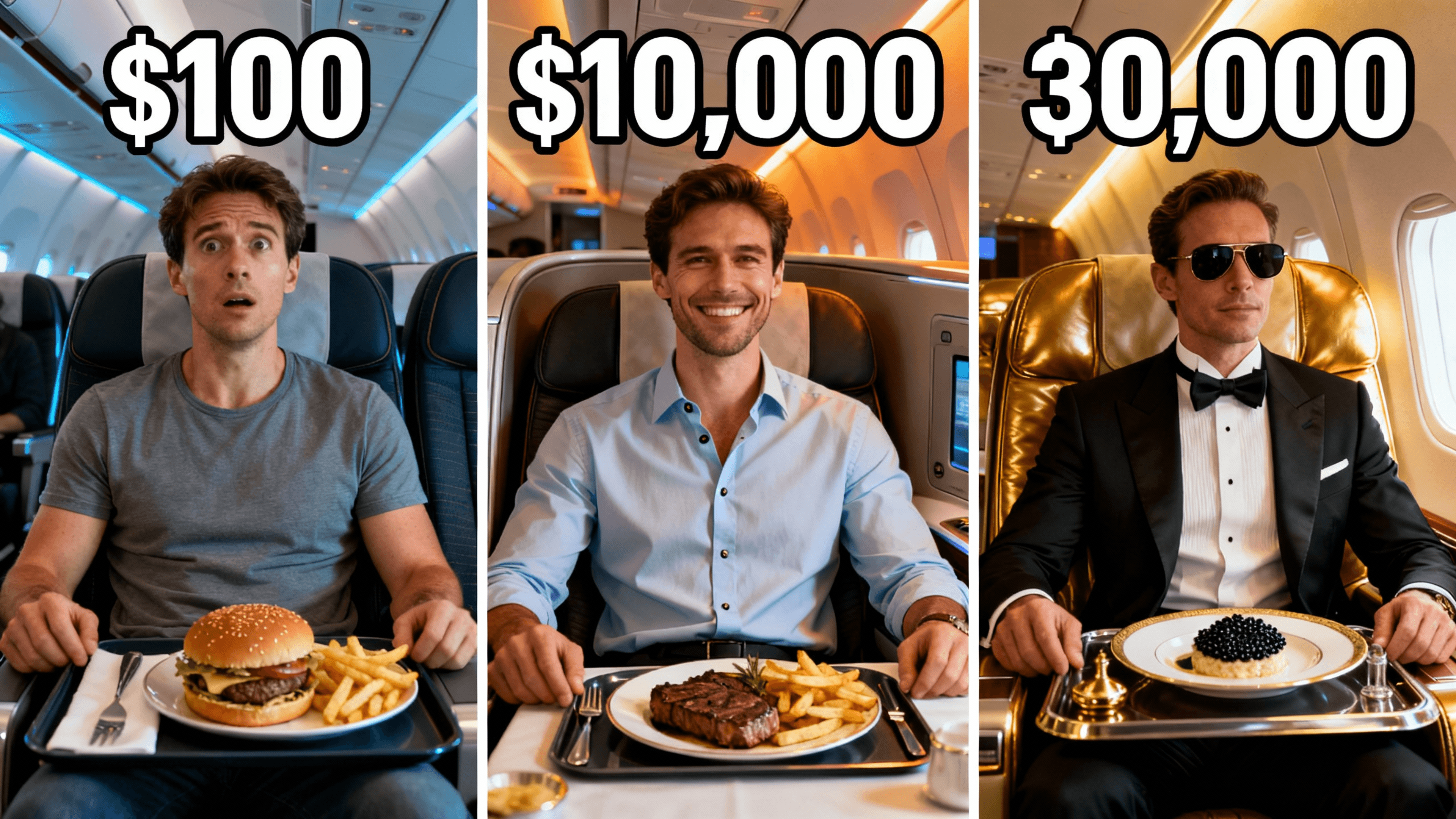
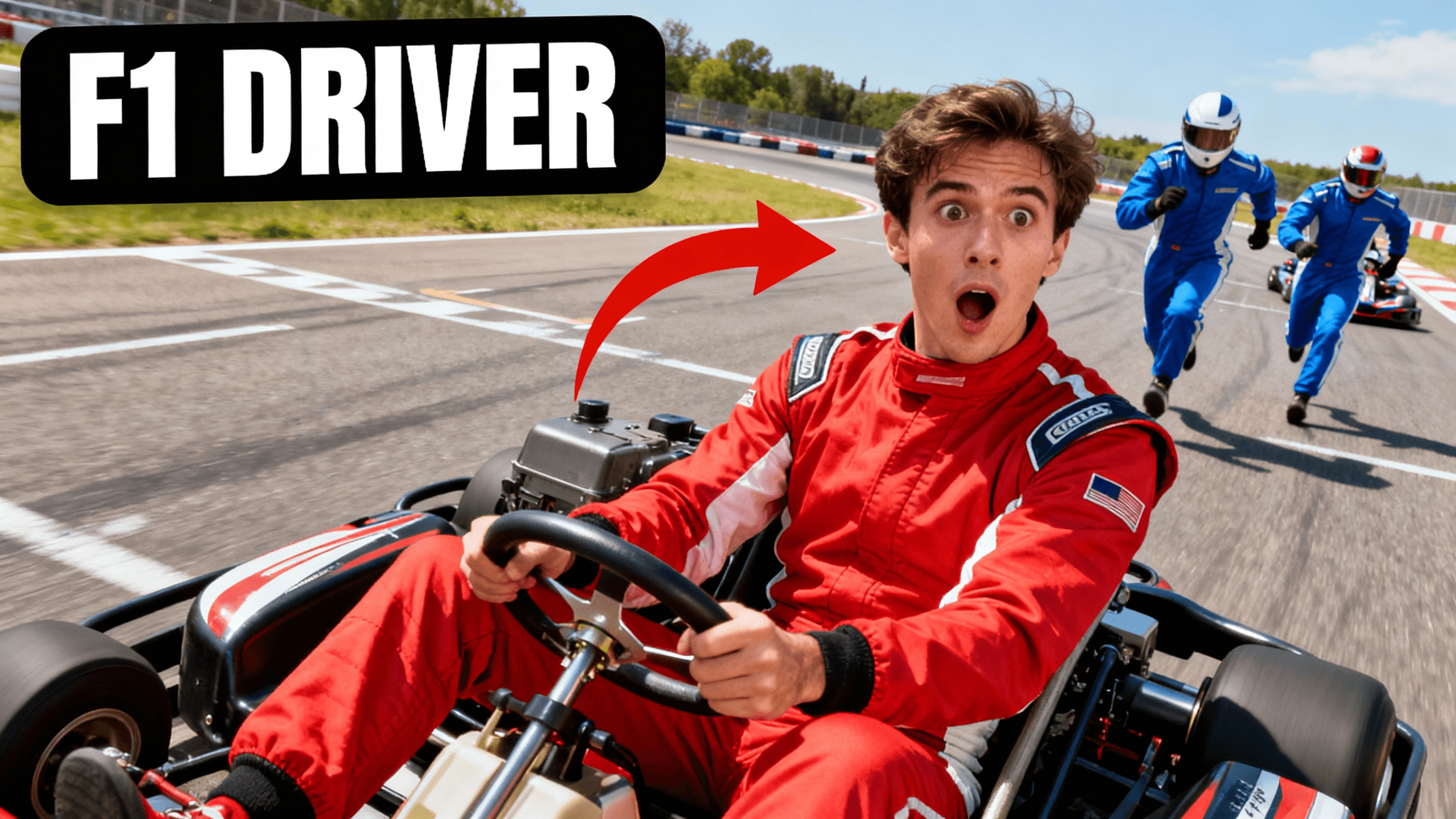
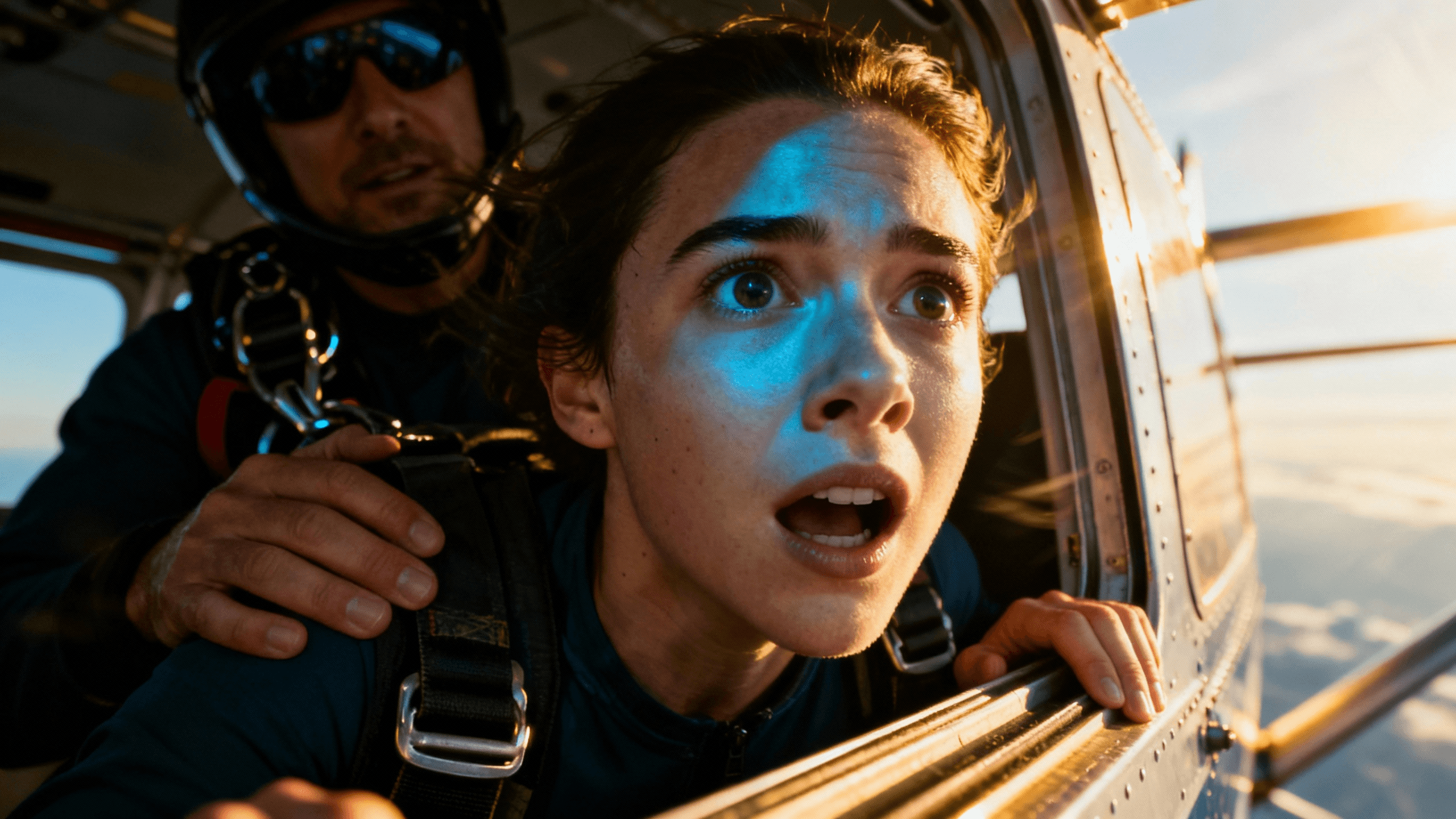
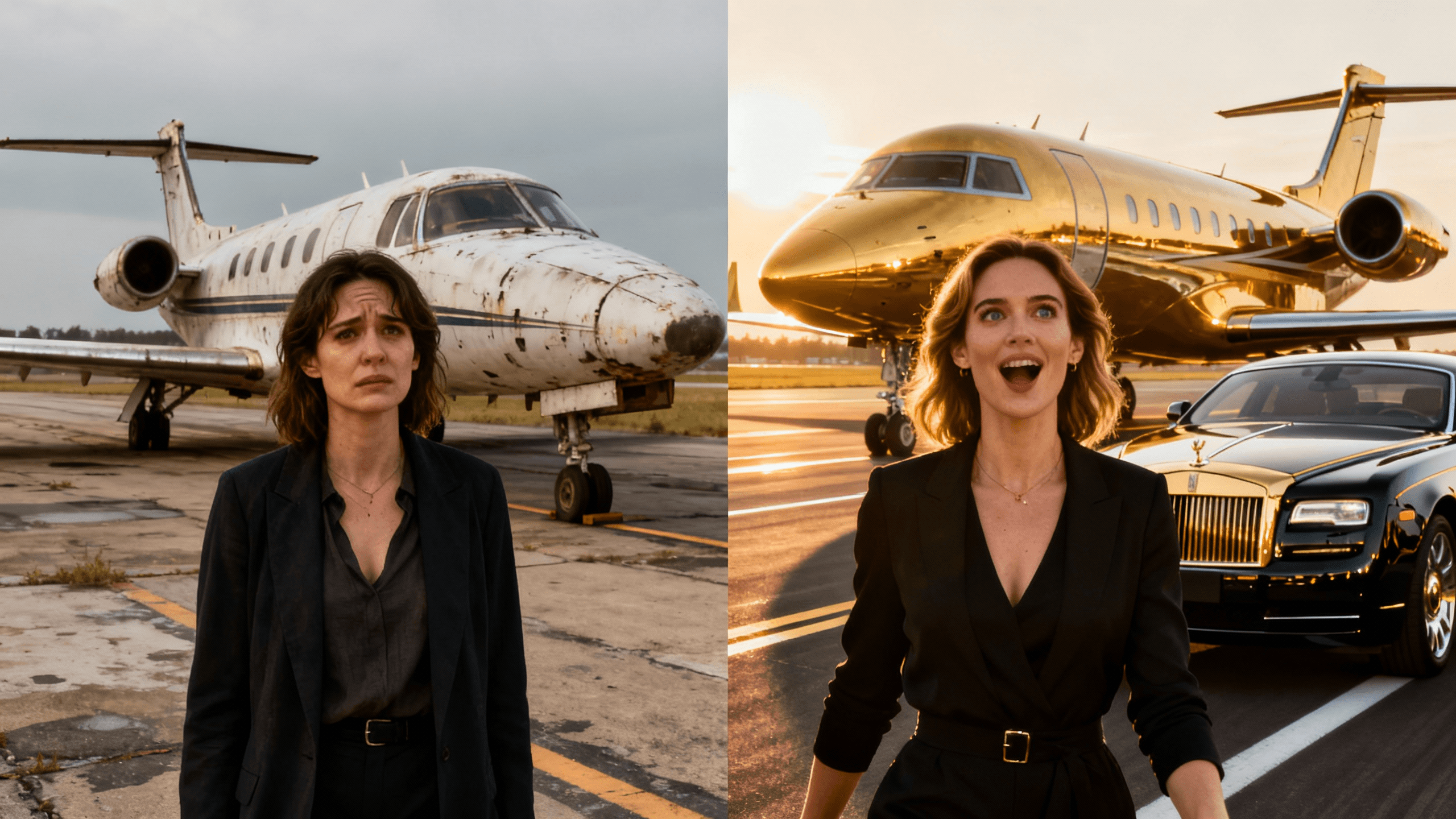
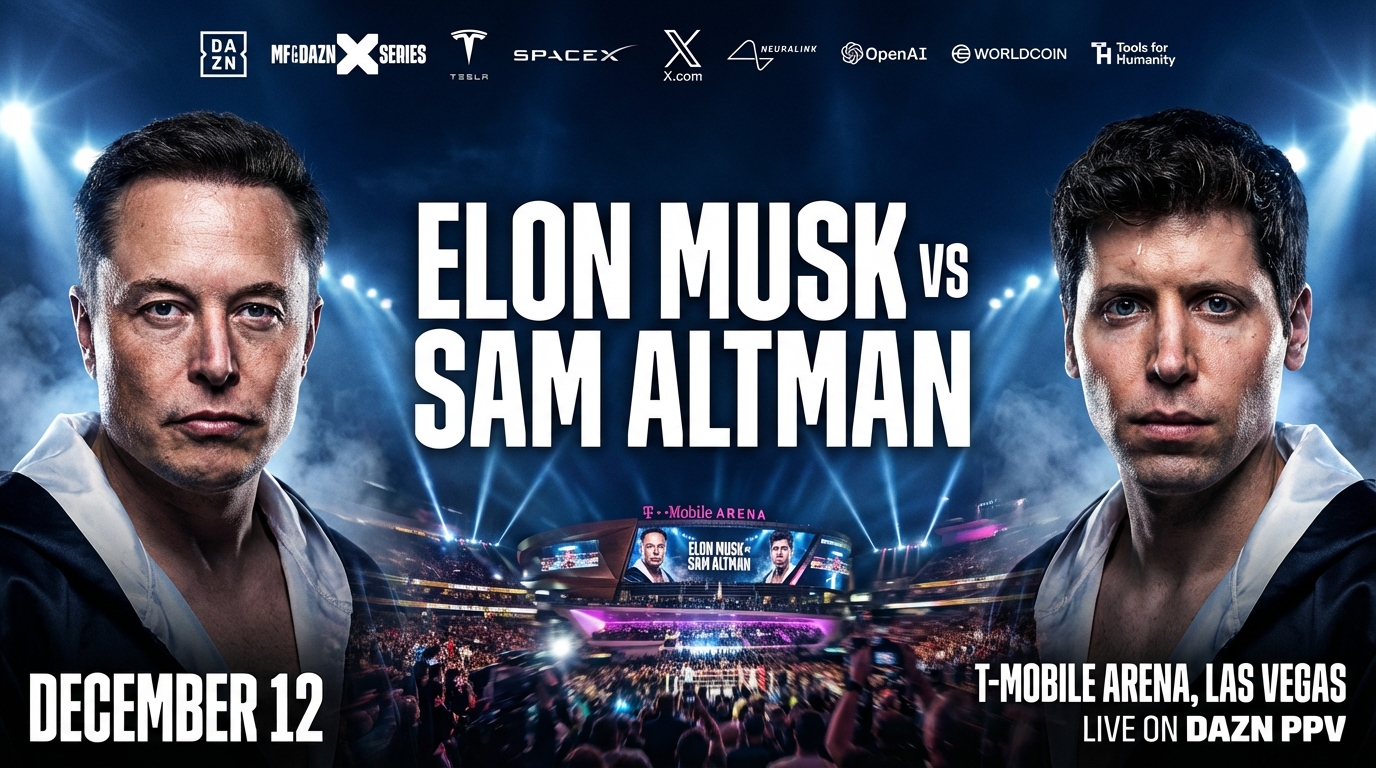
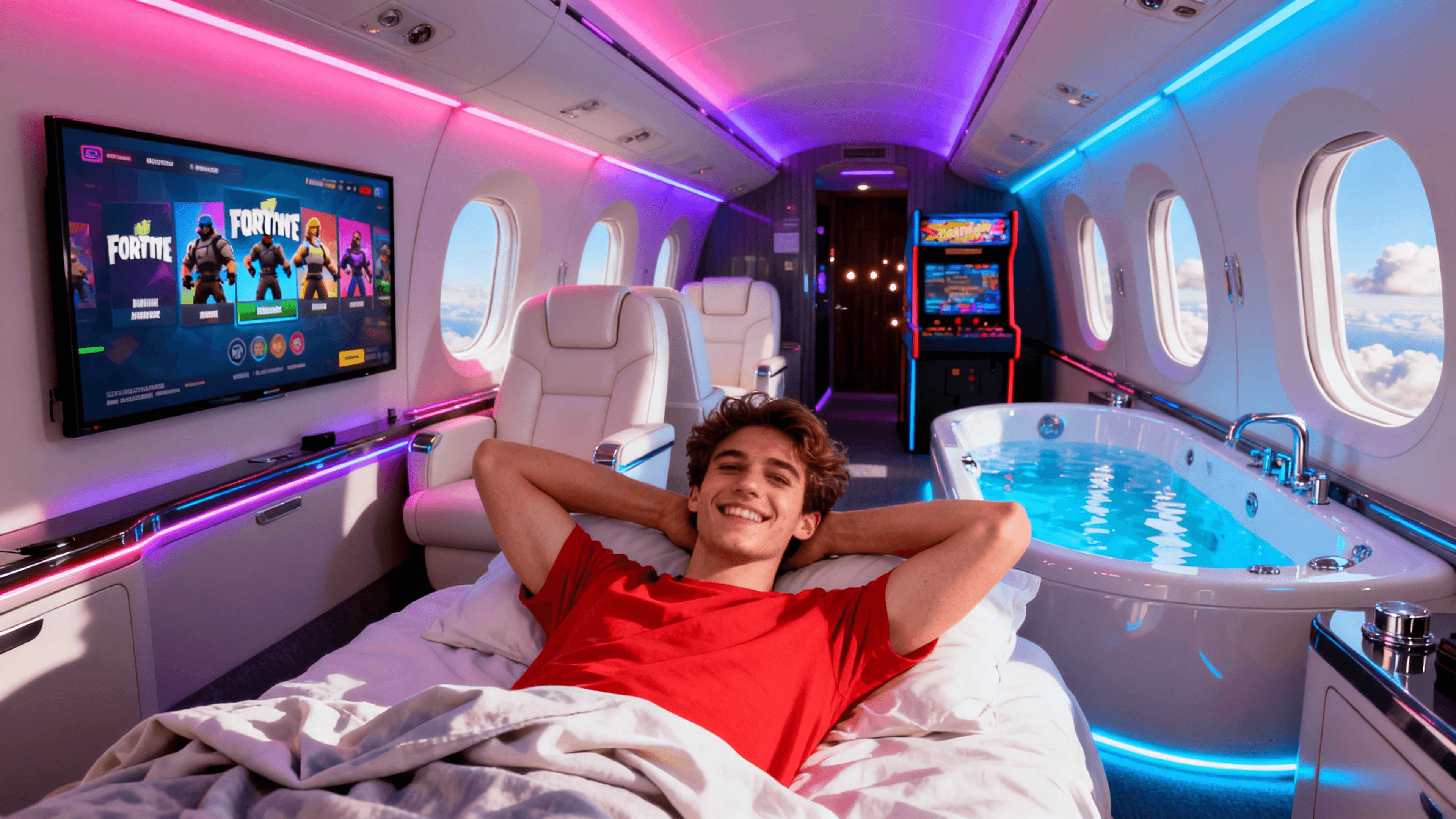
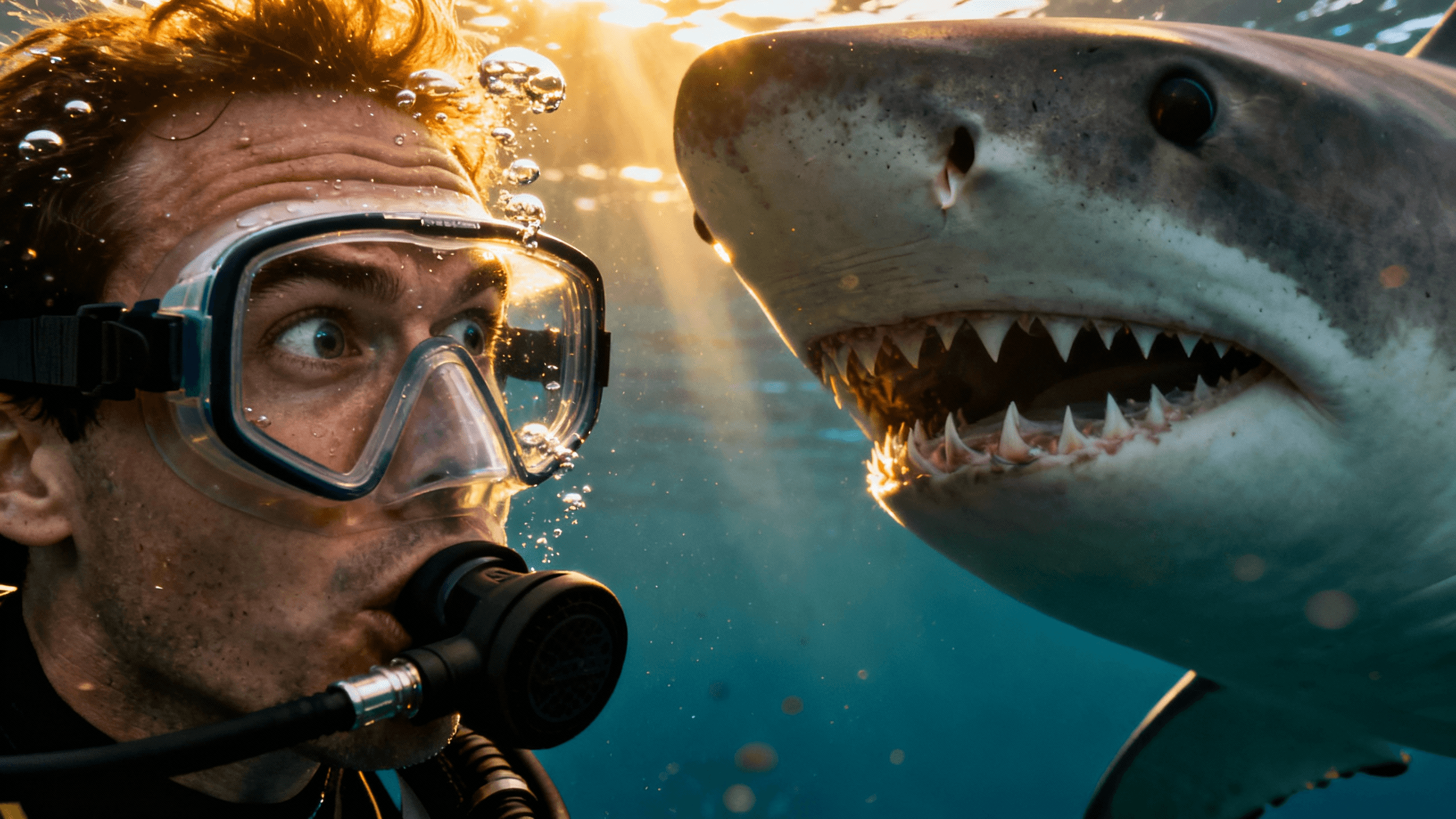
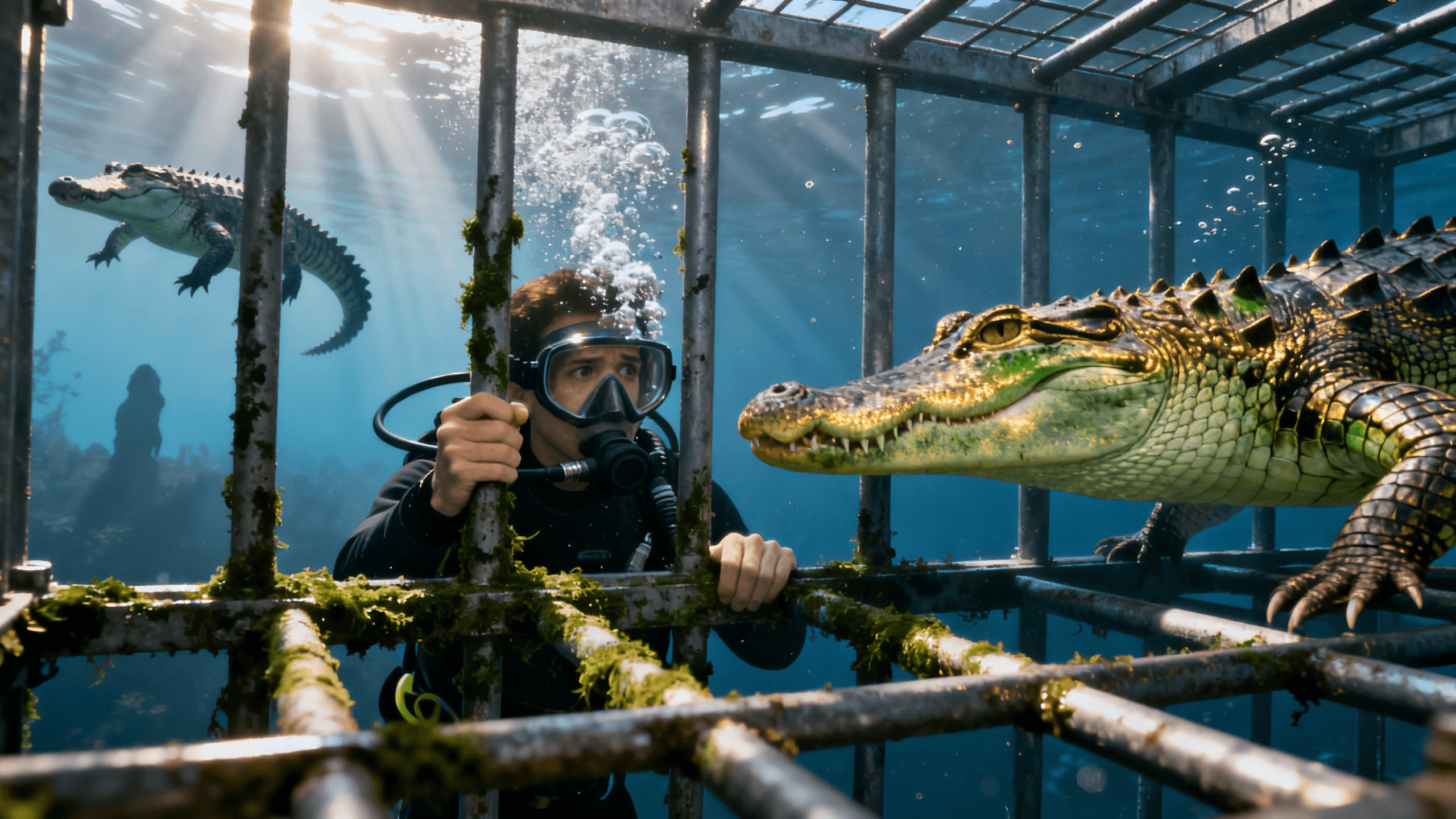
Your YouTube description already has everything the AI needs: the topic, the hook, the value prop. Here is how to get the best output:
Paste the first 2–3 sentences. The opening of your description is the hook. It usually contains the most clickable angle. The AI focuses on the concept most prominently described.
Add a visual instruction at the end. After pasting your description, append one line: "Thumbnail should show [specific element] with [mood/setting]. Leave space for title text." This guides the composition without rewriting the whole description.
Review and iterate. The AI may pick a different angle than you intended. If it focuses on the wrong part of your video, highlight the key concept: paste only the sentence about the main topic, not the full description.
Example: If your description starts with "In this video I quit my 9-5 job and moved to Bali with $2,000 in my pocket...", the AI will likely generate a travel/adventure visual. Add "Show a person at a tropical beach looking free and excited. Space for text at top." to nail the composition.
Both work. Here is when to use each.
| Approach | Best For | Speed | Output Accuracy |
|---|---|---|---|
| Paste video description | Videos where the description captures the hook well. Fast way to start without thinking about the prompt separately. | Fastest, copy paste and go | Good for concept, may need composition refinement |
| Write a custom prompt | When you have a specific visual in mind that the description doesn't fully capture. More control. | Slightly slower, writing a focused description | Higher when the prompt is specific |
| Paste description + add visual note | Best of both, uses existing content but guides the composition. | Fast, minimal extra work | Best overall output |
How It Works
Take the first 2–3 sentences of your YouTube description, the part that captures the main hook or concept.
Paste the description and add one line about the composition: subject, mood, and where you need space for text.
AI generates a thumbnail that matches your video's concept. If it picked the wrong angle, highlight the key sentence and regenerate.
Add your video title in the editor and export at 1280x720. Ready for YouTube Studio.
Who It's For
Creators who write their description first and want the thumbnail to match the actual video content
YouTubers who struggle to come up with a separate thumbnail concept after already writing the description
Channels that want consistency between their written content and their visual identity
High-volume creators who need thumbnails fast without a separate creative brief for each video
Try These
“Video description: "I spent 30 days eating only food from vending machines. No restaurants, no home cooking, just whatever I could find in a machine...", thumbnail of person surrounded by vending machines with surprised expression”
“Video description: "Breaking down why the stock market is about to crash and what you should do with your money right now...", thumbnail of serious-looking person beside dramatic red chart”
“Video description: "I learned to fly a plane in 30 days with zero experience. Here's everything that happened...", thumbnail of person in cockpit with determined expression, sky visible through window”
Benefits
Your description already exists. Using it as the prompt removes one step from your workflow.
AI generates based on what the video is actually about, not a generic interpretation of your niche.
When the thumbnail reflects the description and the video delivers on both, viewers trust your channel more.
Tutorial, vlog, documentary, reaction, if you can describe it in a YouTube description, the AI can visualize it.
Creators search for this when they want the thumbnail to match the video, not a generic AI image, but something that reflects the actual content. The video description already contains the key concepts. Using it as the prompt means the AI understands the video before it generates anything.
Paste your YouTube video description into Thumbnail Studioo's AI thumbnail generator. The AI reads the description, extracts the main concept, and generates a matching 1280x720 thumbnail. Then refine it in the thumbnail editor, add title text, adjust colors, export. Sign in to try it free.
Paste your description. AI generates the visual. Add text and export. Free to start.
Generate from DescriptionFree 3-day trial • Cancel anytime
FAQ
The first 2–3 sentences, the hook. That is usually where the most compelling concept lives. Pasting the full description can dilute the focus and produce more generic output.
The AI picks the most prominent concept in your input. If it chose the wrong one, isolate the key sentence and regenerate. Adding a one-line visual instruction at the end also helps direct the composition.
For most videos, yes, especially if your description clearly communicates the hook. For videos where the visual concept is very specific and different from the written description, a custom prompt gives you more control.
Yes. Tutorial, vlog, documentary, reaction, gaming, finance, as long as your description captures what makes the video interesting, the AI can generate a matching visual.