1
Describe
Tell AI what your video is about. Include mood, colors, and key visual elements.
Examples
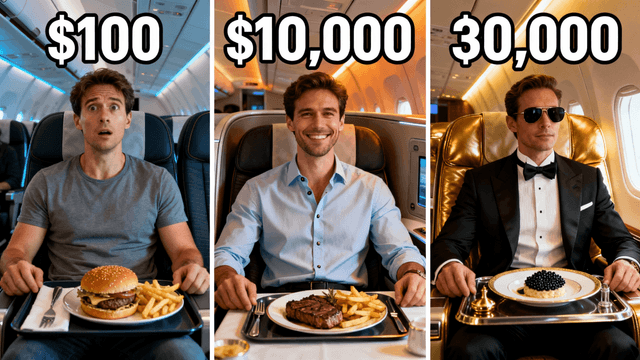
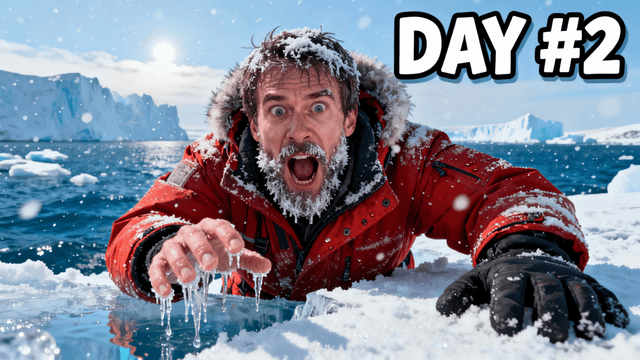
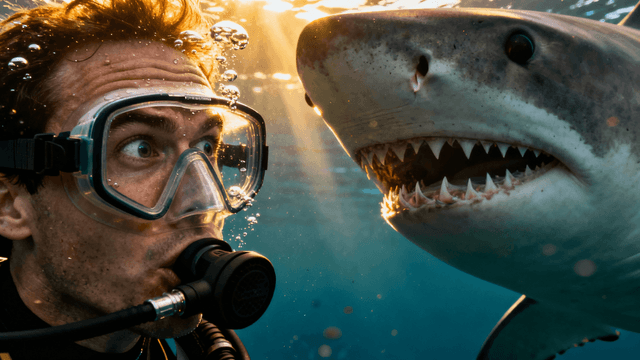
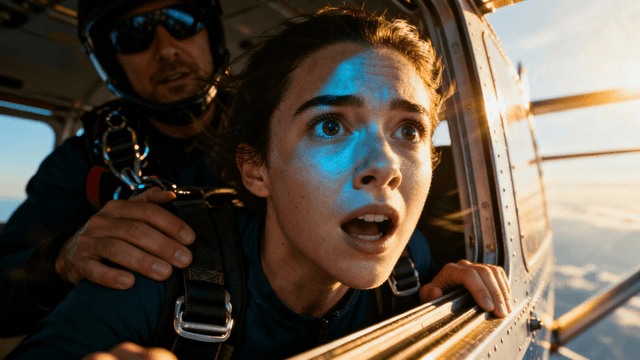
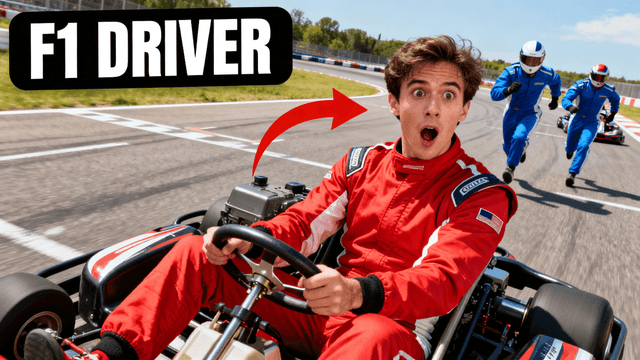
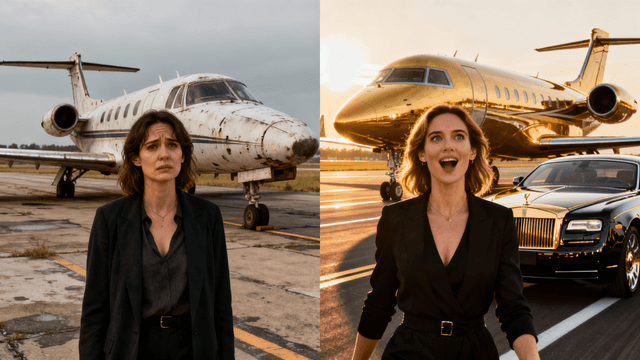
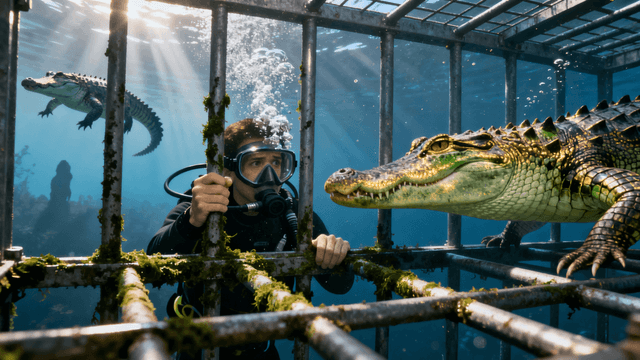
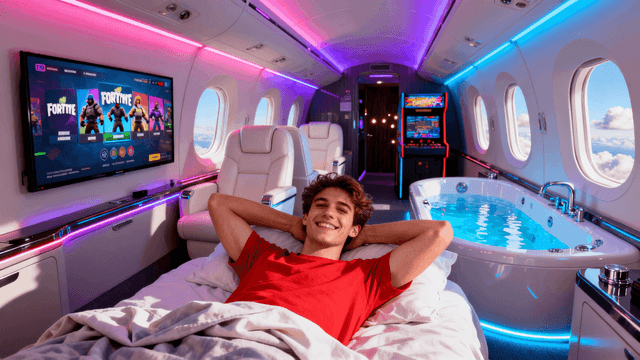
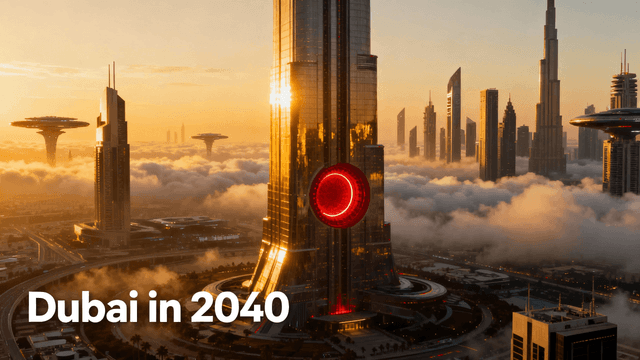
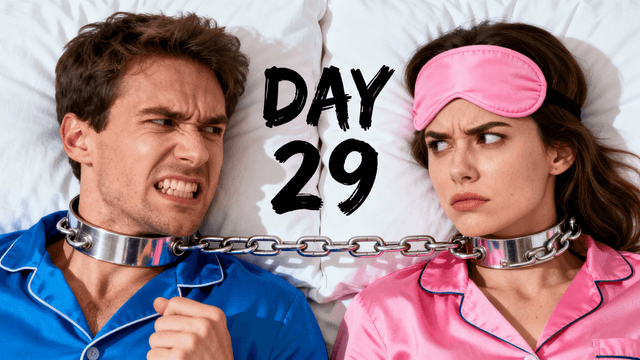
How It Works
Tell AI what your video is about. Include mood, colors, and key visual elements.
AI creates 3-4 unique thumbnail options in seconds. Pick your favorite.
Add your title text, tweak colors, adjust composition in the editor.
Export at 1280x720. Upload directly to YouTube Studio.
Who It's For
YouTube creators who need custom thumbnails fast without learning Photoshop or hiring designers
Channels that want unique thumbnails instead of generic templates everyone else uses
Creators who know exactly what thumbnail they need but lack design skills to create it
YouTubers uploading frequently who need to produce quality thumbnails at sustainable speed
Try These
“Person with jaw dropped expression looking at glowing treasure chest opening in dark room, golden light illuminating face, dramatic cinematic lighting, amazed reaction”
“Side by side comparison showing tiny apartment on left versus massive mansion on right, person standing in center pointing at both, bright colors, clear visual contrast”
“Excited YouTuber celebrating reaching 1 million subscribers, confetti falling, huge smile, YouTube silver play button visible, energetic party atmosphere, red and white color scheme”
Benefits
AI does the creative heavy lifting. You just describe what you want and pick from options.
AI generates original images. No recycled stock photos that viewers have seen before.
Create thumbnails in minutes instead of hours. Spend more time making videos.
Perfect dimensions, file size, and format. YouTube accepts your uploads instantly.
Describe the thumbnail you need and our AI thumbnail generator creates it in 30 seconds. "Person shocked at huge pile of money" becomes a real image. Edit with the YouTube thumbnail editor to add text and effects. Export at exactly 1280x720 for YouTube. Sign in and create your first AI thumbnail.
Describe your video. Get a unique thumbnail in seconds. Add your headline and export for YouTube Studio.
Create AI ThumbnailFree 3-day trial • Cancel anytime
FAQ
You write a text description of what you want your thumbnail to show, including details about the scene, mood, colors, and composition. The AI processes your description and generates a unique image in about thirty seconds. You then add your video title text using the built-in editor and export at 1280x720, which is the exact resolution YouTube requires. If the first result is not quite right, you can regenerate with adjusted wording or tweak specific elements.
Yes. Try it free for 3 days with full access to all AI generation and editing tools. No watermarks on exports. The trial gives you a real week to evaluate whether AI thumbnail creation fits your workflow.
AI works best for generating backgrounds, scenes, and environments. For thumbnails that include your face, the recommended approach is to generate an AI background and then upload a photo of yourself to combine with it in the editor. This hybrid method gives you a custom AI background while keeping the authentic emotion of your real facial expression, which tends to perform better for click-through rates anyway.
Templates are used by thousands of creators, which means your thumbnails look similar to everyone else using the same library. AI generates original images based on your specific description, so no other channel has the same thumbnail. Beyond uniqueness, AI also lets you describe exactly what you want rather than hoping to find a template that is close enough to your vision.
The more specific your prompt, the better your results. Instead of writing "gaming thumbnail," try something like "intense moment of player discovering a secret room in a dark castle, dramatic purple and orange lighting, cinematic mood, surprised reaction." Include details about the subject, setting, lighting, colors, and emotional tone. Specific prompts give the AI clear direction and reduce the number of regenerations needed.
Just regenerate. AI generation has inherent randomness, so trying the same prompt again produces different results. If the general direction is wrong, adjust your prompt wording to be more specific about what you want. Most creators find that generating three to five variations and picking the best one gives better results than trying to perfect a single attempt.
The AI generates your image in about thirty seconds. Adding your title text and making any final adjustments typically takes another minute or two. Most creators can go from starting the tool to having a finished YouTube-ready thumbnail in under five minutes. This is significantly faster than traditional design workflows using Photoshop or similar tools.