1
Describe Your Vision
Write what you want. Our AI understands creative intent, not just keywords.
Testimonials
I tried like five different AI tools before this one. Most of them gave me generic art that looked nothing like a YouTube thumbnail. This actually understands what makes people click.
Marcus Chen
Tech reviewer, 89K subs
Went from spending 2 hours per thumbnail to maybe 10 minutes. The AI gets it right most of the time and when it doesn't I just regenerate. Game changer for my upload schedule.
Rachel Simmons
Daily vlogger, 156K subs
My thumbnails used to look amateur compared to bigger channels. Now people actually think I have a designer. It's just me and this tool tbh.
Jordan Blake
Finance educator, 45K subs
Finally something that doesn't require me to learn Photoshop. I describe what I want, it makes it. Simple as that. My CTR went up like 30% since switching.
Aisha Patel
Lifestyle & travel, 210K subs
Examples
Real best ai thumbnail generator examples from creators
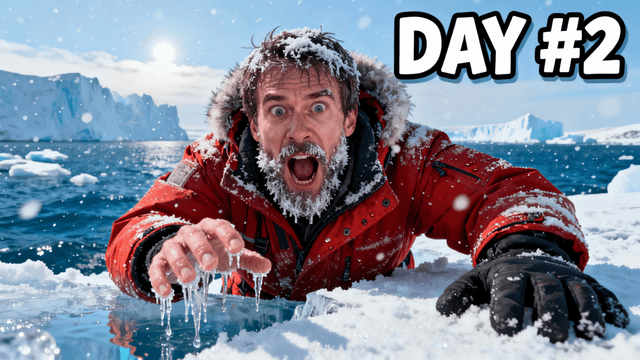
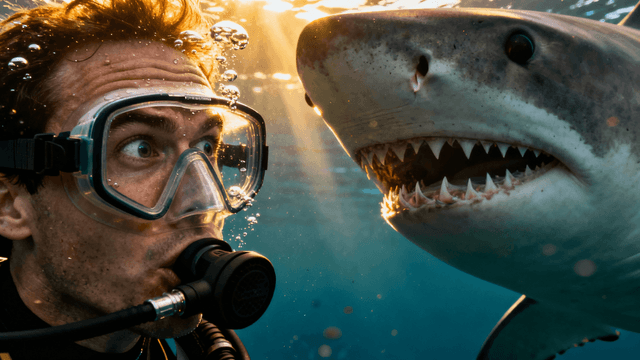
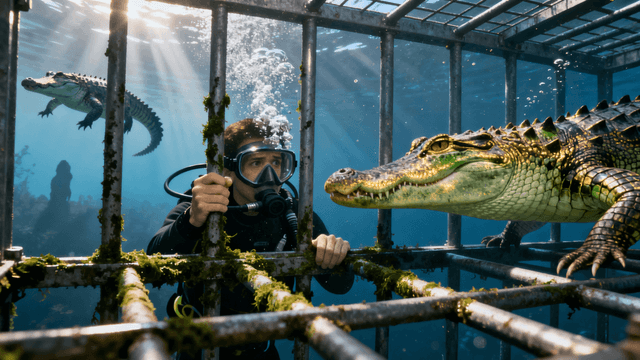
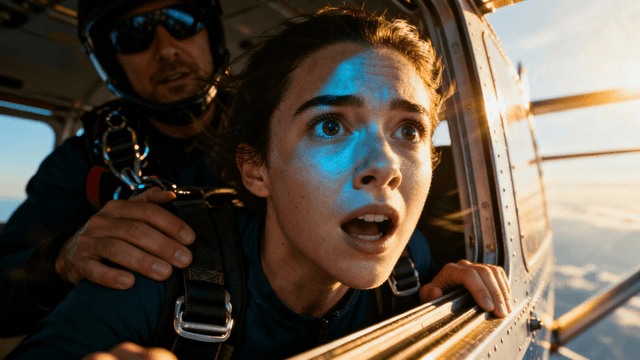
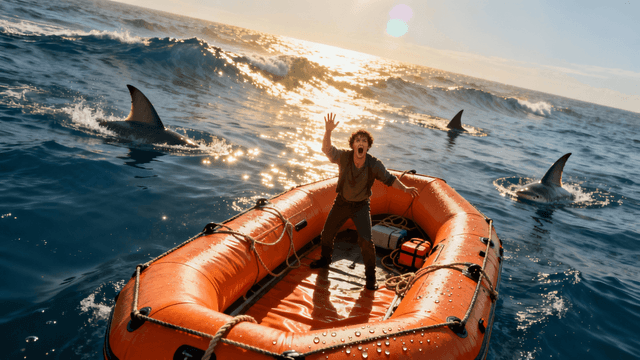
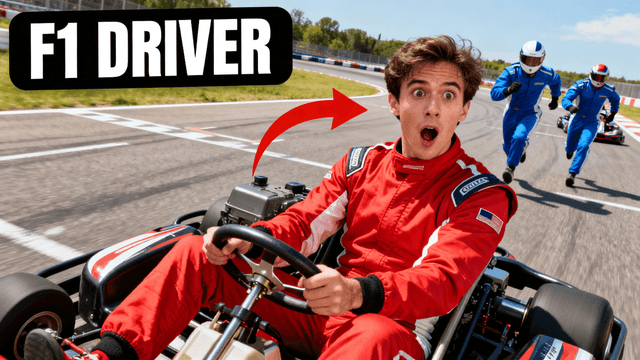
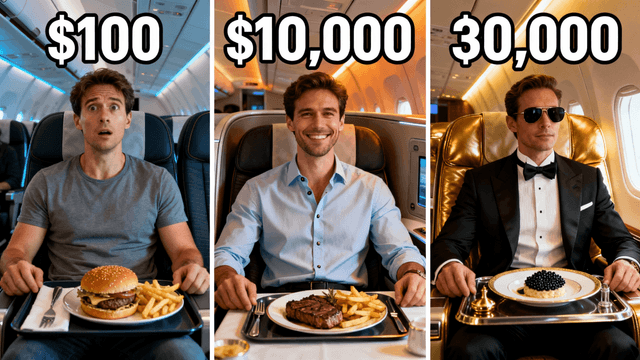
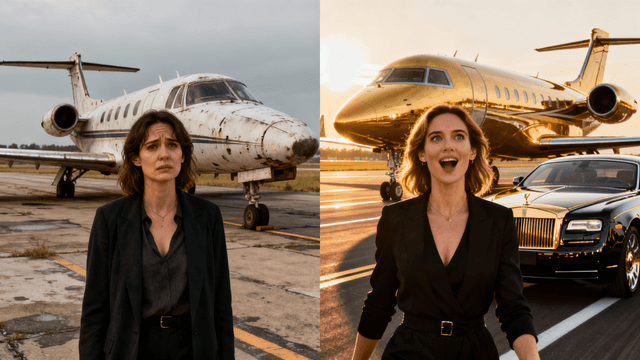
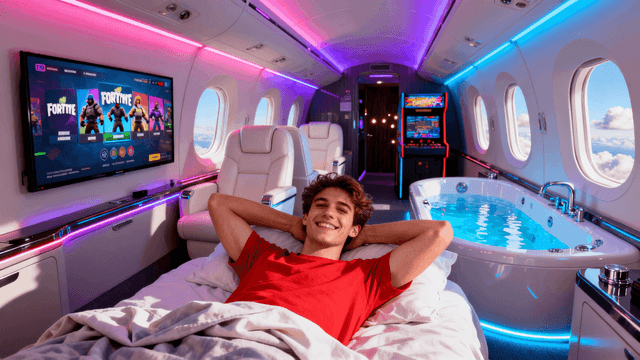
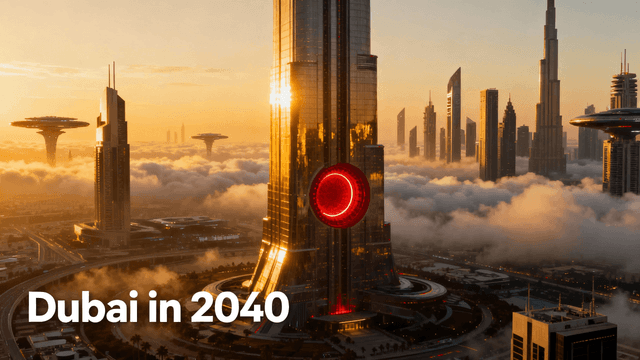
General AI art tools can generate images. Thumbnail Studioo generates thumbnails, there is a difference.
| Feature | Thumbnail Studioo | Midjourney / DALL-E | Canva AI |
|---|---|---|---|
| YouTube dimensions (1280x720) | Built in | Manual setup required | Template-based |
| Optimized for CTR | Yes, faces, contrast, readability | No, built for art | Partial |
| Text overlay tools | Yes | No | Yes |
| Background removal | Yes | No | Yes (limited) |
| AI editing (change specific parts) | Yes | No | No |
| Free to start | Yes | Paid only | Free tier available |
Not all AI tools produce thumbnails that actually get clicks. Before committing to any tool, check these:
Output quality at small sizes. Thumbnails display at around 120x68px on mobile. If the image looks muddy or details disappear at that size, it will not work.
Composition for YouTube. Strong thumbnails put the main subject left or right, leave space for text, and use high-contrast colors. Generic AI tools don't understand this.
Speed. You need a new thumbnail for every video. If generation takes more than 60 seconds, it breaks your workflow.
Editing after generation. AI output is rarely perfect. You need to add text, adjust colors, or remove a background without switching to another tool.
No watermarks on export. A watermark on a published thumbnail looks unprofessional and kills trust instantly.
How It Works
Write what you want. Our AI understands creative intent, not just keywords.
Get 3-4 unique thumbnails per generation. Real choices, not slight variations.
Use the full editing suite to customize. Text, colors, composition - all adjustable.
Download at perfect YouTube specs. Ready to upload and start getting views.
Who It's For
Creators who want thumbnails that actually get clicks, not just look pretty
YouTubers tired of spending hours on each thumbnail in Photoshop or Canva
Channels covering topics that are hard to photograph like future tech or historical events
Anyone who knows what they want but lacks the design skills to create it
Try These
“Person looking absolutely shocked holding a huge stack of cash, money flying everywhere, bright studio lighting, clean background with space for big text at the top”
“Gamer with headphones screaming at the screen, neon RGB lights in the background, intense frustrated expression, dark room with colorful glow”
“Before and after split screen, messy room on left side clean room on right side, dramatic transformation, arrows pointing between the two sides”
Benefits
Not a general AI art tool adapted for thumbnails. Built from scratch specifically for video thumbnails.
AI optimized for thumbnail creation. Generates click-worthy visuals.
Thumbnails in seconds, not minutes. Keep up with your publishing schedule.
AI handles the hard part. You just describe and choose.
Most AI image tools are built for art, not thumbnails. They produce beautiful images that look terrible at 120px on a phone screen. Creators searching "best AI thumbnail generator" have usually tried two or three tools and been disappointed. They want something that understands YouTube, the right dimensions, compositions that read small, and output they can actually use.
Thumbnail Studioo's AI thumbnail generator was built specifically for YouTube creators. Describe your video concept, get multiple thumbnail variations, pick your favorite, and add title text with our thumbnail editor. Export at 1280x720 ready for upload. Sign in to try it free.
Built for creators. Optimized for clicks. Free to start.
Try It FreeFree 3-day trial • Cancel anytime
FAQ
Thumbnail Studioo was built specifically for YouTube thumbnails, not adapted from a general art tool. The AI understands what makes thumbnails get clicked: expressive faces, bold colors, and compositions that work at small sizes. You also get a full editing suite to add text and make adjustments before exporting.
Midjourney and DALL-E are general AI art tools that can create beautiful images, but they require you to know the right dimensions, handle your own text overlays, and figure out how to optimize for YouTube. Thumbnail Studioo handles all of that automatically because it was built for one purpose: helping YouTubers create thumbnails that get clicks.
For thumbnails specifically, the results are optimized for click-through rates rather than artistic beauty. General AI tools create art. This creates thumbnails designed to grab attention at small sizes and make viewers want to click. The AI understands faces, emotions, and compositions that perform well on YouTube.
Yes. The 1280x720 resolution works well for Twitch, social media, and any platform that needs video thumbnails. YouTube optimization is built in, but it does not limit what you can create. Many creators use it for course thumbnails, podcast covers, and other video content.
About thirty seconds per generation. You get multiple variations each time, so you can compare options and pick the best one. Most creators finish a complete thumbnail including text in under five minutes, which makes it practical to create multiple versions for A/B testing.