1
Upload Your Image
Drag in a screenshot, existing thumbnail, or any photo. PNG and JPG both work, no conversion needed.
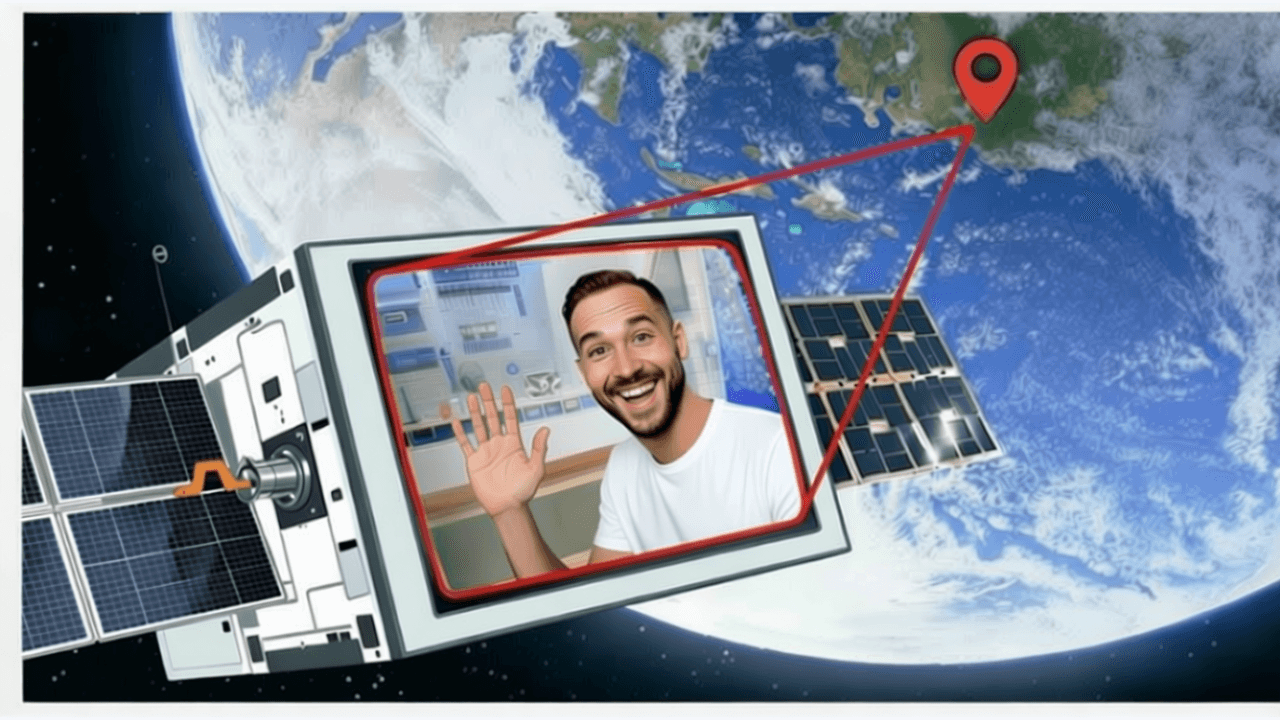
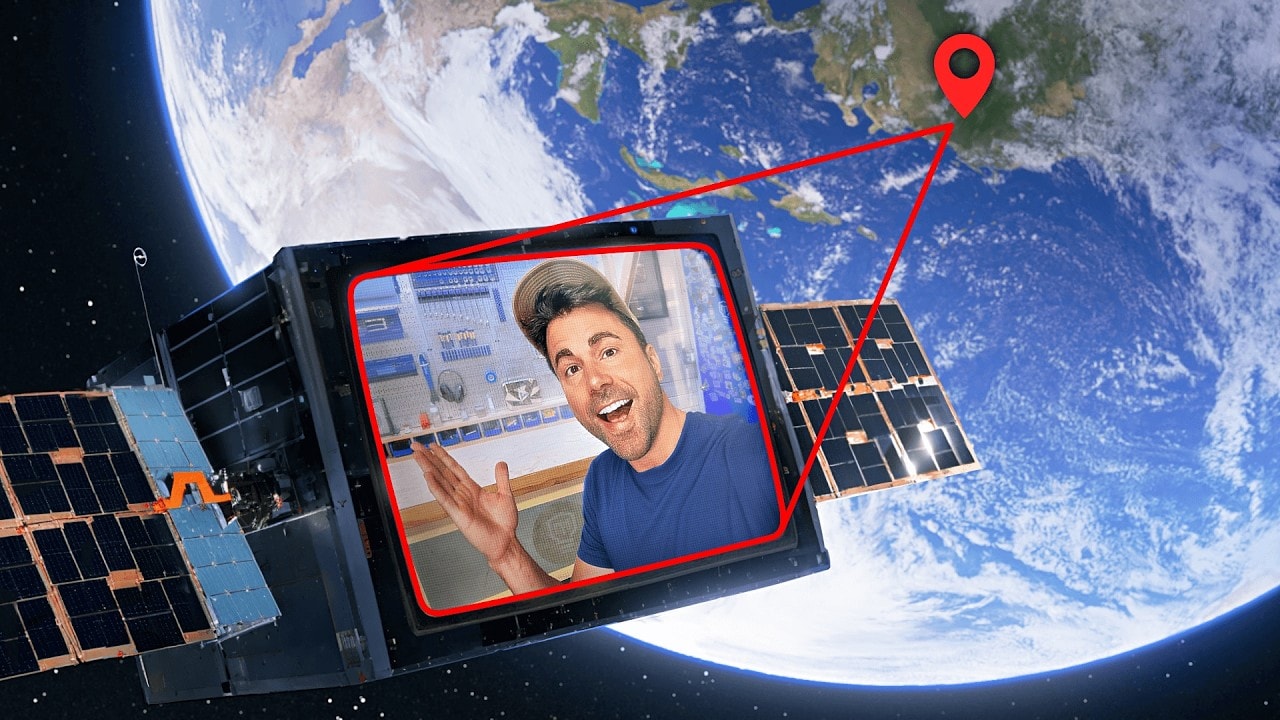
See The Difference
Testimonials
Spent 3 months trying to learn Photoshop for thumbnails. Gave up. Found this and made a better thumbnail in 10 minutes. Wish I'd found it sooner.
Daniel Kim
Gaming channel, 28K subs
I'm not a designer and I don't want to be. I just want good thumbnails. This lets me describe what I want instead of learning software.
Amanda Foster
Mom vlogger, 52K subs
Canceled my Adobe subscription after finding this. For thumbnails, it does everything I needed Photoshop for. Saving $276 a year now.
Chris Okonkwo
Finance educator, 89K subs
My editor quit and I had no idea how to use Photoshop. This saved my upload schedule. Just tell it what to change and it works.
Sarah Bennett
Lifestyle & travel, 41K subs
Examples
Real change youtube thumbnail without photoshop examples from creators
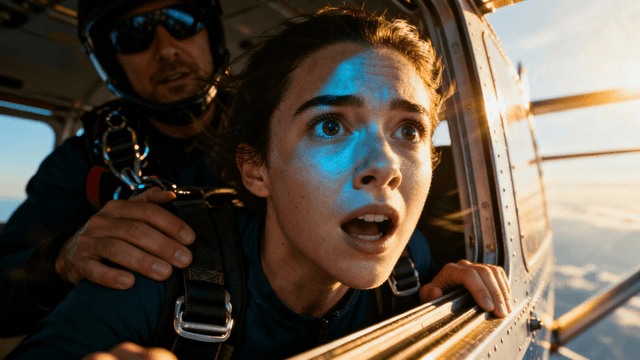
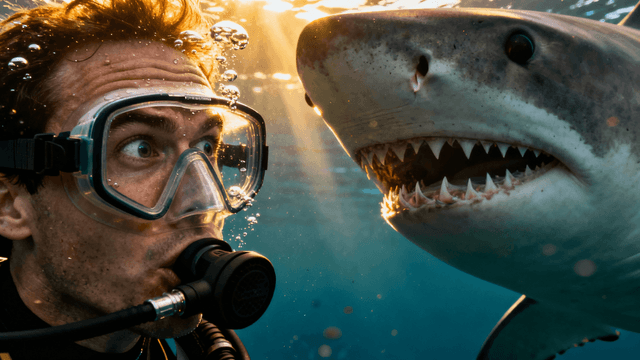
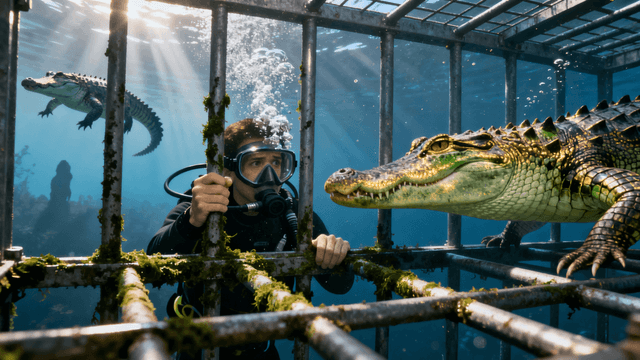
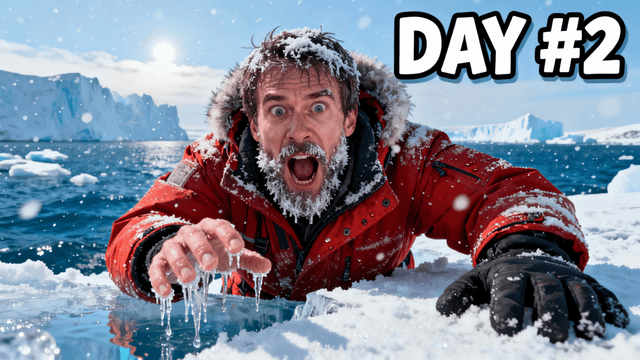
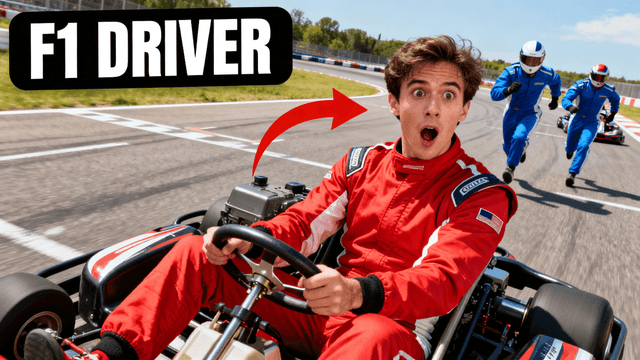

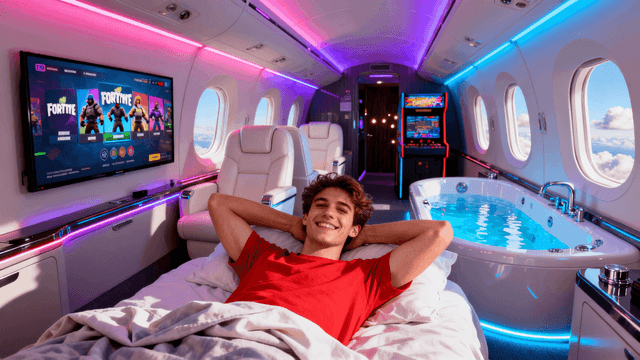
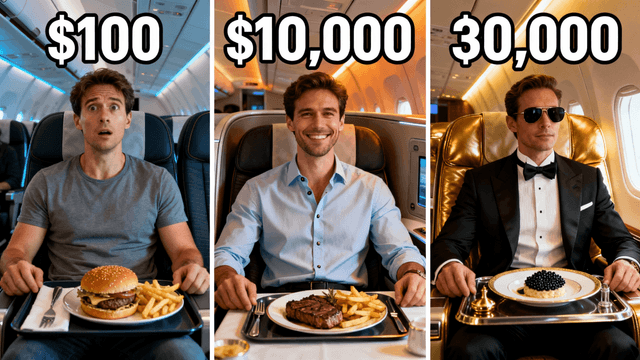
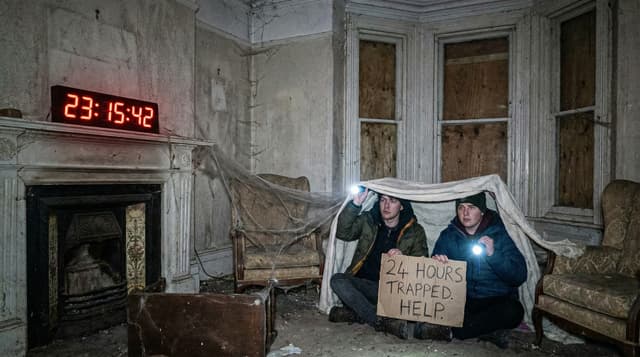
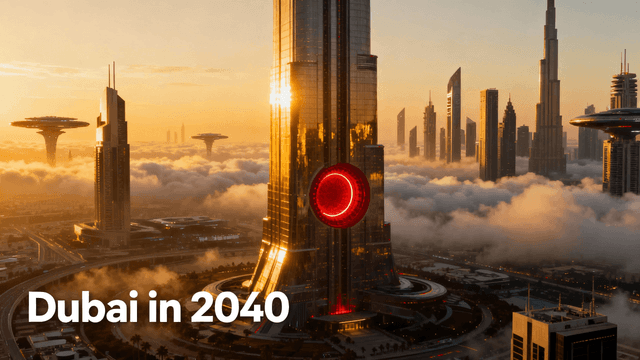
Every common thumbnail edit - handled here in seconds:
| Edit Type | Time in Photoshop | Time Here | What You Type |
|---|---|---|---|
| Background removal | 15–30 min (masking + refine edge) | Under 10 seconds | "Remove the background" |
| Background replacement | 20–40 min (remove + composite) | Under 30 seconds | "Replace background with bright red" |
| Color and lighting | 10–20 min (curves, levels, HSL) | Under 30 seconds | "Make the lighting warmer" |
| Text overlays | 5–10 min (type tool + layer effects) | 2–3 minutes | Use the text tool directly |
| Object removal | 10–20 min (content-aware fill) | Under 30 seconds | "Remove the logo in the corner" |
| Face enhancement | 10–15 min (frequency separation) | Under 30 seconds | "Sharpen the face and expression" |
Keep Photoshop if:
Switch for thumbnails if:
Things you will not deal with here:
How It Works
Drag in a screenshot, existing thumbnail, or any photo. PNG and JPG both work, no conversion needed.
Type what you want in plain English - "remove the background," "make the lighting warmer," "add shadow behind the text." No layer menus, no tool panels.
Background removal, color adjustments, object changes - all in seconds. Run more prompts to stack edits or refine the result.
Export at 1280x720 with no watermarks. Ready to upload directly to YouTube Studio.
Who It's For
Creators who cannot afford Photoshop subscriptions
YouTubers who do not have time to learn complex editing software
Anyone who just needs quick thumbnail fixes without the hassle
Channels that want professional results without professional tools
Try These
“Remove the messy background completely, replace with a solid bright red color, keep the person exactly as they are”
“Change the lighting to be warmer and more inviting, make shadows softer, keep the composition the same”
“Swap out the boring background for an exciting city skyline at night with lights, keep the person in focus”
Benefits
One input: describe what you want. If you can explain a change in one sentence, you can make it here. No tutorials, no weeks of practice.
Photoshop costs $23/month. Most creators use 5% of what it offers. Free trial here covers occasional uploaders - paid plans cost far less.
Background removal, lighting changes, object edits - what takes 20 minutes in Photoshop happens in one prompt with cleaner results.
Canvas is pre-set to 1280x720. Export is auto-optimized for YouTube. No setup, no configuration - open it and start.
No subscriptions. No learning curve. Upload, edit, done. Free to start.
Edit Without PhotoshopFree 3-day trial • Cancel anytime
FAQ
For 90% of thumbnail work, yes. Complex compositing or heavy retouching might still need Photoshop. But most creators never need that.
Export them as PNG or JPG first. This tool works with standard image formats, not PSD files.
For thumbnails, yes. Thumbnails display at 1280x720 max. This tool exports at that quality with no loss.
Text changes, background removal, color adjustments, cropping, adding effects, face swaps. All the common thumbnail edits.
Many do. Speed matters when you post frequently. Professional does not mean complicated.
No. This is a standalone tool. But built-in AI effects often replace what plugins do anyway.
More Use Cases