1
Describe
Upload your thumbnail and tell AI what you want changed in plain English.
Testimonials
Had a thumbnail that was 90% perfect but the colors were off. Fixed it in like 2 minutes without touching anything else. Exactly what I needed.
Ryan Mitchell
Tech reviewer, 67K subs
I edit thumbnails constantly for A/B testing. This is way faster than opening Photoshop every time. Just describe what I want changed and done.
Priya Sharma
Business coach, 34K subs
Finally a free editor that doesn't slap watermarks on everything. My channel's small but my thumbnails don't have to look cheap anymore.
Jake Morrison
Fitness content, 12K subs
Used to pay for Canva Pro just for thumbnail edits. This does what I need for free. Switched last month and haven't looked back.
Melissa Torres
DIY & crafts channel
Examples
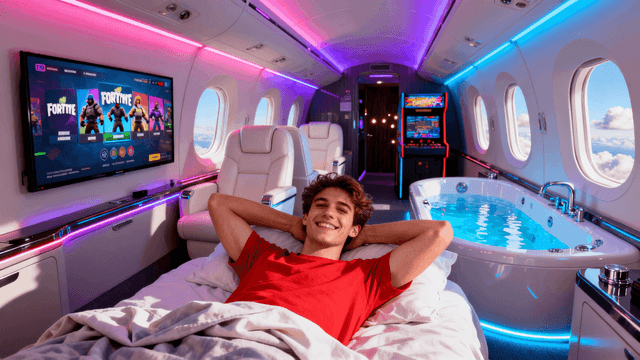
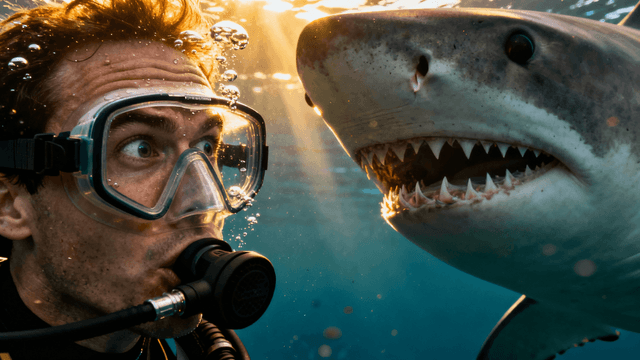
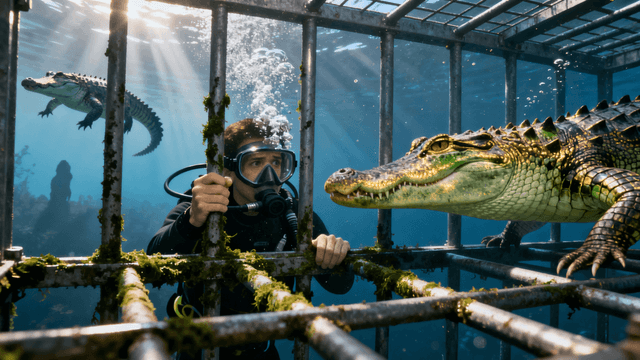
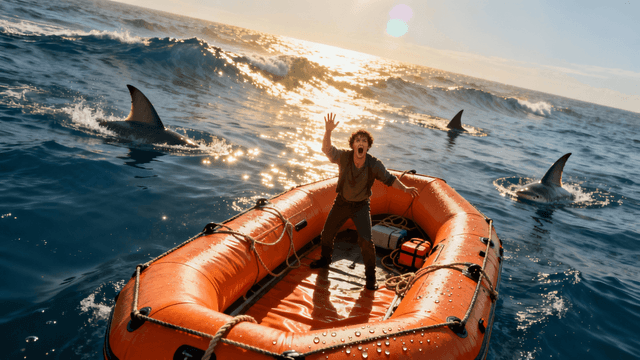
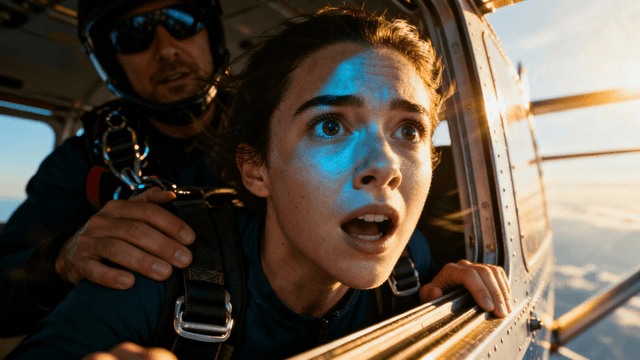
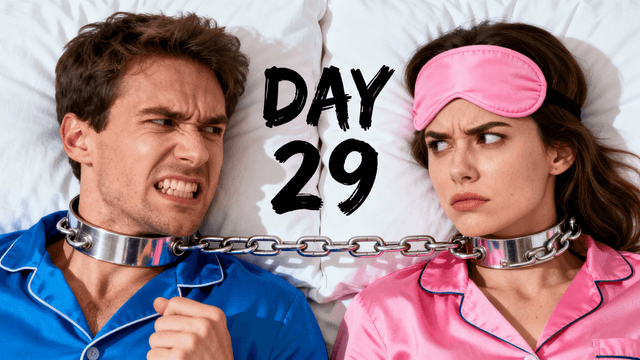
Real edit youtube thumbnail online free examples from creators




How It Works
Upload your thumbnail and tell AI what you want changed in plain English.
AI applies your edit while keeping everything else intact.
Fine-tune with additional prompts or manual adjustments if needed.
Export in HD quality. No watermarks. Ready for YouTube.
Who It's For
Creators who need to fix existing thumbnails quickly
Anyone who wants to update old thumbnails without starting over
YouTubers testing different versions of the same thumbnail
Channels that need quick edits without learning Photoshop
Try These
“Make the background brighter and more vibrant, keep the person exactly the same”
“Remove the cluttered background and replace with a clean gradient from blue to purple”
“Make the person pop more by adding a subtle glow around them, increase contrast slightly”
Benefits
Runs entirely in your browser. Works on Chrome, Firefox, Safari, Edge. No downloads, no installations.
3-day free trial with full access. All editing tools and AI generation included. No watermarks on any exports.
Auto exports at 1280x720. No manual sizing. Upload directly to YouTube Studio.
Quick fixes take under 2 minutes. Change text, swap backgrounds, adjust colors. In and out.
No downloads. No watermarks. Upload, edit, export. Takes 2 minutes.
Start Editing FreeFree 3-day trial • Cancel anytime
FAQ
Yes. Try free for 3 days with full access to all editing tools and no watermarks on any exports.
Basic editing works without an account. Creating an account and starting a free trial unlocks AI generation and version history.
PNG, JPG, JPEG, and WebP. Most common image formats work. Max file size is 15MB.
No watermarks on any plan, including free. Your exports are clean.
The editor works on mobile browsers but is optimized for desktop. Larger screen makes editing easier.
HD 1280x720 during the trial and on all plans. Paid plans also include 2K and 4K export options.
More Use Cases