1
Describe Your Concept
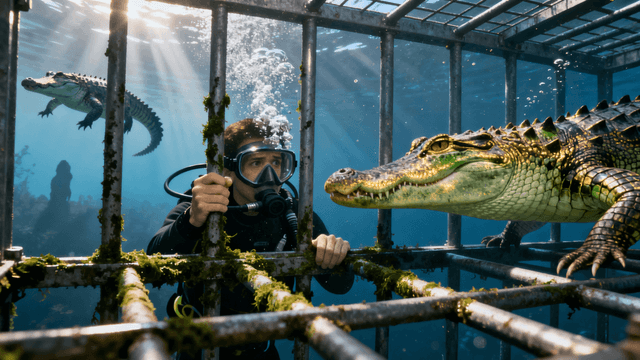
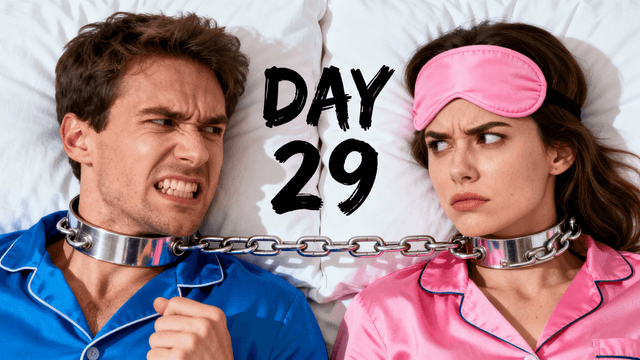
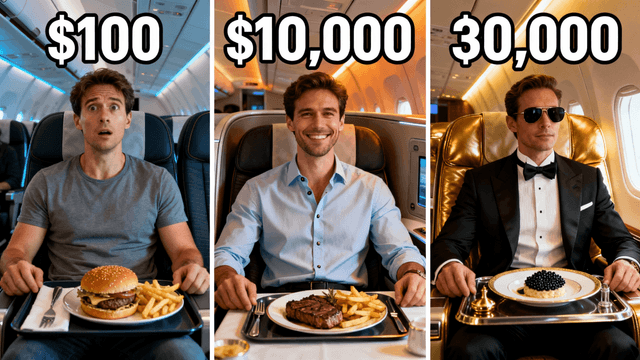
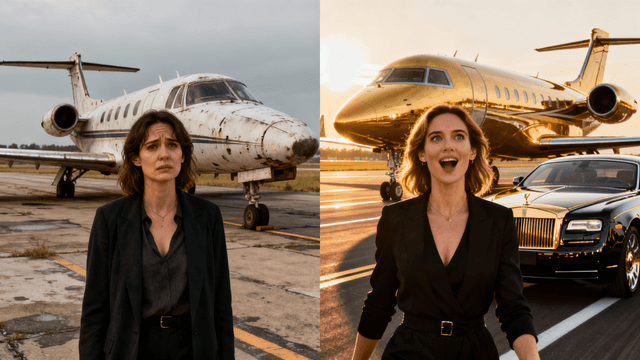
No existing photo needed-just describe what you want to see.
Examples
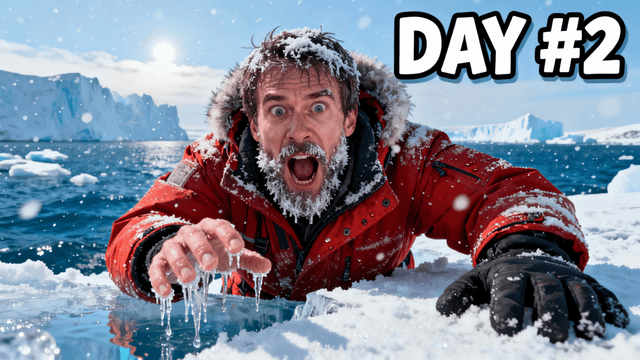
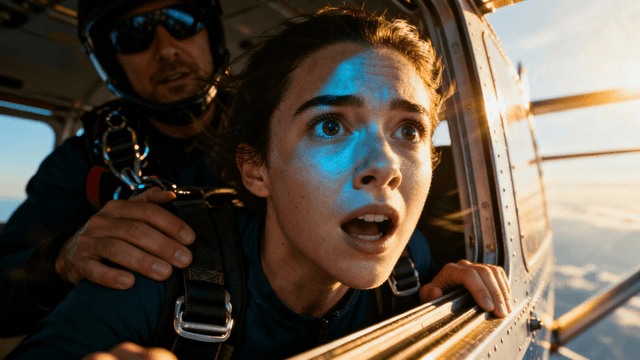
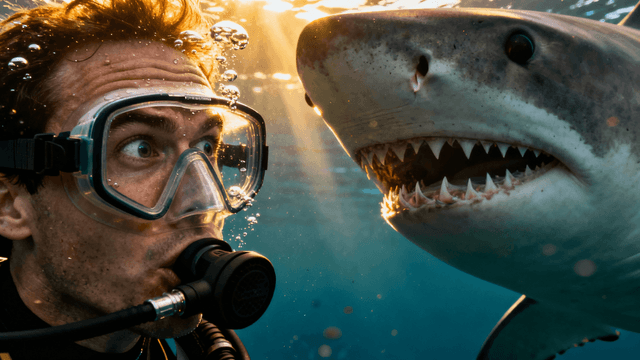
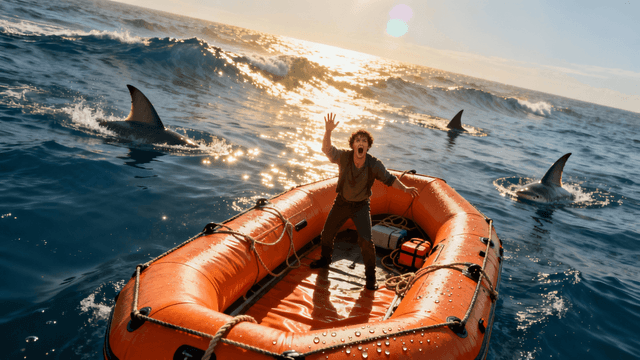


How It Works
No existing photo needed-just describe what you want to see.
AI creates multiple unique designs in about thirty seconds.
Say "make text bigger" instead of learning photo editing tools.
Download at 1280x720, ready to upload immediately.
Benefits
Unlike Fotor where thumbnails are secondary to photo editing, every feature here is built for thumbnail creation.
Fotor assumes you have images to edit. Here, describe your concept and AI creates it from scratch.
No layers, adjustments, or effects to learn. Just describe what you want in plain English.
Skip template browsing and photo customization. Describe, generate, export-done in minutes.
Thumbnail Studioo focuses entirely on thumbnail creation. Our AI thumbnail generator creates unique thumbnails from your descriptions-no existing photo required. Our YouTube thumbnail editor handles AI-powered refinements. No photo editing skills needed. Sign in to try it.
Create YouTube thumbnails with AI generation. Describe your concept and get click-worthy results without navigating photo editing tools.
Generate Your ThumbnailFree 3-day trial • Cancel anytime
FAQ
Fotor is a photo editing tool with templates. Thumbnail Studioo is built for thumbnail creation using AI generation. Describe what you want instead of editing existing photos.
No. Describe your concept and AI generates complete thumbnails from that description. Upload photos only if you want to edit them.
Keep Fotor for photo editing and retouching. Use Thumbnail Studioo for creating thumbnails from concepts. Each tool serves different purposes.
None required. Describe what you want in plain language and AI handles composition, colors, and typography automatically.
Significantly faster. Skip template browsing and photo customization. Describe, generate, export-typically just a few minutes.
Yes. Thumbnails export at 1280x720 or higher, meeting YouTube's recommended specifications for professional display.