1
Describe Your Thumbnail Concept
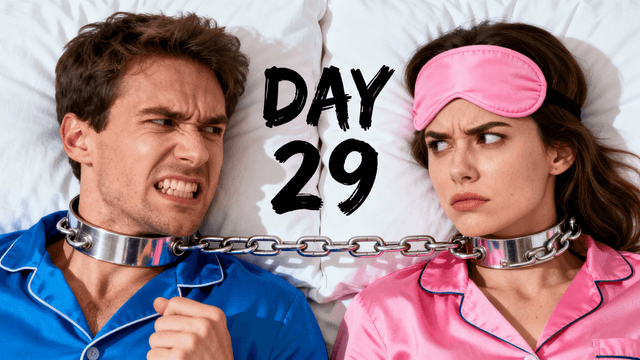
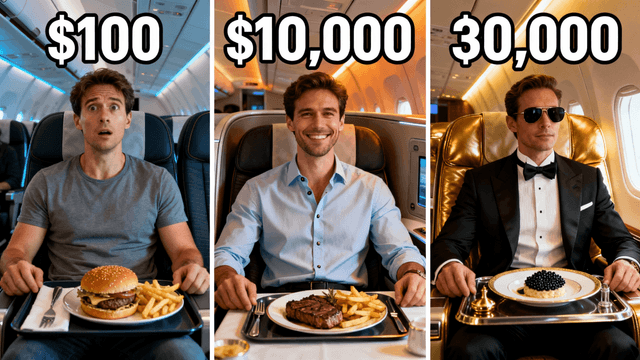
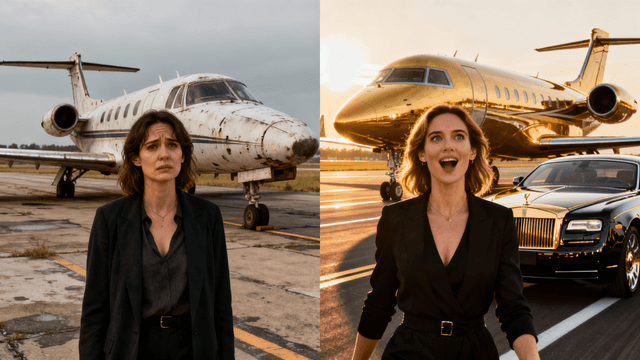
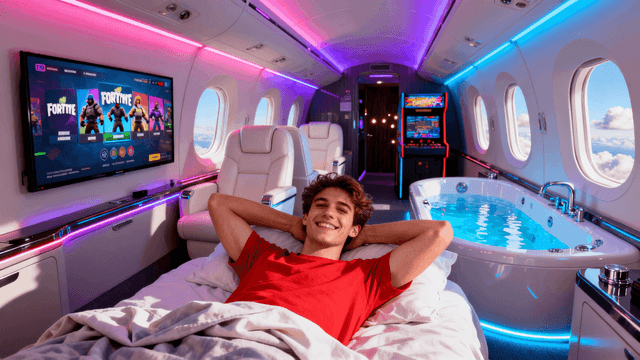
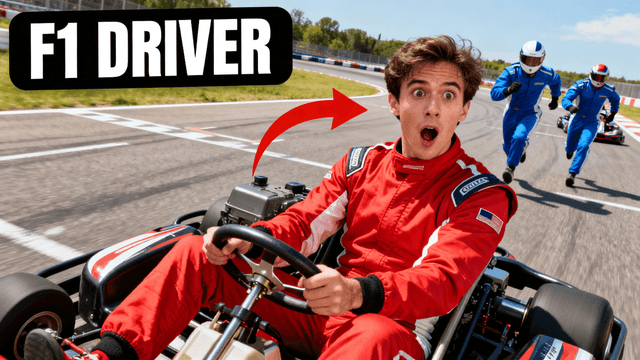
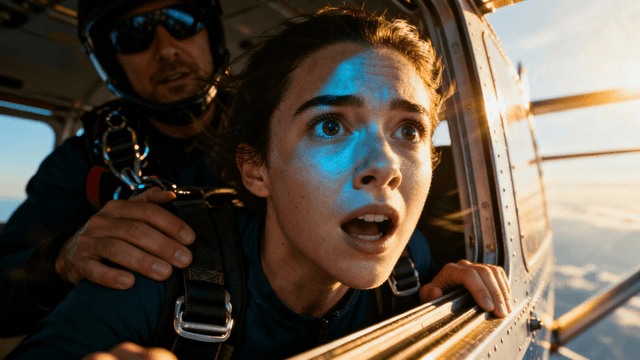
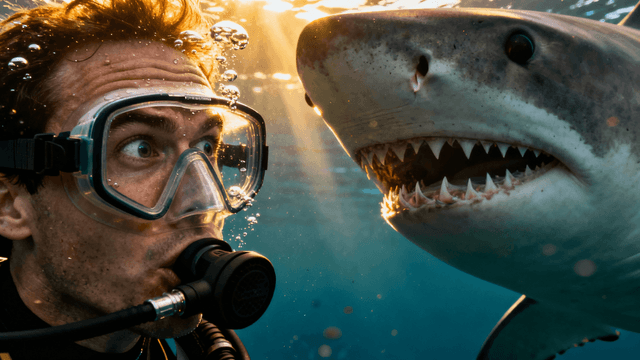
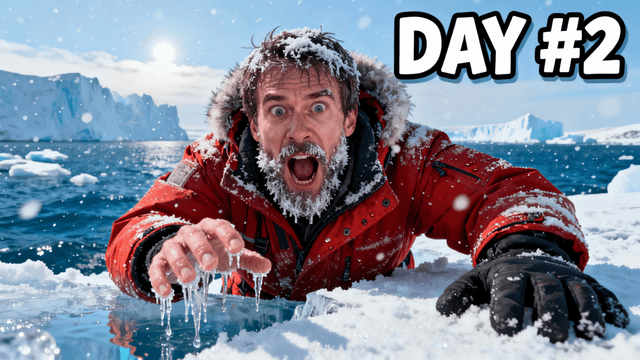
Start by describing what you want: the scene, the people, the mood, the colors. The AI builds from your concept instead of adapting a generic template.
Examples


How It Works
Start by describing what you want: the scene, the people, the mood, the colors. The AI builds from your concept instead of adapting a generic template.
The AI creates several unique designs from your description, each sized at 1280x720 for YouTube. Every one starts from scratch, not from a template.
Refine by talking: "make the text larger", "add contrast to the background". The AI applies the change, no layer panels involved.
When your thumbnail is ready, you export it as a high-quality image file that is immediately compatible with YouTube Studio. The dimensions, format, and resolution are all optimized automatically. There is no need to check export settings or convert file formats-the output is ready to upload the moment you download it.
Benefits
Snappa templates get reused across channels, so your thumbnails can end up looking like someone else's. Generation from a description means yours exists exactly once.
Snappa requires you to manually position elements, adjust sizes, and customize each part of the template. Thumbnail Studioo lets you describe what you want in plain language, and the AI handles layout, composition, and design decisions. This approach is faster because you are communicating intent rather than executing each design step yourself.
Snappa serves marketers and social managers across many platforms. Thumbnail Studioo does one thing: YouTube thumbnails that get clicks. Focused tools do their one task better.
With templates, you are always working within the structure of someone else's design decisions. Even after customization, the fundamental layout and approach come from the template. AI generation lets you describe exactly what you envision without those constraints. If you can imagine it and describe it, the AI can create it.
Thumbnail Studioo replaces template browsing with AI generation. Our AI thumbnail generator creates original thumbnails from your descriptions - no template library needed. Our YouTube thumbnail editor handles refinements through plain English instead of drag-and-drop. Sign in to try AI-generated thumbnails.
Create YouTube thumbnails with AI that are unique to your content. Describe your concept and get click-worthy results without browsing templates.
Create Your ThumbnailFree 3-day trial • Cancel anytime
FAQ
Snappa uses templates that you customize with drag-and-drop tools. Thumbnail Studioo uses AI to generate original thumbnails from your descriptions. Instead of starting with someone else's design and modifying it, you describe what you want and get custom results created specifically for your concept. The workflow is faster and the results are more unique to your content.
No design experience is required. You describe what you want your thumbnail to show in plain language-the scene, the mood, the colors, any text-and the AI handles composition, typography, and visual hierarchy automatically. If you can explain your thumbnail idea to another person, you can create it here.
Yes. Each thumbnail is generated based on your specific description, so no two creators get the same results unless they use identical prompts. This is fundamentally different from templates, where everyone using the same template ends up with similar-looking designs. Your thumbnails will be unique to your content.
Include style details in your description. Mention the color palette, the mood, the visual style, and any consistent elements you want across your thumbnails. Over time, you will develop prompts that reliably produce thumbnails matching your brand aesthetic. The AI responds to the style guidance you provide.
Yes. After the AI generates your thumbnail, you have access to editing tools that let you make specific adjustments. However, many users find that the AI editing feature, which lets you describe changes in plain language, handles most refinements effectively without requiring manual manipulation.
Most users find Thumbnail Studioo significantly faster because you skip the template browsing and manual customization steps entirely. You describe what you want, generate options, refine your favorite, and export. The whole process typically takes just a few minutes rather than the longer time required for template-based creation.
Not necessarily. If you use Snappa for other design tasks like social media graphics, blog headers, or display ads, it remains useful for those purposes. Thumbnail Studioo handles YouTube thumbnail creation specifically. Using each tool for what it does best gives you the best results overall.
Yes. Thumbnails are generated at 1280x720 pixels or higher, meeting YouTube's recommended specifications. The output quality is suitable for professional use, and the AI is capable of producing designs that compete with manually crafted thumbnails from any template-based tool.