Thumbnail Studioo logo

Kapwing YouTube Thumbnail Alternative - Thumbnails Without the Video Timeline

Kapwing is great for video editing but thumbnails feel like an afterthought in a video-centric interface. When you need thumbnails fast, use a tool built specifically for that.
Create Your Thumbnail

How Thumbnail Studioo Helps

Thumbnail Studioo focuses entirely on thumbnail creation. Our AI thumbnail generator creates unique thumbnails from your descriptions, and our YouTube thumbnail editor handles AI-powered refinements. No video timeline to navigate—just straightforward thumbnail creation. Sign in to try it.

Comparison

Thumbnail Studioo vs Kapwing

FeatureKapwingThumbnail Studioo
Primary FocusVideo editing & content repurposingThumbnail creation only
Thumbnail CreationManual construction with layersAI generation from descriptions
InterfaceVideo timeline-based workspaceClean editor focused on thumbnails
Free Tier ExportsWatermarkedNo watermarks ever
Learning CurveVideo editing concepts requiredDescribe what you want in plain English
Best ForVideo editing and repurposingFast, unique thumbnail creation

Testimonials

Here's what our users are saying...

Love Kapwing for video stuff but their thumbnail tools are confusing. Too many menus designed for video editing. This is so much simpler.

TB

Tyler Brennan

Commentary channel, 134K subs

Kapwing watermarks free exports which drove me crazy. Switched to this, no watermarks on free tier, thumbnails look professional.

RK

Rachel Kim

Beauty vlogger, 78K subs

The AI generation is the difference. Kapwing makes you build thumbnails piece by piece. This just generates what I describe.

MJ

Marcus Johnson

Gaming creator, 89K subs

Kept getting lost in Kapwing's interface looking for image tools. This opens and you're immediately ready to make thumbnails.

HR

Hannah Roberts

Education channel, 56K subs

Examples

Thumbnail Gallery

Real thumbnail examples

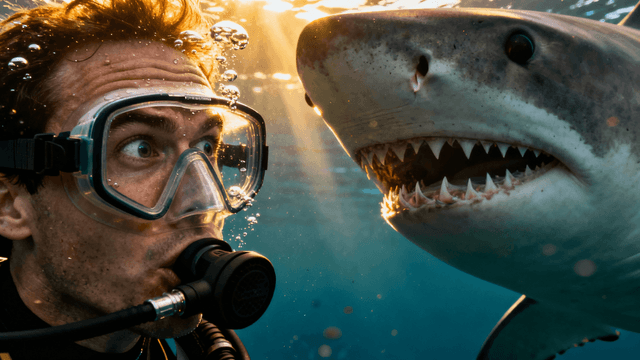
kapwing youtube thumbnail alternative thumbnail example - Swimming with sharks
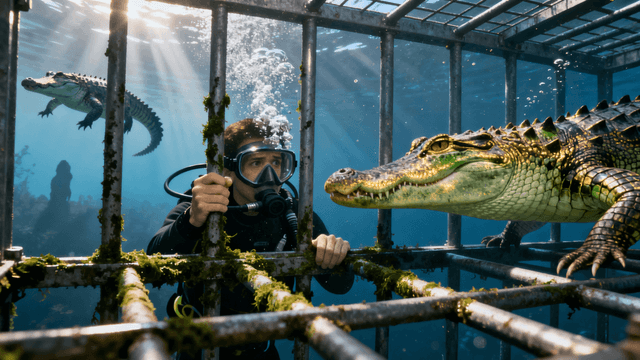
kapwing youtube thumbnail alternative thumbnail example - I Went Cage Diving With Crocodiles
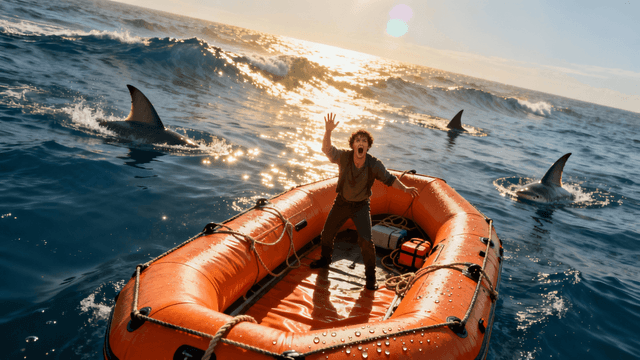
kapwing youtube thumbnail alternative thumbnail example - I survived 24 hours in the ocean
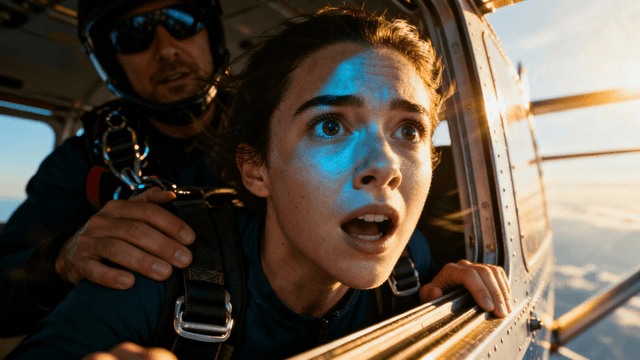
kapwing youtube thumbnail alternative thumbnail example - I Confronted My Biggest Fear
kapwing youtube thumbnail alternative thumbnail example - I survived 90 days in antarctica
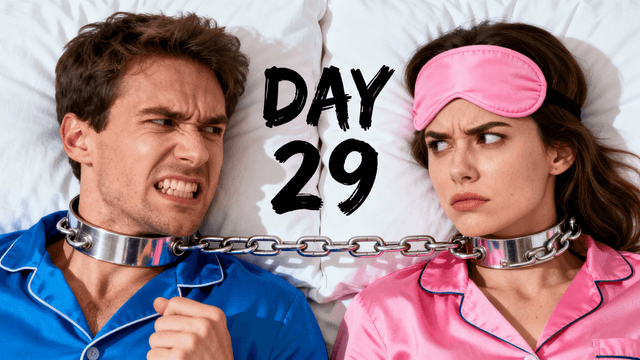
kapwing youtube thumbnail alternative thumbnail example - Survive 30 Days Chained To Your Ex.
kapwing youtube thumbnail alternative thumbnail example - I Flew the SAME AIRLINE for $100, $1,000, $10,000 & $30,000!
kapwing youtube thumbnail alternative thumbnail example - Cheapest vs Most Expensive Private Jet
kapwing youtube thumbnail alternative thumbnail example - $1 vs $100M Car Challenge
kapwing youtube thumbnail alternative thumbnail example - F1 Driver Goes Undercover in Amateur Kart Race

How It Works

Create Thumbnails in 4 Simple Steps

1

Describe Your Thumbnail

No video timeline to navigate—just describe what you want to see.

2

Generate Options

AI creates multiple complete thumbnail options in about thirty seconds.

3

Refine with Plain English

Describe changes like "make text bigger" instead of hunting for tools.

4

Export for YouTube

Download at 1280x720 with no watermarks, ready to upload.

Benefits

Why Choose Thumbnail Studioo?

Thumbnails Are the Whole Point

Unlike Kapwing where thumbnails are secondary to video editing, every feature here is built for thumbnail creation.

AI Generation vs Manual Building

Describe what you want instead of positioning elements and adjusting layers piece by piece.

No Video Editing Learning Curve

No timelines, clips, or motion tools to navigate. Just describe your thumbnail in plain English.

No Watermarks on Free Tier

Unlike Kapwing, free exports are clean with no branding or "made with" text.

Best Practices

Tips for Making Great Thumbnails

Think about the final result you want, not how you'd build it with layers. Describe the end state.

Focus descriptions on your video's hook—the most compelling aspect that makes people click.

Try 3-4 variations before picking. AI generation is fast enough to easily compare options.

Keep using Kapwing for video editing and subtitles. Use Thumbnail Studioo for thumbnails only.

Save prompts that work well. Build a library of effective descriptions for faster future thumbnails.

Common Mistakes

What to Avoid

Using Kapwing for thumbnails when you don't need video editing. A dedicated tool serves you better.

Writing vague descriptions like "make it professional." Be specific about scene, colors, mood, and text.

Only generating one option. AI is fast enough to compare 3-4 variations before picking.

Overcomplicating thumbnails. Focus on one bold message that reads well at mobile sizes.

Skipping refinement. Small adjustments to text or colors can significantly improve results.

Thumbnails Without the Video Editor Interface

Create YouTube thumbnails with AI generation. Describe your concept and get click-worthy results without navigating video editing tools.

Create Your Thumbnail

No credit card required • Free plan available

FAQ

Frequently Asked Questions