1
Describe
Upload your image and tell AI where you want text and what it should say.
Examples
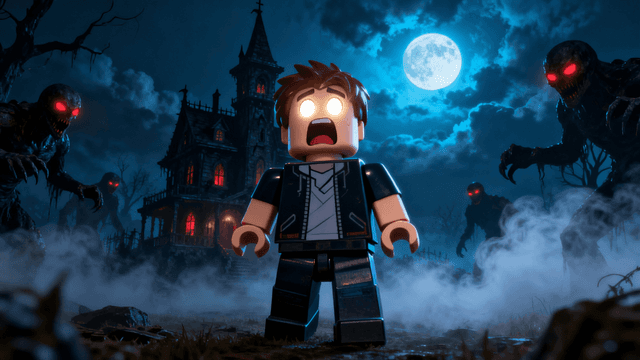

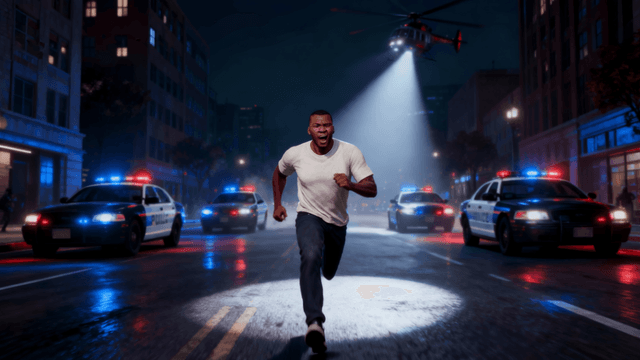


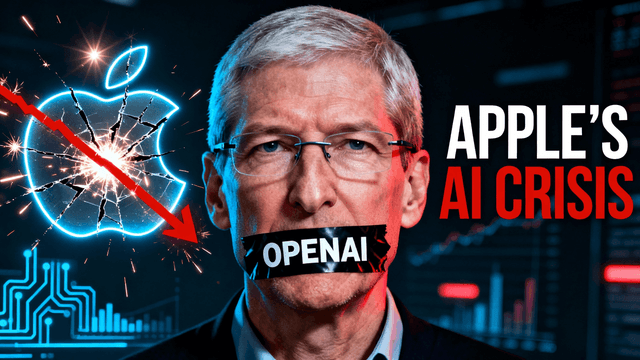
How It Works
Upload your image and tell AI where you want text and what it should say.
AI places text with proper styling that pops on any background.
Ask for changes to color, size, or effects with a follow-up prompt. Zoom out to check readability at roughly mobile-feed size.
Export in HD at 1280x720. No watermarks. Ready for YouTube.
Who It's For
Creators who need to add text to existing thumbnails without paying monthly fees
Small channels that can't justify $13/month for Canva Pro just to add words
YouTubers who tried free tools but the text was unreadable on mobile
Anyone who needs bold, high-contrast text that actually shows up at tiny sizes
Try These
“Professional gaming thumbnail with neon text effects, dark background with RGB lighting, space for "WORLD RECORD" text at top”
“Clean minimalist thumbnail background, bright solid color, large empty space in center for bold text overlay”
“Dramatic reaction face on left side, empty space on right with subtle gradient, room for 3-4 words of text”
Benefits
3-day free trial with full access. Add text, adjust colors, and export at 1280x720 with no watermarks. [Start your 3-day free trial](https://www.thumbnailstudioo.com/start-trial).
Describe "thick, bold, heavy weight" and the AI generates text built to stay readable at tiny mobile sizes. No fancy fonts that look cool on desktop but disappear on phones.
Describe a shadow, outline, or glow alongside your text and get them applied together. No layers or settings panels to learn.
Zoom out to see exactly how your text reads at roughly phone screen size before exporting, what 70% of viewers actually see.
Upload your thumbnail image and describe the text you want, what it says, how bold, what color, an outline or shadow. Our YouTube thumbnail editor applies it directly, built for mobile readability. No watermarks. Sign in and start adding text free.
Describe the bold text and effects you want. No watermarks. Start your 3-day free trial now.
Add Text FreeFree 3-day trial • Cancel anytime
FAQ
Yes. Start a 3-day free trial with full access to all text and editing tools. No watermarks on any exports.
Bold, sans-serif styles, similar to Impact, Anton, Bebas Neue, or Montserrat Bold. Describe the weight you want ("thick, heavy, bold sans-serif") and the AI generates text in that style. Avoid asking for thin fonts, script fonts, or anything with fine details that disappear at small sizes.
Three things: bold text, high contrast colors (white with a black outline), and bigger than you think sizing. Describe all three in your prompt, then zoom your browser out to check before exporting. If you squint to read it, ask for it bigger.
Yes. Describe both in one prompt, for example "a large bold headline at the top and a smaller subtitle below it." Most creators use two: main title text plus a smaller secondary detail.
Start with an outline or drop shadow, described in the same prompt as your text. These make text pop off any background. Glow effects work for dramatic thumbnails. Try a few phrasings and see what reads best.
No. Describe your words, how bold, and what effect you want, the AI renders it directly onto the image. The hard part is choosing the right words, not the technical execution.
Yes. Describe the change you want, a different word, a bigger size, a new color, and the AI applies it to the existing image as a new edit. Nothing is final until you export.