1
Describe
Tell AI what thumbnail you want or upload your own image to start.
Examples
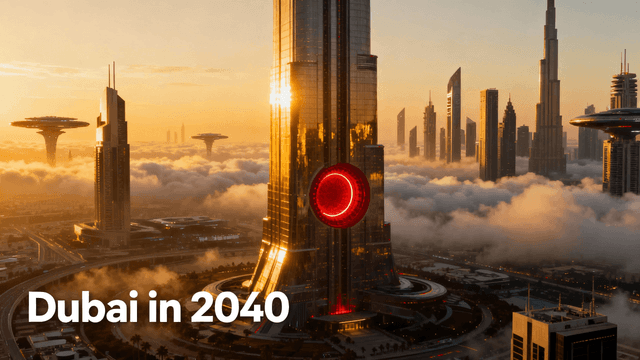
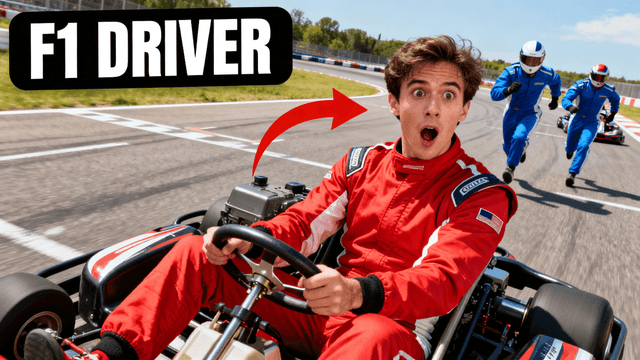
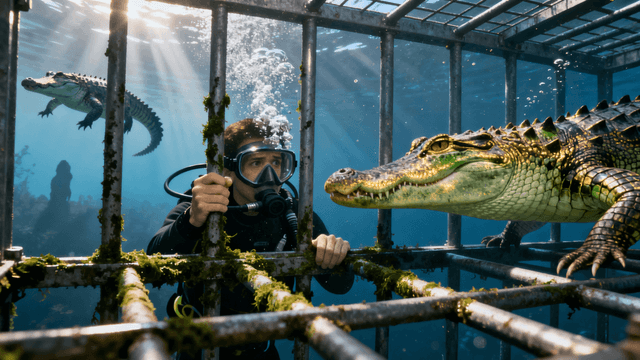
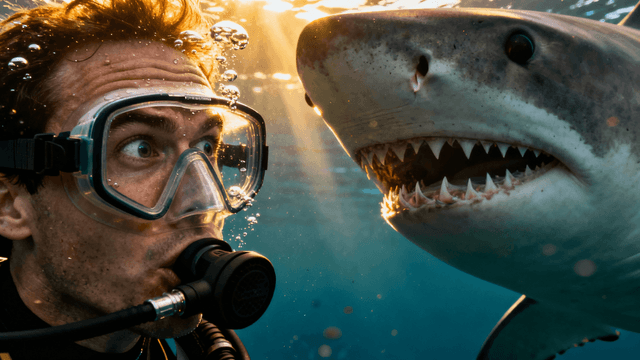
How It Works
Tell AI what thumbnail you want or upload your own image to start.
AI creates a unique background. Add text, shapes, and design elements.
Fine-tune colors, positioning, and effects with professional tools.
Export at 1280x720 HD. Ready for YouTube upload.
Who It's For
Creators tired of generic Canva templates that look like everyone else's
YouTubers who tried Photoshop but gave up because the learning curve was too steep
Channels that need professional thumbnails but can't afford to hire designers
Anyone who wants creative control without needing years of design experience
Try These
“Dramatic split screen comparison, person choosing between two options, bright studio lighting, clear space for text overlay at top and bottom”
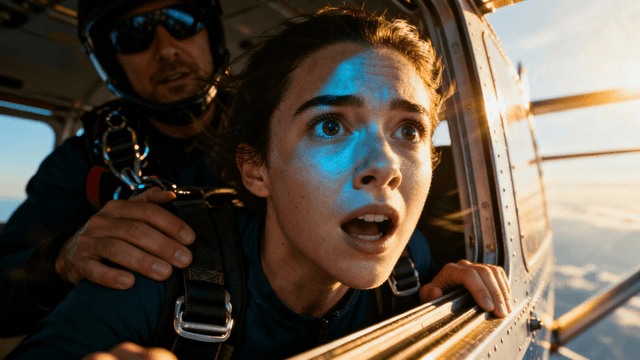
“Surprised person with mouth open pointing at something off camera, energetic expression, colorful background with room for title text”
“Professional workspace with laptop and coffee, minimalist aesthetic, warm lighting, empty space on right side for text placement”
Benefits
Generate unique backgrounds from text prompts. AI handles composition, lighting, and color balance. You just describe what you want. No design skills needed for the foundation.
Layers, text tools, shapes, effects. All the professional tools without the complexity. Edit and customize everything. Make it exactly what you want.
What takes an hour in Photoshop takes 5 minutes here. AI generation is instant. Design tools are intuitive. Spend less time making thumbnails, more time making videos.
AI generates original images every time. No templates shared with thousands of other creators. Your thumbnails will never look exactly like another channel's thumbnails.
Thumbnail Studioo combines an AI thumbnail generator with a full thumbnail editor. Generate unique backgrounds with AI, then use design tools to add text, shapes, and effects. AI handles the hard parts. You make the creative decisions. Sign in and design your first thumbnail.
AI generates unique images. Design tools let you customize everything. No design degree required. Start creating now.
Open Design ToolFree 3-day trial • Cancel anytime
FAQ
AI generates unique images from text descriptions. You describe what you want, AI creates it in 30 seconds. Then you use professional design tools to customize it. Combination of AI speed and human creativity.
No. AI handles the technical parts like composition and lighting. You make simple choices: pick fonts, place text, add effects. If you can use basic editing tools, you can make professional thumbnails.
Canva uses templates shared by thousands of creators. Your thumbnails look like everyone else's. This uses AI to generate unique images. Even similar prompts produce different results. Your thumbnails will be original.
Photoshop is more powerful but takes years to learn. This has all the tools you need for thumbnails specifically. Plus AI generation built in. Easier to learn, faster to use, designed for YouTube.
AI generation from text prompts, background removal and replacement, face enhancement, and prompt-based text with shadows, outlines, and glow effects. Describe what you want rather than picking from menus, everything you need for professional YouTube thumbnails.
Yes. Use similar AI prompts for consistent style. Save your favorite fonts and colors. Create templates for your recurring video formats. Design stays consistent while each thumbnail is unique.
Most creators finish in 5-10 minutes. AI generation takes 30 seconds. Adding text and effects takes another few minutes. Way faster than traditional design tools or hiring designers.