1
Describe Your Thumbnail
Type what you want: the subject, mood, setting, and where you need space for text. The more specific, the better.
Reviewed by Thumbnail Studioo · Updated 3 May 2026
Generate Thumbnail from TextAI thumbnail generator
Describe the thumbnail you want and generate it directly on this page.
Your thumbnail will appear here
Write a description and choose a style to get started.
Examples
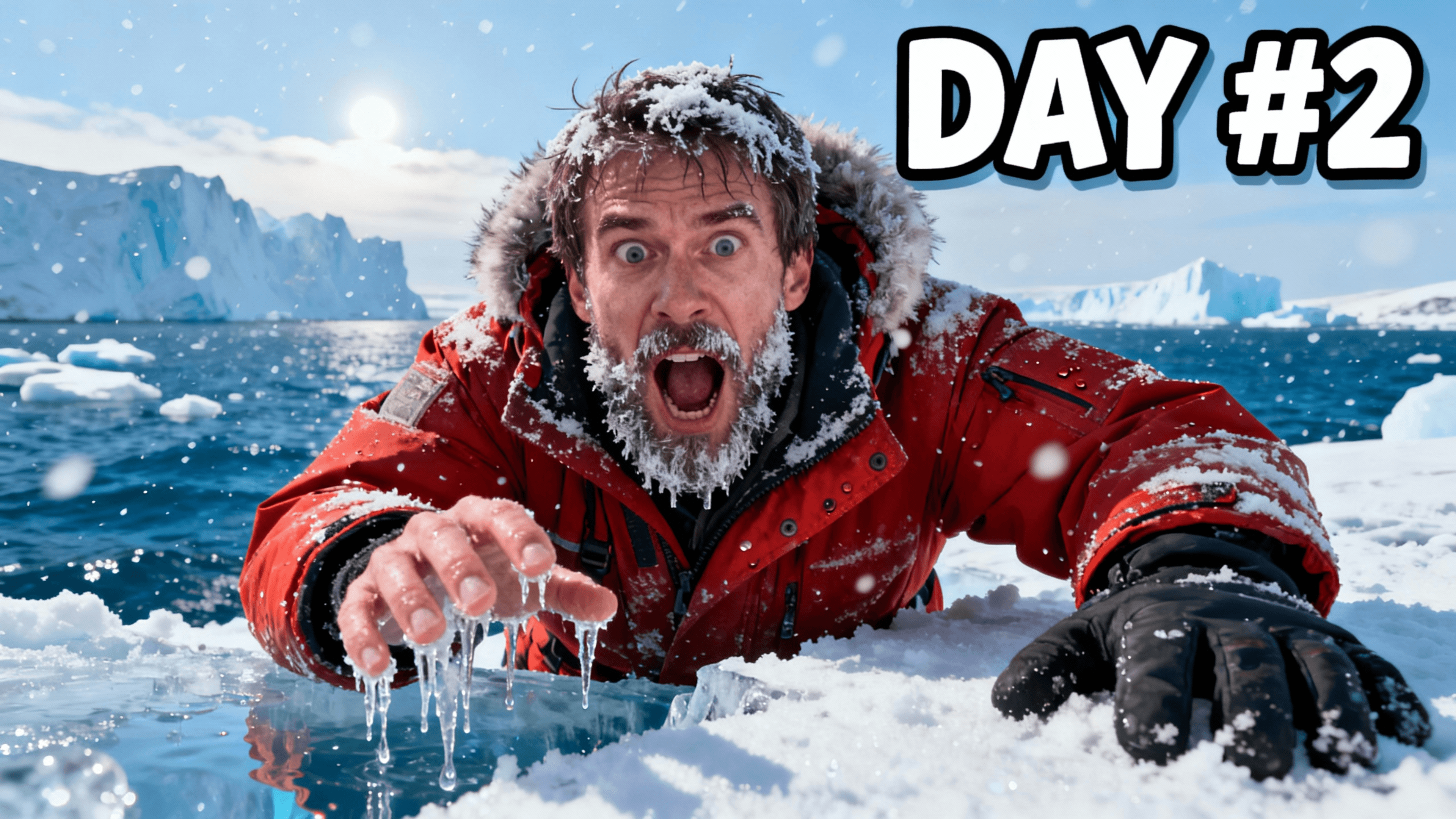

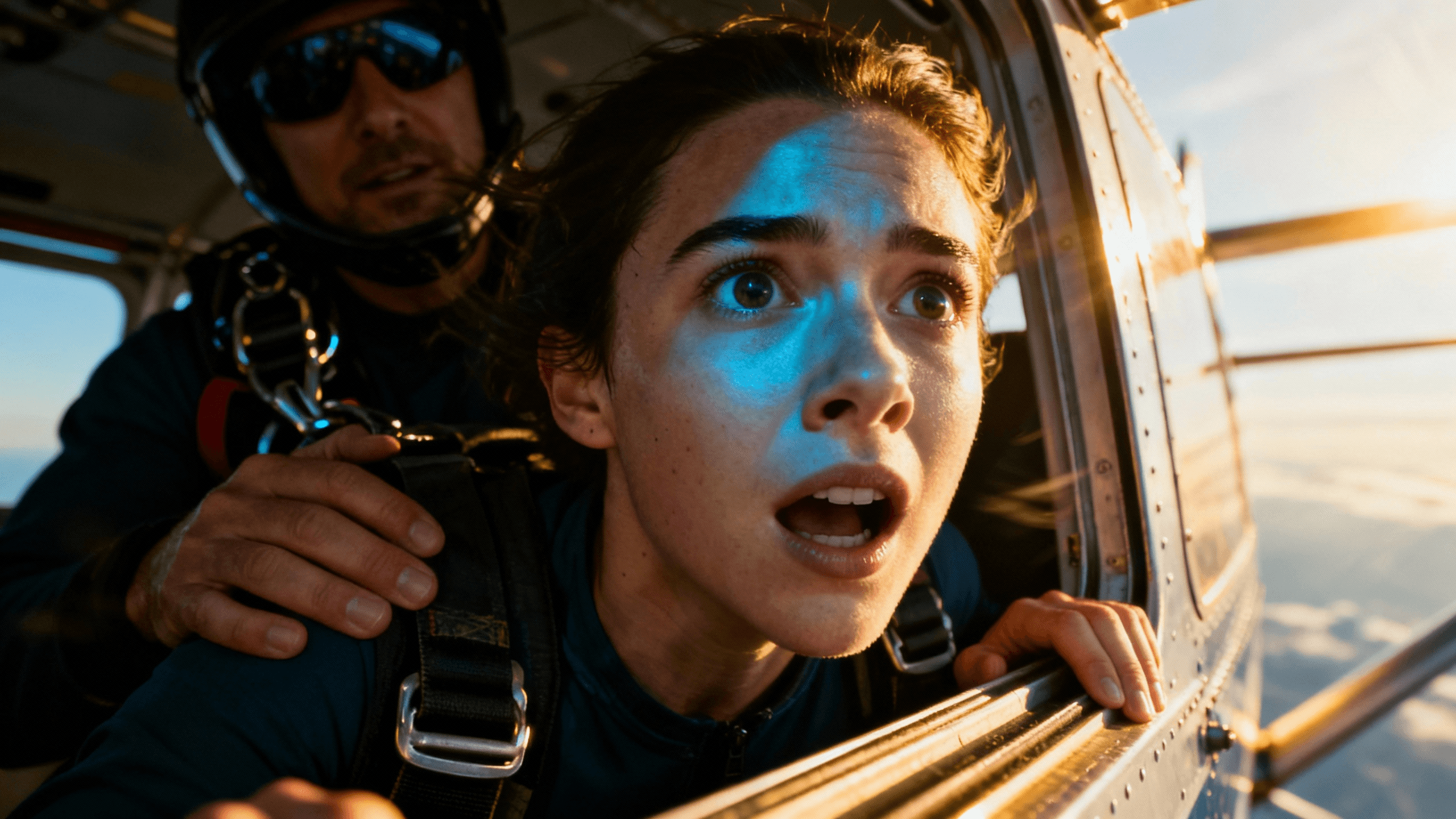


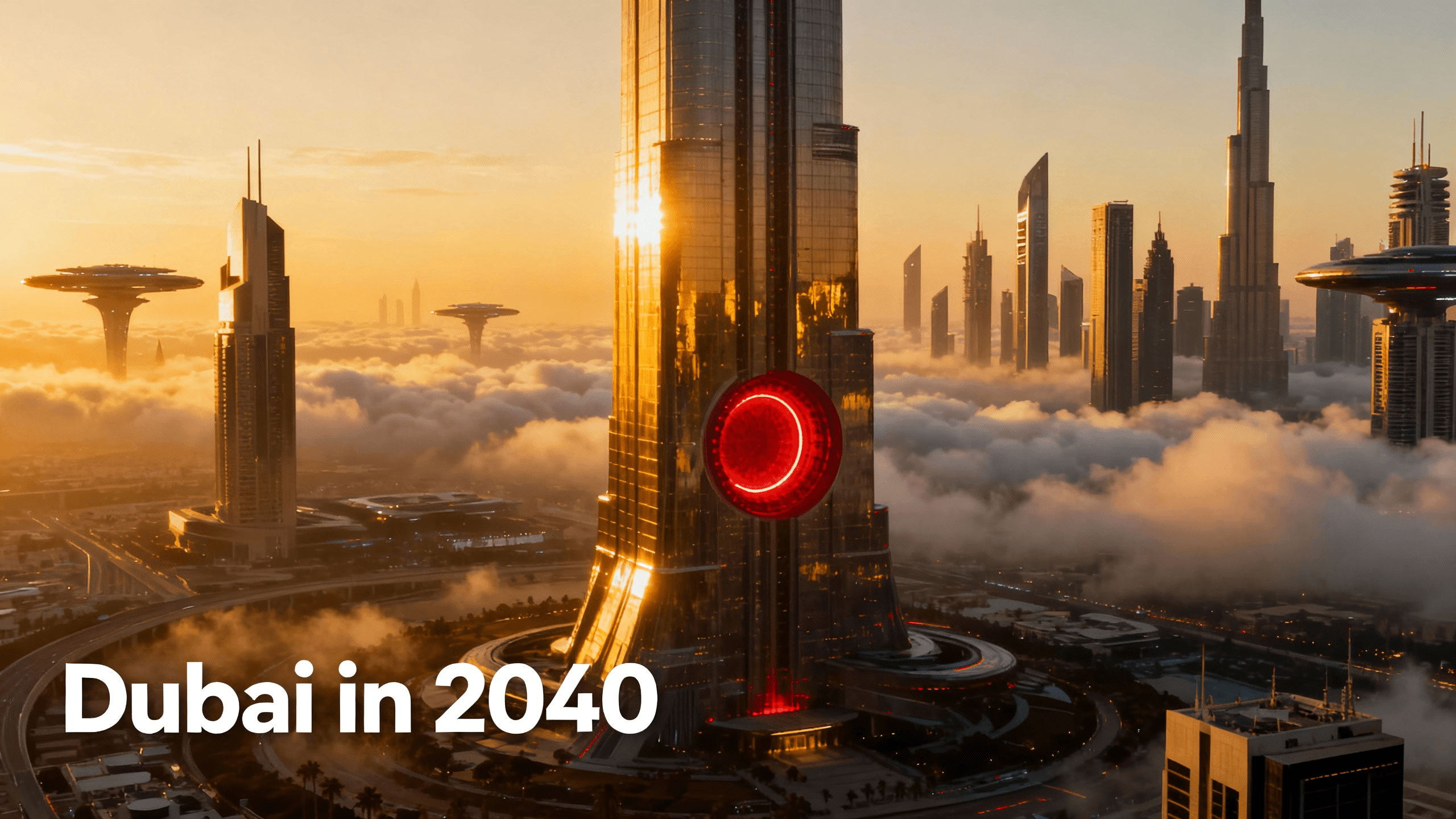
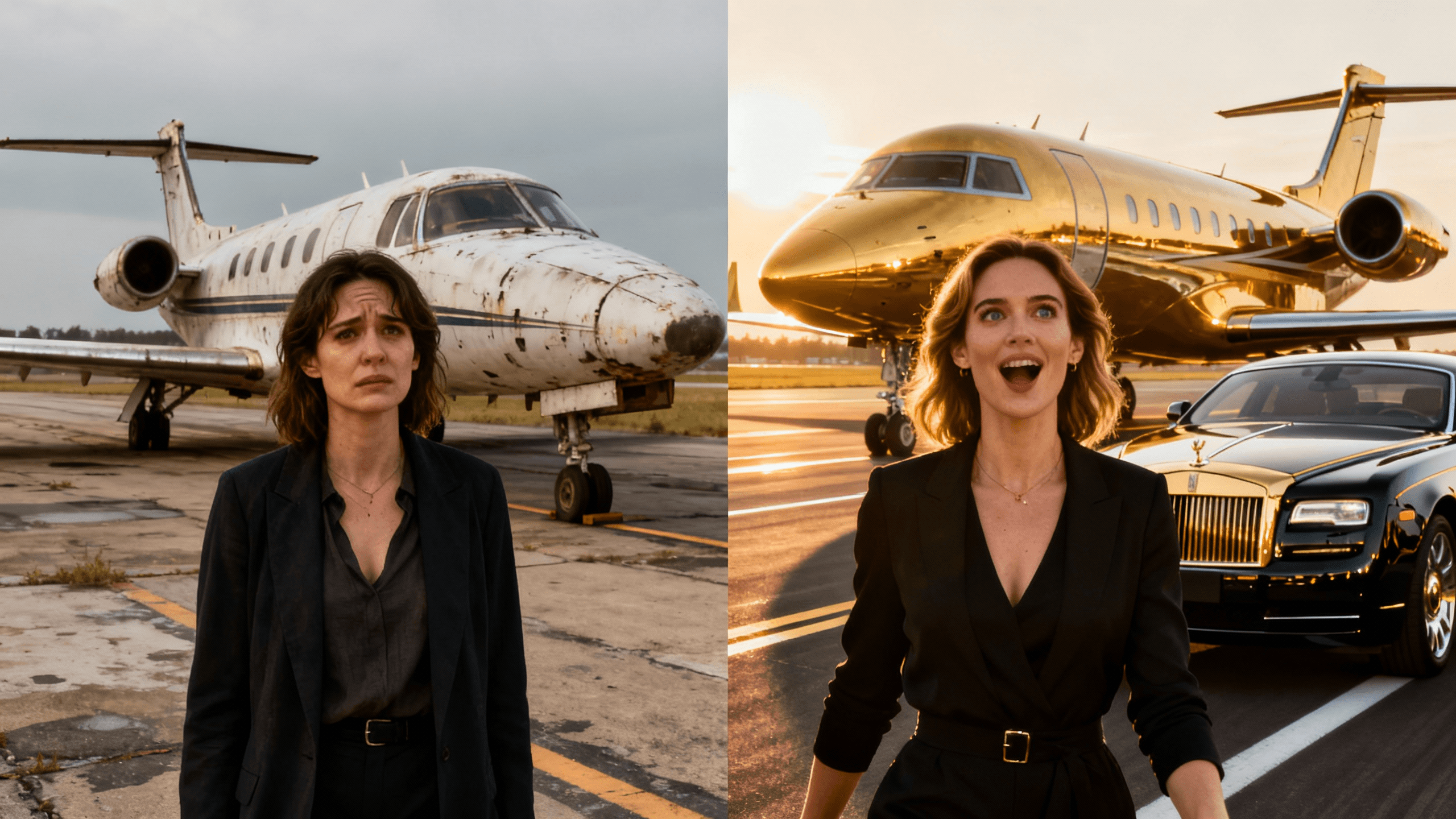
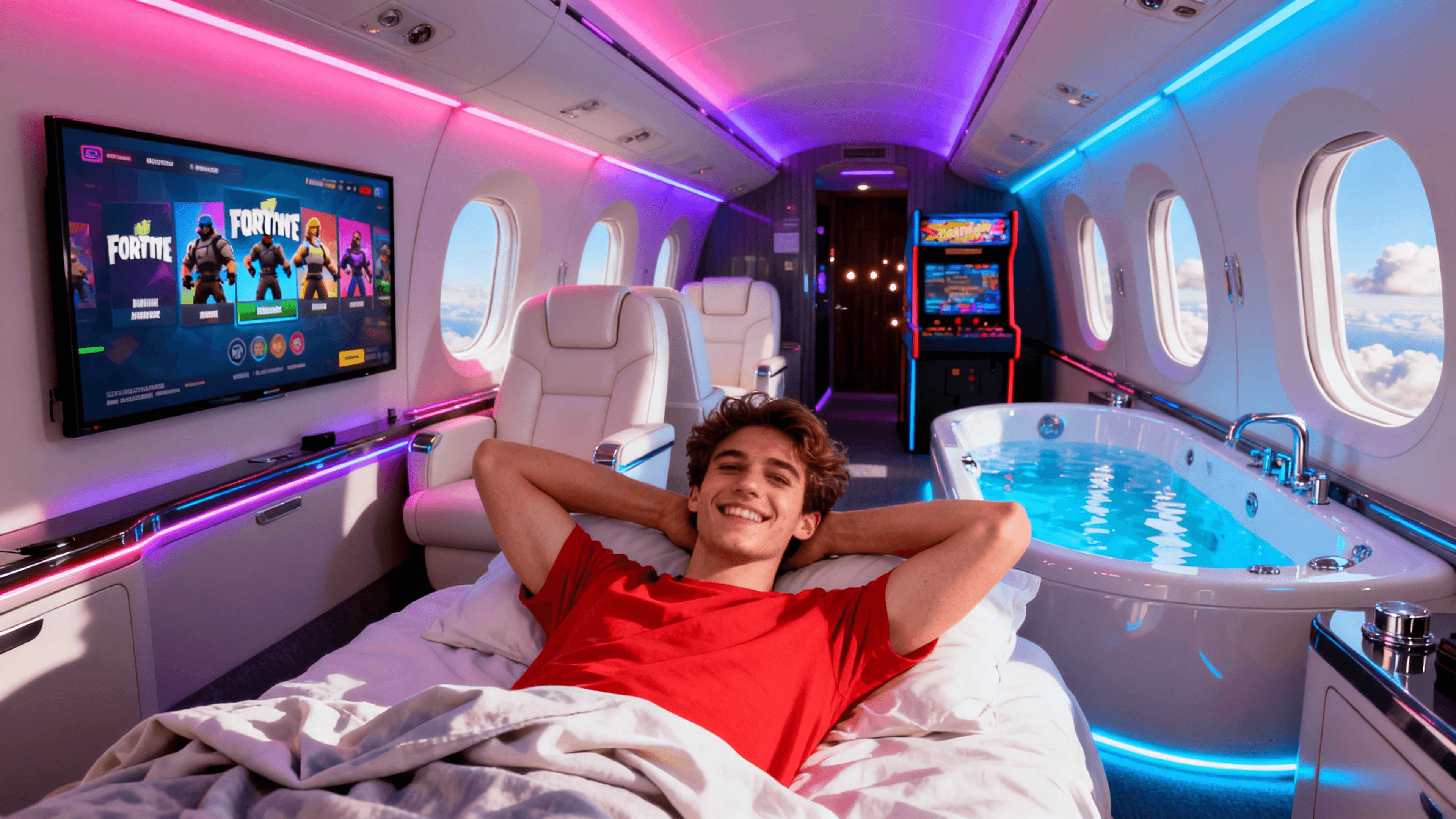
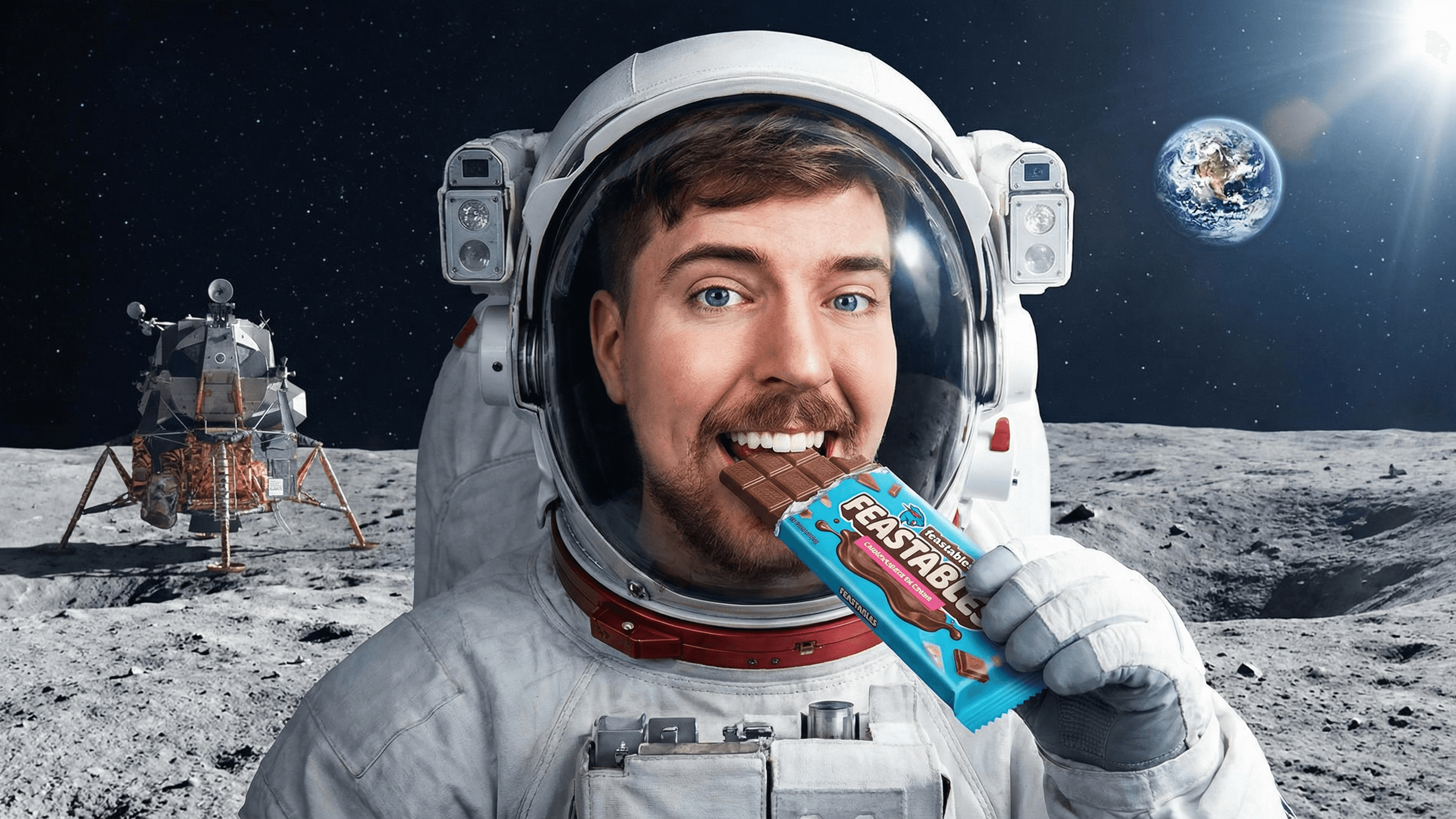

The AI takes your description literally. More detail = better output. These four elements in your prompt consistently produce stronger results:
Subject. Who or what is in the thumbnail. "A person with a shocked expression" beats "someone surprised." Be specific.
Setting. Where the scene takes place or what the background looks like. "Bright yellow studio background" or "dark dramatic sky at night."
Mood or energy. The feeling the thumbnail should create. "High energy and chaotic" or "clean and professional."
Space for text. If you need to add a title overlay, tell the AI to leave clear space, "dark area at top for text" or "subject on the right side with open space on the left."
Example prompt: "Person looking shocked holding a huge stack of cash, money flying everywhere, bright yellow studio background, space at top for bold text"
Both workflows have a place. Here is when each one makes sense.
| Situation | Use Text-to-Thumbnail | Use Photo Upload |
|---|---|---|
| You have no usable photo | ✓ Generate the whole scene from scratch | - |
| You want a specific real person or face | - | ✓ Upload a photo and edit it |
| Your video covers an abstract topic (finance, tech, ideas) | ✓ AI can visualize concepts you can't photograph | - |
| You already have a great shot from filming | - | ✓ Upload and enhance what you have |
| You want complete control over the visual concept | ✓ Describe exactly what you want | - |
| You need to match real-world branding or products | - | ✓ Start from the actual asset |
How It Works
Type what you want: the subject, mood, setting, and where you need space for text. The more specific, the better.
In about 30 seconds you get a 1280x720 thumbnail image built from your description.
Open the editor, add your video title, adjust colors, and make any tweaks.
Download in a 16:9 preset, including YouTube's current 3840x2160 recommendation.
Who It's For
Creators who cover topics that cannot be photographed, history, finance, concepts, future tech
YouTubers who have a clear thumbnail idea but no photo to start from
Anyone who wants full creative control without needing design tools
Channels that post frequently and need thumbnails fast without setting up photo shoots
Try These
“Astronaut floating in deep space with Earth visible in the background, dramatic lighting, dark cosmic atmosphere, space for bold title text at top”
“Person with a shocked expression holding a glowing golden trophy, confetti falling, bright celebration background, energetic and triumphant mood”
“Split screen: left side shows a messy disorganized desk, right side shows the same desk clean and minimal, dramatic before and after transformation”
Benefits
Generate any scene from scratch. AI can visualize concepts, historical events, abstract ideas, and scenarios that are impossible to film.
Not happy with the first result? Refine your description and regenerate. Usually takes 2–3 attempts to nail it.
Every AI generation is original. No templates shared with other channels.
Output stays at 16:9 and can be exported in HD, 2K, or 4K without rebuilding the layout.
Most thumbnail tools make you start with something: a photo, a template, a blank canvas. Creators searching for text-to-thumbnail want to skip all that. They have the idea in their head, they can describe it in a sentence, and they want a tool that can turn that sentence into an image.
Thumbnail Studioo's AI thumbnail generator was built for exactly this workflow. Type your description, get a 1280x720 thumbnail in seconds. Then open it in the thumbnail editor to add text, adjust colors, and export. Sign in to generate your first one free.
Describe what you want. AI builds it in 30 seconds. Free to start.
Generate Thumbnail from TextFree 3-day trial • Cancel anytime
FAQ
Subject, setting, mood, and where you need space for text. "Person with shocked expression holding cash, bright yellow background, space for title text at top" is a solid template. Specific beats vague every time.
The AI generates realistic-looking people from descriptions but cannot recreate specific individuals. If you need a thumbnail with your own face, upload a photo and use the editor to build around it.
Each generation produces multiple options to compare. You get full access to AI generation during the 3-day free trial. Start your free trial.
YouTube currently recommends 3840x2160 in a 16:9 ratio. Thumbnail Studioo also offers 2K and 1280x720 HD exports when you need a smaller file.