1
Pick the Story Beat
The arrest, the betrayal, the promotion, the funeral. RP thumbnails sell the chapter, so choose the single moment this episode turns on.
Reviewed by Thumbnail Studioo · Updated 7 July 2026
Make a FiveM ThumbnailAI thumbnail generator
Describe the thumbnail you want and generate it directly on this page.
Your thumbnail will appear here
Write a description and choose a style to get started.
Examples

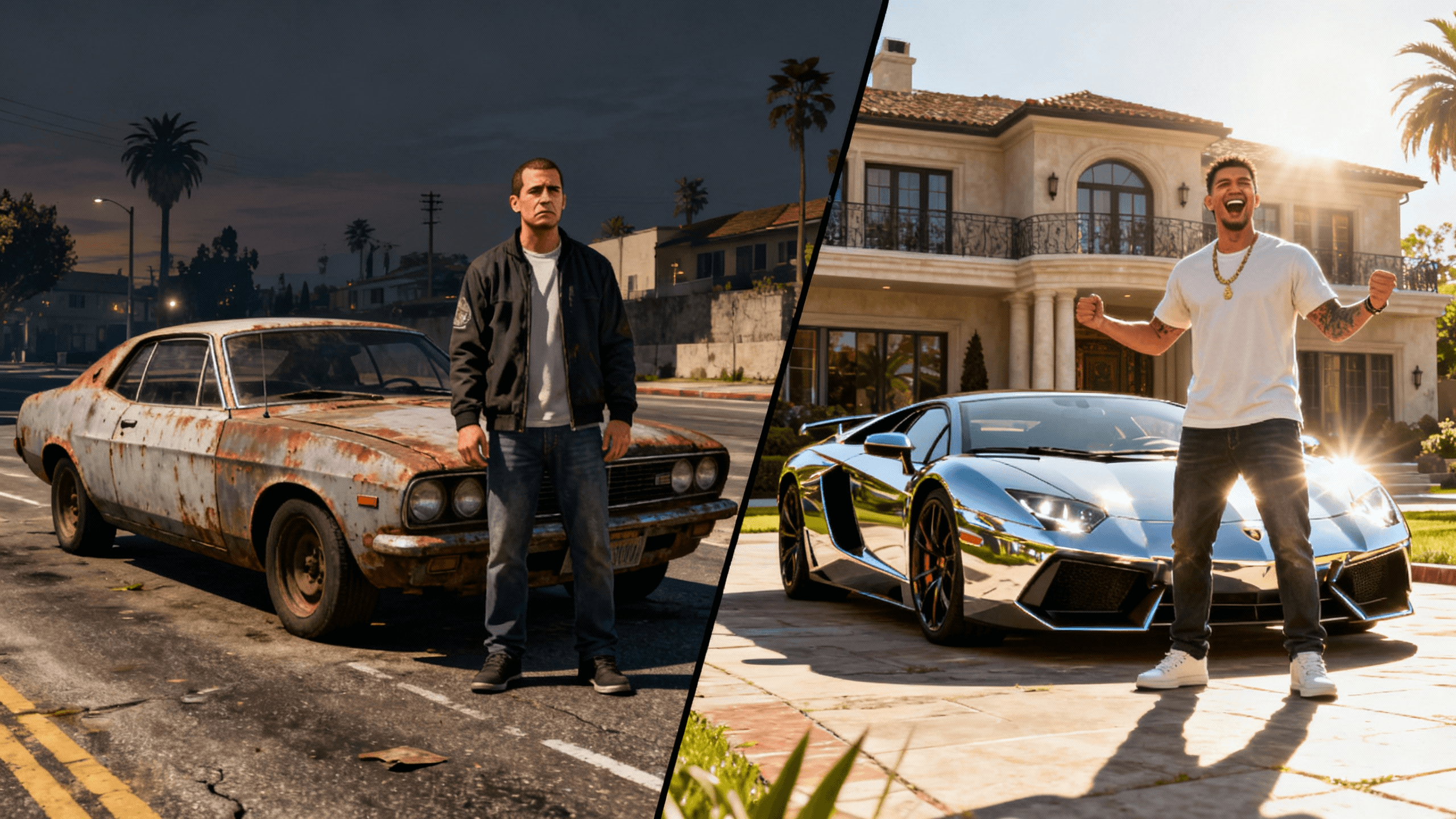
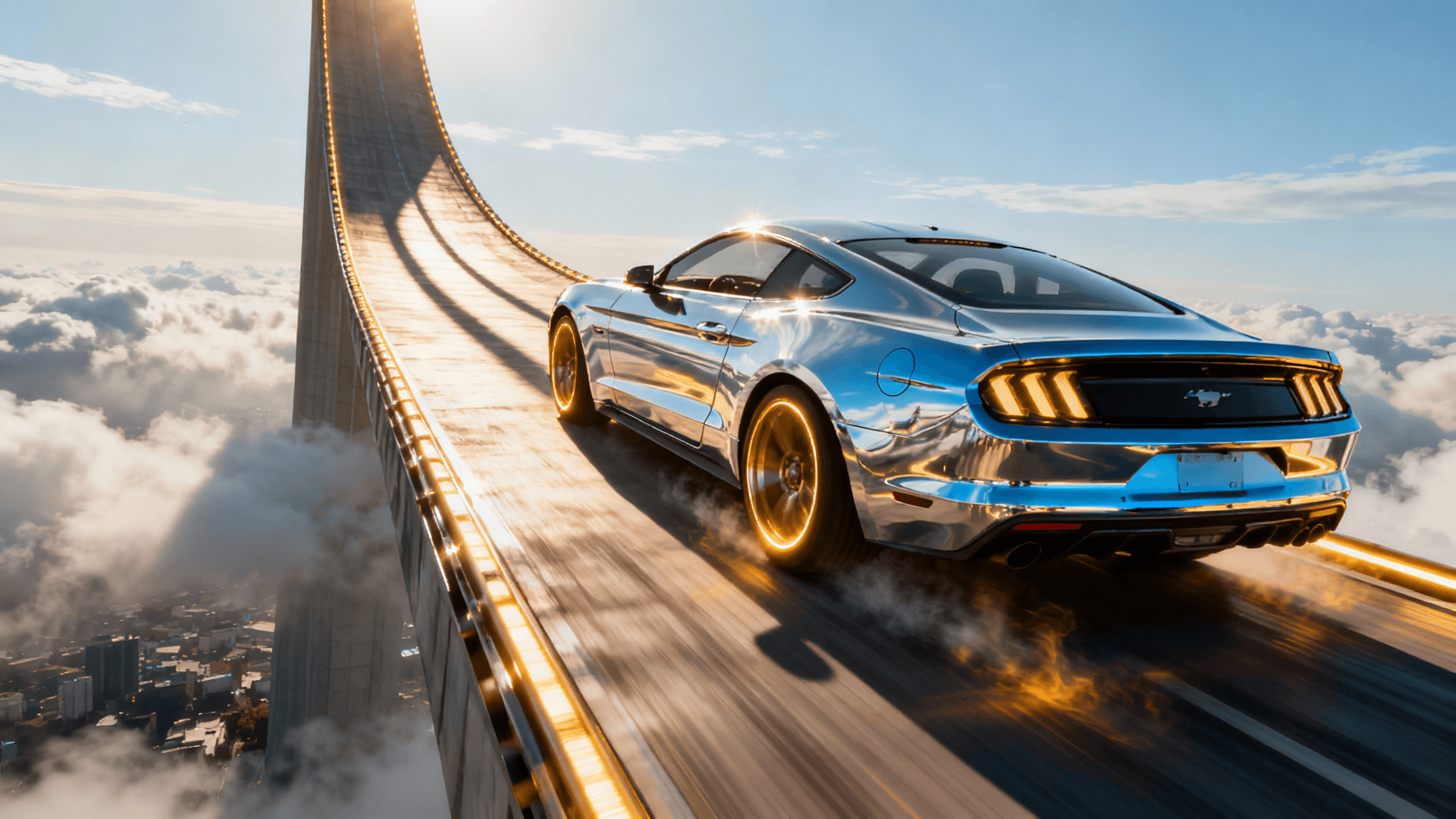
Different FiveM formats need different thumbnails:
| Content Type | What to Show | Tone and Colors | Text Style |
|---|---|---|---|
| Storyline episodes | Your character at the episode's turning point | Match the arc: dark for crime, blue for police, warm for civilian life | Tease the beat: "THEY KNOW", "LAST SHIFT" |
| Police RP | Uniform, patrol car, pursuit or traffic stop | Night scenes with red and blue siren glow | "CODE RED", "HIGH SPEED PURSUIT" |
| Crime and gang RP | Masked crew, meeting spots, faction colors | Dark, neon accents, noir shadows | Faction name plus tension: "WAR TONIGHT" |
| Montages | Mid-action freeze: drift, shootout, jump | High saturation, motion blur energy | One word: "CRACKED", "MOVIE" |
| Live sessions | Character plus a bold LIVE badge | Bright accent on dark scene so LIVE pops | "LIVE - DAY 47", session storyline hook |
How It Works
The arrest, the betrayal, the promotion, the funeral. RP thumbnails sell the chapter, so choose the single moment this episode turns on.
Describe the location and mood in RP terms: night traffic stop, warehouse deal, hospital hallway. Cinematic lighting comes standard.
Add your character screenshot or describe them in the prompt. Keep their signature look, the uniform, the mask, the jacket, clearly visible for recognition.
Three or four words that tease, never spoil: "THEY FOUND OUT", "LAST PATROL", "THE DEAL WENT WRONG". Export at 1280x720.
Who It's For
FiveM RP creators uploading storyline episodes from server sessions
Streamers who need a custom thumbnail before every RP session goes live
Montage editors cutting pursuit and shootout highlights
Faction and gang channels where the crew brand is the draw
Try These
“Police officer character leaning against a patrol car at night, neon city lights reflecting on wet asphalt, red and blue siren glow, cinematic RP drama, space on the right for text”
“Tense meeting between two characters in a dark warehouse, single overhead light, one briefcase on a table between them, crime storyline energy, moody shadows”
“Character in an orange jumpsuit sitting in a courtroom looking back over their shoulder, dramatic window light, "it was not supposed to end like this" energy”
Benefits
Generic GTA art undersells RP. Building thumbnails around your character, their outfit, their faction colors, their signature vehicle, feeds the recognition loop that serialized RP channels grow on.
RP moments happen at whatever ugly time of day the server dictates. Generating the scene gives you the noir night lighting, the golden hour, or the siren glow the moment deserved, every time.
Session thumbnails, episode uploads, and montages can all share a visual system: same text treatment, same character framing. Viewers learn to spot your content in any feed.
Active RP creators go live or upload almost daily. A generate-place-text pipeline takes minutes, so the thumbnail never becomes the reason the session starts late.
A stunt channel sells chaos; an RP channel sells a story with a cast. Generic supercar-and-explosion art does not move RP viewers, they click for the next chapter of a character they follow. The thumbnail needs that character front and center, in lighting the server never gives you.
Generate the scene with the AI thumbnail generator: the traffic stop at night, the warehouse meeting, the courthouse steps. Layer in your character shot, add storyline text in the YouTube thumbnail editor, and export in HD for videos or streams. Sign in to start.
Cinematic RP scenes, faction identity, and storyline tension in minutes. Made for FiveM upload schedules.
Make a FiveM ThumbnailFree 3-day trial • Cancel anytime
FAQ
For YouTube uploads and VODs, 1280x720 pixels at 16:9, under 2MB, which is what Thumbnail Studioo exports. If you stream on Twitch, the same image works for your VOD and clip art, so one export covers both platforms.
Two workflows. Screenshot route: pose your character in good server lighting, screenshot at high settings, then cut them out with the background remover and place them on a generated scene. Prompt route: describe the character's look ("officer in navy uniform with silver badge, tired expression") and generate the whole scene in one pass. The screenshot route keeps your exact character; the prompt route is faster and often lights better.
If your audience follows the server's wider storyline, yes, a small server name or recognizable location helps your videos surface to that community. Check your server's content rules first; most large RP servers encourage creator content but some have branding guidelines about using their name and logo.
Regular GTA content sells spectacle, so those thumbnails push chaos: explosions, supercars, money. RP content sells continuity, so the thumbnail pushes character and consequence: who is in trouble, what changed, what happens next. If you run both content types, keep the styles distinct so viewers know which kind of video they are clicking.
Yes. Montage thumbnails want one frozen moment of peak action with heavy motion energy and minimal text. Generate the action scene, drop your character in, add a single word, and export. The high-saturation treatment that works for montages is the default when you ask the generator for action energy.