1
Pick a Font With Real Weight
Start with Impact, Bebas Neue, Anton, or Montserrat Black. These are the fonts that stay readable at thumbnail size. Avoid thin or decorative options until you understand why the heavy ones work.
Reviewed by Thumbnail Studioo · Updated 14 August 2026
Preview My Text FreeLive font preview
Type a short phrase and compare seven readable styles on the same thumbnail background.
Selected: Impact. Always check the final design at a small size.
Open the text editorAI thumbnail generator
Describe the thumbnail you want and generate it directly on this page.
Your thumbnail will appear here
Write a description and choose a style to get started.
Examples


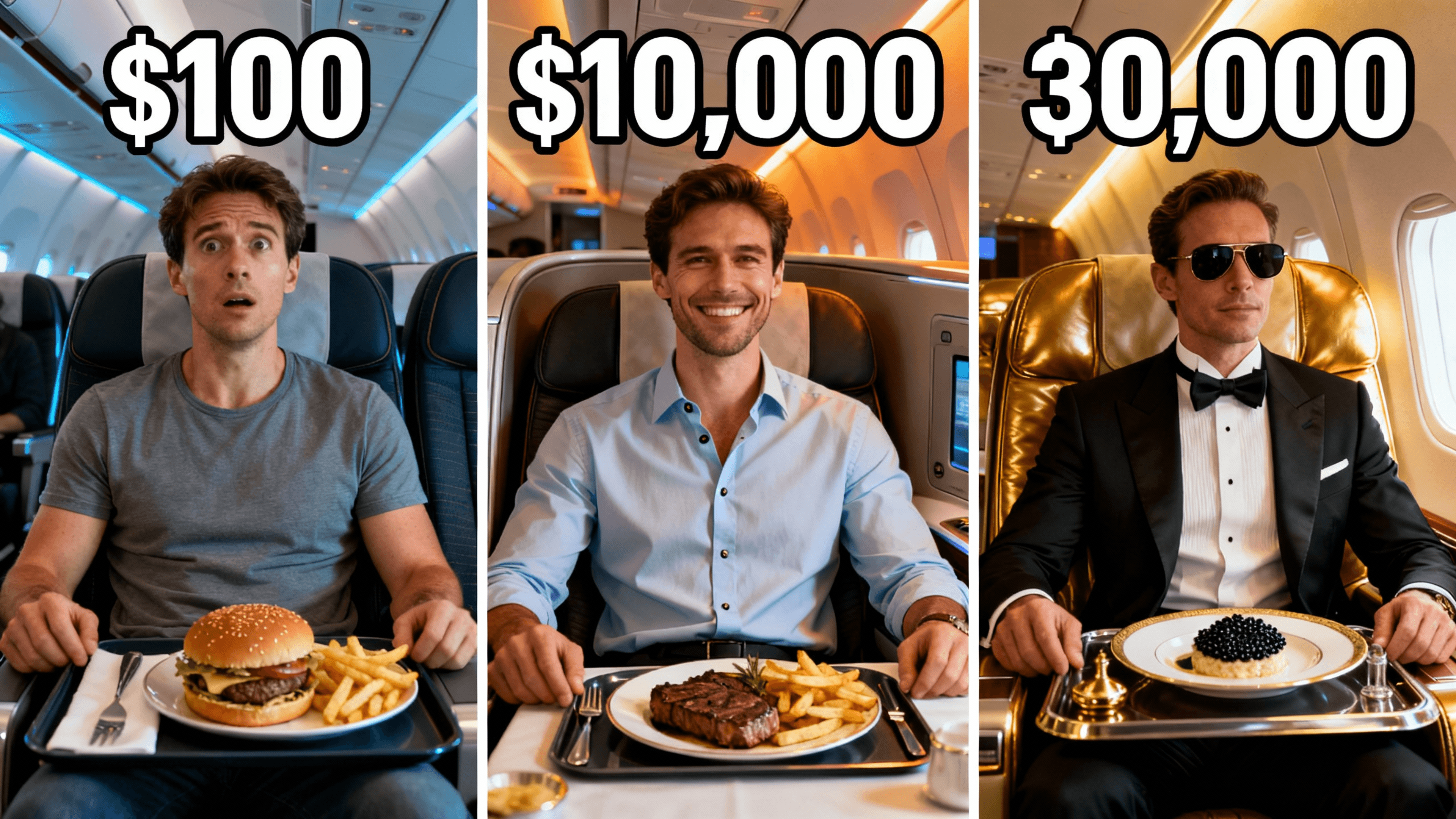




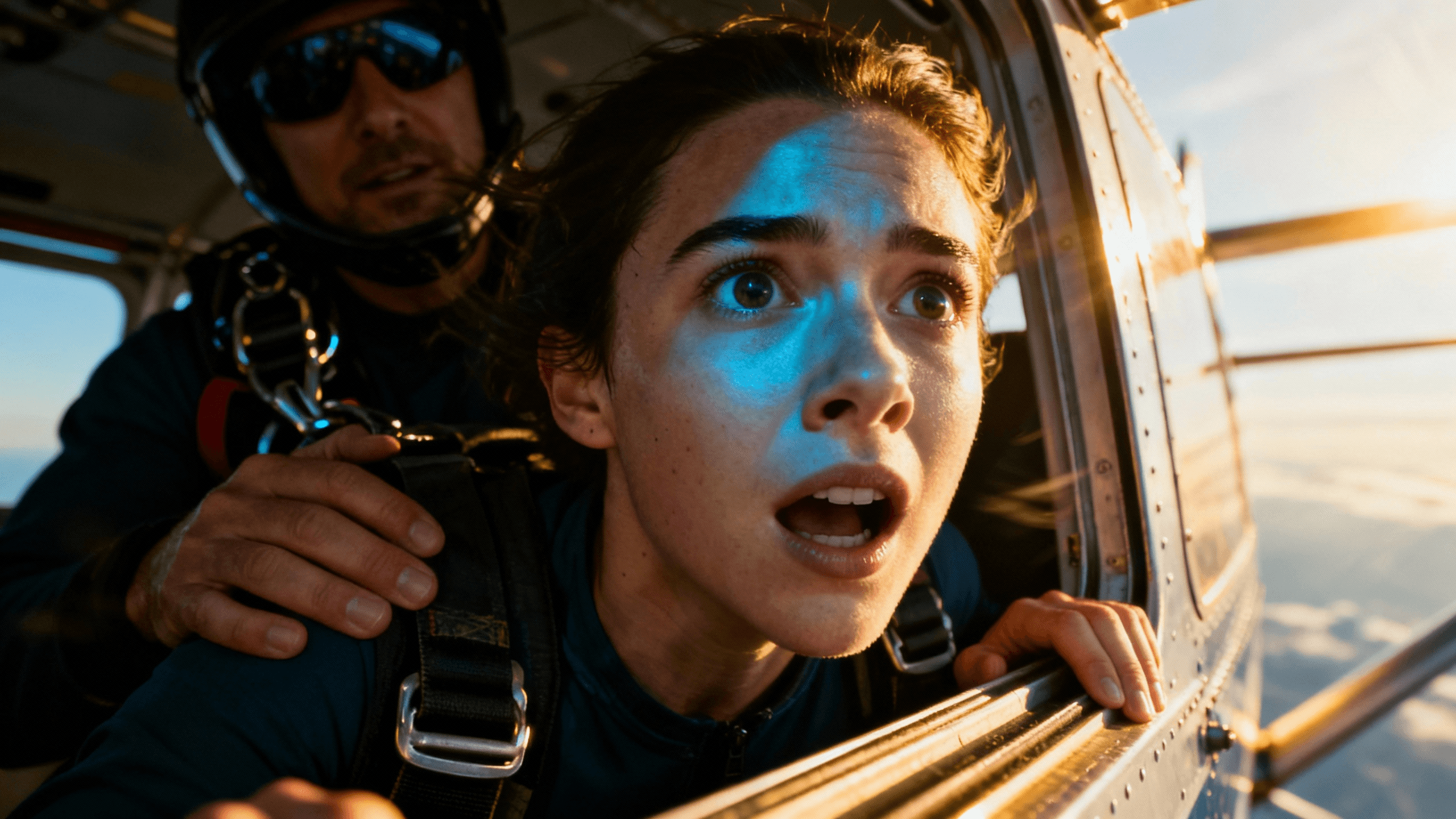
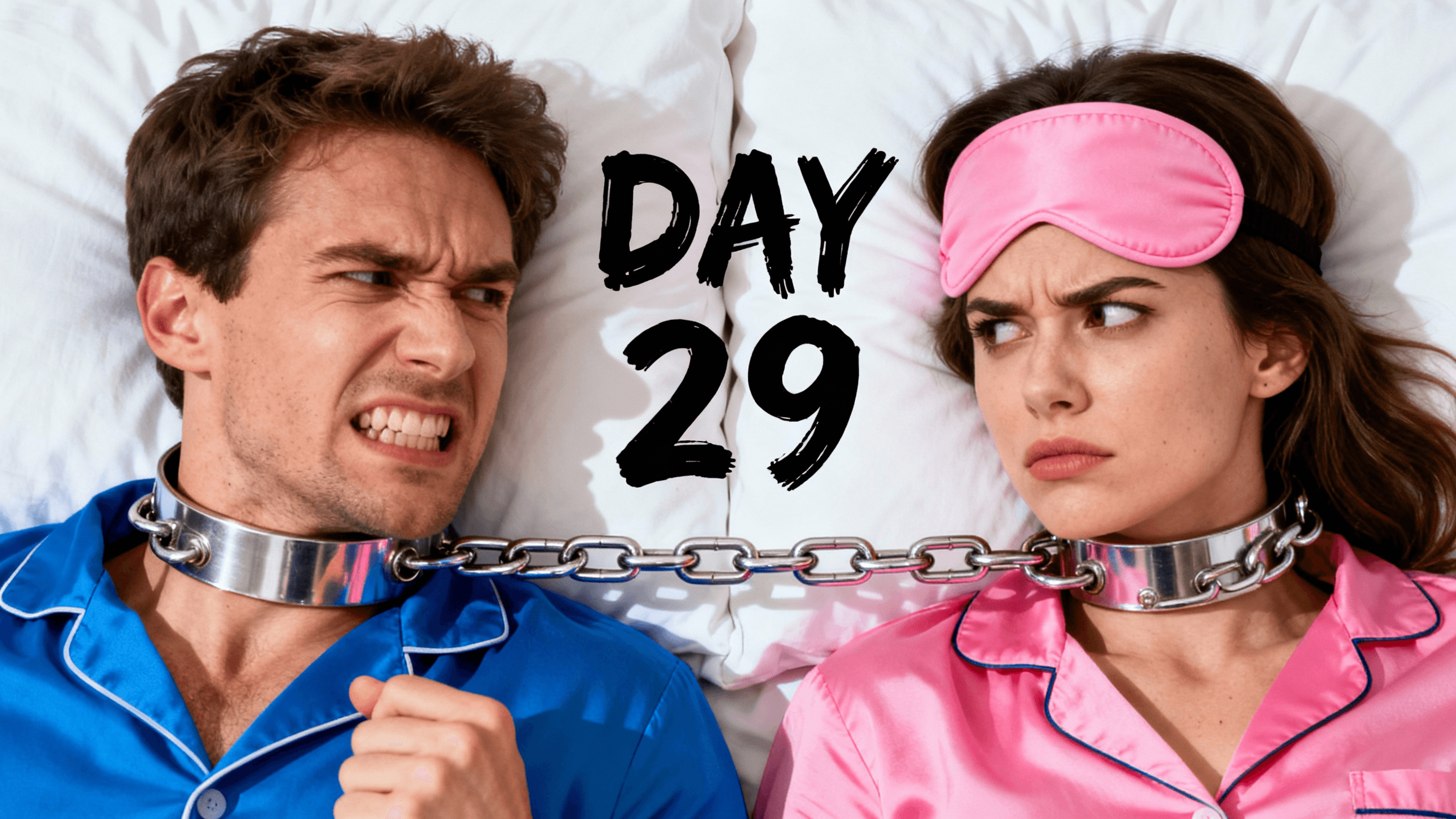

These are the fonts that show up on the most-watched YouTube channels. None of them were chosen by accident.
| Font | Style | Best For | Why It Works on Thumbnails |
|---|---|---|---|
| Impact | Condensed heavy sans-serif | Gaming, challenge, entertainment | Extremely tall and tight characters that take up a lot of vertical space without spreading wide. Fits long words into small spaces and holds its shape at tiny sizes. The most-used font in YouTube thumbnails for a reason. |
| Bebas Neue | All-caps display sans-serif | Any niche with short bold text | All-caps by default, thick strokes, zero decoration. Every letter is the same weight so the whole word reads as one solid shape rather than individual characters fighting each other. |
| Montserrat Bold / Black | Geometric sans-serif | Lifestyle, tech, education | Feels modern and clean without looking corporate. The heavier weights punch through almost any background. Works well in mixed-case, which reads naturally in short phrases. |
| Anton | Condensed bold sans-serif | Sports, gaming, challenge content | Similar to Impact but with slightly softer edges. Reads very clearly at small sizes. Good for one or two words that need to fill a lot of visual space. |
| Oswald Bold | Condensed sans-serif | Commentary, news-style, education | Narrower than Impact, slightly more refined. Works well for channels that want to look direct and authoritative without looking aggressive. |
| Roboto Black | Geometric sans-serif | Tech, tutorials, explainers | Common but for a real reason. Heavy weight reads clearly on any background. Clean and familiar. A safe choice that almost never looks bad at thumbnail size. |
Weight over style. Thumbnails are viewed at small sizes in a busy feed. Thin fonts disappear. Script fonts turn into unreadable blobs. Heavy weights hold their shape when compressed. If you are choosing between two fonts you like, pick the heavier one every time.
Condensed beats wide. Wide fonts like Arial or Open Sans spread across your image and eat up the background you worked to create. Condensed fonts stack tall, giving you more characters in less horizontal space. That leaves more of your image visible and your composition intact.
All-caps has one job. Mixed-case text is easier to read in long sentences. All-caps is more impactful for two to four words. Most thumbnail text is two to four words. So all-caps often wins.
Use a stroke or shadow on everything. Your thumbnail background is unpredictable. Sometimes it is dark, sometimes bright, sometimes it is a face. Adding a 3 to 4px outline or a drop shadow behind your text means it stays readable on any background. This single step is the most consistent difference between professional and amateur thumbnail text.
Pick one font and stick with it. Consistency across your thumbnails builds channel recognition. Viewers start to associate your font with your content before they even see your name. Switching fonts every video signals inconsistency and slows down your workflow.
Some fonts look good in other contexts and consistently fail on thumbnails.
Script and handwriting fonts. They look elegant on a greeting card. At 200px wide on a phone, the connecting strokes blend together and individual letters stop being readable. Save these for titles and graphic design that viewers spend more than half a second looking at.
Light weight versions of good fonts. Montserrat Regular and Roboto Regular are both perfectly readable in body copy. At thumbnail size, the thin strokes disappear against almost any background. Always use Bold or Black weight for thumbnails. Regular is not enough.
Serif fonts in most cases. The small decorative feet on serif characters add visual noise at small sizes. There is an exception: if your channel has a literary, academic, or vintage identity and the serif is genuinely part of that brand, it can work. For most creators it does not.
Whatever the default font is in your design tool. Not because it is a bad font, but because it is the default for millions of other creators. Thumbnails that look like defaults do not stand out.
How It Works
Start with Impact, Bebas Neue, Anton, or Montserrat Black. These are the fonts that stay readable at thumbnail size. Avoid thin or decorative options until you understand why the heavy ones work.
Open the thumbnail editor, create your text layer, and position it where you have contrast behind it. Keep it to three or four words maximum.
Apply a 3 to 4px stroke or a drop shadow so the text reads on any background. This single step is the most consistent difference between professional and amateur thumbnail text.
Zoom out until the thumbnail is roughly the size it appears on a phone. If you can read every word without effort, you are done. If anything blurs or disappears, increase the size or contrast before exporting.
Who It's For
Creators whose thumbnail text looks off but cannot figure out exactly why
YouTubers who want a consistent visual style across all their videos and need a font to anchor it
Anyone switching tools and starting fresh who wants to get the text right from the beginning
Channels that rely on text in thumbnails and need it to actually read clearly on a phone screen
Try These
“Dramatic scene with a clear main subject on the right side of the frame, the left third intentionally darker or blurred to create space for bold text overlay, cinematic lighting”
“High contrast background image with strong colors that make white or yellow text pop, minimal visual noise in the area where text will be placed”
“Person with an expressive reaction face on one side of the frame, the rest of the background dark and clean to give a large font room to breathe”
Benefits
Most YouTube views come from mobile. A font that looks sharp on your monitor can be completely unreadable on a phone. Heavy, condensed fonts stay legible at the sizes that actually matter.
Pick one font and use it on every video. Viewers start recognizing your thumbnails before they even see your channel name. Switching fonts every upload throws that away.
Backgrounds are unpredictable. A bold font with a stroke or shadow stays readable no matter what is sitting behind it. You stop worrying about contrast and focus on the message.
Lock in your font once. Same weight, same style, every video. Removes one more thing to decide so you can spend time on the parts that actually change.
The search starts after an upload where the text looked fine in the editor and unreadable in the feed. The culprit is almost never the font family. It is thin weights and decorative styles that were never designed to hold up at 200 pixels wide.
Use the live preview above to compare the same phrase across seven font styles without signing in. Once you find the clearest direction, try it on your own image in the YouTube thumbnail editor and check the final design at a small size before exporting.
Use the thumbnail editor to try different fonts, weights, and styles on your next thumbnail. See what works before you export.
Preview My Text FreeFree 3-day trial • Cancel anytime
FAQ
Impact, Bebas Neue, and Anton are the most consistently used on high-performing channels. They are condensed, heavy, and readable at small sizes. Montserrat Black and Roboto Black also work well for channels that want a slightly more modern look.
Large enough to read without effort at phone size. On a 1280x720 thumbnail, the main text should be at least 70 to 80px tall for the primary word. Check it at 200px wide to simulate how it looks on a mobile screen.
For two to four words, all-caps is usually more impactful. It reads as a single strong shape rather than individual letters. For longer phrases, mixed-case is easier to read. Since most thumbnail text is short, all-caps tends to perform better.
Yes, almost always. Your background will not always be the same tone. A 3 to 4px stroke or drop shadow means the text stays readable on any background. Without it, light text disappears on bright areas and dark text disappears on dark areas.
Three to four is the sweet spot for most thumbnails. Enough to add context the image alone cannot provide, short enough to be processed in a fast scroll. Some of the best-performing thumbnails have no text at all. If your image tells the whole story, text is optional.
Yes. If a specific font fits your channel brand, use it as long as it is readable at small sizes. The same rules apply: heavy weight, high contrast, stroke or shadow. Consistent brand identity matters more than using a font from any particular list.