1
Describe
Open your browser and tell AI what thumbnail you want to create.
Examples
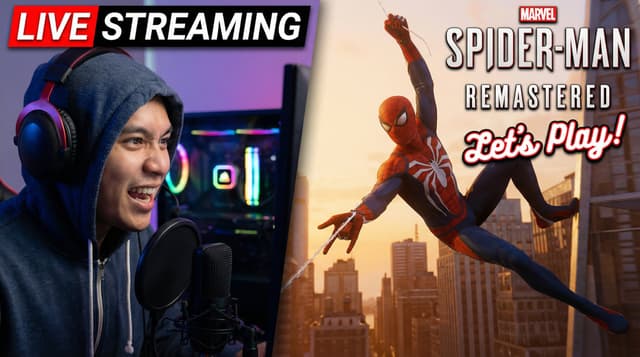

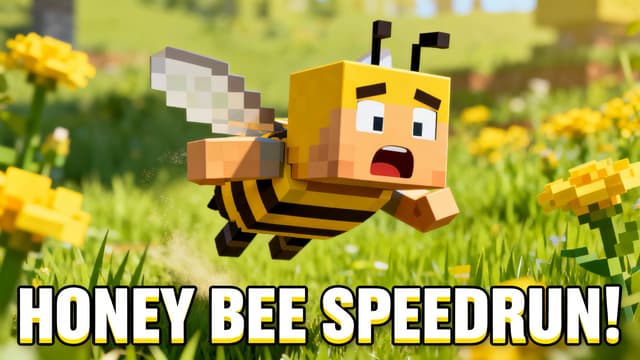
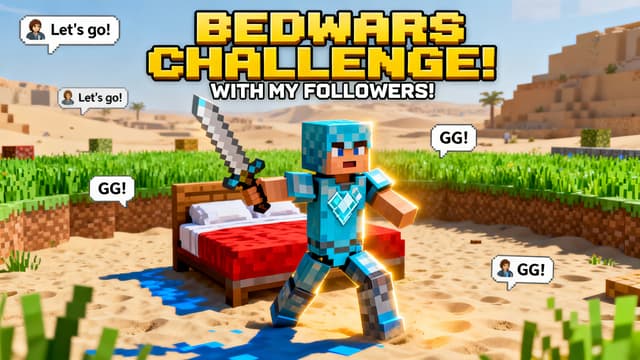

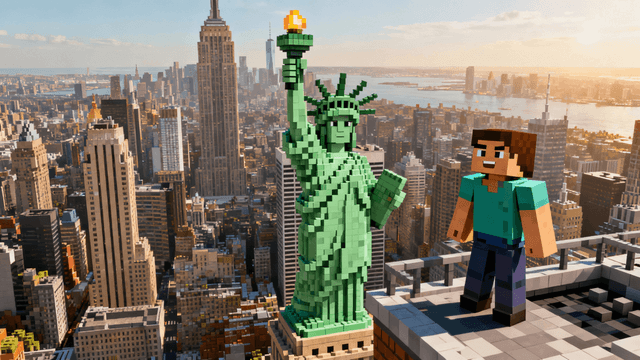
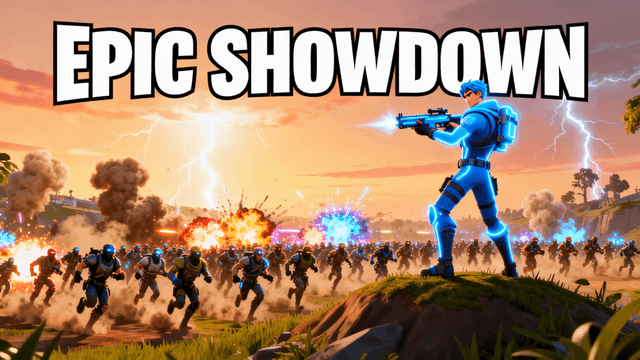


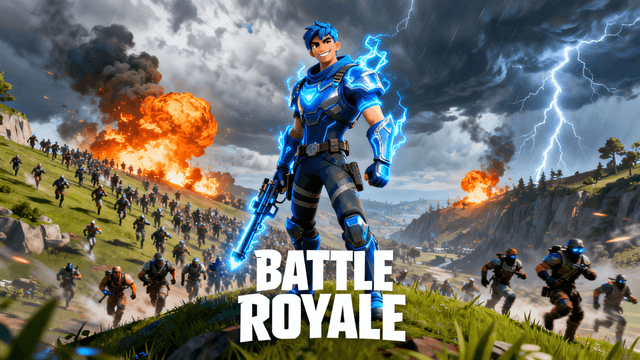
How It Works
Open your browser and tell AI what thumbnail you want to create.
AI creates your thumbnail in seconds. No downloads, all online.
Add text, adjust colors, fine-tune details in the browser editor.
Export to your device at 1280x720. Ready for YouTube.
Who It's For
Creators who need thumbnails now and don't want to wait for software downloads
People using multiple computers who hate installing software everywhere
YouTubers with limited storage space who can't fit another big application
Anyone who just wants to make a thumbnail without dealing with installation hassles
Try These
“Person with excited expression pointing at glowing laptop screen, colorful workspace background with plants and equipment, cheerful energetic mood, modern aesthetic”
“Dramatic before and after weight loss transformation, person showing progress photos, inspiring confident expression, bright natural lighting, motivational vibe”
“Shocked person holding smartphone showing viral video with huge view count, surprised reaction, studio lighting with blue and purple tones, dramatic moment captured”
Benefits
Everything runs in your browser. No downloads, no setup, no storage space needed.
Desktop, laptop, tablet. If it has a modern browser, it works.
No updates to install. You always get the latest AI features automatically.
Click and create. No registration required to try basic features.
Open your browser and start creating. Our AI thumbnail generator runs completely online. Describe what you want, AI generates it, then edit with the thumbnail editor. Everything happens in your browser. No downloads, no installations. Sign in and create your first thumbnail online.
No downloads. Open your browser and start creating with AI.
Open AI MakerFree 3-day trial • Cancel anytime
FAQ
No. Everything runs in your web browser. Open the page and start creating immediately.
Chrome, Firefox, Safari, and Edge. Any modern browser updated in the last year works well.
Yes. Mobile browsers work for generation and basic editing. Desktop browsers offer the best editing experience.
Yes. Browser storage saves your progress. Export finished thumbnails to your device for permanent storage.
No. Every generation and edit calls out to an AI model, so an internet connection is required throughout, not just to load the page.