1
Pick Your Format
Choose Square (1:1), Portrait (4:5), or Reel & Story Cover (9:16) before you generate, so the AI composes for that exact frame.
Reviewed by Thumbnail Studioo · Updated 10 August 2026
Create Your Instagram ThumbnailInstagram cover generator
Describe the thumbnail you want and generate it directly on this page.
Your thumbnail will appear here
Write a description and choose a style to get started.
How It Works
Choose Square (1:1), Portrait (4:5), or Reel & Story Cover (9:16) before you generate, so the AI composes for that exact frame.
Write what you want, or attach a reference photo (your face, a product, a screenshot) using the attach button and describe how to use it.
The AI builds your image at the real pixel dimensions for that format, no cropping guesswork after the fact.
Download free at HD, or upgrade to 2K/4K. Not quite right? Describe a change and regenerate without starting over.
Examples
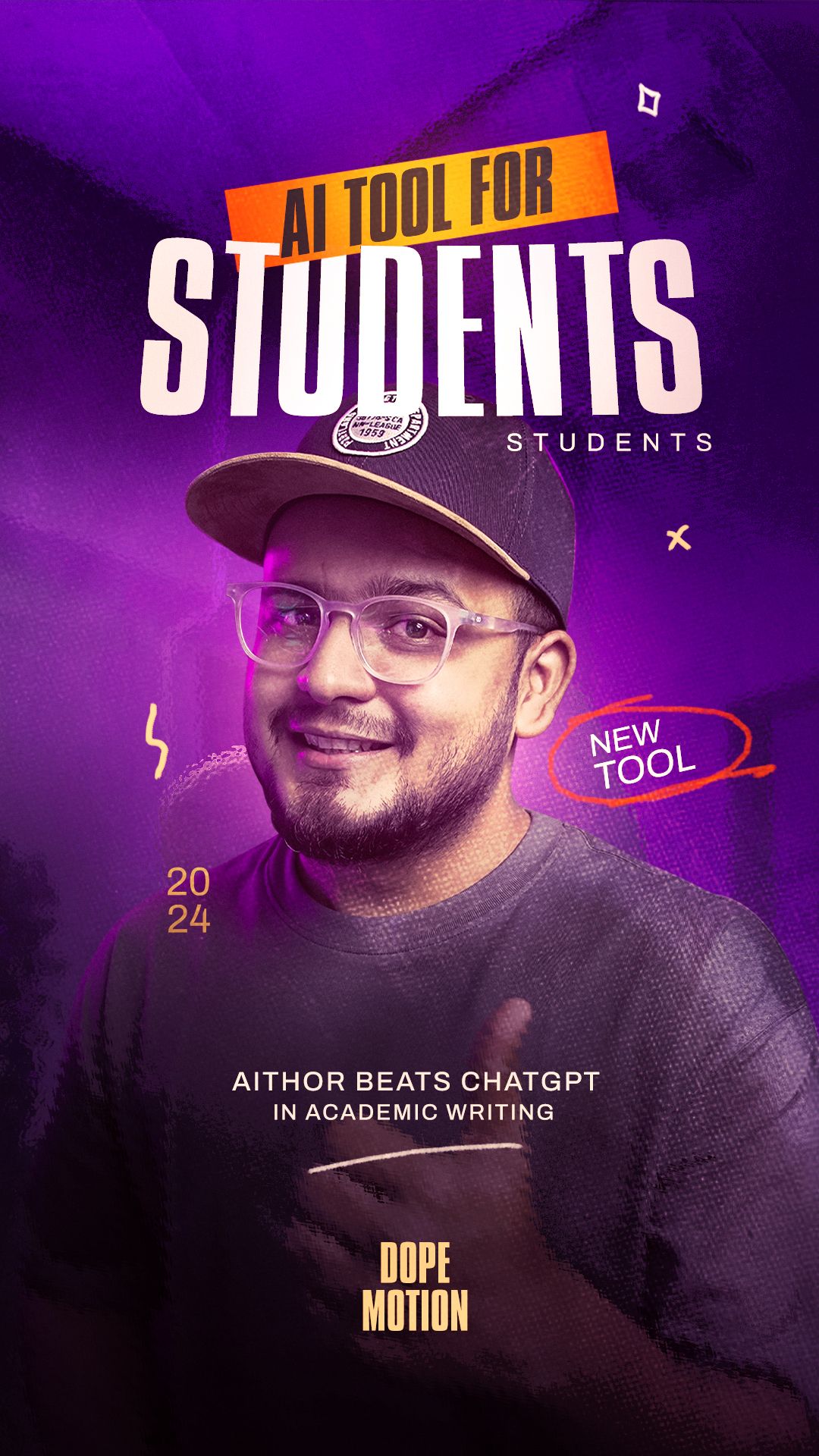
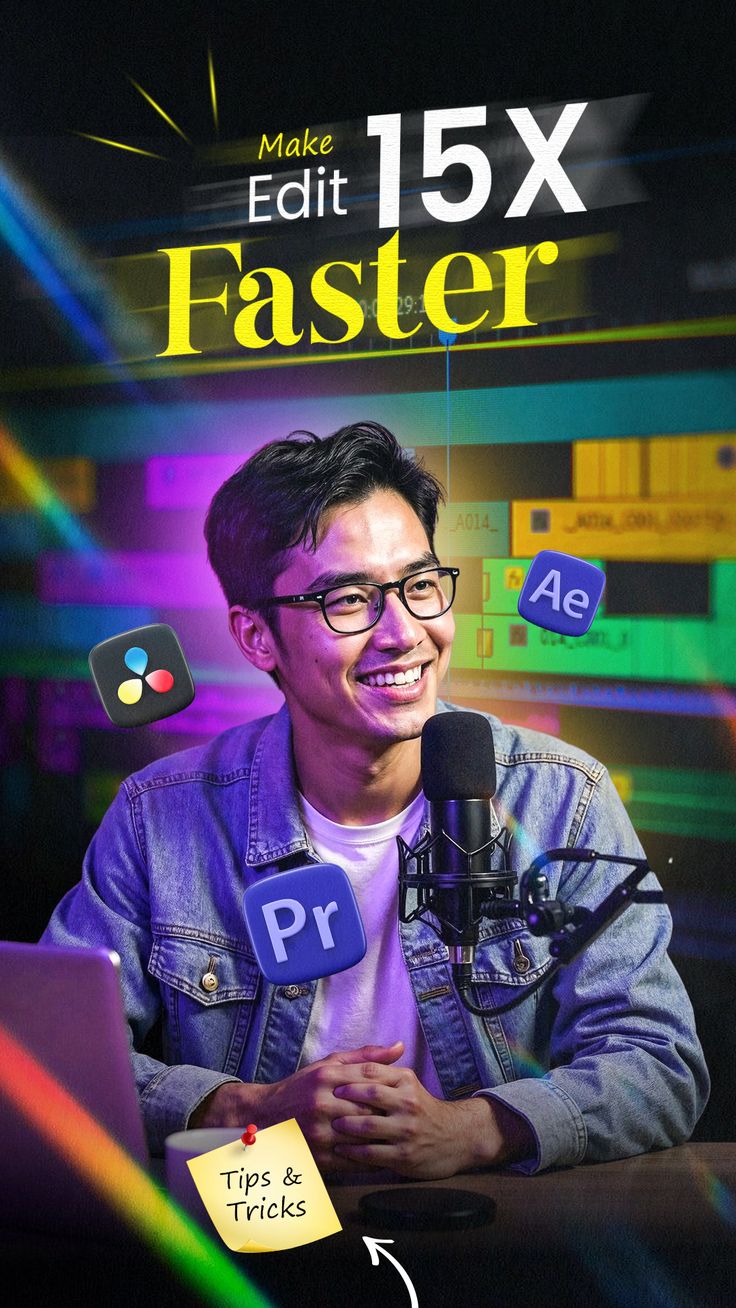
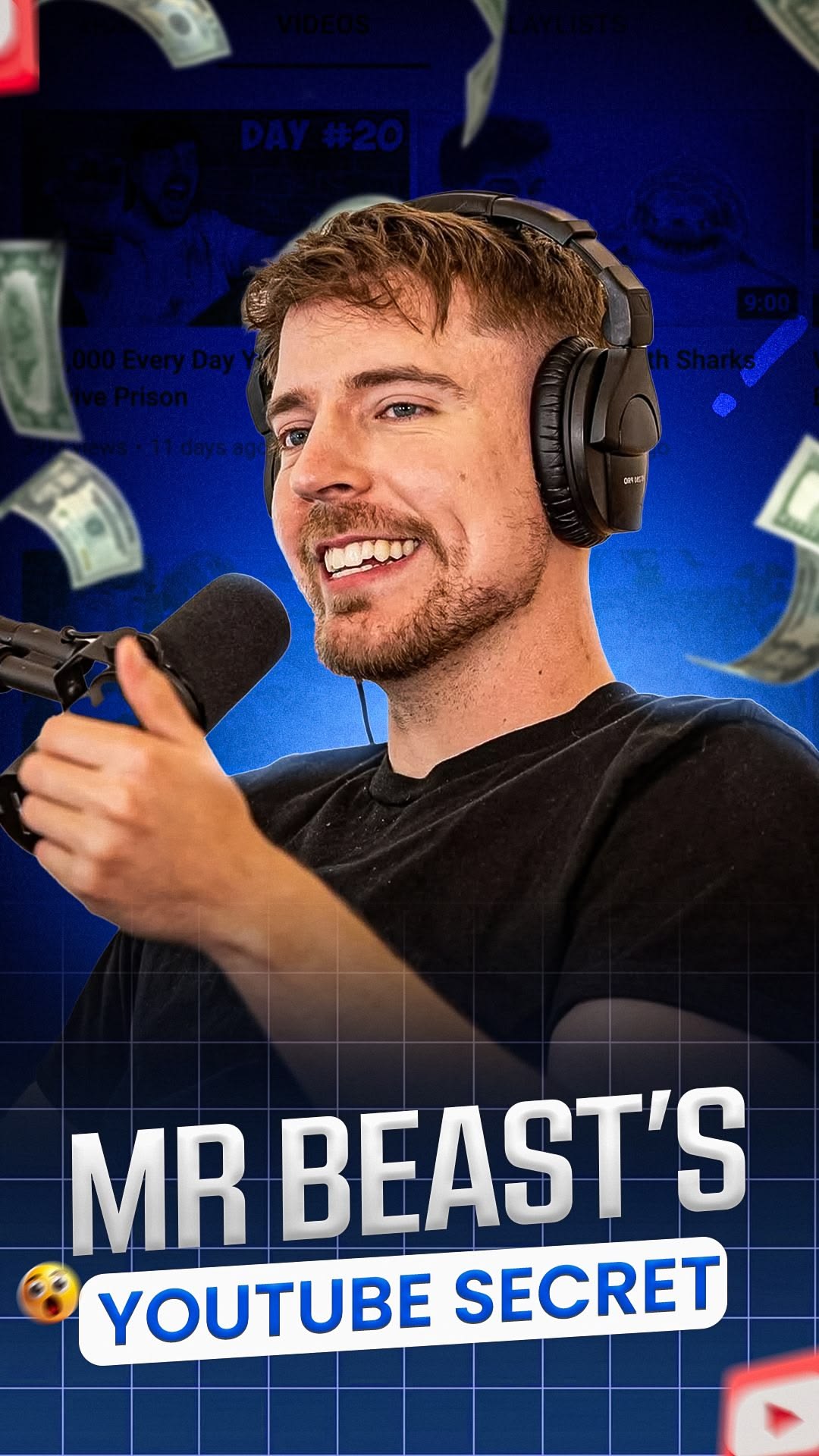
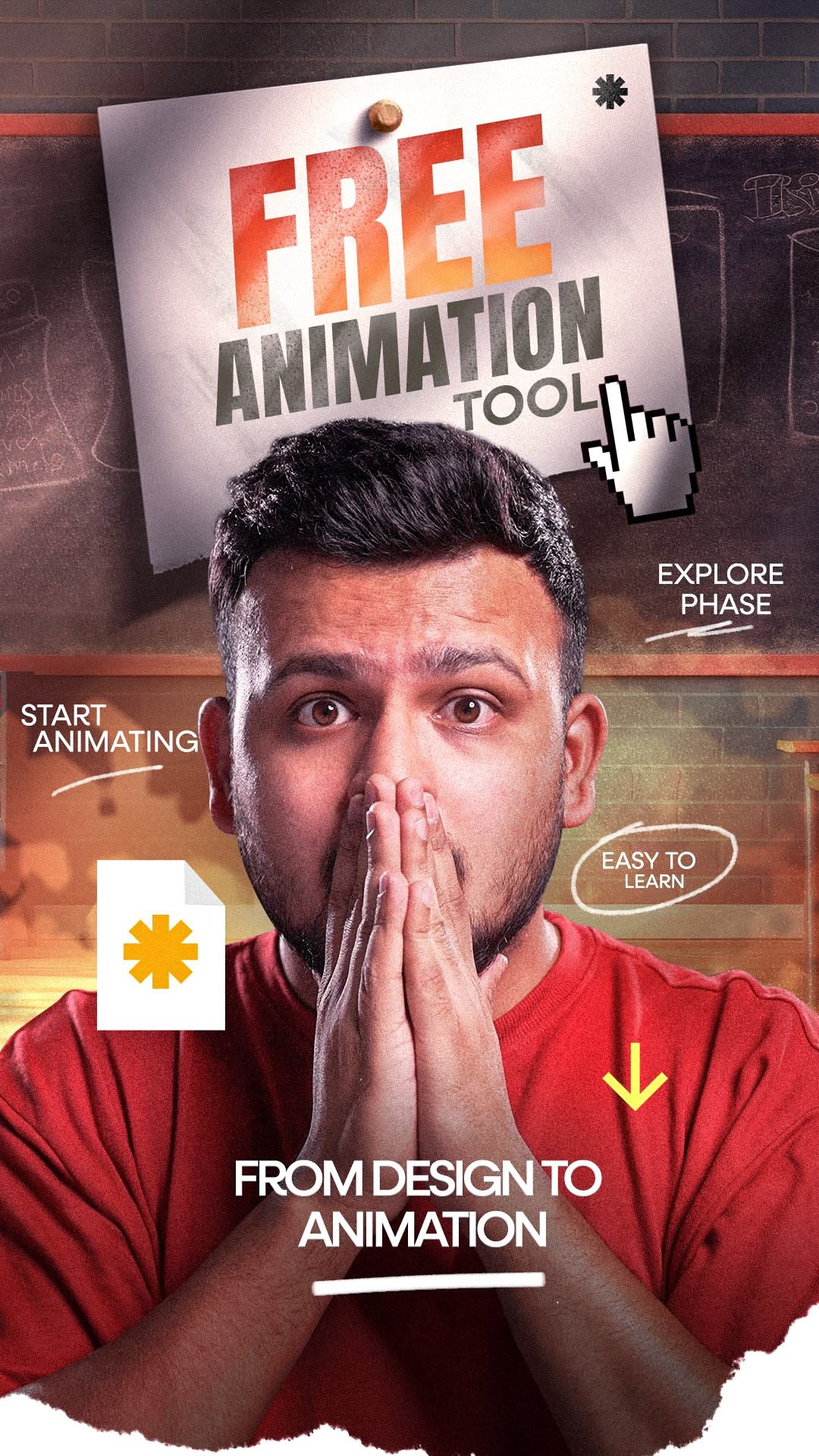
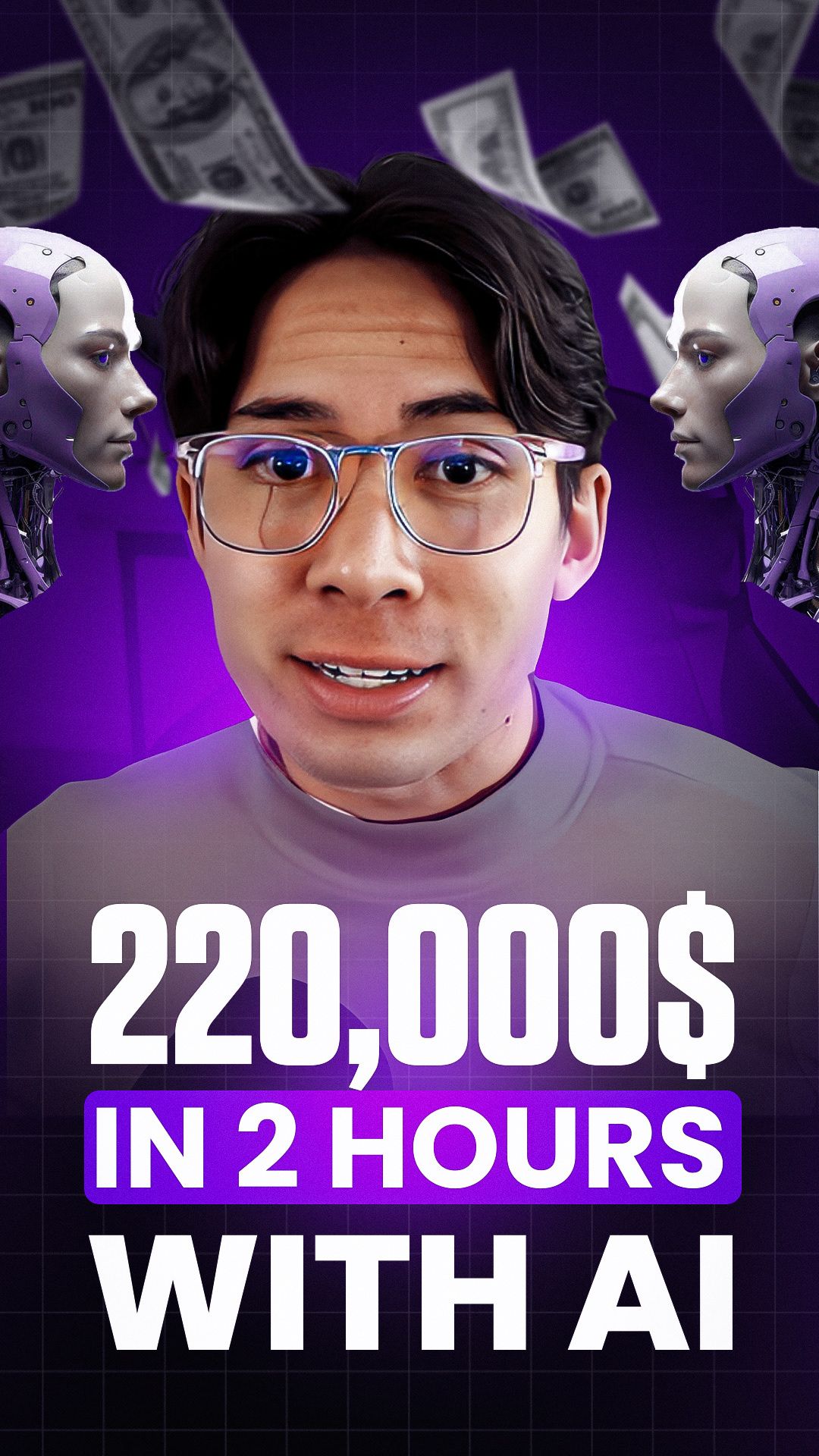
Who It's For
Creators posting the same content idea as a feed post, a Reel, and a Story, without redesigning it three times
Small businesses who need product photography-style posts without a photographer or studio
Anyone who has had Instagram crop a face or headline off their upload before
Accounts that want a consistent visual style across every format instead of one polished square and two afterthoughts
Benefits
Every format generates at the pixel dimensions Instagram actually uses, 1080x1080, 1080x1350, or 1080x1920, so your composition survives the platform's own cropping instead of fighting it after upload.
Reuse the same prompt across Square, Portrait, and Reel & Story Cover to keep a consistent look when you repost the same content in different places on Instagram.
Not every post starts from a blank prompt. Attach a face photo, product shot, or existing image and describe how the AI should use it in the final thumbnail.
HD downloads are free. Pay only if you want 2K or 4K for extra sharpness on a large display or for printing.
Try These
“Flat lay of a matcha latte, croissant, and open notebook on a marble table, soft morning light, minimal aesthetic, small text "MORNING ROUTINE" in the bottom left corner”
“Close-up of hands kneading bread dough covered in flour, warm golden kitchen lighting, cozy and rustic mood, shallow depth of field”
“Woman mid-stretch on a yoga mat at sunrise on a beach, bold handwritten-style text "DAY 1" in the top right corner, warm orange and pink sky”
Most people searching for an Instagram thumbnail maker have already been burned by the platform's cropping. You upload a 1920x1080 screenshot as a Reel cover and Instagram chops off the top and bottom. You design a square post in Canva at the wrong ratio and your text ends up split across the crop line in the feed. Instagram displays the same uploaded image differently depending on where it shows up, full 9:16 in the Reels tab, cropped to 4:5 in the main feed, cropped again to roughly 3:4 on your profile grid, so a size that looks right in one place can cut off a face or headline in another. Getting the right pixel dimensions from the start, not just an image and a hope, is what actually keeps your composition intact everywhere Instagram shows it.
Thumbnail Studioo's Instagram thumbnail generator generates directly at Instagram's real sizes, a 1080x1080 square, a 1080x1350 portrait post, or a 1080x1920 Reel and Story cover, so nothing gets cropped after the fact. Describe your thumbnail, optionally attach a reference photo (your face, a product shot, anything relevant), and the same AI model behind our YouTube thumbnail generator builds it at the exact format you picked. Sign in to start.
Instagram doesn't have one thumbnail size, it has three, depending on where the image shows up. Here's what each one actually needs:
| Format | Dimensions | Aspect Ratio | Where It Shows |
|---|---|---|---|
| Square Feed Post | 1080 x 1080 px | 1:1 | Feed and profile grid, displays fully with no cropping |
| Portrait Feed Post | 1080 x 1350 px | 4:5 | Feed, Instagram's tallest supported feed ratio |
| Reel & Story Cover | 1080 x 1920 px | 9:16 | Full-screen in Reels tab; cropped to 4:5 in feed, ~3:4 on profile grid |
A Reel cover is a single uploaded image, but Instagram doesn't show it the same way everywhere. In the Reels tab, it displays full-screen at 9:16. In the main feed, that same image gets cropped down to 4:5. On your profile grid, it's cropped again to roughly 3:4.
This is why a Reel cover that looks perfect in one view can have a cropped-off face or headline in another. The fix isn't a special trick, it's composition: keep your main subject, text, and any faces inside the central 1080x1080 square of the frame. Everything in that center square survives all three crops. Anything near the top, bottom, or far edges is at risk of being cut depending on where the image is displayed.
For Stories specifically (which don't use cover images the way Reels do, since Stories play in sequence), Instagram's own safe-area guidance leaves roughly 250px clear at the top and 340px clear at the bottom of the 1080x1920 frame for the same reason: interface elements like your profile name, reply box, and stickers tend to occupy those zones.
Best Practices
Pick your format before you write your prompt, not after. A square composition and a 9:16 vertical composition need different framing, so choosing Square, Portrait, or Reel & Story Cover first lets the AI build for that exact frame instead of you cropping a mismatched result later.
For Reel and Story covers, describe your main subject as centered rather than off to one side. Because the same image gets cropped differently across the Reels tab, main feed, and profile grid, centered compositions survive all three crops better than edge-heavy ones.
Keep text short on portrait and square formats. Instagram thumbnails are viewed at small sizes while scrolling, so a short, bold phrase reads better than a full sentence competing for attention.
If you're repurposing the same photo shoot or concept across formats, generate the square version first since it's the easiest to judge for composition, then adapt the prompt for portrait and Reel cover once you know the concept works.
Attach a real reference photo whenever a specific person or product needs to appear accurately. Text-only prompts are great for scenes and concepts, but a reference image keeps a face or product looking like the actual thing instead of an AI approximation.
Common Mistakes
Uploading a 16:9 YouTube-style thumbnail as an Instagram Reel cover. The aspect ratios are fundamentally different, 16:9 is wide and short, 9:16 is the opposite, so a direct upload gets center-cropped into a thin vertical sliver that loses most of the original composition.
Putting your headline text right at the very top or bottom edge of a Story or Reel cover. That's exactly where Instagram's own UI elements, profile name, captions, action buttons, tend to sit, so text there gets covered or crowded.
Designing only a square post and letting Instagram auto-crop it for Reels and Stories. Auto-cropping a square into a 9:16 frame either adds empty bars or cuts off the sides, neither of which looks intentional.
Cramming too much text onto a portrait or square post. These formats get viewed briefly while scrolling a feed, so one short, high-contrast phrase outperforms a paragraph every time.
Square, portrait, or Reel and Story cover, generate at the exact dimensions Instagram uses. Free HD download, free 3-day trial.
Create Your Instagram ThumbnailFree 3-day trial • Cancel anytime
FAQ
It depends on where it shows up. A square feed post is 1080x1080 (1:1). A portrait feed post, Instagram's tallest supported feed ratio, is 1080x1350 (4:5). A Reel or Story cover is full-screen 1080x1920 (9:16). Thumbnail Studioo generates directly at whichever of these three you pick, so you're never uploading the wrong shape and hoping Instagram crops it well.
A single Reel cover image is displayed at three different crops depending on where Instagram shows it: full 9:16 in the Reels tab, 4:5 in the main feed, and roughly 3:4 on your profile grid. To survive all three, keep the important part of your image, faces, text, your product, inside the central square of the frame. That's exactly what the Reel & Story Cover format is designed around.
Yes. Instagram's own guidance leaves roughly 250px clear at the top and 340px clear at the bottom of a 1080x1920 Story or Reel image for profile info, captions, and interface elements. Keep your headline text and the main subject in the vertical center of the frame rather than right against the top or bottom edge.
Yes, and it's a good way to keep a consistent visual identity. Generate the concept in one format, then switch the format selector and generate again with the same or a lightly adjusted prompt. Because each format generates fresh at its own native dimensions, you get a properly composed image for each shape instead of one image stretched or cropped into three.
Yes. Use the attach button to upload a reference image, a photo of yourself, a product shot, an existing graphic, up to the limit for your plan, and describe how you want it used in your prompt (for example, "use this product photo on a warm gradient background with the price in large text"). The AI incorporates it into the generated result.
HD downloads are free. 2K downloads cost 5 credits and 4K downloads cost 10 credits, the same pricing as every other format on Thumbnail Studioo. Generating the image itself uses your plan's generation credits.
You can try every format, Square, Portrait, and Reel & Story Cover, during the free 3-day trial with full access and no watermark. After the trial, generation and HD downloads run on plan credits, with 2K and 4K downloads costing a small number of extra credits.
Stories use the same full-screen 1080x1920 (9:16) frame as Reels. Stories themselves don't have a separate uploaded cover image the way Reels do, since they play in sequence, but if you're designing a graphic to post as a Story, use the Reel & Story Cover format here and keep text away from the top and bottom safe-zone margins.
Yes. Start a 3-day free trial with full access to AI generation for Instagram, TikTok, and YouTube formats, plus editing and HD export.