1
Describe Your Thumbnail
Write what you want to see, or attach a reference photo and describe how to use it.
Reviewed by Thumbnail Studioo · Updated 10 August 2026
Create Your TikTok ThumbnailTikTok cover generator
Describe the thumbnail you want and generate it directly on this page.
Your thumbnail will appear here
Write a description and choose a style to get started.
How It Works
Write what you want to see, or attach a reference photo and describe how to use it.
The AI builds your thumbnail at TikTok's native 1080x1920, 9:16 cover size.
Not quite right? Describe a change (bigger text, different background, brighter colors) and regenerate.
Download free in HD, then use TikTok's "Select Cover" option during posting to upload it as your custom thumbnail.
Examples

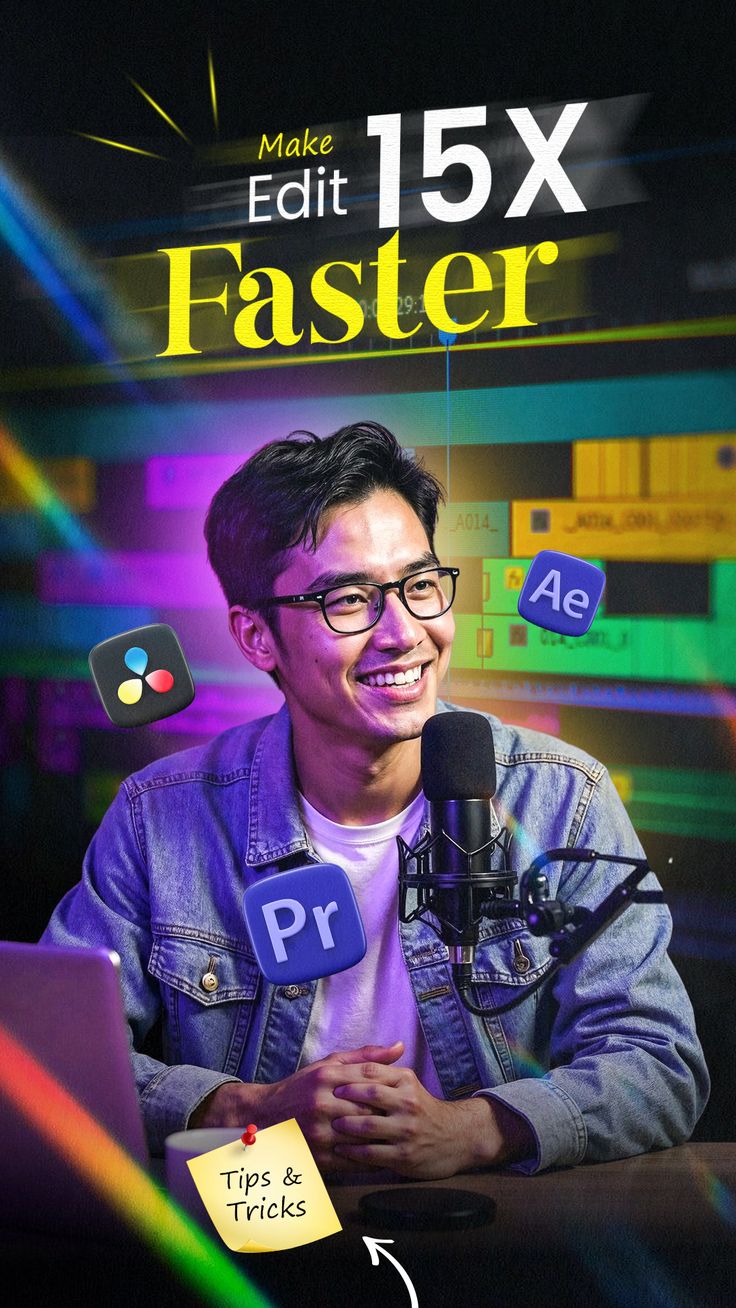
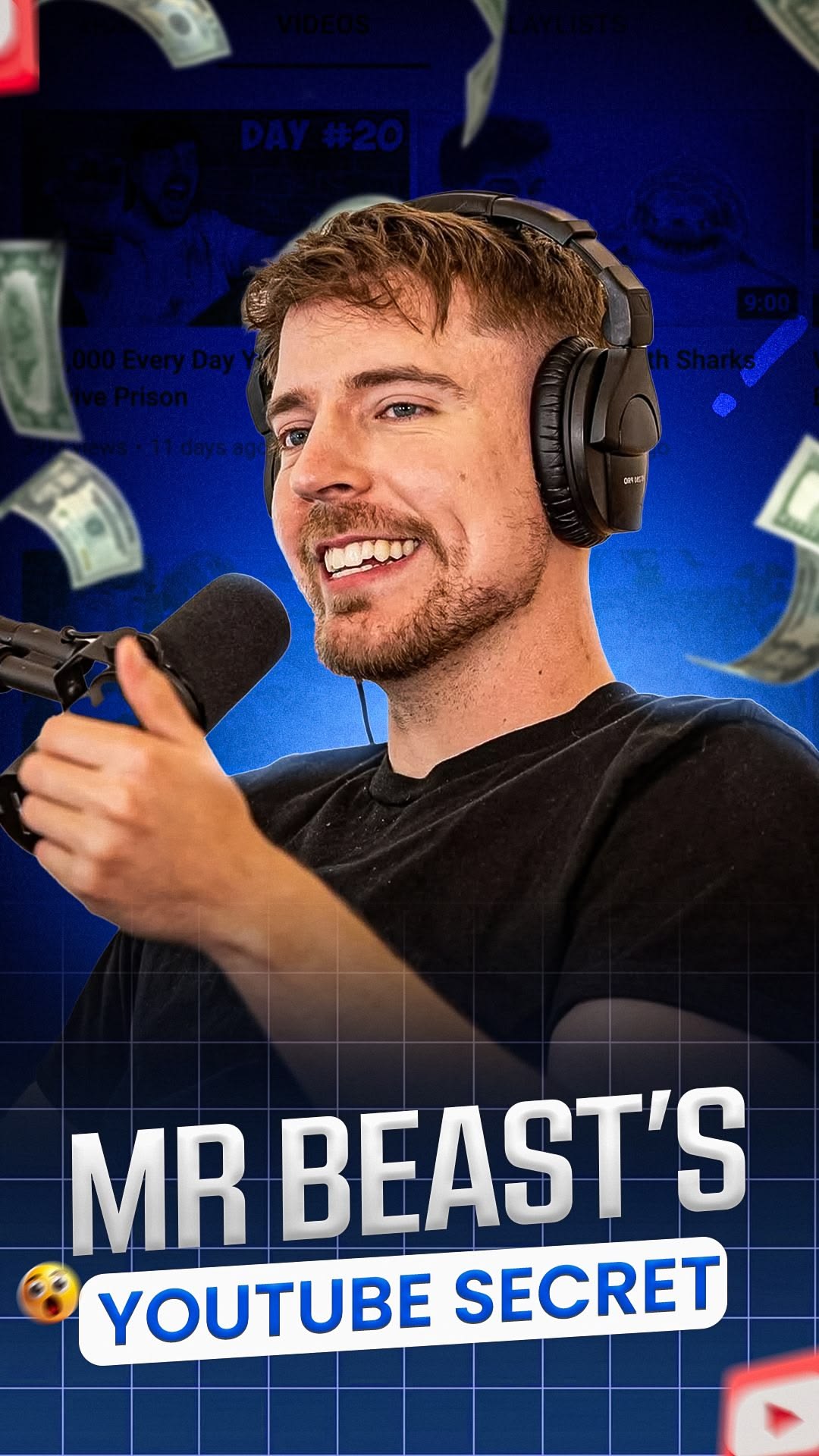

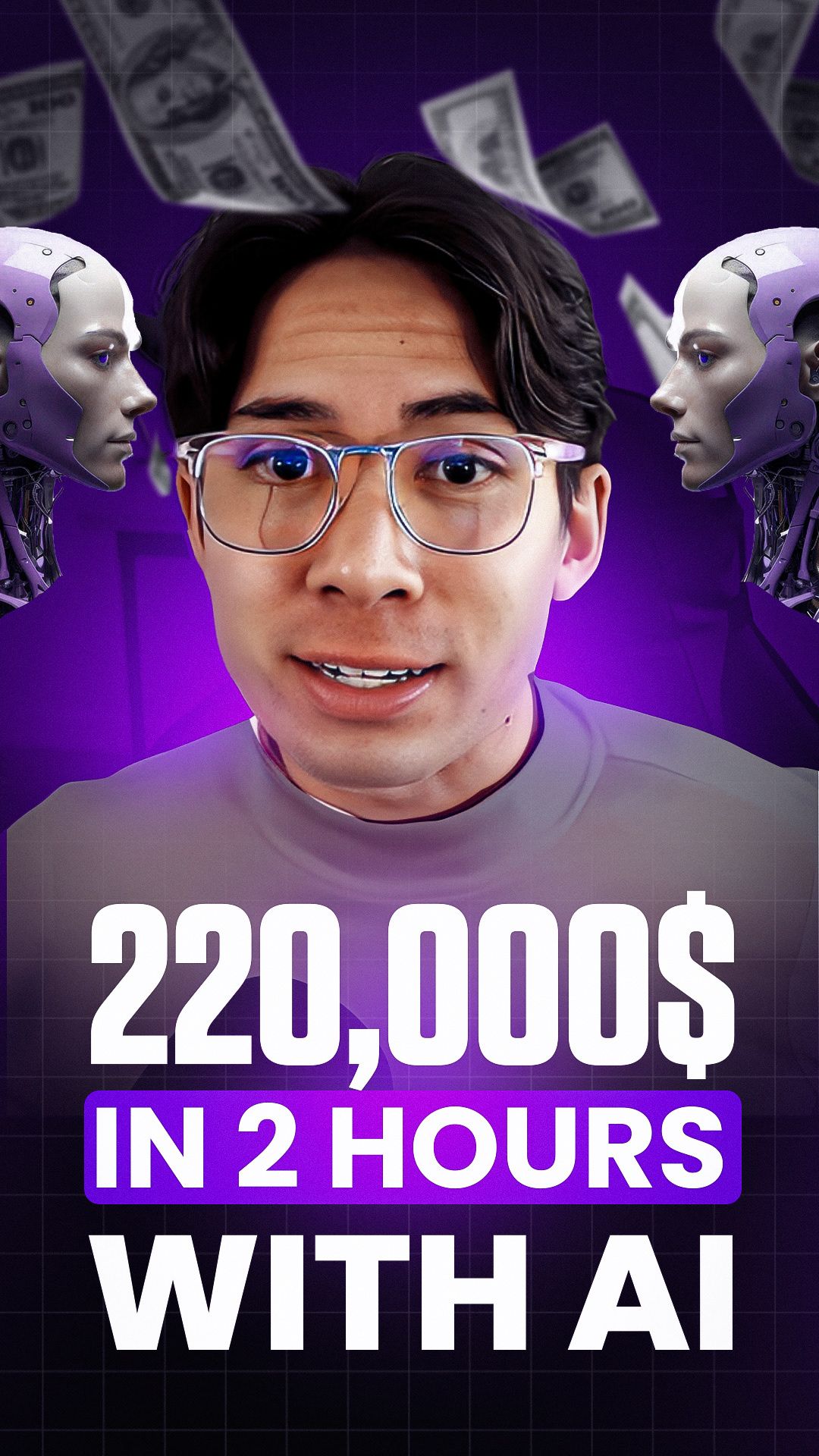
Who It's For
Creators tired of TikTok grabbing an awkward random frame as their default thumbnail
Anyone who wants a consistent, recognizable thumbnail style across their TikTok grid
Accounts posting content where the best explanatory visual isn't a frame that exists in the video itself
Creators repurposing a YouTube Short or Reel concept into a TikTok post with its own properly sized cover
Benefits
Skip the blink-and-you-miss-it default TikTok picks from your video. Generate a thumbnail that's actually designed to be a thumbnail.
TikTok covers are 1080x1920, the same frame as the video itself. Every generation comes out at that exact size, ready to upload with no cropping or resizing.
Bring your own face or footage into the generation. Attach a photo and describe how to use it, whether that's your expression, a product, or a specific scene.
It's the same generation engine behind Thumbnail Studioo's YouTube thumbnail tool, just sized for TikTok's vertical frame instead of YouTube's widescreen one.
Try These
“Bold white text "WAIT FOR IT" centered near the top, dramatic close-up of a shocked face lit by pink and blue neon light, blurred nightclub background”
“Split image: messy desk on top half, clean minimal desk on bottom half, large yellow text "5 MINUTE RESET" across the center”
“Person mid-jump doing a skateboard trick, motion blur background, bold red outlined text "DID NOT EXPECT THIS" positioned in the upper third”
Left alone, TikTok grabs a random frame from your video, a blink, a mid-word mouth shape, an awkward transition, and uses it as your thumbnail on your profile grid and in search results. Recording a good cover frame during the video itself is possible but unreliable, and pausing at the exact right moment to screenshot rarely produces something that reads well as a small, static thumbnail. A dedicated thumbnail maker skips both problems: describe the exact composition you want, generate it at TikTok's actual cover dimensions, and upload it as your custom cover during posting, no lucky screenshot required.
Thumbnail Studioo's TikTok thumbnail generator creates images at TikTok's real 1080x1920 cover size using the same AI model behind our YouTube thumbnail generator. Describe your thumbnail, optionally attach a reference photo, generate, then download and upload it as your custom cover when you post. Sign in to start.
TikTok's cover uses the same frame as the video itself, but where it's displayed and what overlays it depend on context. Here's the breakdown:
| Property | Spec | Why It Matters |
|---|---|---|
| Dimensions | 1080 x 1920 px | Matches the video frame exactly, no separate thumbnail crop to account for |
| Aspect Ratio | 9:16 | Full vertical frame, same as the video |
| Profile Grid Crop | ~3:4 (center-cropped) | Hides roughly the top and bottom 15% of the image on your profile |
| Caption Overlay Zone | Bottom ~270px | TikTok overlays your caption's first line here, keep faces and key text out of it |
| Safe Content Zone | Central 70% | Keep everything important inside this area so it survives grid cropping |
| File Format | JPEG or PNG | Max 10MB file size when uploading a custom cover |
By default, TikTok selects a frame from your uploaded video to use as its thumbnail, without you choosing it. That frame is whatever the platform's algorithm lands on, which has no way of knowing whether it caught you mid-blink, mid-sentence, or during an unflattering transition.
Uploading a custom cover during the posting flow, using TikTok's "Select Cover" option, lets you replace a random frame with a deliberate image: clear subject, readable text, and focused composition. This matters most on your profile grid and in search results, where a purposeful cover gives viewers clearer context than an accidental frame.
Best Practices
Keep your main subject and any text inside the central 70% of the frame. TikTok crops the edges off your cover on the profile grid, so content placed near the very top, bottom, or sides risks being cut off there even though it looks fine in the full-screen view.
Leave the bottom of the frame clear. TikTok automatically overlays the first line of your caption near the bottom of the cover image, so a face, logo, or important text placed there will end up covered by that overlay for anyone browsing your profile.
Design for a glance, not a read. TikTok thumbnails are seen briefly in a scrolling grid or search results. A short, bold phrase or a single clear expression communicates faster than a busy composition with several elements competing for attention.
If your video already has a strong hook moment, describe it directly in your prompt rather than trying to recreate the whole scene from scratch, it keeps the thumbnail honest to what's actually in the video.
Match your thumbnail's energy to your video's actual content. An exaggerated, high-drama thumbnail on a calm video creates a mismatch that hurts watch time even if it gets an initial tap.
Common Mistakes
Screenshotting a random frame from your own video instead of generating a proper thumbnail. Video frames are rarely composed to work as a static thumbnail, they're optimized for motion, not a single freeze-frame moment.
Placing key text or your face at the very bottom of the cover. That's exactly where TikTok overlays the first line of your caption, so anything important there gets covered on the profile grid and in search.
Uploading a horizontal 16:9 image as a TikTok cover. TikTok's frame is vertical 9:16, so a horizontal image either gets heavily cropped or padded with bars, neither of which looks intentional.
Overcomplicating the composition with multiple competing elements. A cluttered thumbnail loses to a simple one with a clear focal point almost every time, especially at the small size thumbnails appear in a grid.
1080x1920, ready to upload as your custom cover. Free HD download, free 3-day trial.
Create Your TikTok ThumbnailFree 3-day trial • Cancel anytime
FAQ
TikTok covers are 1080x1920 pixels at a 9:16 aspect ratio, the exact same frame as the video itself. Thumbnail Studioo generates directly at this size, so there's no resizing or cropping needed before you upload it.
Generate and download your thumbnail here, then during the TikTok posting flow, tap the cover frame at the top of the screen and choose "Select Cover." From there you can upload the image you downloaded instead of using one of TikTok's auto-selected video frames.
Yes, two of them. First, TikTok center-crops your 9:16 cover to roughly 3:4 when it displays on your profile grid, hiding a slice off the top and bottom, so keep important content in the central 70% of the frame. Second, TikTok automatically overlays the first line of your caption near the bottom of the cover, roughly the bottom 270px, so avoid putting faces, logos, or key text there.
Yes. Use the attach button to upload a reference photo, up to the limit for your plan, and describe how you want it used (for example, "use this photo, add a shocked expression style overlay and bold text at the top"). The AI incorporates the reference into the result.
You don't need one, but a custom cover gives you control TikTok's auto-pick doesn't. The default is whatever frame TikTok grabs from your video, which is frequently mid-blink, mid-word, or otherwise unflattering. A custom cover lets you show text, a clear expression, or a specific moment designed to make someone tap play.
HD downloads are free. 2K downloads cost 5 credits and 4K downloads cost 10 credits, the same pricing as every other format on Thumbnail Studioo. Generating the thumbnail itself uses your plan's generation credits.
TikTok lets you edit a post after publishing, including swapping the cover. Open the post, tap the three-dot menu, choose Edit, then tap the cover frame to select a new one. Generate your replacement here first so you have the right 1080x1920 image ready to upload.
You can generate and download in HD free during the 3-day trial, no watermark. After the trial, generation runs on your plan's credits, and HD downloads stay free on every plan, with 2K and 4K available for a small credit cost.
Yes. Start a 3-day free trial with full access to AI generation for TikTok, Instagram, and YouTube formats, plus editing and HD export.