1
Choose an Authorized Reference
Upload your own work, a licensed asset, or an image you have clear permission to use.
Reviewed by Thumbnail Studioo · Updated 16 August 2026
Remix a Thumbnail StyleReference-style thumbnail remixer
Describe the thumbnail you want and generate it directly on this page.
Your thumbnail will appear here
Write a description and choose a style to get started.
Try These
“Keep the reference's left-right split and strong rim lighting, but replace every subject with my own camera comparison and use a different colour palette”
“Study only the reference's depth, focal hierarchy, and negative space. Create an original thumbnail for a beginner investing lesson with no copied text or branding”
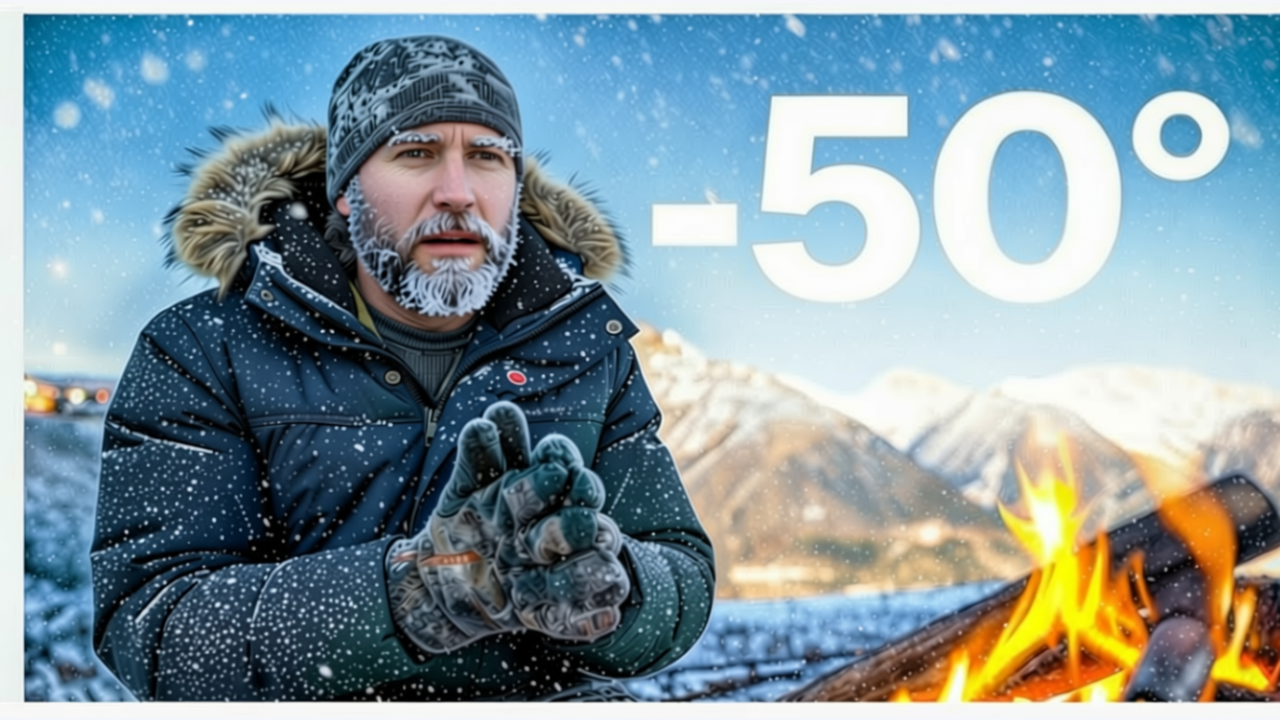
“Use the broad dark-to-bright lighting progression as inspiration, then create a new survival challenge scene with my own story and characters”
Examples



How It Works
Upload your own work, a licensed asset, or an image you have clear permission to use.
Choose composition, colour, lighting, or editorial hierarchy rather than asking for an exact copy.
Give the generator a different subject, promise, and visual focal point tied to your actual video.
Remove copied text, logos, faces, trademarks, or distinctive elements before publishing.
Who It's For
Creators developing a consistent visual system from references they own
Teams translating a mood board into original campaign thumbnails
YouTubers who want structure and lighting inspiration without copying another channel
Designers making distinct variants from an approved internal reference
Benefits
Start with a clear visual principle while keeping the subject and story specific to your video.
The reference prompt separates transferable design ideas from elements that should not be copied.
The uploaded image is sent with your prompt so composition and lighting requests have concrete context.
Refine the result in the editor, then compare it at real feed sizes in the thumbnail tester.
A blank canvas is slow, but directly copying a successful thumbnail creates brand, trust, and rights problems. Creators need a middle path: understand why a reference reads clearly, then translate those design principles into an original concept for a different video.
Upload an image you own or have permission to use, explain your own video idea, and choose which high-level visual quality you want to study. The reference-aware generator uses the image as context while the prompt instructs it to avoid copying text, logos, identity, trademarks, and distinctive protected elements. Finish the result in the thumbnail editor and compare it in the thumbnail tester.
Upload an authorized reference, name the design principle, and build an original thumbnail around your video.
Remix a Thumbnail StyleFree 3-day trial • Cancel anytime
FAQ
It is designed not to. The workflow asks for high-level composition, colour, lighting, or hierarchy while explicitly excluding copied text, logos, faces, trademarks, and distinctive elements. You are still responsible for reviewing the output.
Use your own thumbnails, licensed assets, public-domain material, or images you have clear permission to use. Do not assume that finding an image online gives you adaptation rights.
You can study broad design principles, but do not ask for or publish a near-duplicate. Change the subject, story, text, brand elements, and distinctive composition, and get legal advice when rights are unclear.
No automated tool can guarantee that. Review the result for copied branding, identity, protected characters, distinctive artwork, and misleading content before publishing.
Yes. Continue in the thumbnail editor to change text, layout, colour, backgrounds, and focal emphasis, then use the tester to inspect it at feed size.