1
Generate or Upload a Scene
Create a thumbnail with a person in it using the AI generator, or upload one you already have.
Reviewed by Thumbnail Studioo · Updated 15 August 2026
Start a 3-Day TrialFace-swap thumbnail generator
Describe the thumbnail you want and generate it directly on this page.
Your thumbnail will appear here
Write a description and choose a style to get started.
Face swap replaces a selected face inside an existing thumbnail with a source face. It aims to preserve the wider scene and pose, but lighting and facial details can vary, so every result needs a review pass before publishing.
Creators who put their face on every thumbnail either reshoot a new photo constantly or reuse the same few expressions until viewers stop noticing them. Neither scales well across a regular upload schedule. Creators search for a way to drop their face onto a fresh AI-generated scene each time, without a camera setup or a new photo shoot.
Generate a scene with the AI thumbnail generator, or upload a thumbnail you already have. Face Swap detects the available faces, lets you select the target, and uses your authorized source photo for the replacement. Each face swap costs 20 credits; failed processing is refunded. Refine the result in the thumbnail editor and export in HD, 2K, or 4K.
How It Works
Create a thumbnail with a person in it using the AI generator, or upload one you already have.
Open Face Swap and it finds the face in that thumbnail automatically. Pick it if there's more than one.
Add one clear photo of your own face to swap in.
Review the likeness, edges, and lighting, then export in 16:9 at HD, 2K, or 4K.
Examples
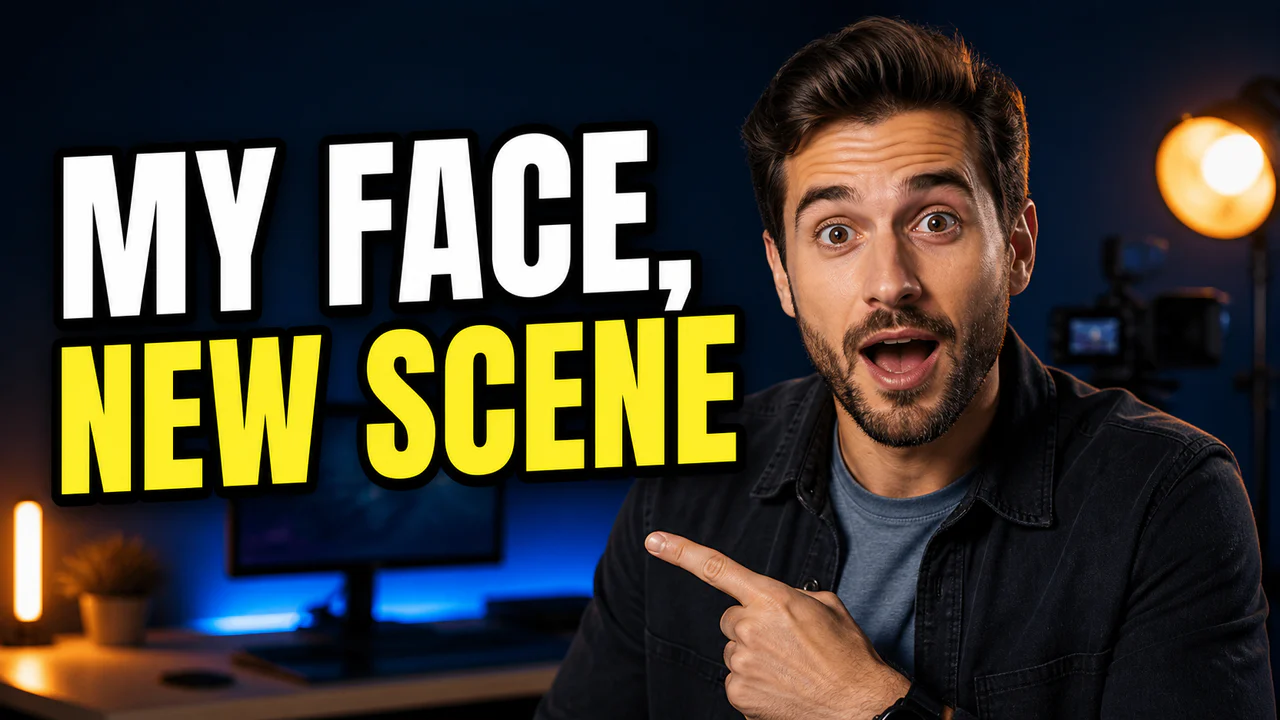

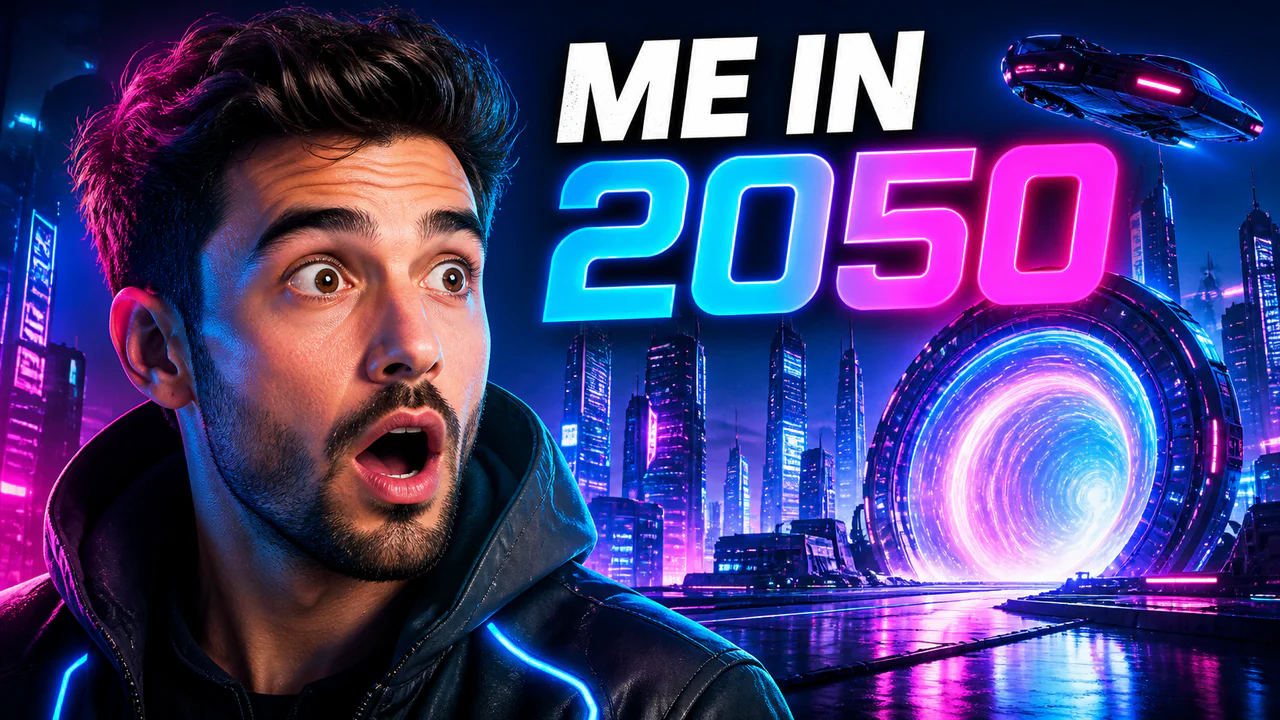

Who It's For
Face-forward creators who want their face on every thumbnail without reshooting a new photo each time
Channels scaling their upload schedule who don't have time to stage a reaction photo for every video
Creators who already have thumbnails they like and just want their own face swapped in
Anyone who wants a new AI-generated scene with their own face, without a studio setup
Benefits
Generate a fresh AI scene, or use an existing thumbnail, then swap your face onto it directly.
The workflow keeps the wider composition in place while replacing the selected face. Review lighting and edges before publishing.
Skip the camera setup and expression coaching. Upload one clear photo and reuse it across thumbnails.
Combine the swapped result with text, backgrounds, and layout tools in the same place.
Try These
“Person with a big shocked face, mouth open wide, dark background, bright light on one side, 16:9 YouTube thumbnail”
“Person with a confident smile, arms crossed, bright colorful background, bold light, 16:9 YouTube thumbnail”
“Person laughing with real excitement, warm light, blurry background, 16:9 YouTube thumbnail”
“Person with a focused serious face, cool blue light, simple background, 16:9 YouTube thumbnail”
Best Practices
Use one clear, well-lit, front-facing photo of yourself; sharp lighting swaps in far more accurately than a dim or angled shot.
Describe the expression precisely in the base scene, shocked, excited, focused, rather than a vague "good photo".
Keep your source photo current. A likeness swapped from an old photo reads as less accurate.
Match the base scene's lighting direction to your source photo's lighting when you can; it makes the swap blend in better.
Review the result before publishing; try a different source photo or regenerate the base scene if the swap needs refinement.
Common Mistakes
Uploading a blurry, dim, or heavily angled source photo. A clear, well-lit, front-facing photo swaps in far more accurately.
Vague prompts like "make me look good" instead of a specific expression and setting for the base scene.
Reusing the exact same base scene on every thumbnail, which defeats the purpose of generating new ones.
Skipping a review pass. Always check the swapped result before publishing a thumbnail.
Using a person's likeness without their permission or in a misleading context.
Forgetting that the face alone may not communicate the video's subject.
Upload an authorized source photo, replace the selected face, review the result, and export in HD, 2K, or 4K.
Start a 3-Day TrialFree 3-day trial • Cancel anytime
FAQ
Generate a thumbnail with a person in it, or upload one. Face Swap detects the face in that image automatically, then you upload one photo of your own face to swap in. The scene, lighting, and pose all stay the same.
No. Describe the scene and expression you want for the thumbnail, then swap your face in afterward as a separate step. You don't need to describe your own appearance in the prompt.
Yes. Upload any existing thumbnail with a face in it, and Face Swap detects that face automatically so you can swap in your own photo.
Face Swap lets you pick which detected face to replace when there's more than one person in the image.
Yes. Monthly plans include a card-required 3-day trial with access to AI generation, Face Swap, and exports. Cancel before the trial ends to avoid renewal.
Only use photos and likenesses you own or have permission to use. Do not impersonate someone, imply an endorsement, or place a real person into a deceptive or harmful context. Review the finished thumbnail for accuracy before publishing.
A successful face swap costs 20 credits. If processing fails after credits are deducted, the API refunds them.