1
Start With the Moment
Choose a place, an activity, and a genuine expression. Specific details help the thumbnail feel authentic.
Reviewed by Thumbnail Studioo · Updated 17 July 2026
Start Making Vlog ThumbnailsVlog thumbnail generator
Describe the thumbnail you want and generate it directly on this page.
Your thumbnail will appear here
Write a description and choose a style to get started.
Examples

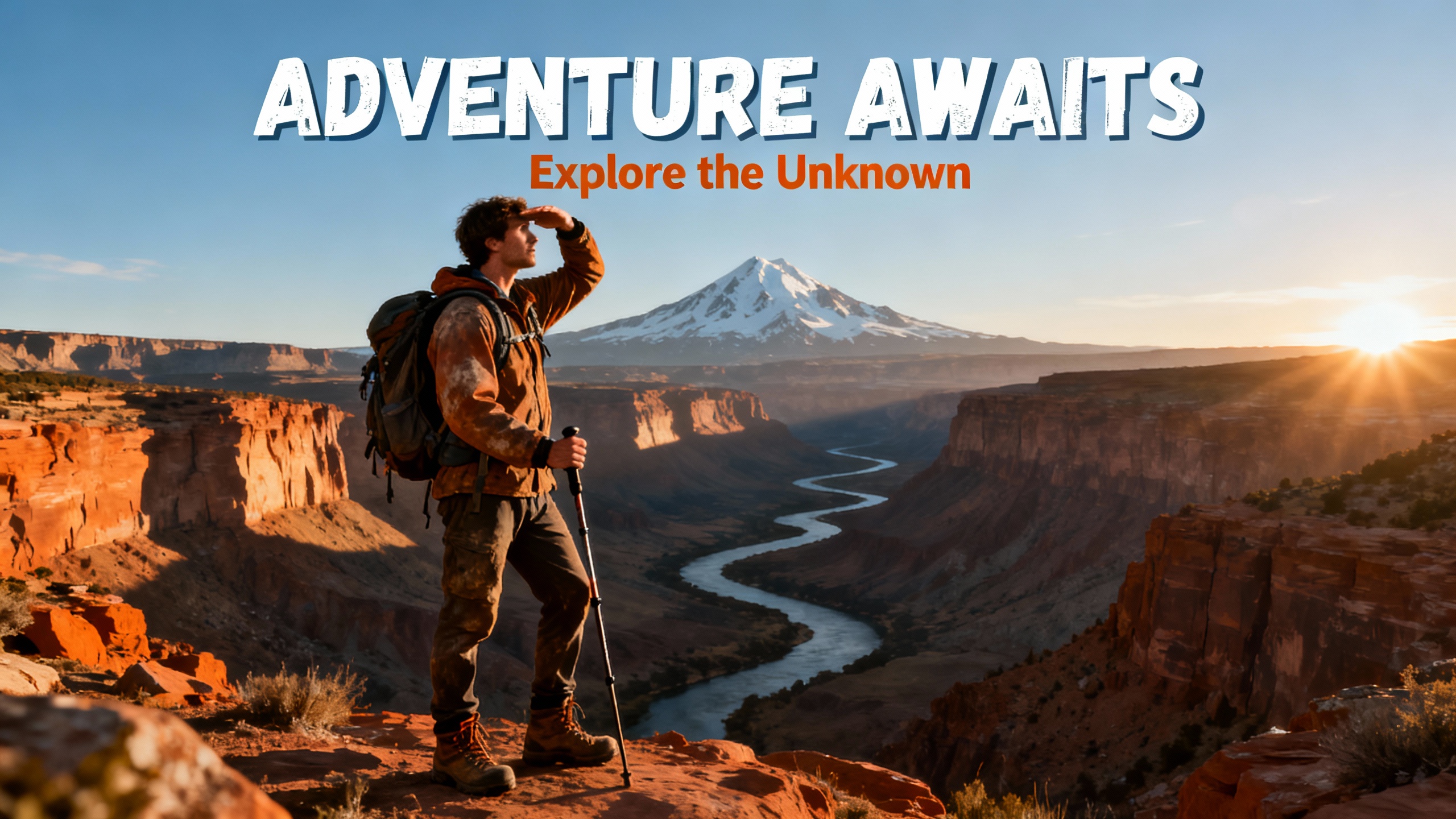


The best vlog thumbnails still feel like a real moment, even when refined. Specificity helps: naming the actual place or event ("Getting Lost in Kyoto") reads as more genuine than a generic "Amazing Day" caption. A natural, unposed-looking expression outperforms an exaggerated one, since vlog audiences follow creators for authenticity, not performance. Consistency in color and style across uploads also matters, it's what makes a channel recognizable in a crowded feed without looking manufactured.
How It Works
Choose a place, an activity, and a genuine expression. Specific details help the thumbnail feel authentic.
Generate a background from the description, or upload a real frame from your footage and build around it.
A short, real caption naming the place or moment beats generic hype text. Export at 1280x720, no watermark.
Who It's For
Daily vloggers who need a fresh, authentic-feeling thumbnail for every upload
Travel vloggers documenting specific destinations and experiences
Lifestyle creators sharing day-in-the-life and personal content
Anyone who wants their thumbnails to feel real, not like a staged ad
Try These
“Person standing at a beautiful viewpoint with a real relaxed smile, natural daylight, warm colors, travel vlog feel, 16:9 YouTube thumbnail”
“Close up on a real excited face, everyday background blurred behind them, natural light, feels genuine and unposed, 16:9 YouTube thumbnail”
“Wide shot of a person walking through a busy street market, warm sunset light, colorful stalls around them, 16:9 YouTube thumbnail”
“Person sitting in a cozy room looking right at the camera with a warm friendly face, soft natural light, relaxed feeling, 16:9 YouTube thumbnail”
Benefits
Generate or edit around a genuine moment instead of relying on stock photography that breaks the authentic vlog feel.
Upload a frame from your own video or a personal photo and refine it, rather than starting from scratch every time.
Reuse the same warm color grading and style across uploads so your channel feels cohesive without feeling manufactured.
Add text, adjust the layout, and export in under five minutes even on a daily upload schedule.
Vlog thumbnails have to walk a line: eye-catching enough to earn a click, authentic enough not to feel like an ad. Staged stock photography breaks that authenticity instantly. Creators need a way to build a thumbnail around a real moment or place from their day without a professional shoot for every upload.
Describe the moment or place, a specific city, a genuine reaction, an everyday scene, and the AI thumbnail generator builds it, or upload your own photo. Add text with the thumbnail editor, export at 1280x720. Sign in to start.
Describe the moment or upload your own photo. AI builds it in seconds. 1280x720 export. Try free for 3 days.
Start Making Vlog ThumbnailsFree 3-day trial • Cancel anytime
FAQ
1280x720 pixels, YouTube's standard 16:9 ratio. Thumbnail Studioo exports at exactly this size automatically.
Yes. Upload a frame or photo from your own footage and use the editor to add text and adjust the look, or generate a scene with AI instead.
Authenticity. A specific place or moment named in the text, a genuine expression, and consistent styling across uploads outperform generic stock-photo-style designs.
Yes. Describe the destination, the lighting, and the mood, and the AI builds a scene matching that description.
Yes. Start a 3-day free trial with full access to AI generation, the editor, and HD export. No watermarks. Cancel anytime.