1
Describe the Reaction
Write the expression, scene, and emotion you want. The more specific, the better the result.
Reviewed by Thumbnail Studioo · Updated 25 May 2026
Make Reaction Thumbnails FreeReaction thumbnail generator
Describe the thumbnail you want and generate it directly on this page.
Your thumbnail will appear here
Write a description and choose a style to get started.
Examples
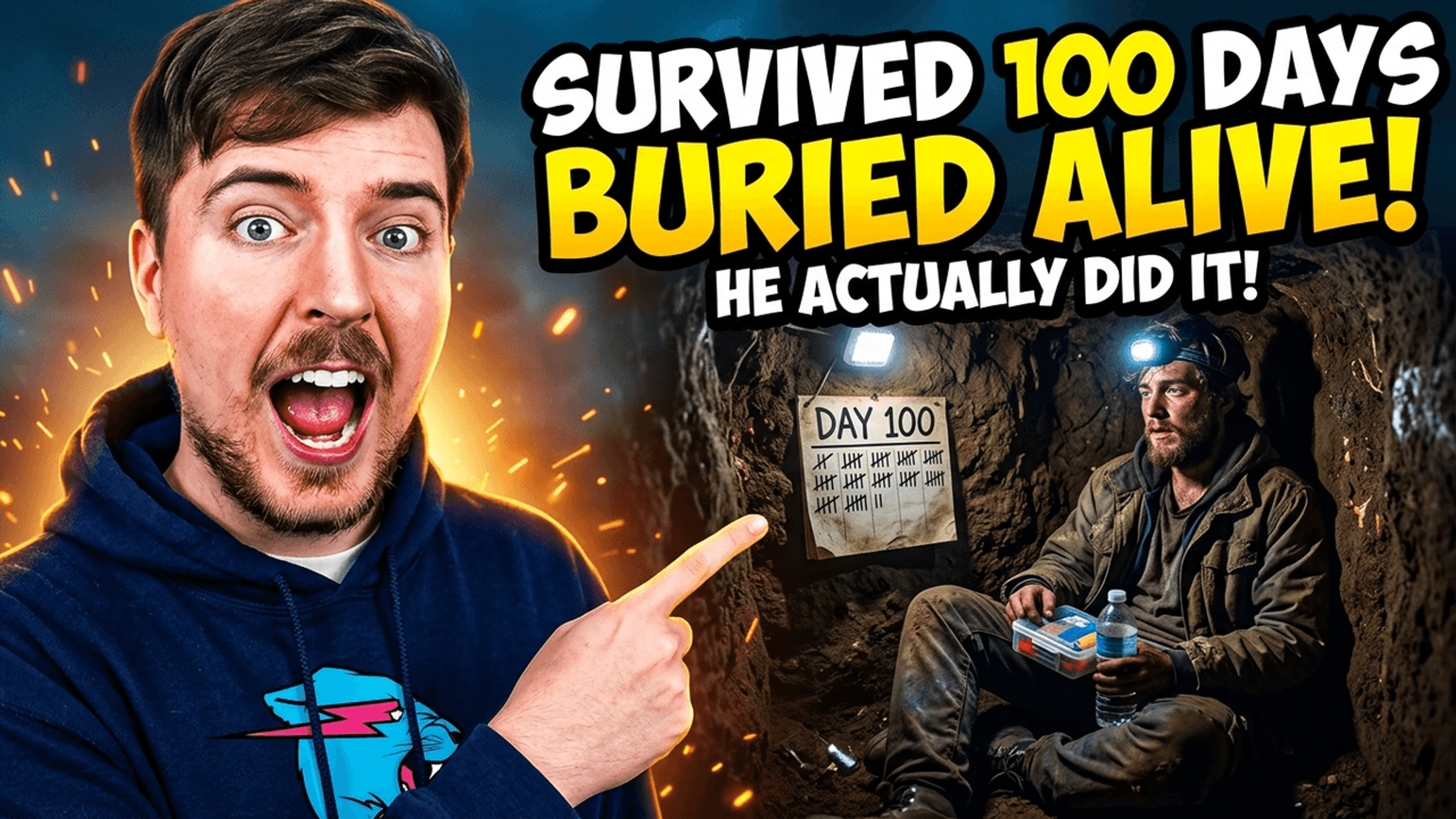
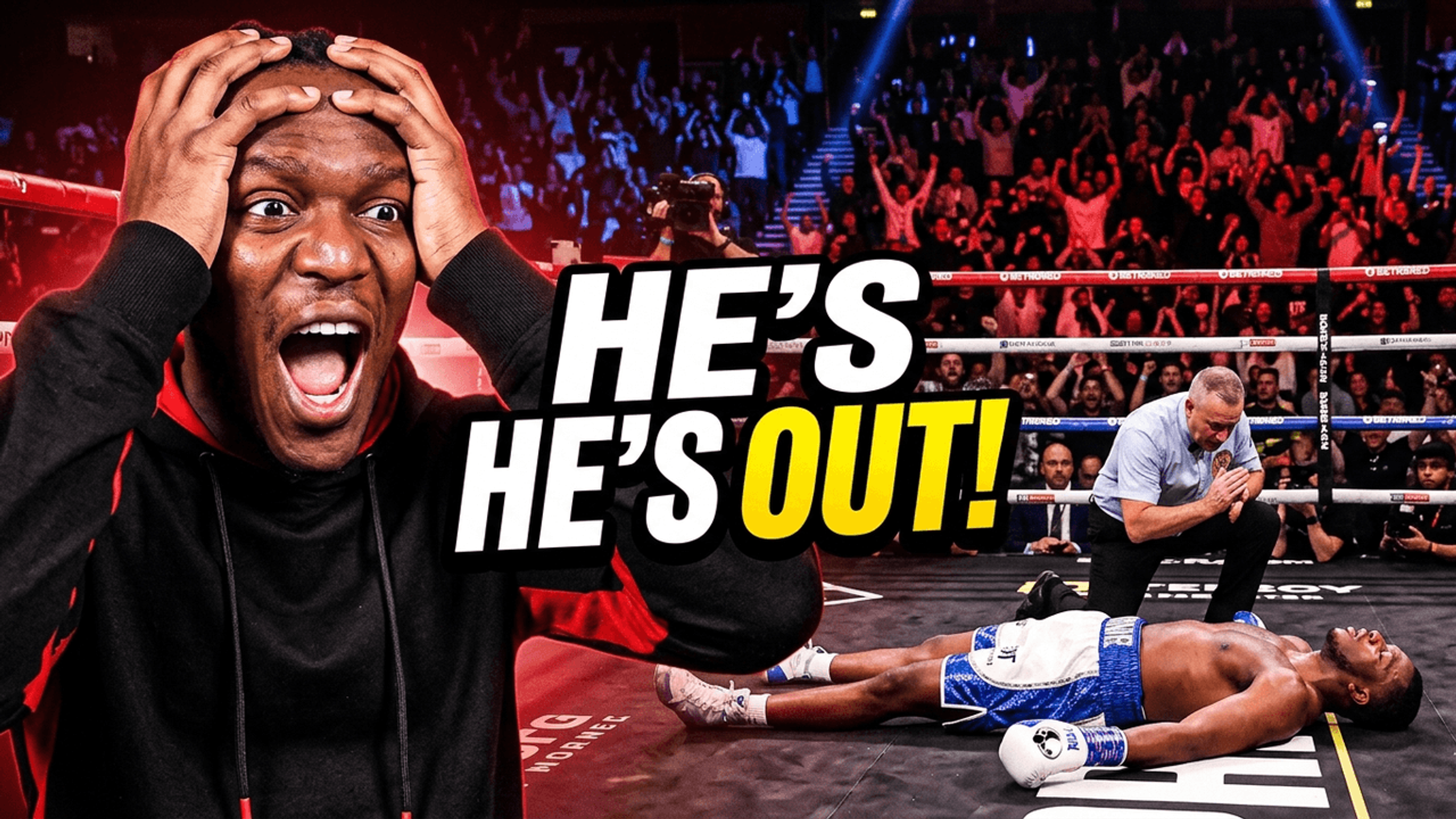
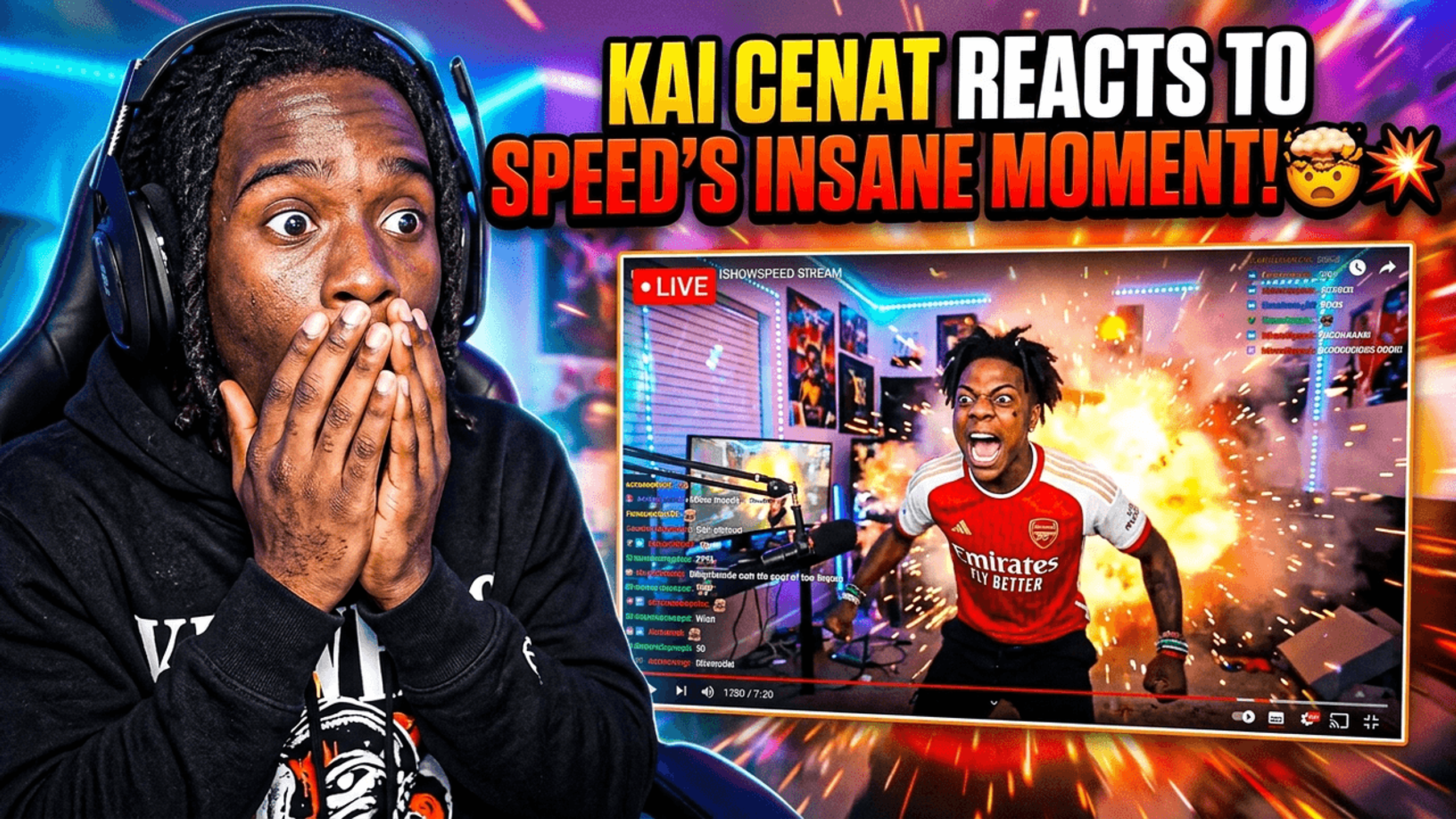

Reaction thumbnails succeed when they communicate one emotion instantly. Here's what separates high-CTR reaction thumbnails from ones that get ignored:
The expression has to be extreme. Mild surprise doesn't get clicks. The expressions that perform are shock, disbelief, horror, or pure excitement, emotions that are impossible to misread at thumbnail size.
Contrast is non-negotiable. A bright face on a dark background reads clearly at 120x68px. A face on a mid-tone background disappears. High contrast isn't just aesthetic; it's functional.
Minimal text, maximum impact. Reaction thumbnails work because the face does the talking. Text should be 3-5 words max, bold, with an outline so it reads over any background color.
Point toward the subject. When the reaction is to a specific thing (a video, a person, a moment), the person in the thumbnail pointing or looking toward it creates visual tension that pulls the viewer's eye across the image.
Different reaction formats call for different thumbnail approaches:
| Content Type | Thumbnail Approach | Example AI Prompt |
|---|---|---|
| Gaming reaction | Shocked face + game scene split | Person shocked, mouth open, pointing at screen, neon gaming background |
| Commentary | Close-up expression + subject reference | Person with disbelieving face, eyebrow raised, pointing camera, clean dark background |
| First reaction | Wide eyes, hands on face | Person covering mouth in shock, eyes wide, dramatic lighting, pure surprise expression |
| Challenge reaction | Determined or distressed face | Person looking intensely at camera, sweat visible, determined expression, high-energy background |
| Opinion/take | Confident expression + text space | Person looking directly at camera, confident smirk, arms crossed, space at top for bold text |
How It Works
Write the expression, scene, and emotion you want. The more specific, the better the result.
AI creates your reaction thumbnail from your description in about 30 seconds. Full HD, no watermarks.
Add bold text, adjust the layout, and export at 1280x720 ready to upload to YouTube.
Who It's For
Commentary channels that need a new reaction thumbnail for every upload
Gaming reaction creators who want strong expressions without a photo shoot
MrBeast-format challenge content where a face drives the click
Entertainment and pop culture react channels on a tight upload schedule
Try These
“Person with mouth wide open in shock, eyes wide, hands on cheeks, bright solid background, expression of complete disbelief and surprise, space at top for text”
“Split composition: left side shows person pointing dramatically with shocked face, right side dark with glowing border, dramatic studio lighting”
“Close-up reaction face with jaw dropped, one hand pointing outward, high contrast neon glow around the edges, bold red background”
Benefits
Describe shock, disbelief, excitement, or horror. AI generates the exact reaction expression from your text without a camera or studio.
Skip the self-timer setup and awkward photos. Generate the expression you need in 30 seconds from a description.
Generate the reaction side of your split-screen and combine it in the canvas editor. Everything in one tool.
Add text that reads at 120x68px where most viewers see your thumbnail. Outline, shadow, and high-contrast options built in.
A reaction thumbnail maker is a tool built specifically for commentary and reaction-style YouTube content. The format relies on strong facial expressions and clear visual contrast, usually a person reacting next to the subject they're reacting to. These thumbnails need to communicate emotion instantly at the small sizes viewers see in their feed.
Reaction and commentary channels are some of the most competitive on YouTube. Every video needs a thumbnail that communicates surprise, shock, or disbelief clearly enough that viewers stop mid-scroll. Stock photos look generic. Taking your own reaction photo for every upload is slow. Creators search for tools that generate strong reaction expressions and split-screen layouts quickly without needing a studio setup.
Describe the expression and scene to our AI thumbnail generator and get a reaction thumbnail in 30 seconds. Add bold text with our thumbnail text editor, adjust the composition, and export at 1280x720 ready for YouTube. Start your 3-day free trial.
Describe the shocked face you need. AI builds it in 30 seconds. Bold text, HD export, no watermarks. Start your 3-day free trial.
Make Reaction Thumbnails FreeFree 3-day trial • Cancel anytime
FAQ
Yes. Describe the expression (shock, disbelief, excitement, horror) and the AI generates it. The more specific your description, the more accurate the result. Write the exact emotion, lighting style, and background you want.
Yes. Upload a photo of yourself and use the canvas editor to build your reaction thumbnail from it. Add text, swap the background, and export. AI generation and editing from your own photos both work.
Use an expression that matches the actual reaction, enough contrast for the face to read at small sizes, and minimal text that does not compete with the subject. Compare this focused version with any more complex concept using your own audience data.
About 30 seconds for AI generation. Add a few minutes for text and adjustments. Total time is under 10 minutes for a polished reaction thumbnail.
Yes. Start a 3-day free trial with full access to AI generation, the canvas editor, and HD exports. No watermarks. Cancel anytime before the trial ends.