1
Upload or Generate Background
Upload your best in-game screenshot or describe the moment you want. AI creates tactical, high-energy backgrounds matching the battle royale aesthetic.
Reviewed by Thumbnail Studioo · Updated 20 August 2026
Start Making Apex ThumbnailsApex Legends thumbnail generator
Describe the thumbnail you want and generate it directly on this page.
Your thumbnail will appear here
Write a description and choose a style to get started.
Examples
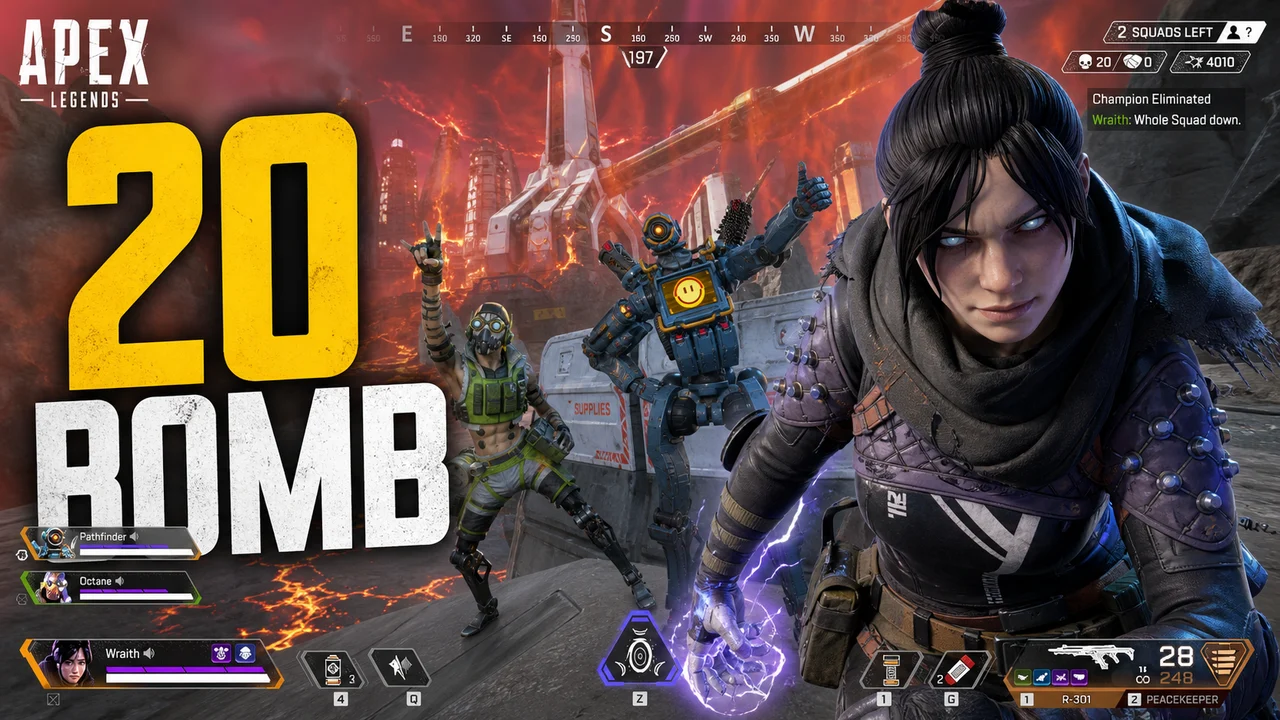
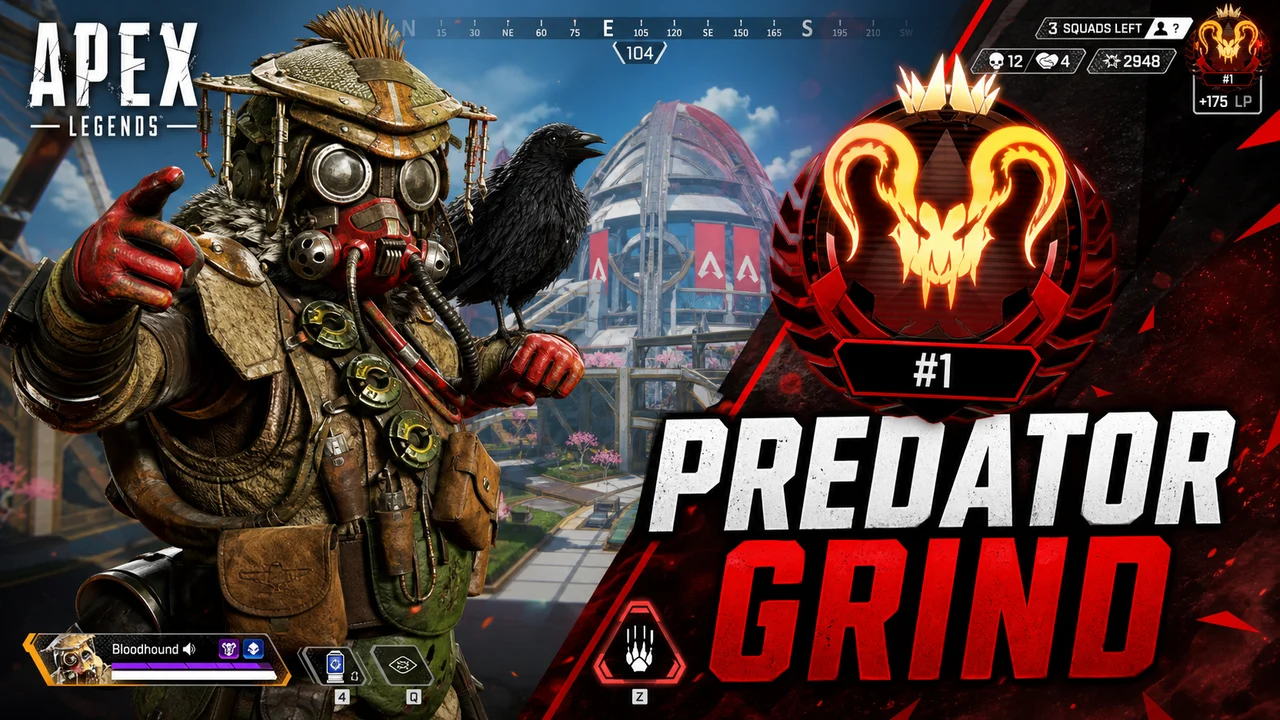
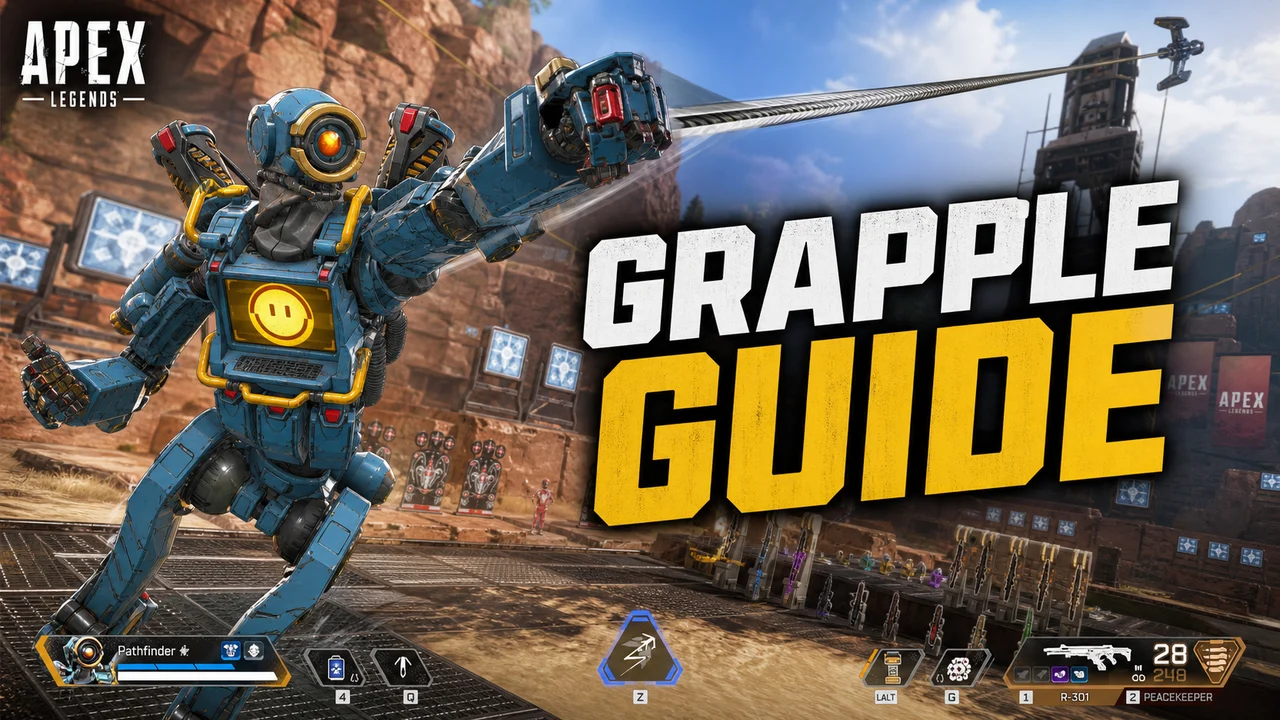
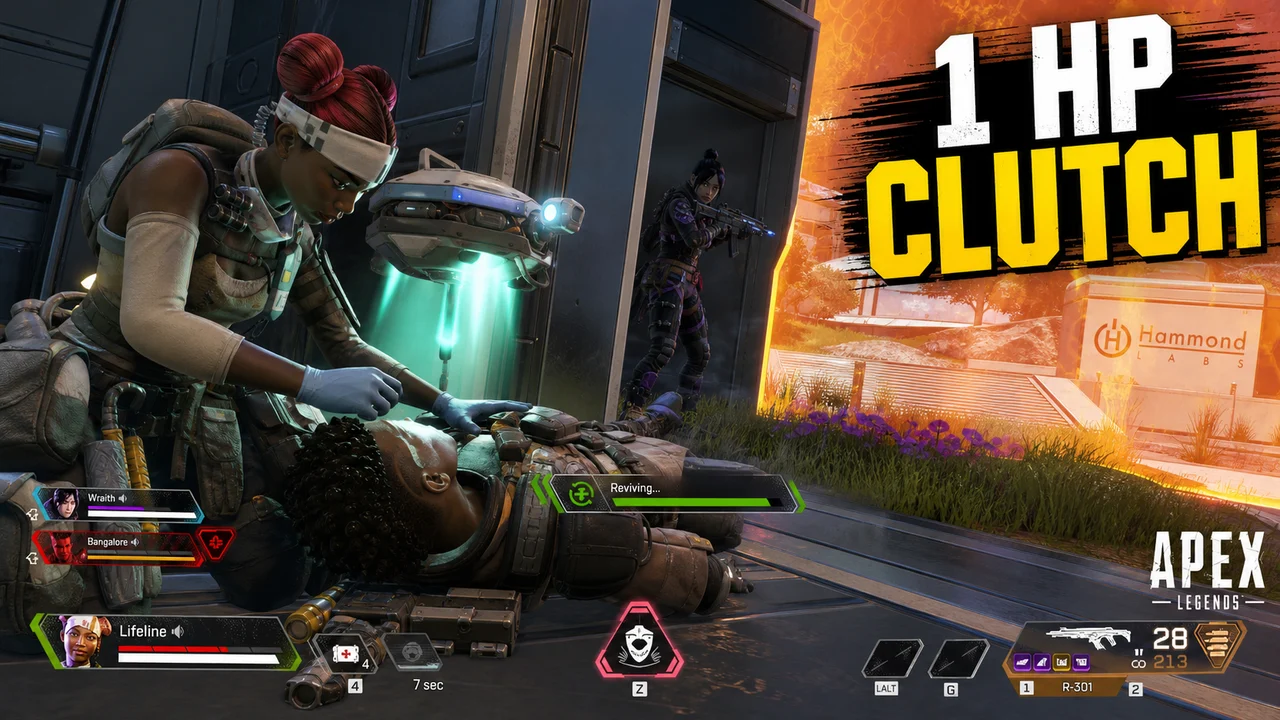
Different Apex content calls for different thumbnail energy:
Ranked Grind and Predator Pushes
Clutch Moments and Squad Wipes
Legend Guides and Tutorials
Ranked Tier Lists and Meta Updates
News and Patch Breakdowns
Matching a Legend's signature color instantly signals Apex content to anyone scrolling the feed.
| Legend | Primary Color | Accent Color | Works Best For |
|---|---|---|---|
| Wraith | Deep purple, void black | White, pale violet glow | Clutch highlights, portal plays, movement-focused content |
| Octane | Orange, red | Bright stim-green | Aggressive pushes, speed runs, high-energy highlight reels |
| Bloodhound | Forest green, bone white | Red tracker glow | Tracking guides, hunt-themed content, stealth plays |
| Wattson | Electric yellow, navy | Bright cyan spark | Defensive setups, fence guides, base-hold content |
| Horizon | Cyan, deep space blue | Star-field white | Gravity lift guides, movement tech, positioning tutorials |
| Valkyrie | Crimson red, gunmetal | Jet-flame orange | Rotation guides, aggressive third-party content, highlight reels |
Apex thumbnails live on the same tension as any battle royale clutch: high stakes, outcome unknown. Three elements build it:
Put all three together and a viewer gets a two-second story: something big was on the line, here's why it was hard, here's a hint at what happened. That's what earns the click in a niche this competitive.
With your face
Without your face (gameplay or Legend-focused)
Legend render thumbnails
How It Works
Upload your best in-game screenshot or describe the moment you want. AI creates tactical, high-energy backgrounds matching the battle royale aesthetic.
Add your clutch title or guide headline in bold text. Apply a Legend's signature color for instant recognition.
Crop toward the fight, the rank badge, or the moment that matters. Make the tension readable at a glance.
Choose a 16:9 HD, 2K, or 4K export, then check the finished file against YouTube's current upload limit for your device.
Who It's For
Ranked grinders documenting the climb to Predator where every thumbnail needs to sell the difficulty of that session
Highlight creators packaging clutch squad wipes and 20 bombs where the thumbnail has to capture the tension before the click
Legend guide creators who need clean, structured thumbnails that look authoritative and match each Legend's identity
Ranked and tier list channels covering the current meta where clarity matters as much as energy
Try These
“Tactical battle royale character mid-sprint through a ring closing in the background, orange storm energy at the edges, dark tactical arena, dramatic action pose, competitive shooter aesthetic”
“Intense final-circle standoff, shield bar nearly empty, two enemies visible in the distance, red vignette on screen edges, tense low-light atmosphere”
“Squad of three tactical characters standing triumphant after a fight, smoke and debris around them, warm victory lighting, battle royale champion moment”
“Close-up on a determined face lit by a cool blue glow, rank badge glowing faintly in the corner, dark minimal background, focused competitive energy”
“Explosive mid-air combat moment with jetpack thruster trails, orange and red energy streaks, chaotic aerial battle royale scene, cinematic lighting”
Benefits
Tactical, high-contrast, energy-driven backgrounds that feel like Apex, not a generic gaming template pulled from a stock library.
Match your main Legend's color, Wraith's void purple, Octane's stim orange, Horizon's cyan, for a consistent identity across every upload.
Design thumbnails around cracked shields, closing rings, and tight crops that make viewers feel the tension before they click.
Capture the relevant frame, add one clear callout, preview it small, and export without rebuilding the composition in a general-purpose design app.
Apex has one of the most competitive content feeds on YouTube: ranked grinds, clutch highlights, Legend guides, all fighting for the same clicks. A screenshot pulled straight from a match rarely shows the tension of the moment. Creators need thumbnails that read instantly as Apex and sell the stakes before the video even starts.
Thumbnail Studioo's AI thumbnail generator creates tactical, high-energy backgrounds from a text description. Upload your own in-game screenshot, capture a frame from your video, or generate a scene, then add concise callout text in the thumbnail editor. Export in HD, 2K, or 4K and preview the result at feed sizes.
Upload a gameplay frame or generate a tactical background. Add clear callouts, test the Legend palette, and export in HD, 2K, or 4K. Try free for 3 days.
Start Making Apex ThumbnailsFree 3-day trial • Cancel anytime
FAQ
Use a 16:9 image. Thumbnail Studioo offers 1280x720 HD, 2560x1440 2K, and 3840x2160 4K exports; check YouTube's current device-specific upload limits before publishing.
Real stakes, a matching expression, and colors that feel authentically Apex rather than a generic gaming template. A cracked shield bar, a closing ring, or a Legend's signature color are the fastest ways to signal Apex content instantly.
Use your face for personal milestones like rank reveals and clutch reactions. Go gameplay-focused for Legend guides, tier lists, and meta breakdowns. A hybrid, your face on one side and the in-game moment on the other, tends to perform well across both.
Yes. Use the generate-thumbnail-from-video tool to inspect preview frames from a public YouTube URL or upload your own video and capture a frame locally in the browser. Turn that moment into a focused brief, then refine the result in the editor.
Dark, tactical backgrounds with a single accent color read as authentically Apex. Match your main Legend's palette for consistent branding: void purple for Wraith, stim orange for Octane, electric cyan for Wattson.
Upload your screenshot or capture a video frame, add concise callout text with your chosen color palette, preview it at feed size, and export. The guided workflow avoids manual layer setup.