1
Upload or Generate Background
Upload your best Valorant screenshot or describe the agent and scene you want. The AI creates sharp tactical backgrounds matching the game's neon aesthetic.
Reviewed by Thumbnail Studioo · Updated 31 March 2026
Start Making Valorant ThumbnailsValorant thumbnail generator
Describe the thumbnail you want and generate it directly on this page.
Your thumbnail will appear here
Write a description and choose a style to get started.
Examples
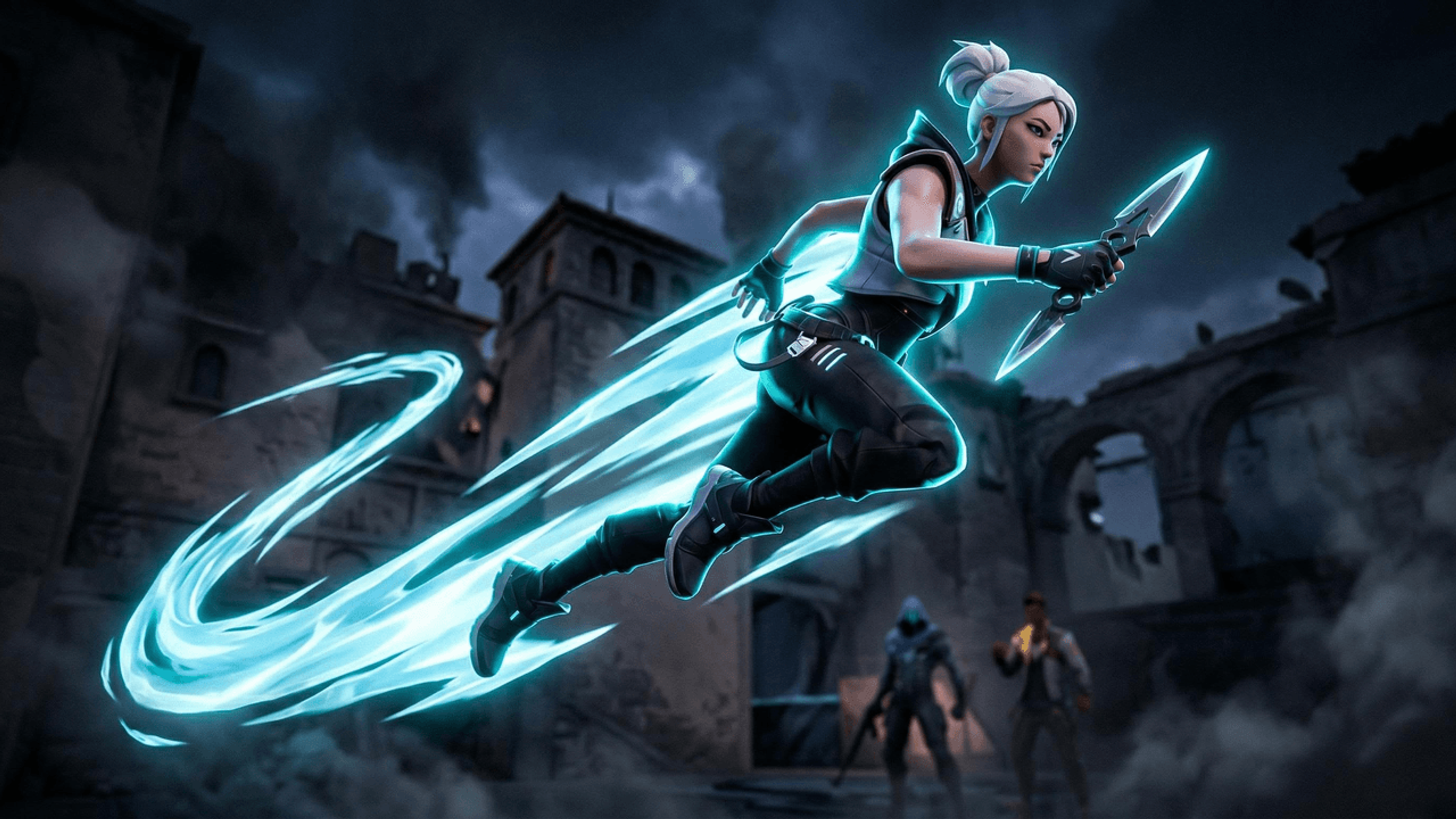
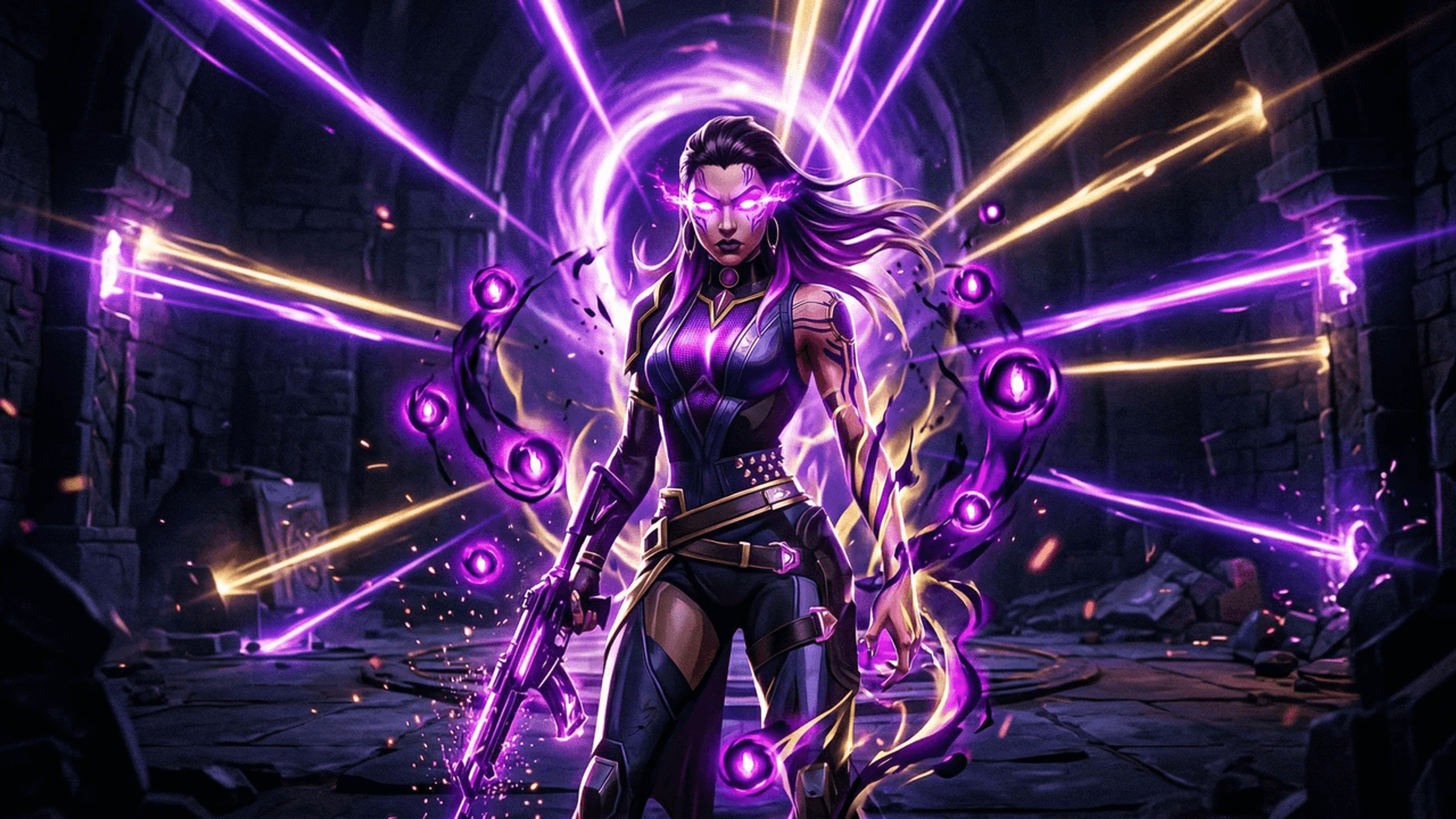
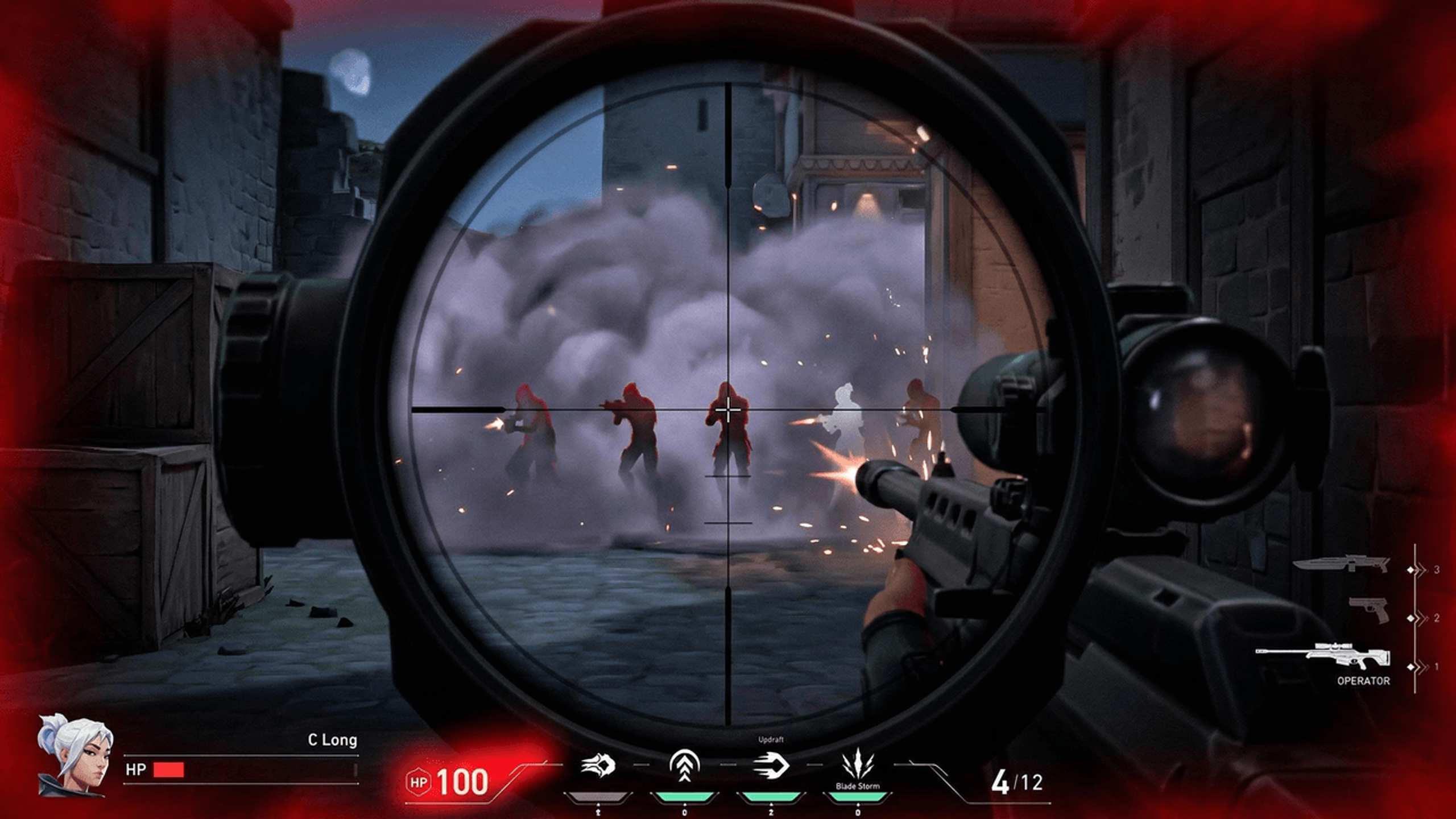
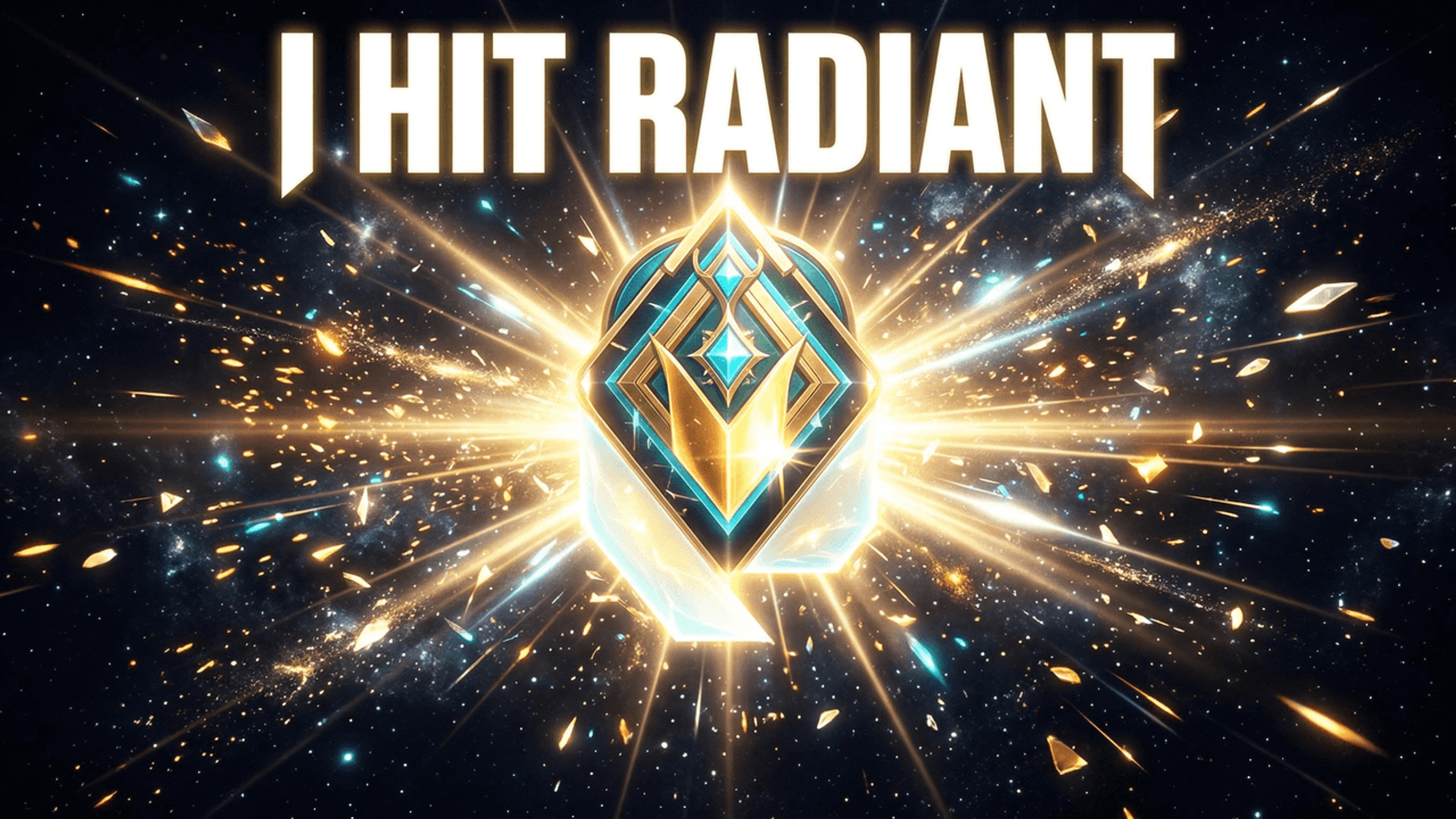
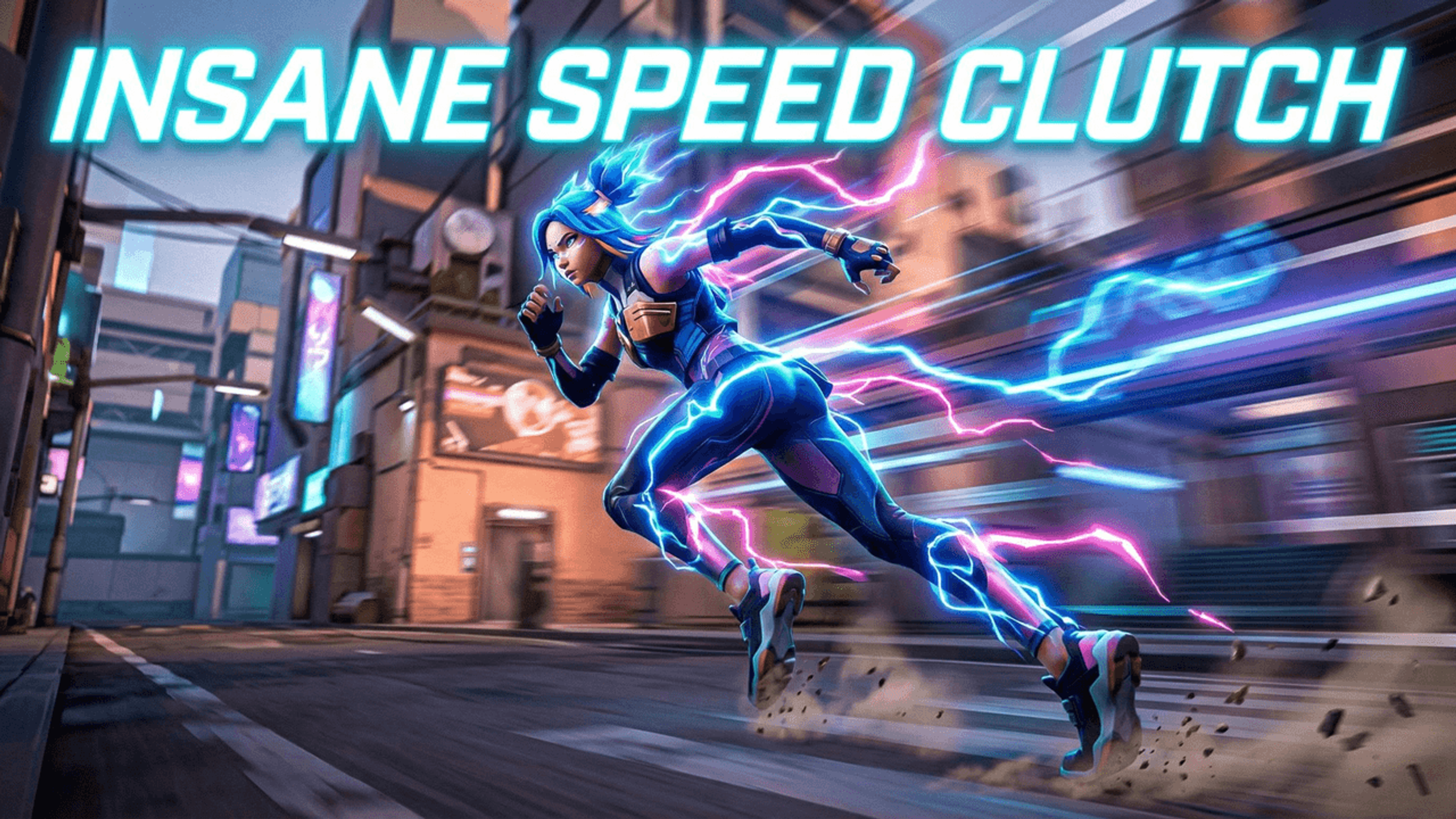
Different Valorant content calls for different thumbnail energy. Here is what works by content type:
Ranked Climb and Rank Reveals
Clutch Moments and Highlights
Agent Guides and Tutorials
Tier Lists and Patch Notes
Controller and IGL Content
Use your main agent's color palette and your thumbnail instantly signals Valorant content to anyone scrolling the feed.
| Agent | Primary Color | Accent Color | Works Best For |
|---|---|---|---|
| Jett | Ice blue, white | Silver, pale cyan | Knife plays, movement clips, duelist highlights. Clean and fast visual energy. |
| Reyna | Deep purple, violet | Gold, orange glow | Kill frenzy clips, clutches, aggressive ranked content. |
| Phoenix | Warm orange, fire red | Gold, ember yellow | Aggressive play, fire wall clips, comeback moments. |
| Sage | Mint green, white | Soft teal, cool blue | Heal highlights, wall placement guides, support-focused content. |
| Killjoy | Bright yellow, cream | Mechanical grey, orange | Setup guides, turret clips, agent utility tutorials. |
| Neon | Electric blue, cyan | Hot pink, white | Movement highlight clips, speed plays, aggressive entry content. |
Valorant thumbnails live on tension. The feeling right before a clutch: high stakes, outcome unknown. Three elements create it:
Combine all three and the viewer has a mini-story in two seconds: something big happened, here is why it was hard, here is what you might see. That is what drives clicks in a competitive FPS niche.
With your face
Without your face (gameplay focused)
Agent render thumbnails
Based on what consistently performs on Valorant YouTube:
| Rank | Format | CTR Level | What It Looks Like | When to Use It |
|---|---|---|---|---|
| 1 | Clutch tension | Highest | Low HP, multiple enemies alive, tight crop, red vignette | Any highlight or ranked clip where the outcome was uncertain |
| 2 | Rank reveal | Very High | Rank badge large, face beside it, agent color accent | Rank up videos, end of act reveals, climb series episodes |
| 3 | Agent guide | High | Agent render, ability icons, clean structured layout | Lineup videos, ability breakdowns, best agent guides |
| 4 | Tier list | Medium | Grid of agent icons, tier labels, bold title | Patch reaction videos, meta updates, season tier lists |
| 5 | Funny and chaotic | Lower CTR, higher shares | Absurd in-game moment, exaggerated expression | Comedy clips, bug showcases, cursed gameplay moments |
How It Works
Upload your best Valorant screenshot or describe the agent and scene you want. The AI creates sharp tactical backgrounds matching the game's neon aesthetic.
Add your clutch title or guide headline with bold fonts. Apply your agent's signature color palette for instant Valorant recognition.
Crop to your crosshair, kill feed, or rank badge. Add visual elements that communicate the stakes at a single glance.
Download at 1280x720. Optimized file size, no watermarks. Ready to upload before your next video goes live.
Who It's For
Ranked grinders documenting climbs from Silver to Immortal where every thumbnail needs to show the stakes of each session
Highlight creators packaging clutch moments and aces where the thumbnail has to capture the tension before the click
Agent guide creators who need clean, structured thumbnails that look authoritative and match each agent's identity
Tournament and competitive players creating content where precision and professionalism need to come through in every frame
Try These
“Valorant agent Jett dashing through a battlefield with ice blue energy trails, spike in the background, dark tactical map environment, neon blue accents, competitive gaming thumbnail style”
“Intense 1v4 clutch moment, low HP bar visible, enemies surrounding the position, red vignette on screen edges, dark Valorant map atmosphere, tension-filled composition”
“Agent Reyna holding Vandal rifle, purple soul orbs glowing around her, Valorant ranked lobby background, deep purple and gold color palette, cinematic lighting”
“Valorant Radiant rank badge centered with golden glow, agent avatars surrounding it, dark gradient background, achievement reveal composition”
“Agent Neon sprinting with electric blue dash animation, city map environment, lightning energy effect, bright cyan and hot pink neon aesthetic”
Benefits
Sharp lines, neon accents, dark tactical backgrounds. The color palettes and design energy feel authentically Valorant, not like a generic gaming template pulled from a stock library.
Pick your main agent and apply a matching color palette instantly: Jett's ice blue, Reyna's purple, Neon's electric cyan. Consistent brand identity across every video.
Design thumbnails with low HP indicators, tight crops, and high-stakes compositions that make viewers feel the tension before they click.
Upload your screenshot, add text, export. Under 5 minutes between recording and uploading. Spend more time grinding ranked and less time in Canva.
Valorant agent guides, rank climbs, and highlight reels compete in a crowded feed. Generic layouts can lose the game's sharp tactical identity. A stronger starting point makes the agent, rank, or clutch moment clear before the viewer reads the title.
Thumbnail Studioo's AI thumbnail generator creates tactical visual starting points from a description. Layer your text and agent colors in the YouTube thumbnail editor. Upload your best clutch screenshot or generate from scratch, then export in HD, 2K, or 4K. Sign in to start.
Upload your clutch screenshot or generate a custom background. Sharp neon aesthetic, agent colors, 1280x720 export. Try free for 3 days.
Start Making Valorant ThumbnailsFree 3-day trial • Cancel anytime
FAQ
Use a 16:9 canvas. YouTube currently recommends 3840x2160, while 1280x720 is a smaller HD option. Thumbnail Studioo offers HD, 2K, and 4K exports; check the final file size for desktop or mobile upload.
Tension, clarity, and authenticity. Show the stakes of the moment, make the subject instantly clear, and use colors that feel genuinely Valorant rather than a generic gaming template. Agent-specific colors and sharp neon accents are the fastest way to signal Valorant content.
Use your face for personal milestones like rank reveals and clutch reactions. Go gameplay-focused for agent guides, tier lists, and educational content. A hybrid with your face on one side and the game moment on the other tends to perform best overall.
Dark backgrounds with neon accents match the game's UI. Use your main agent's colors for consistent branding: ice blue for Jett, deep purple for Reyna, fire orange for Phoenix. High contrast combinations ensure text stays readable in any browsing environment.
Yes. Riot Games supports content creators using Valorant gameplay footage and screenshots in YouTube thumbnails under their content usage policy for fan creators.
Upload your screenshot, add text with your agent's color palette, export. No layers or masks needed. Thumbnail Studioo handles the technical side so you can focus on the composition. Most creators finish in under five minutes.
Use a fixed layout: same position for your agent color banner, episode number, and title text. Only swap the featured content each video. Viewers start recognizing your series before they even read the title.