1
Upload or Generate Background
Upload your best COD screenshot or describe the scene you want. Warzone circles, urban multiplayer maps, dark zombie environments. The AI creates gritty military backgrounds in seconds.
Reviewed by Thumbnail Studioo · Updated 20 August 2026
Start Making COD ThumbnailsCall of Duty thumbnail generator
Describe the thumbnail you want and generate it directly on this page.
Your thumbnail will appear here
Write a description and choose a style to get started.
Examples
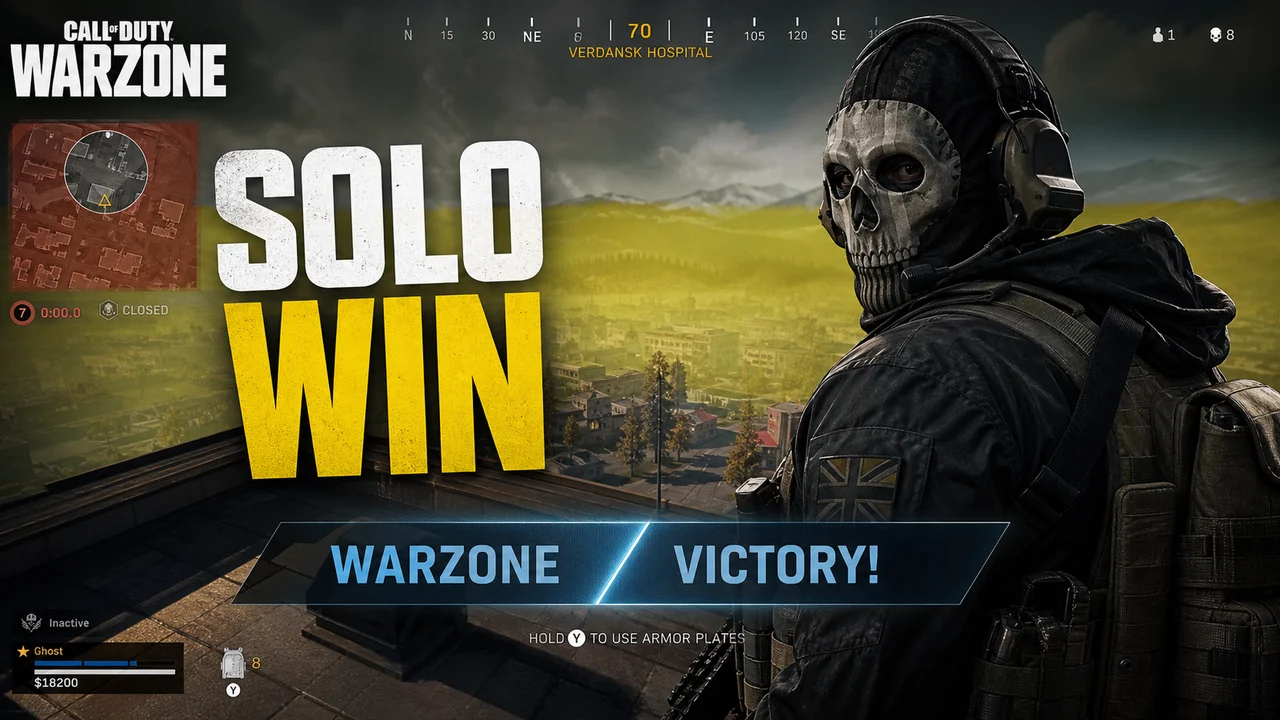
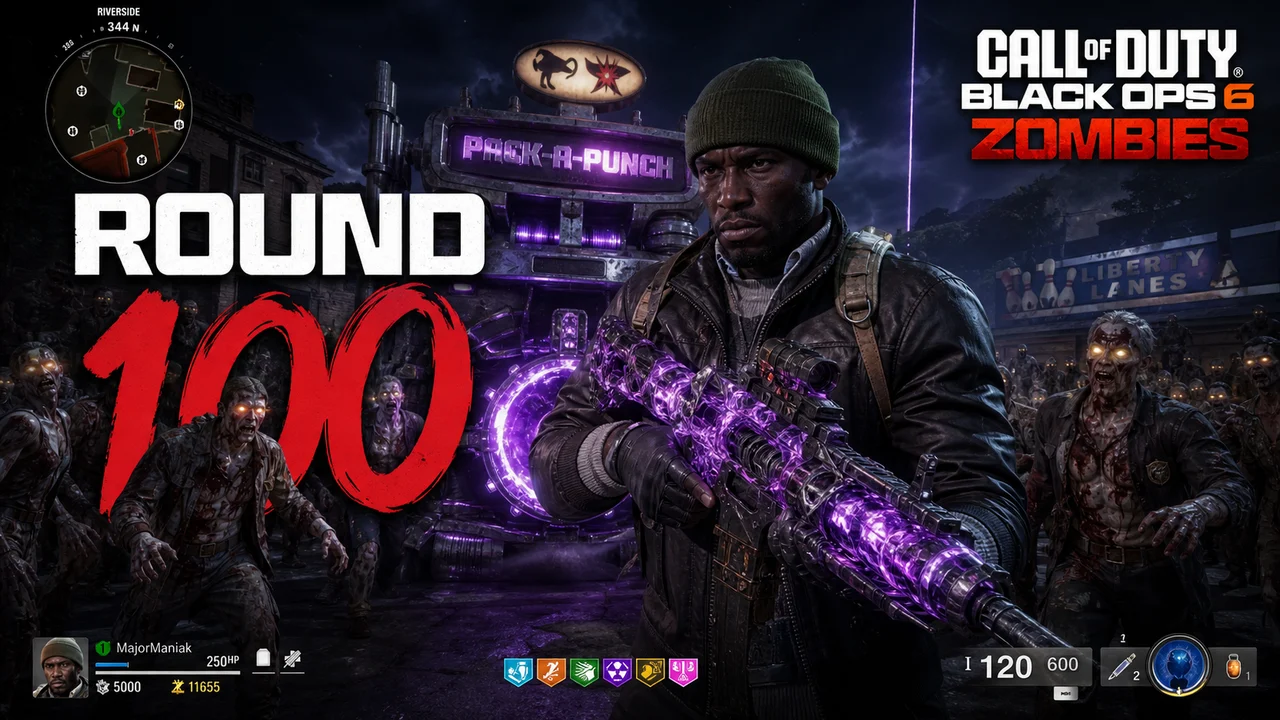
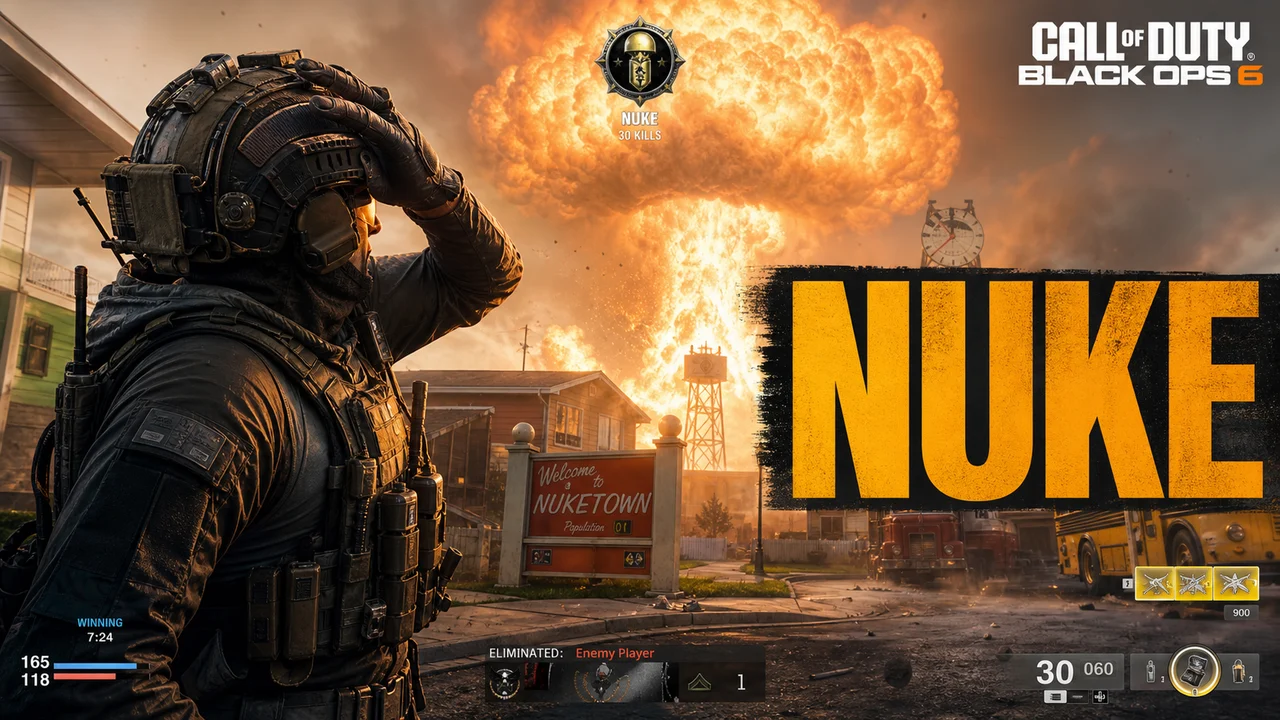
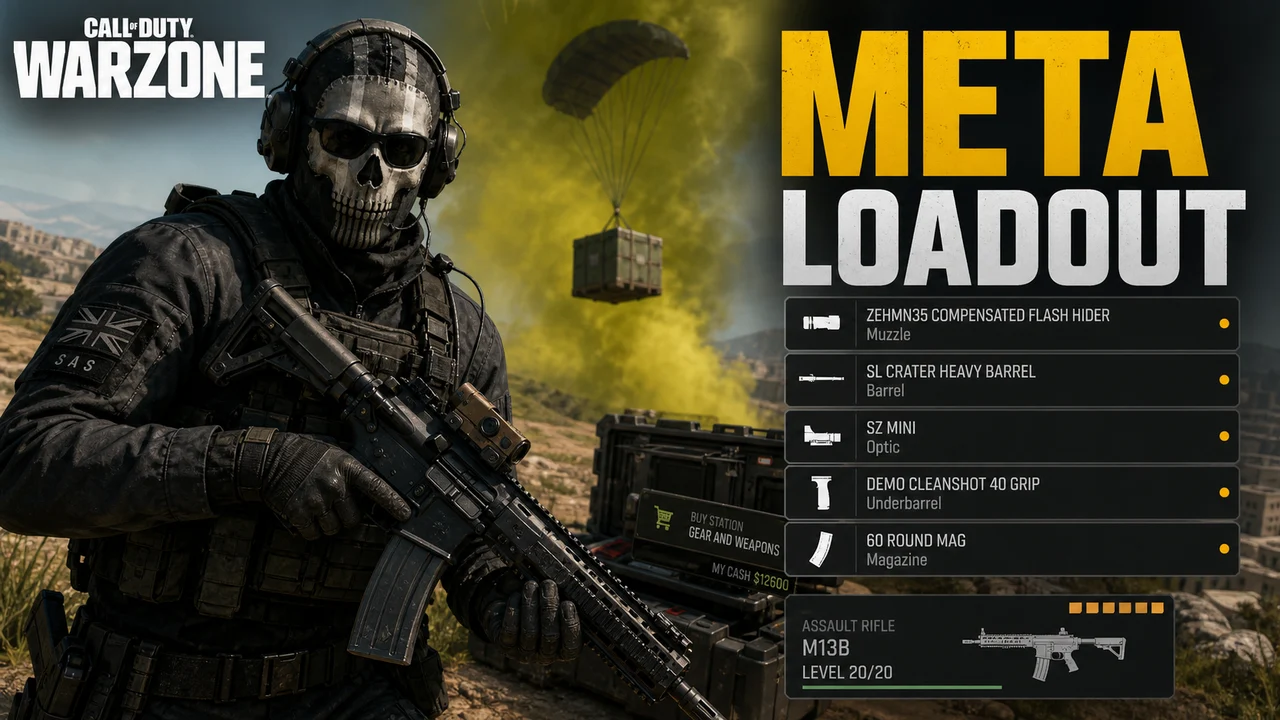
Different COD content needs different thumbnail energy. Here is what works by type:
Warzone and Battle Royale
Multiplayer Highlights
Zombies Mode
Weapon and Loadout Guides
Challenge and Ranked Content
Match your thumbnail colors to the mode and viewers know exactly what they are clicking into.
| Mode | Primary Colors | Accent Colors | Best For |
|---|---|---|---|
| Warzone | Urban grey, dust brown, military tan | Explosion orange, danger red | Battle royale content, squad wipes, solo wins. Gritty and realistic color tone. |
| Multiplayer | Dark gunmetal, black, olive green | Electric blue scorestreak, gold nuke | Killstreak videos, high kill games, ranked content. High contrast on dark base. |
| Zombies | Dark green, black, fog grey | Blood red, toxic green, pale yellow | Round survival, easter eggs, horror gameplay. Moody low-light atmosphere. |
| Campaign | Cinematic dark grey, war brown | Dramatic spotlight white, amber | Story missions, cutscene moments, lore content. Cinematic grade color tone. |
| Ranked Play | Dark navy, carbon black | Gold rank accent, crimson red | Ranked climb series, division reveals, seasonal results. Clean and competitive look. |
Three choices help a COD thumbnail communicate the video before the title has to do all the work.
With your face
Without your face (operator or gameplay focused)
Operator thumbnails
Choose a format that matches the video rather than assuming one layout will outperform another for every channel.
| Format | Best Visual Evidence | When It Fits | Avoid |
|---|---|---|---|
| Nuke or extreme killstreak | The streak result, score, or decisive in-game moment | A real personal record or streak-focused match | A generic explosion that implies a result the video does not contain |
| Warzone win or squad wipe | Final-circle context, victory state, or readable elimination count | Solo wins, squad wipes, and high-kill matches | A full raw HUD with no clear focal point |
| Loadout or weapon guide | A clean weapon crop plus the exact build or patch context | Build guides, comparisons, and post-update analysis | Calling every weapon broken without explaining the tested setup |
| Zombies round or Easter egg | Round number, objective, or recognizable encounter | High-round runs, routes, and Easter egg walkthroughs | Dark scenes where the subject disappears at feed size |
| Ranked placement | The real rank badge or progress point featured in the video | Ranked climbs, season recaps, and placement reveals | Tiny rank UI that cannot be identified on mobile |
How It Works
Upload your best COD screenshot or describe the scene you want. Warzone circles, urban multiplayer maps, dark zombie environments. The AI creates gritty military backgrounds in seconds.
Drop in your achievement text with bold fonts and the right color palette for your mode. Nuke orange for multiplayer, danger red for zombies, military tan for Warzone.
Crop to your kill count, rank badge, or weapon. Make the achievement the first thing the viewer sees. Add your face alongside it for personal milestone videos.
Choose a 16:9 HD, 2K, or 4K export. Check the finished file against YouTube's current upload limit for the device you use.
Who It's For
Warzone grinders documenting high-kill games and solo wins where every thumbnail needs to show the scale of the achievement
Multiplayer creators capturing nuke and killstreak moments where the thumbnail has to match the intensity of the clip
Zombies players documenting high round records and easter egg completions where the horror aesthetic needs to come through
Loadout and meta guide creators who need clean weapon-focused thumbnails that look authoritative and get clicks from players looking to improve
Try These
“Call of Duty operator in tactical military gear standing in a destroyed urban warzone environment, explosion and smoke behind them, gritty realistic lighting, dark olive and gunmetal color palette, cinematic 1280x720 YouTube thumbnail”
“Warzone final circle closing in, single player surviving against a squad, gas wall visible on edges, tense battle royale atmosphere, dark realistic military aesthetic, high stakes composition”
“Nuclear explosion mushroom cloud filling the background, COD multiplayer killstreak activated, dark dramatic sky, orange and black color palette, achievement reveal composition, bold text reads "NUKE"”
“Zombies horde in a dark apocalyptic environment, single player holding off hundreds of zombies, round number 100 glowing in the background, blood red and toxic green lighting, horror gaming thumbnail style”
“Call of Duty sniper rifle close up and centered, dark background with tactical grid overlay, weapon attachments visible, military gunmetal color palette, bold text reads "BEST SNIPER BUILD", clean loadout guide composition”
Benefits
Dark tactical backgrounds, explosive accents, and cinematic lighting that feel authentic to Call of Duty. Not a generic gaming template. Looks like it belongs in the COD niche.
Warzone tan and grey, multiplayer gunmetal and gold, zombies dark green and red. Pick your mode and the palette matches the content your viewers expect.
Design thumbnails around your nuke, your Warzone win, your round record. Show the kill count, the placement badge, the round number. The achievement is the click driver.
Start with the gameplay evidence, add one clear callout, preview it small, and export without rebuilding the composition in a general-purpose design app.
The CoD niche is huge, saturated, and full of viewers who expect production quality. A flat screenshot or a template that was not built for Warzone gets ignored. Your thumbnail is the first proof you meet the bar.
Thumbnail Studioo's AI thumbnail generator creates gritty military and tactical backgrounds from your description. Start from your own gameplay screenshot or generate a Warzone, Multiplayer, or Zombies-inspired scene, then add bold text in the YouTube thumbnail editor. Export a 16:9 image in HD, 2K, or 4K and preview it at YouTube feed sizes before publishing.
Upload your screenshot or generate a custom background. Use mode-specific colors, preview at feed size, and export in HD, 2K, or 4K. Try free for 3 days.
Start Making COD ThumbnailsFree 3-day trial • Cancel anytime
FAQ
Use a 16:9 image. Thumbnail Studioo offers 1280x720 HD, 2560x1440 2K, and 3840x2160 4K exports; check YouTube's current device-specific upload limits before publishing.
A specific achievement, visual proof of that achievement, and a color palette that matches the COD aesthetic. The best thumbnails name something specific: a nuke, a win, a record. Vague thumbnails get ignored in a niche where every creator is competing hard for clicks.
Dark military tones for the base: gunmetal grey, olive green, urban tan. One high-contrast accent for the achievement: explosion orange for nukes, danger red for zombies, bright gold for ranked. High contrast between your text and background is non-negotiable.
For personal milestones like your first nuke or a ranked placement, yes. Your face plus the achievement creates the strongest combination. For loadout guides and tier lists, operator renders or clean weapon shots work better without a face in frame.
Use screenshots you captured from your own gameplay or assets you are authorized to use. Follow the current publisher and platform rules, avoid implying official endorsement, and verify the applicable terms before using logos, key art, or another creator's footage.
Be specific about the achievement and make the visual match the text. "NUKE" paired with the relevant streak moment communicates more than "INSANE GAME" over a random screenshot. Keep the promise accurate to the video.
Fix the layout: same position for your kill count, operator, and title text every episode. Change only the featured content each upload. Viewers start recognizing your series before they even read the title, which increases click-through on every subsequent video.