1
Set the Scene
A dim room, a redacted file, or a single shadow: describe the one detail that carries the tension.
Reviewed by Thumbnail Studioo · Updated 15 August 2026
Start Making True Crime ThumbnailsTrue-crime thumbnail generator
Describe the thumbnail you want and generate it directly on this page.
Your thumbnail will appear here
Write a description and choose a style to get started.
Examples
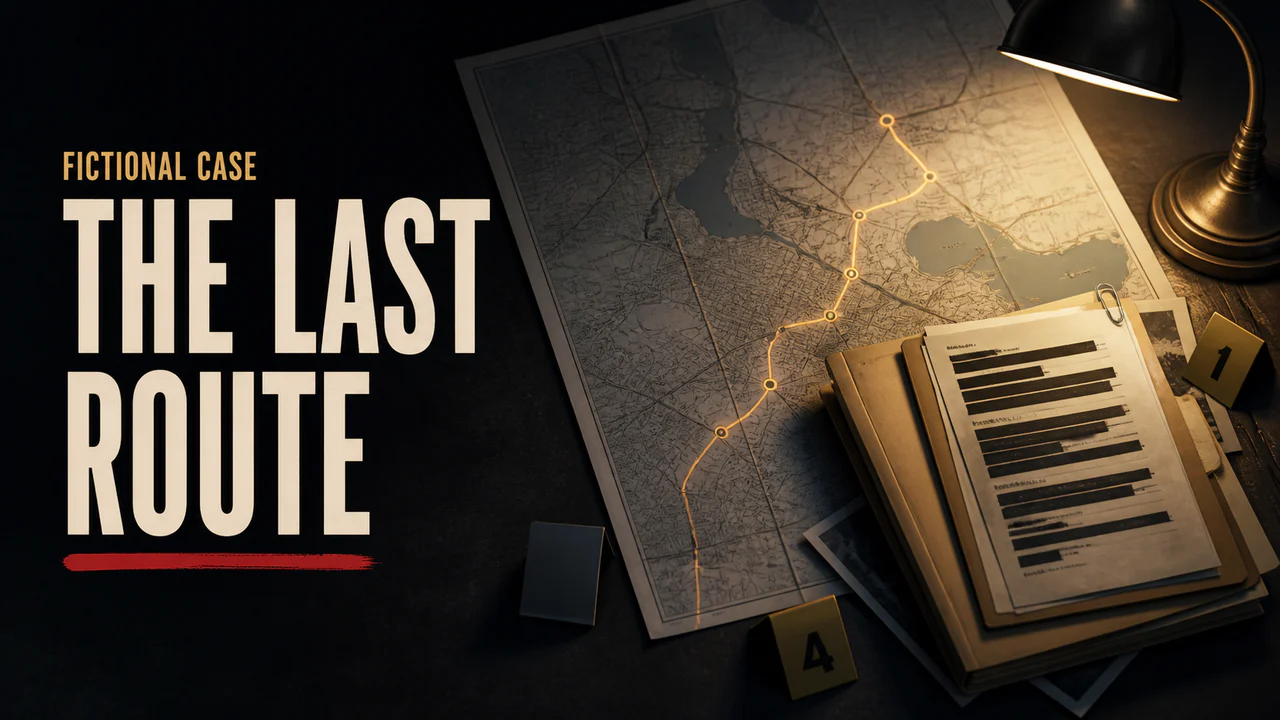
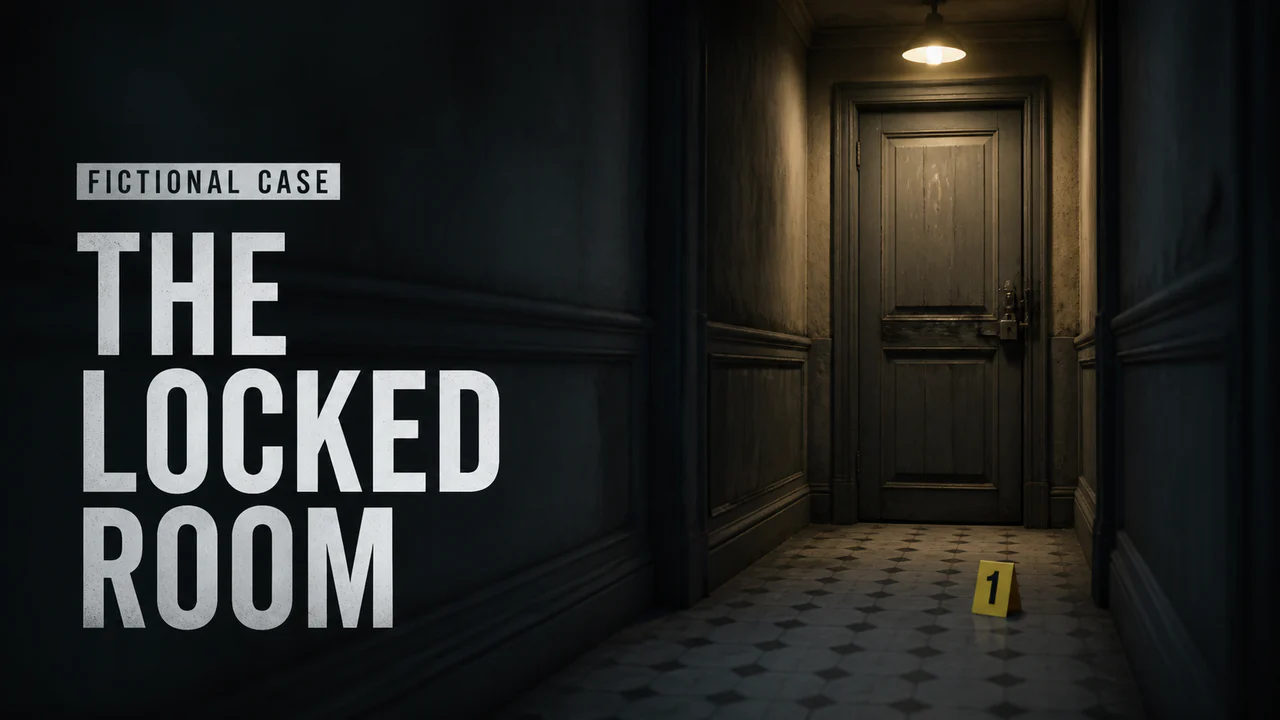
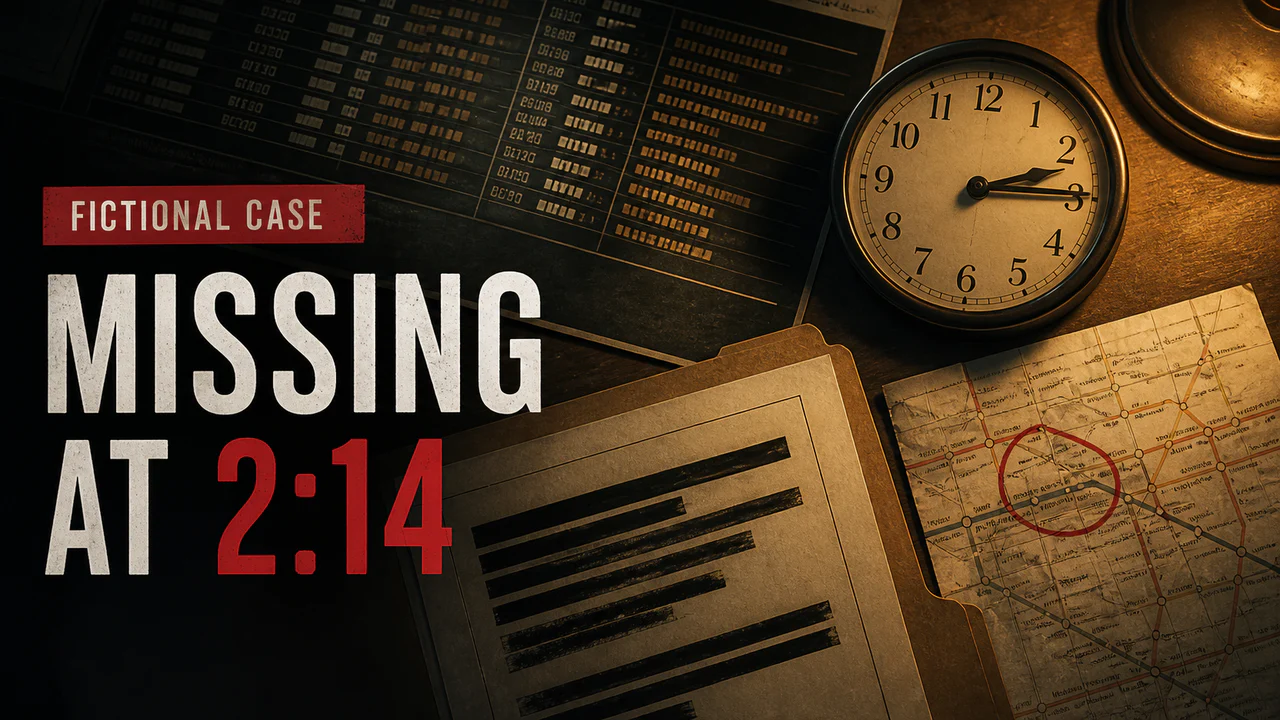
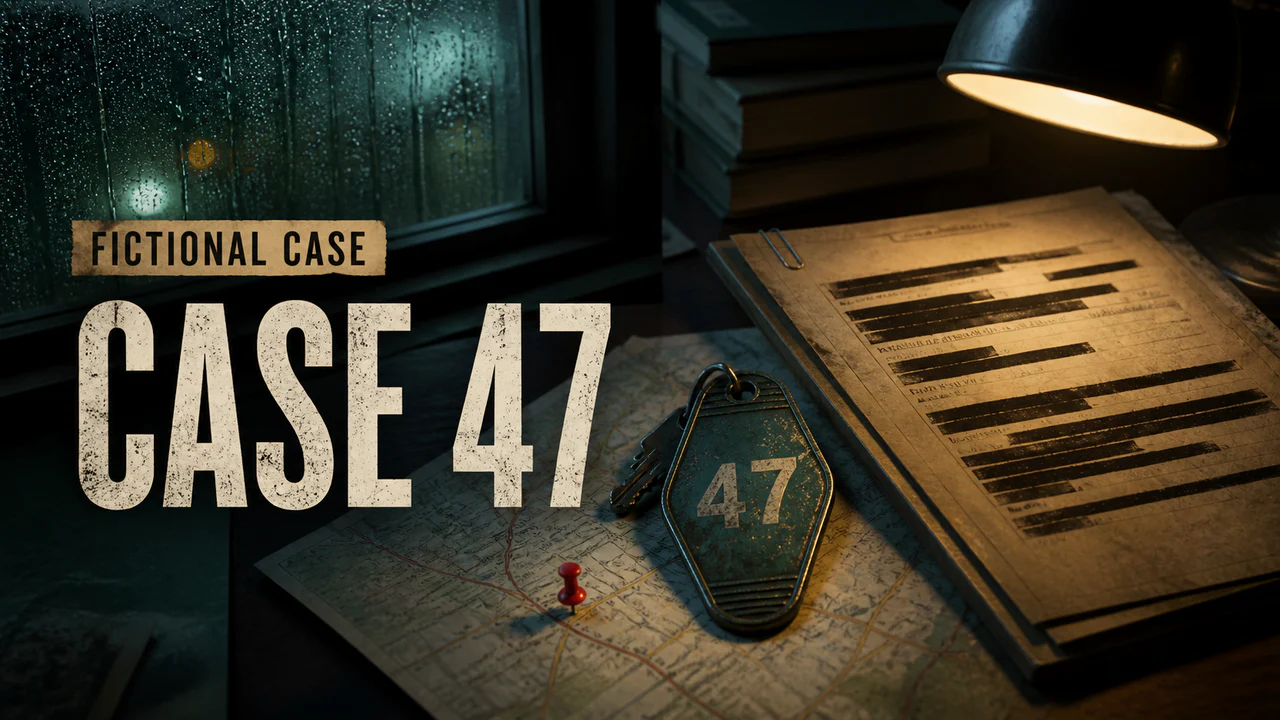
Start with one verified, non-graphic element that represents the video: a public location, a date, a map route, a redacted document treatment, or a clearly illustrative object. Avoid gore, invented evidence, fake quotes, and exaggerated victim imagery. Keep generated scenes visibly illustrative and use a factual label instead of declaring guilt or presenting speculation as fact.
How It Works
A dim room, a redacted file, or a single shadow: describe the one detail that carries the tension.
Wide investigation shot, close-up on a face half in shadow, or an evidence-board composition.
Generate a restrained visual starting point, then check that it does not imply false evidence or identify the wrong person.
Use a factual case label, episode number, or verified date. Export in HD, 2K, or 4K.
Who It's For
True crime channels covering case breakdowns and unsolved mysteries
Documentary-style creators needing a consistent, credible visual mood
Mystery and cold case channels that need evidence-style visuals
Creators building a recognizable moody aesthetic across every episode
Try These
“Dark room with one desk lamp shining on a blacked-out case file, deep shadows, dull faded colors, 16:9 YouTube thumbnail”
“Close up on a face half hidden in shadow, light on just one side, dark background, tense scary mood, 16:9 YouTube thumbnail”
“Old photo pinned to a board with red string connecting to other photos and notes, dim light, serious investigation feel, 16:9 YouTube thumbnail”
“Empty room shot from a low angle, one window letting in harsh light, cold blue-gray colors, quiet tense feeling, 16:9 YouTube thumbnail”
Benefits
Generate the exact dim, tense atmosphere your case needs instead of searching for a close-enough stock photo.
Describe a redacted file, a corkboard, a shadowed object, and get a visual built specifically for that detail.
Reuse the same desaturated color grading and mood across every episode for a recognizable channel aesthetic.
Reuse a restrained color and type system while changing the case-specific clue, map, date, or location.
True-crime creators need a distinct visual for each case without defaulting to graphic imagery, invented evidence, or sensational reactions. A useful workflow starts with verified case details, builds around one relevant clue or location, and leaves enough room for a short factual label.
Describe a non-graphic scene such as a redacted file, map, empty room, or timeline and the AI thumbnail generator creates a visual starting point. Add a factual case label with the thumbnail editor, then export in HD, 2K, or 4K. Do not upload private evidence or imply that generated imagery is authentic case material.
Build a non-graphic case visual around a verified clue, map, date, or location, then export in HD, 2K, or 4K.
Start Making True Crime ThumbnailsFree 3-day trial • Cancel anytime
FAQ
Use a 16:9 canvas. YouTube currently recommends 3840x2160, and Thumbnail Studioo also offers 2K and 1280x720 HD exports.
Yes. Describe the mood, lighting, and detail, a redacted file, a dim room, a corkboard, and the AI builds a desaturated background matching that tone.
Use one factual, non-graphic detail and a readable label that accurately represents the episode. Avoid fabricated evidence, declaring guilt, or using a real person's image in a misleading context.
Use only material you have permission to use and avoid uploading private or sensitive evidence. The editor can add text and visual treatments, while generated imagery should be treated as illustration rather than authentic case evidence.
Monthly plans include a card-required 3-day trial with access to AI generation, the editor, and exports. Cancel before the trial ends to avoid renewal.