1
Start Your Free Trial
Create your account to unlock AI generation and the canvas editor for 3 days.
See The Difference
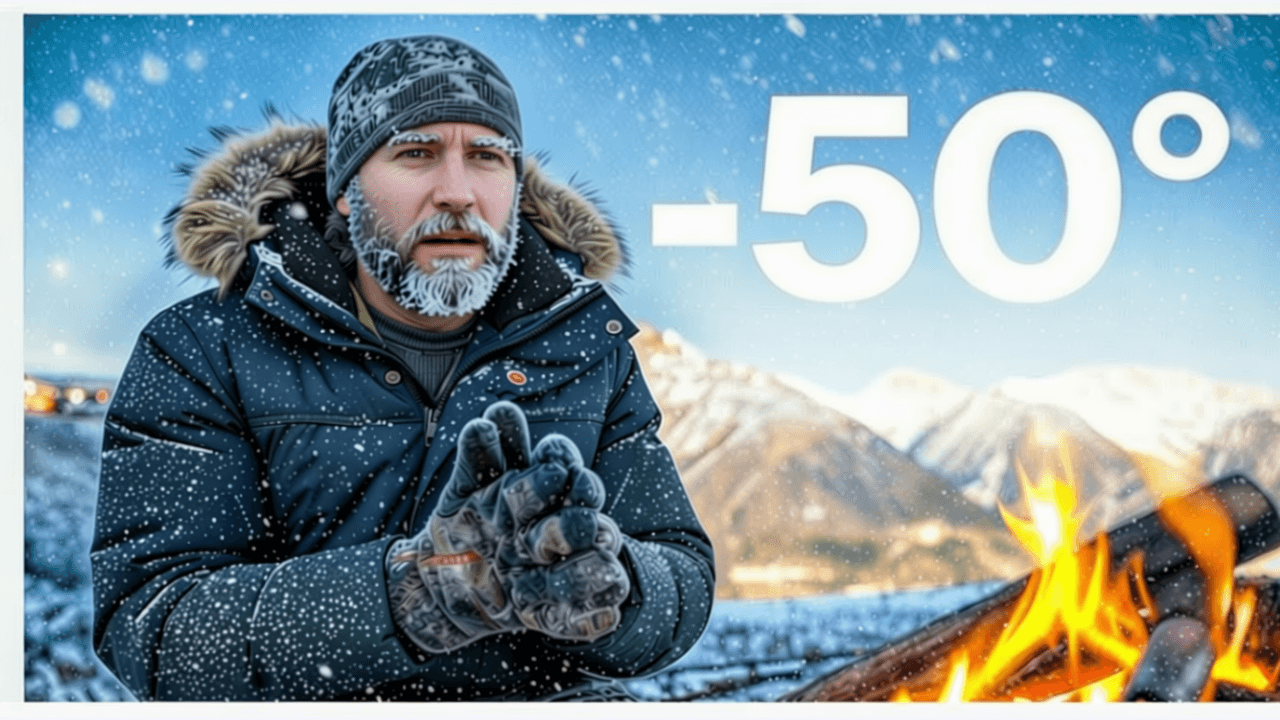
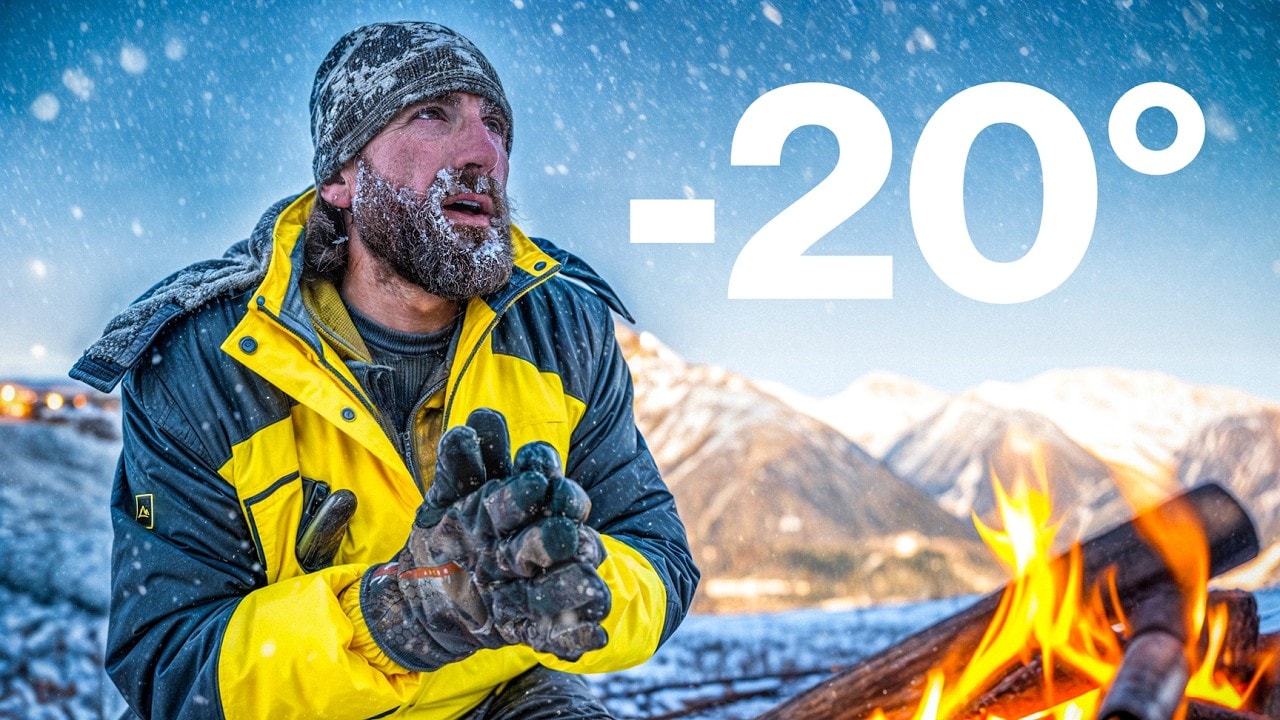
Try These
“Shocked person staring at a cracked phone screen, dramatic close-up, dark background with orange light accents, intense disbelief expression, space at top for title text”
“Futuristic city skyline at dusk with flying vehicles, cinematic wide angle, warm sunset tones blending into deep blue sky, room for headline text at bottom”
“Scientist in a lab coat holding up a glowing test tube, discovery expression, clean bright lab background, dramatic lighting from the tube, professional and exciting energy”
Examples
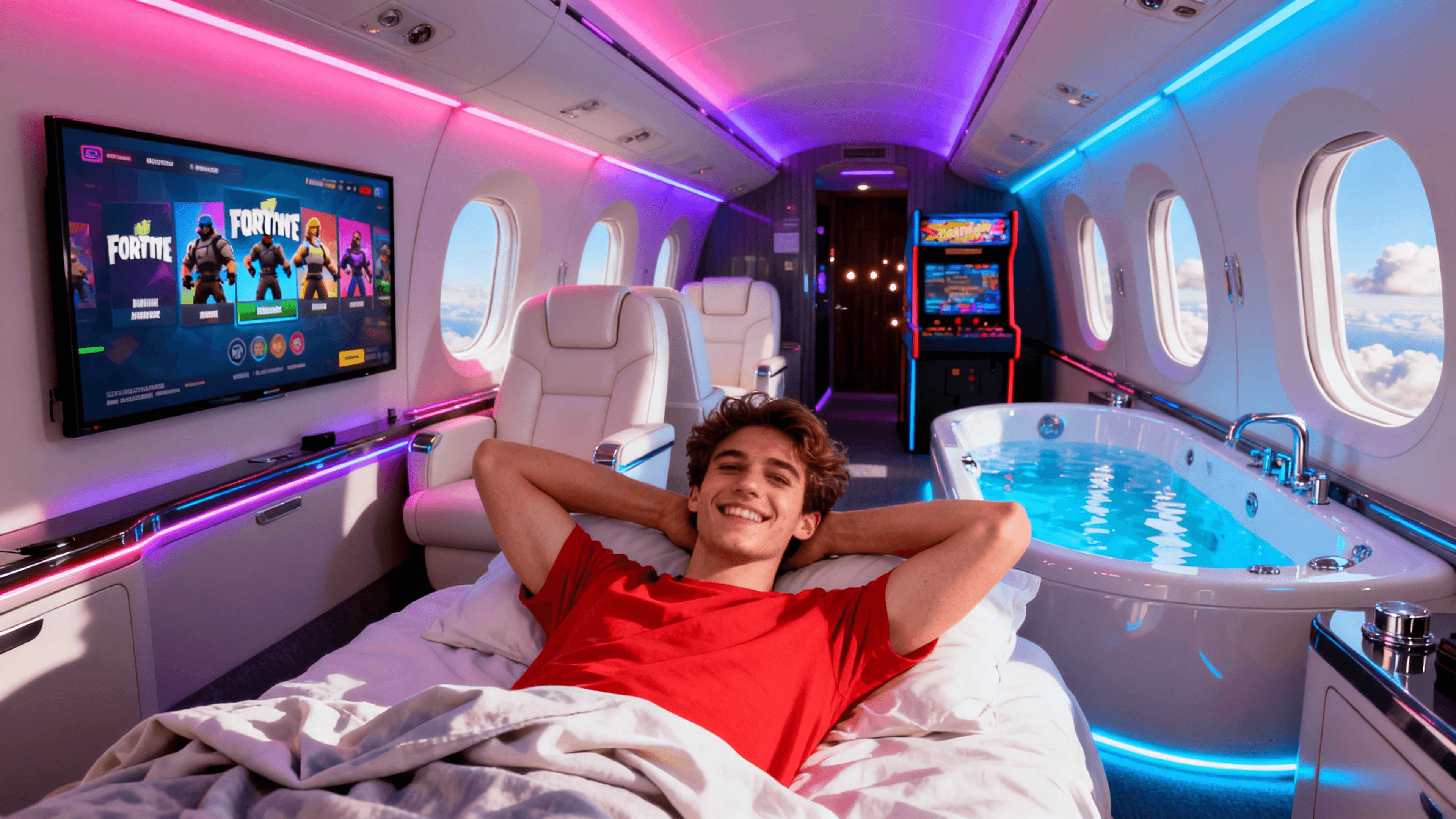
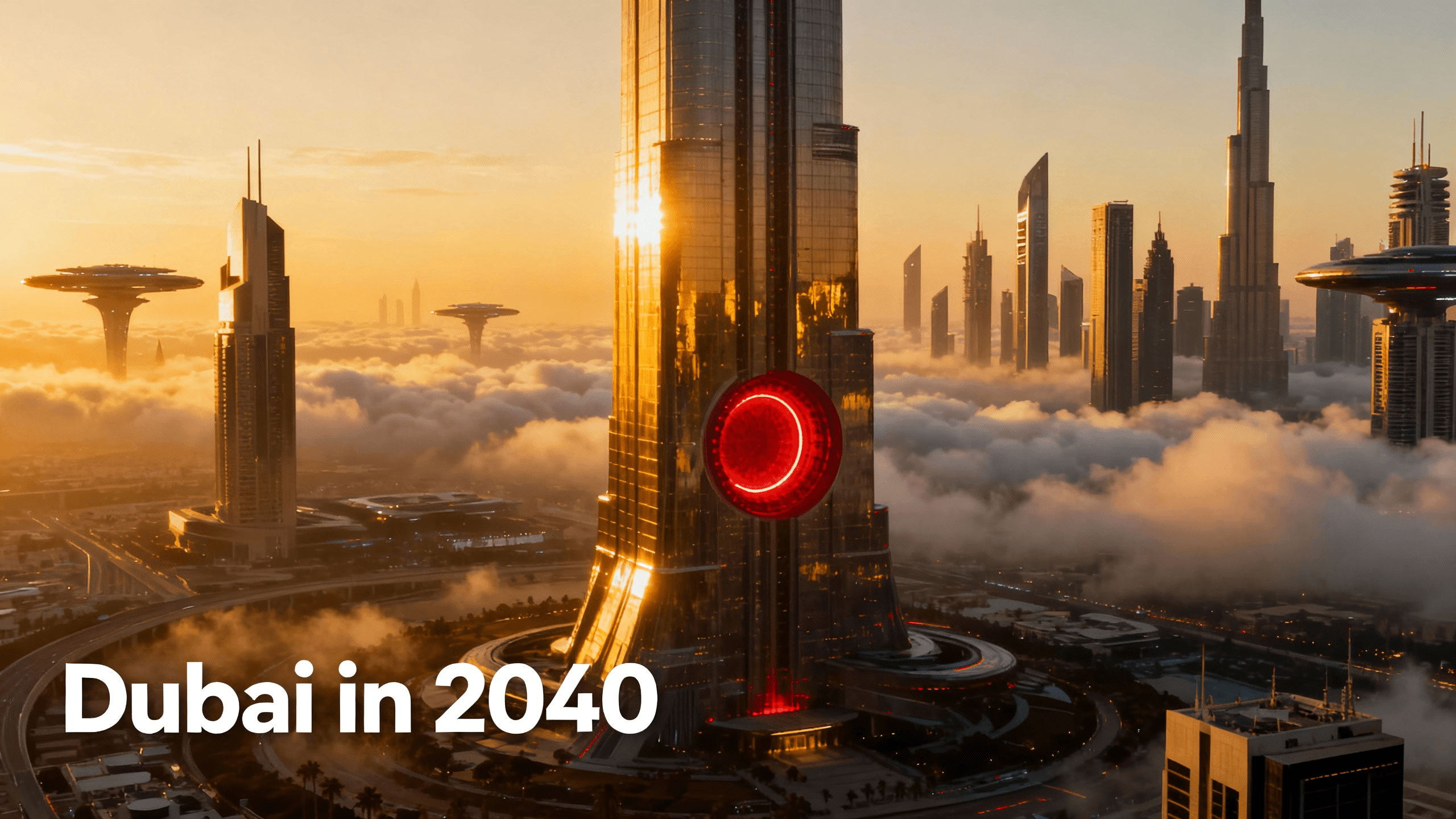
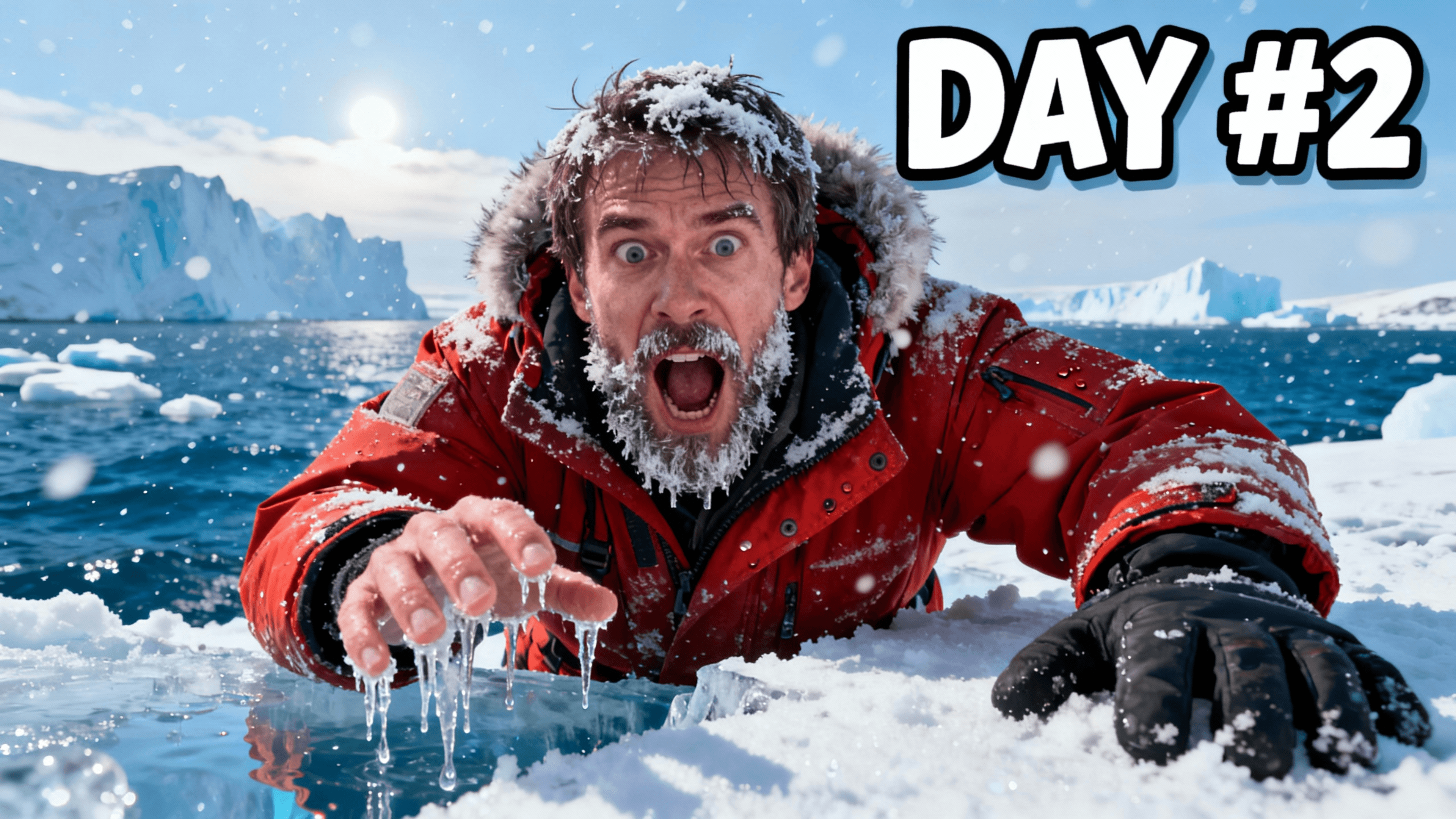
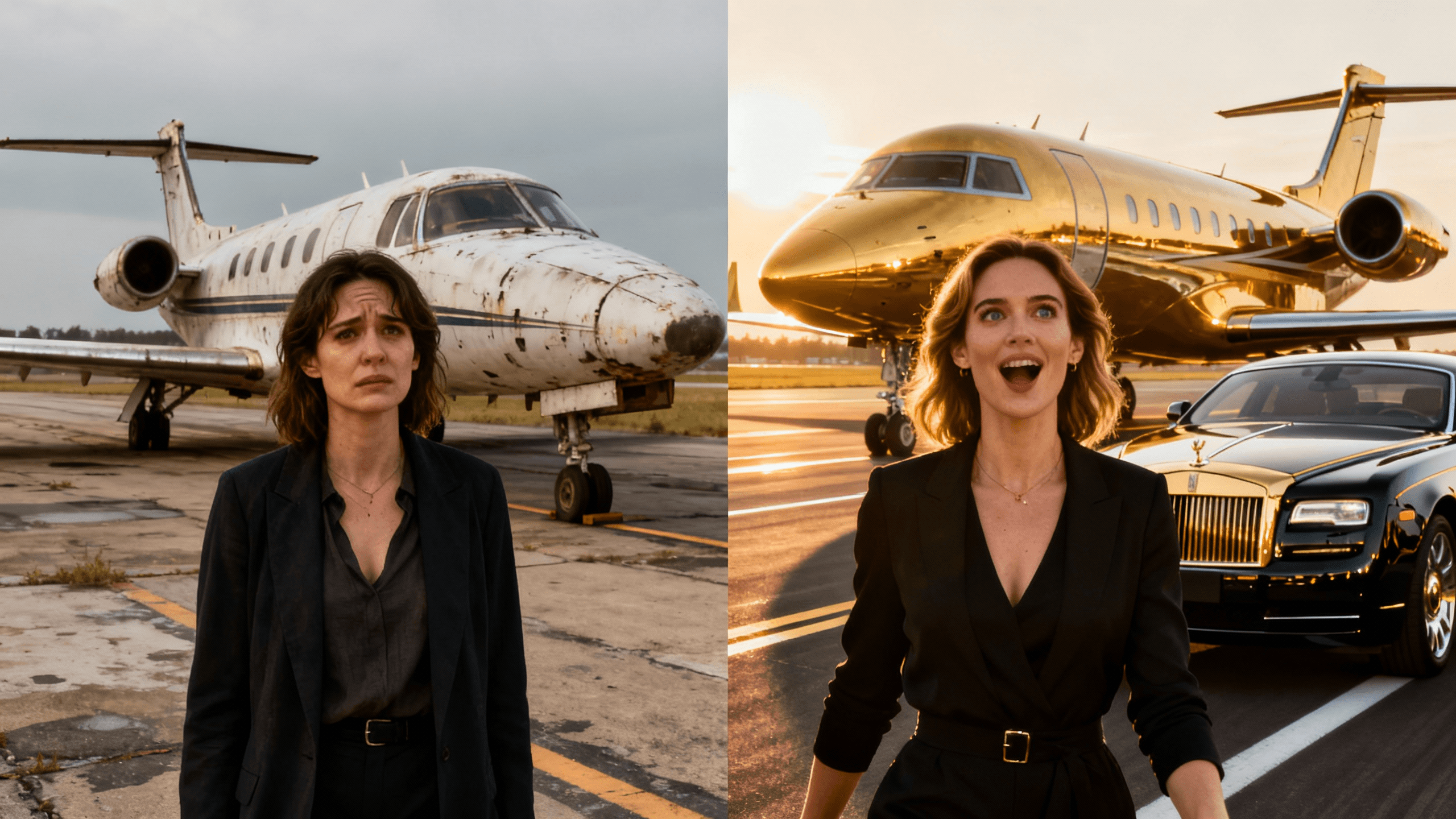
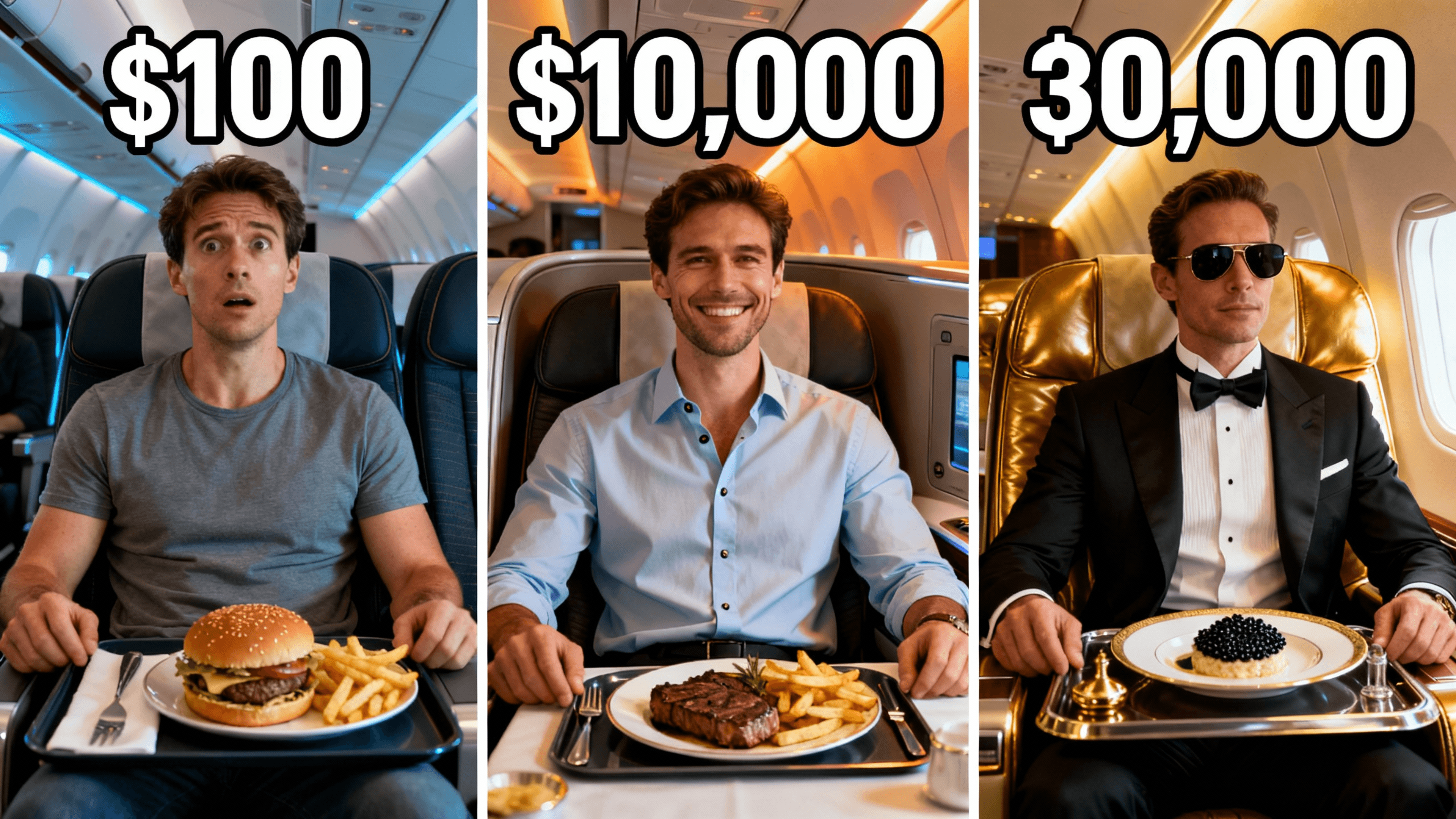
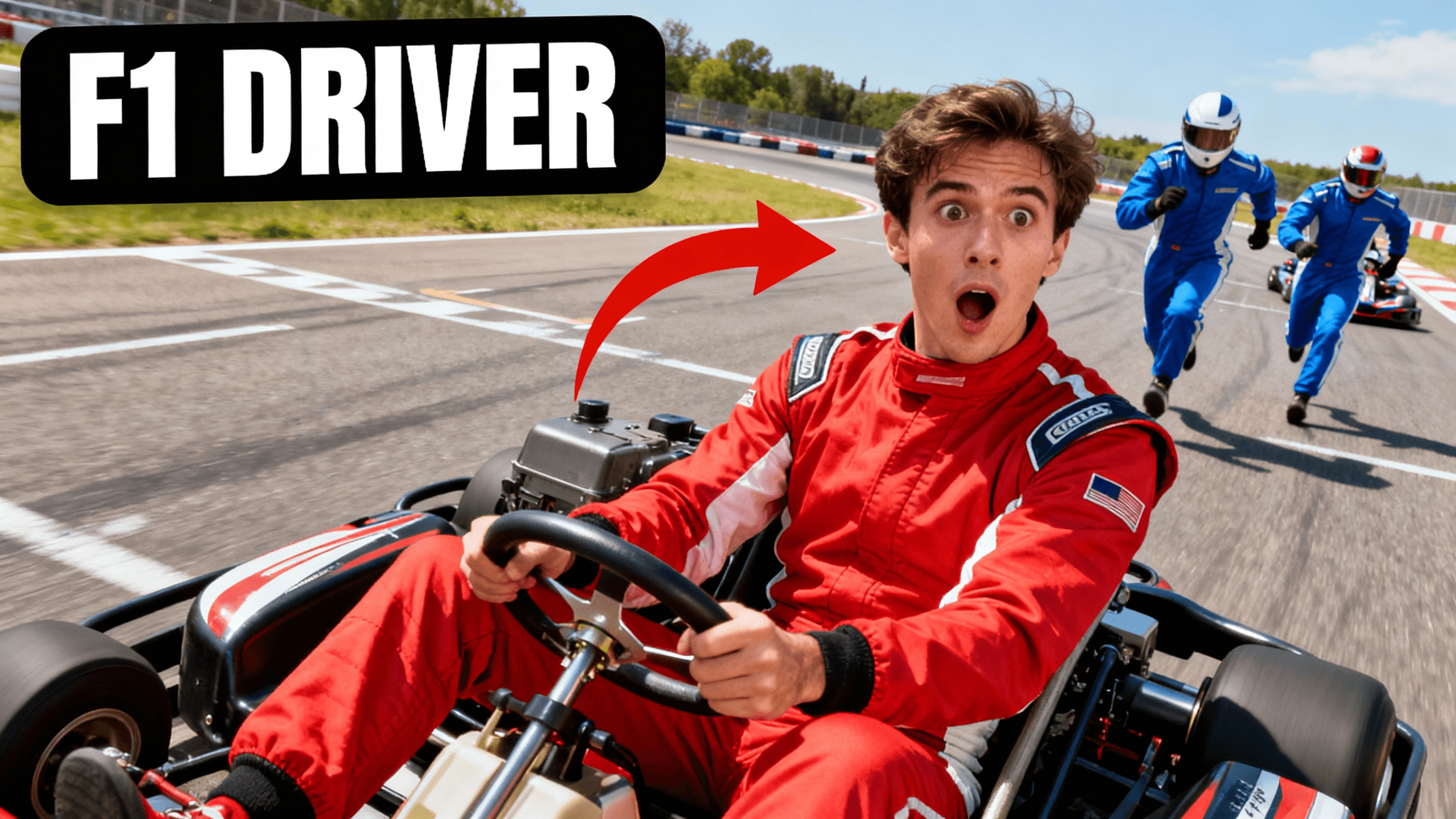
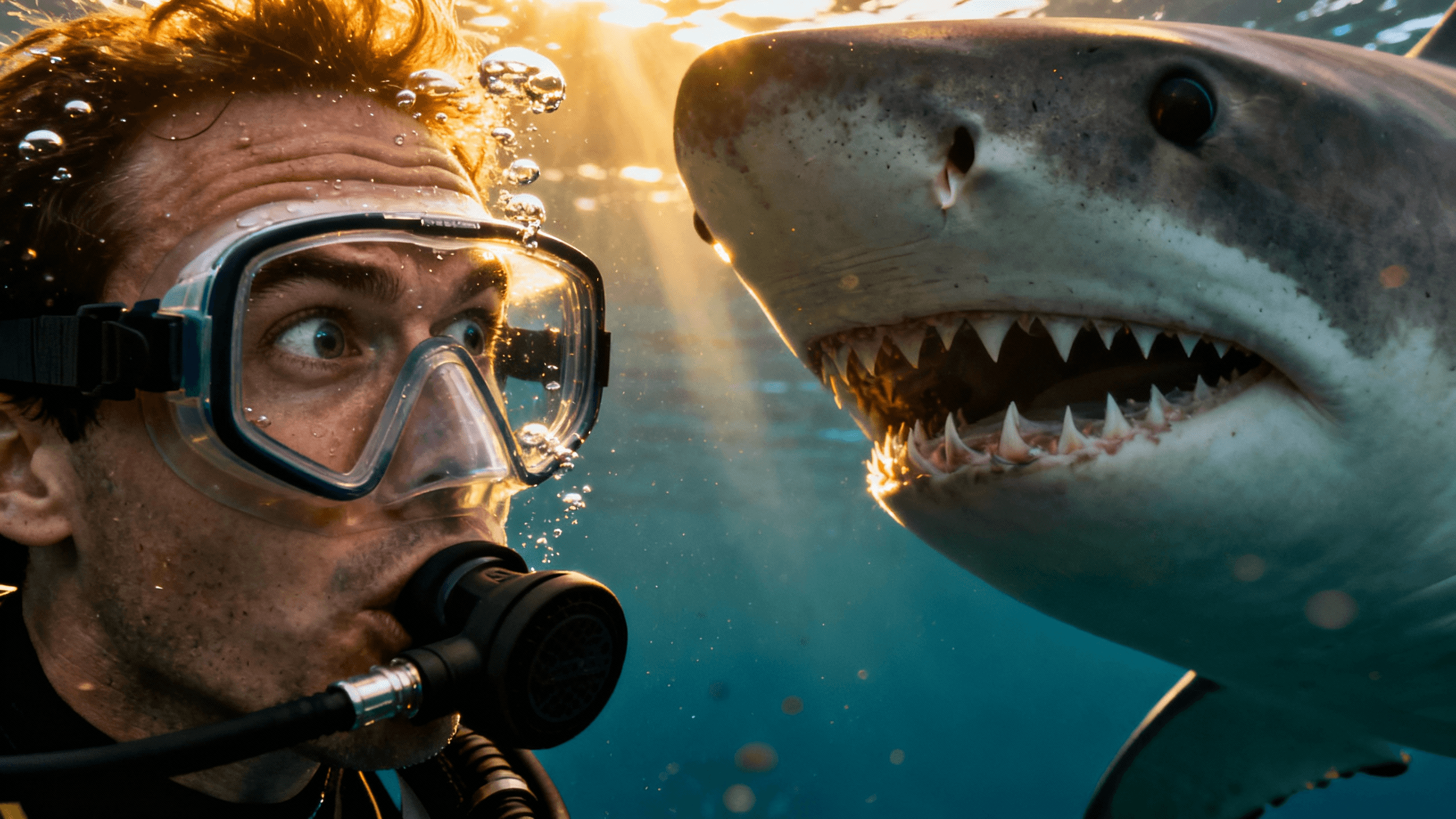
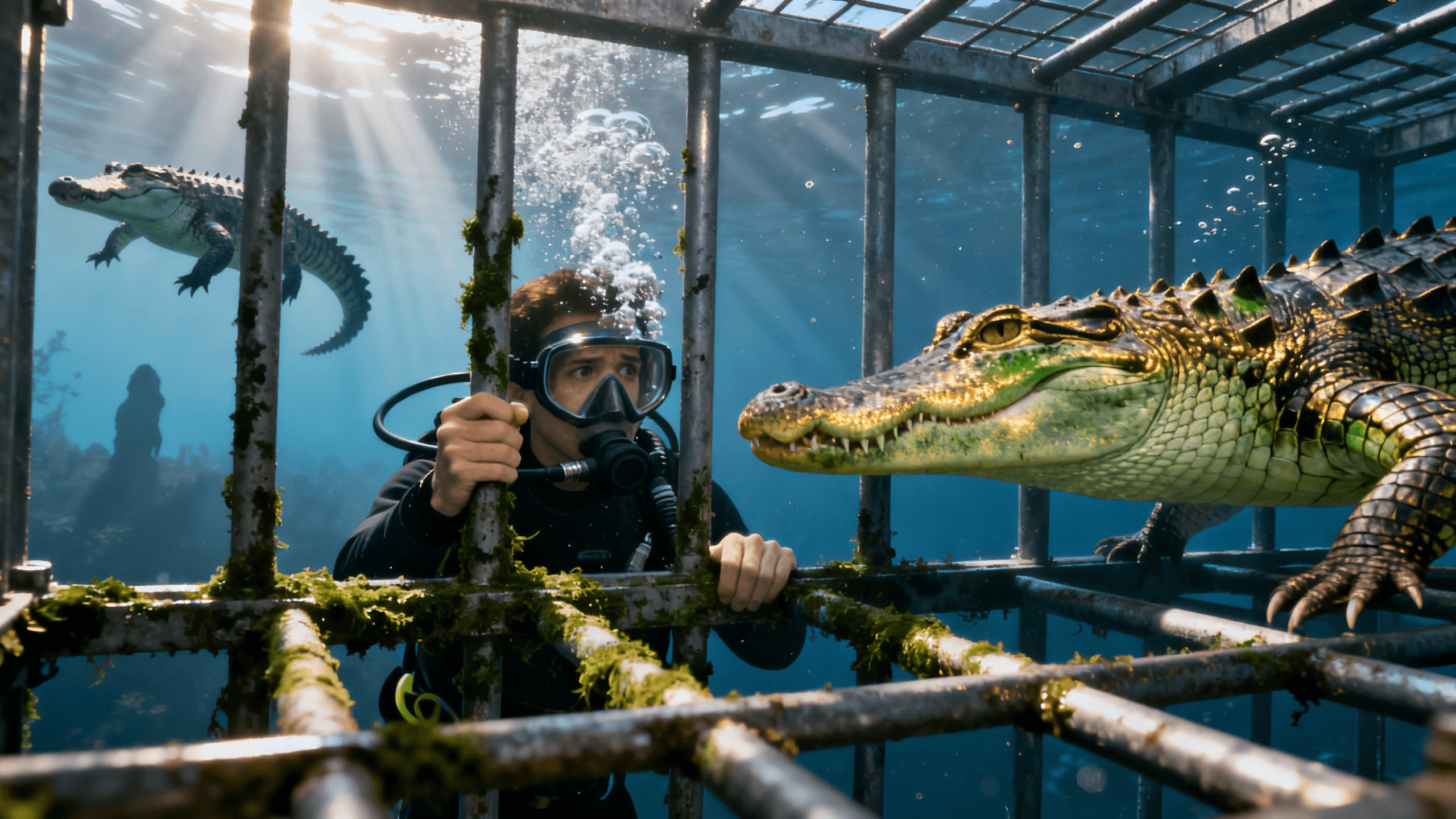

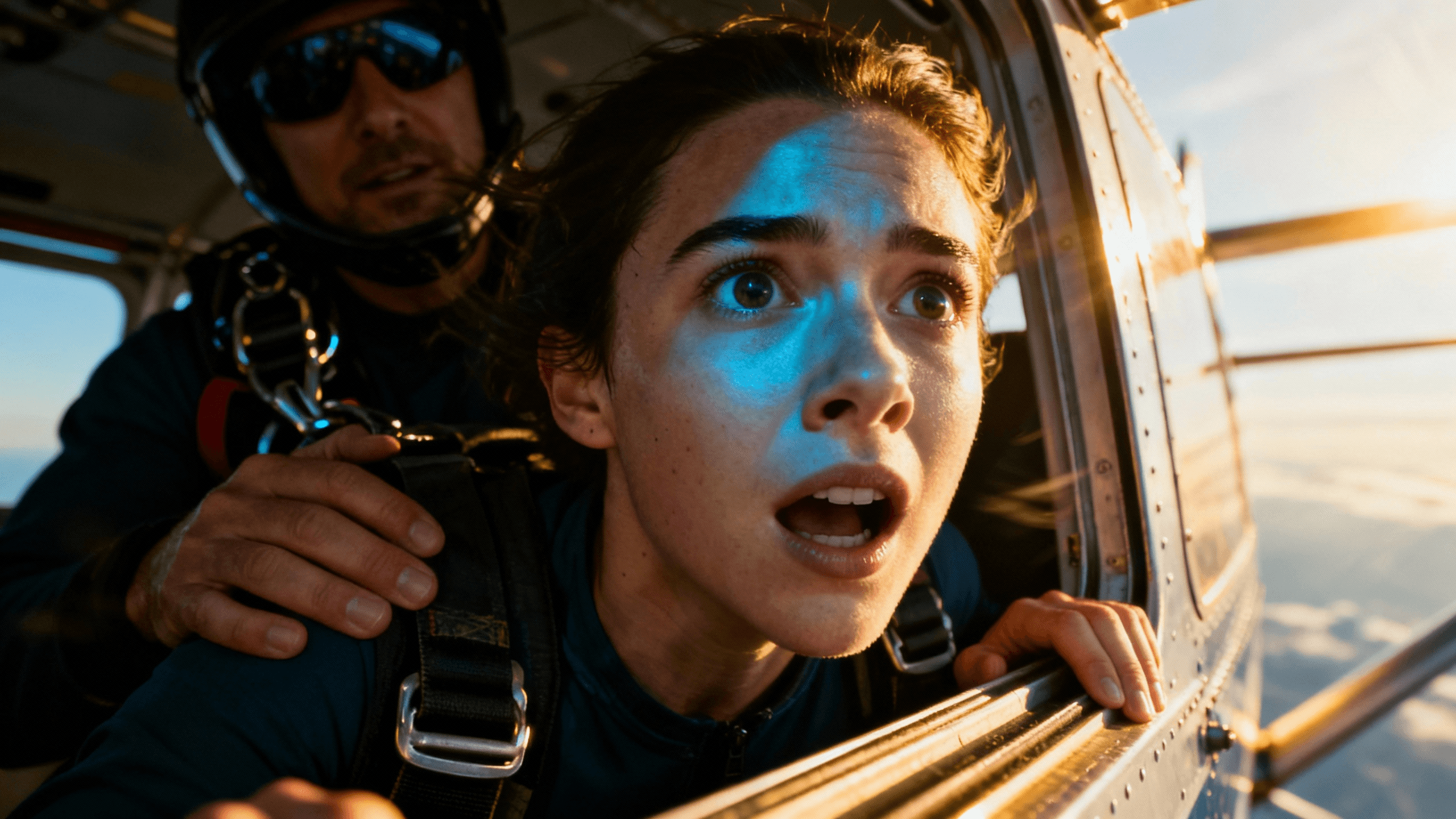
How It Works
Create your account to unlock AI generation and the canvas editor for 3 days.
Describe the scene, mood, and subject. Be specific to get usable results on the first try.
Add your title text, adjust colors, and resize elements using the canvas editor.
Export in up to 4K. No watermark, no logo, no branding. Clean file ready for YouTube.
Who It's For
Creators who want AI thumbnail quality without watermarked exports
Channels that generate thumbnails from text descriptions rather than photos
Anyone who has wasted time with AI tools that watermark at the download step
YouTubers who want to evaluate AI thumbnail quality on real videos before paying
Benefits
The AI is tuned for thumbnail composition: strong subjects, high contrast, bold colors, and clear hierarchy that reads at small sizes in YouTube search.
Every download during the trial is clean. No company logo, no trial branding, no text overlay. The file you download is what you upload to YouTube.
AI output is a starting point. The canvas editor lets you add your own title text, move elements, and adjust colors to match your channel style.
All AI generations export at up to 4K resolution. No quality downgrade on the free tier.
Start your 3-day free trial to use our AI thumbnail generator. Type a description, get a thumbnail, edit it with the canvas editor, and download in up to 4K with no watermark on the file.
Not all AI thumbnail tools produce the same quality. Here is what to look for when evaluating them.
Output designed for YouTube, not general image generation: Generic image AI produces beautiful images that look terrible as thumbnails. Thumbnail-focused AI generates images with high contrast, clear subjects, and compositions that work at small sizes in a crowded feed.
No watermarks on free exports: Self-explanatory. If you cannot use what you generate, the tool has no real trial value.
Speed: Slow generation is a friction point that adds up across a whole upload schedule. Generation should take seconds, not minutes.
Edit tools included: AI generates a base image. Text overlays, color adjustments, and composition changes happen in an editor. A standalone generator without editing is half a tool.
High export resolution: Tools that generate at low resolution and upscale produce blurry thumbnails. Look for a tool that exports at up to 4K so your thumbnail stays sharp at any display size.
Thumbnail Studioo meets all five. The 3-day trial gives you enough time to test the generation quality and the editing tools on real videos.
The biggest factor in AI thumbnail quality is the prompt. Here is how to write one that gets good results.
Start with the subject and expression: Who is in the thumbnail and what are they feeling? "Shocked person" is vague. "Person with wide eyes and open mouth, pure disbelief, close-up face shot" is better.
Specify the lighting: Lighting determines mood. "Dramatic side lighting," "bright natural daylight," "dark studio with orange accent light" -- each produces a different emotional tone.
Include composition notes: "Space at the top for text," "wide shot with room on the right," "full-bleed face taking up two-thirds of the frame." AI will respect composition instructions.
Mention the color palette: "Dark background with blue and orange accents," "clean white minimal background," "sunset warm tones." Color palette signals energy and emotion before viewers read any text.
Avoid overloading the prompt: Three to five specific details produce better results than ten vague ones. Pick the most important elements and describe them clearly.
The first generation is a starting point. Use the canvas editor to adjust what the AI gave you rather than trying to get a perfect prompt on the first try.
Describe what you want. AI builds it in 30 seconds. Edit, add text, and download in up to 4K with no watermarks. Start your 3-day free trial.
Generate AI Thumbnails FreeFree 3-day trial • Cancel anytime
FAQ
No. Every export during your 3-day free trial is clean with no watermarks, no logo, and no branding. Start your 3-day free trial.
Yes. You will not be charged during the 3-day trial. Cancel before it ends and you will not be billed.
Up to 4K. All trial exports use the same resolution options as paid plan exports. Higher resolution exports use credits from your allowance.
The trial includes a credit allowance for AI generation. Most creators can make several complete thumbnails within the credit limit. Upload-and-edit without AI generation has no credit cost.
Yes. After AI generates the base image, use the canvas editor to add text, adjust colors, move elements, and customize the composition. The editor is fully included during the trial.
Yes. AI generates original images so there are no stock photo licensing issues. Full commercial rights are included with no restrictions.