1
Sign Up and Start Your Trial
Create a free account to unlock all tools for 3 days. No charge until after the trial.
How It Works
Create a free account to unlock all tools for 3 days. No charge until after the trial.
Use AI to generate backgrounds or upload your own photos. Add text and fine-tune in the canvas editor.
Download your thumbnail in full HD with no watermarks. The file is ready to upload directly to YouTube.
Upload to YouTube and check your CTR in YouTube Studio analytics. Better thumbnails show up in the data.
Examples
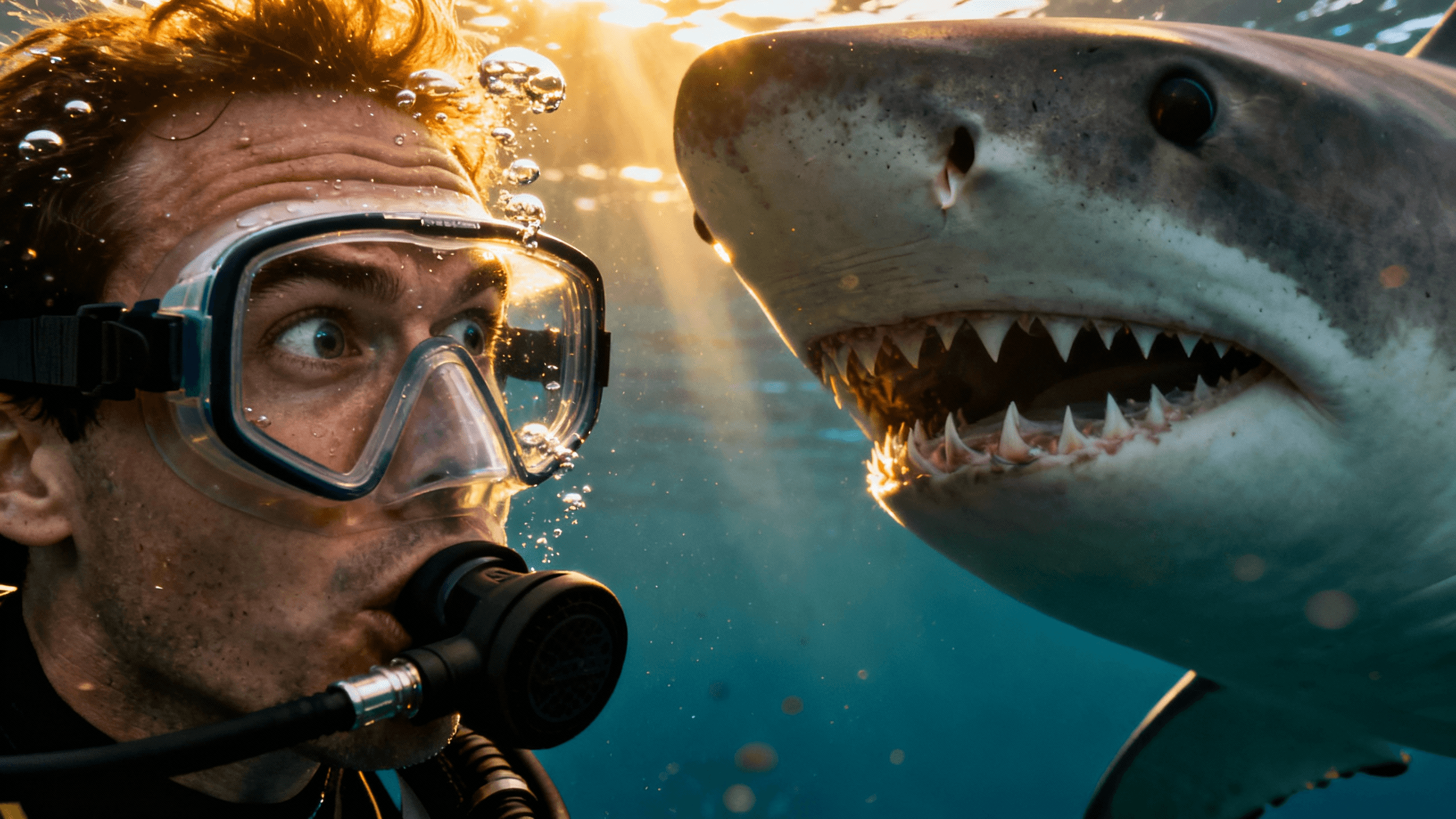
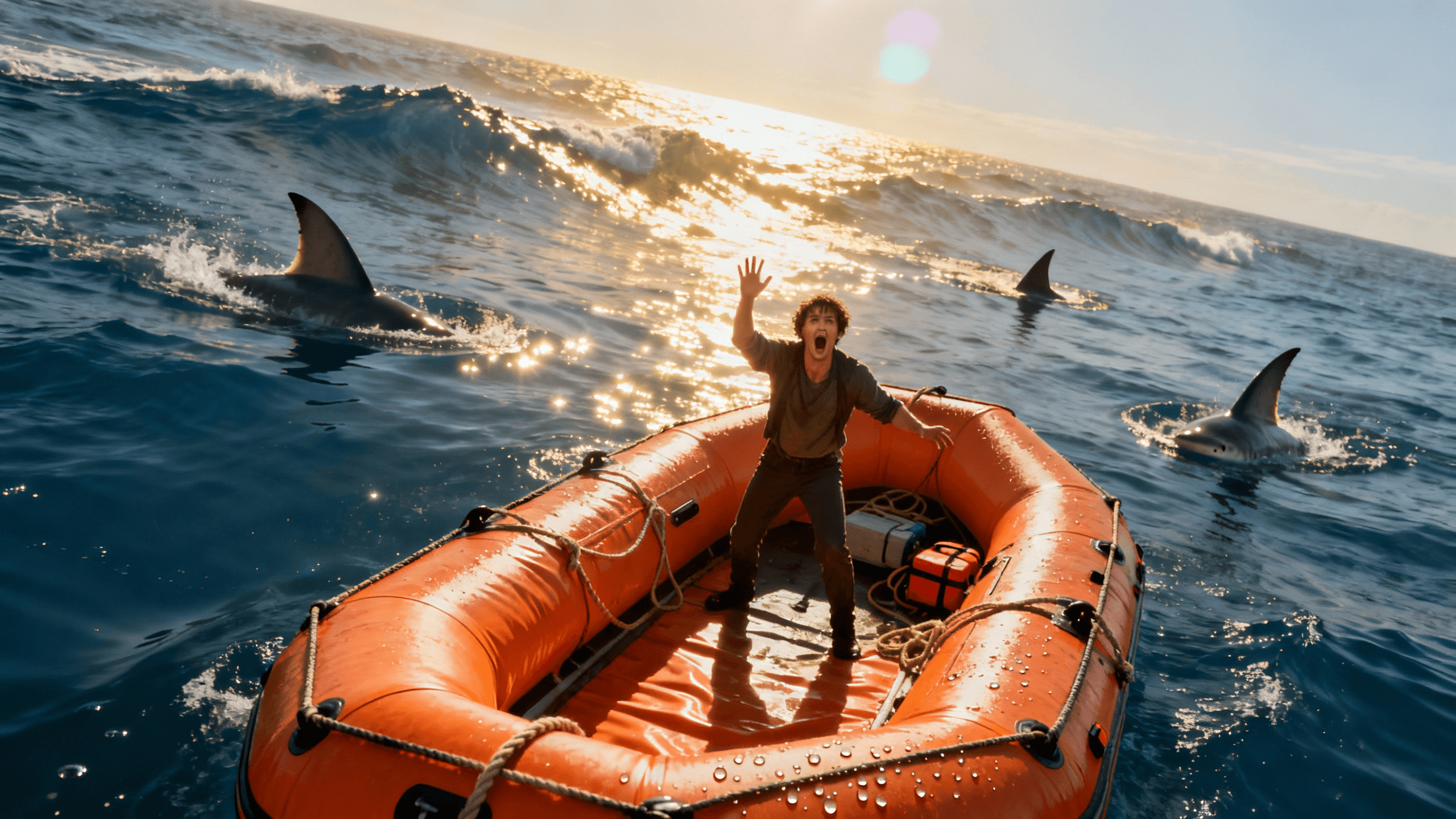

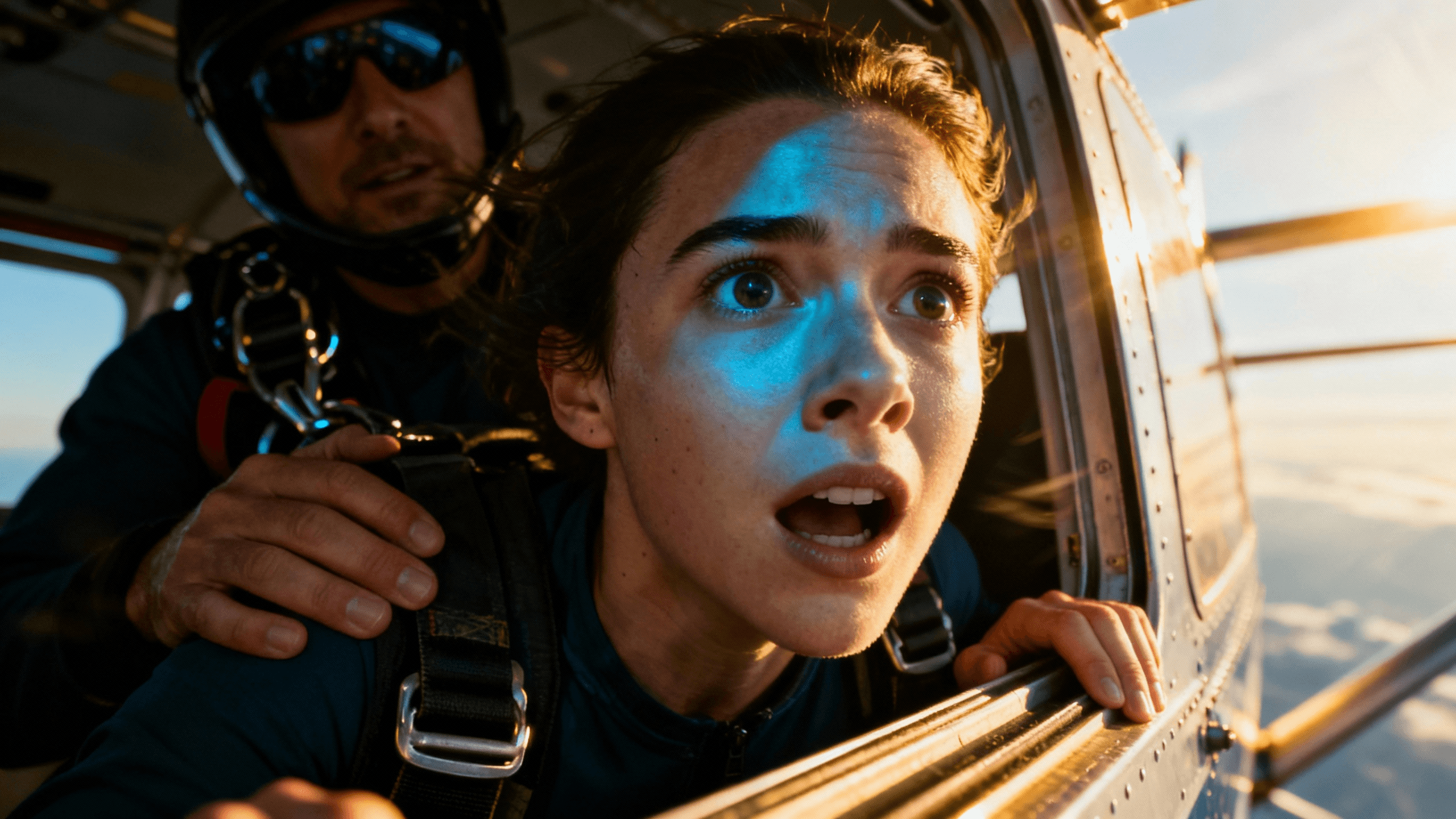






Who It's For
New YouTubers who need professional thumbnails without spending money first
Creators who want to test thumbnail quality on real videos before committing to a paid plan
Anyone who has given up on "free" thumbnail tools that always end with a watermark
Small channels building their brand from scratch on a tight budget
Benefits
Every export during the 3-day trial is watermark-free. No logo, no "made with" badge, no trial branding on the image file.
AI thumbnail generation is included in the trial. You are not limited to canvas editing only or pushed to upgrade to use the main feature.
The AI model, export resolution, and canvas tools are the same on the trial and paid plans. No downgrade to convince you to pay.
Use thumbnails made during the trial on monetized videos. Full commercial rights, no licensing restrictions.
Try These
“Two people having an intense argument in a kitchen, dramatic expressions, warm overhead lighting, realistic and emotional energy, text space on the left side”
“Dog sitting on a fancy velvet throne chair, regal posture, golden crown on its head, ornate background, royalty and humor combined, playful energy”
“Person swimming underwater surrounded by colorful tropical fish, bright sunlit ocean above, peaceful and adventurous, cinematic wide angle shot”
Start your 3-day free trial to use the full YouTube thumbnail maker and AI generator. No watermarks on any download. Export in up to 4K. Cancel before the trial ends and you will not be charged.
There are three versions of "free" in the thumbnail tool market and they are not equal.
Free with watermark: You make the thumbnail, the tool puts its logo on it. Every viewer who sees your thumbnail sees their branding. This is not free in any useful sense. It is free advertising for the tool company at your expense.
Free with limits: Two exports, then blocked. Or limited canvas tools. Or no AI generation. Enough to see the interface but not enough to know whether the tool actually works for your content.
Free trial with full access: Real feature access, real export quality, no watermarks, for a limited time. This is the only version that lets you evaluate the tool honestly and create thumbnails you can actually use.
Thumbnail Studioo gives you the third version. Three days with everything unlocked and no watermarks on downloads. You can make thumbnails for real upcoming videos, upload them, and see actual CTR data before the trial ends.
After your free trial, you will need to decide whether to subscribe. Here is how to make that call based on real evidence rather than guesswork.
Upload at least one trial thumbnail to YouTube. Check your CTR in YouTube Studio analytics after a few days. If your click-through rate is noticeably higher than your channel average, the thumbnail quality is contributing. If it is the same, the tool might not be making a difference for your specific content style.
Compare side by side with your old thumbnails. Put your best old thumbnail next to the best trial thumbnail and look at them at mobile size. If the trial thumbnail reads more clearly or communicates the video concept more effectively, that is a meaningful quality signal.
Count how many thumbnails you made during the trial. If three days was enough to cover your upcoming videos with quality thumbnails, extrapolate that to a full month. Divide the monthly plan cost by the number of thumbnails you would make. That is your cost per thumbnail. Compare it to what your time is worth.
Check if your editing time went down. If thumbnails that used to take an hour in Photoshop now take 15 minutes, the time savings alone may justify the cost for busy channels.
Best Practices
Treat the trial like a paid subscription from day one. Make real thumbnails for real upcoming videos rather than experimenting with features you may never use.
Upload at least one thumbnail to YouTube during the trial so you have real CTR data to inform your upgrade decision.
Download all your thumbnails before the trial ends. Exported files stay on your device regardless of your subscription status.
Test both approaches: AI generation from a text prompt, and uploading your own photo to edit in the canvas. Both are available during the trial.
Compare your trial thumbnails to your current ones at mobile size. That is the closest simulation of how viewers actually see them.
Common Mistakes
Using the trial to browse features instead of making real thumbnails. Three days goes fast. Start with your actual next video.
Not downloading before the trial ends. Set a reminder to export everything on day two in case you decide not to continue.
Forgetting to cancel if you decide the tool is not right for your channel. Set a reminder the day you sign up.
Only testing AI generation and not trying the canvas editor with your own photos. The editor is where most creators do the most work.
Skipping the YouTube upload step. Real CTR data from a live video is the most valuable information the trial can give you.
Full AI generation, canvas editor, and HD exports at 1280x720 with no watermarks. Start your 3-day free trial today.
Start Free Trial TodayFree 3-day trial • Cancel anytime
FAQ
Yes. Your 3-day free trial includes full HD exports at 1280x720 with no watermarks, no logo, and no branding on any download. Start your 3-day free trial.
Yes. You will not be charged during the 3-day trial period. Cancel before it ends and there is no charge.
Three days from the moment you sign up. That is enough time to make several real thumbnails and upload at least one to YouTube to check performance.
Any thumbnails you downloaded during the trial are yours. They are on your device and completely usable. You lose access to the editor but your exported files are not affected.
Yes. Full commercial rights with no restrictions. Use trial thumbnails on monetized YouTube videos, Twitch, or any other platform.
AI generation uses credits during the trial. Canvas editing with your own uploaded photos uses no credits. Most creators can make enough thumbnails for several videos within the trial credit limit.