1
Create Your Account
Sign up in 30 seconds and start your 3-day free trial immediately.
How It Works
Sign up in 30 seconds and start your 3-day free trial immediately.
Generate a background with AI or upload your own photo, then add text and effects.
Check how your thumbnail looks at the small sizes it will appear in YouTube search.
Export in up to 4K with no watermarks. Your file is clean and ready to upload.
Examples
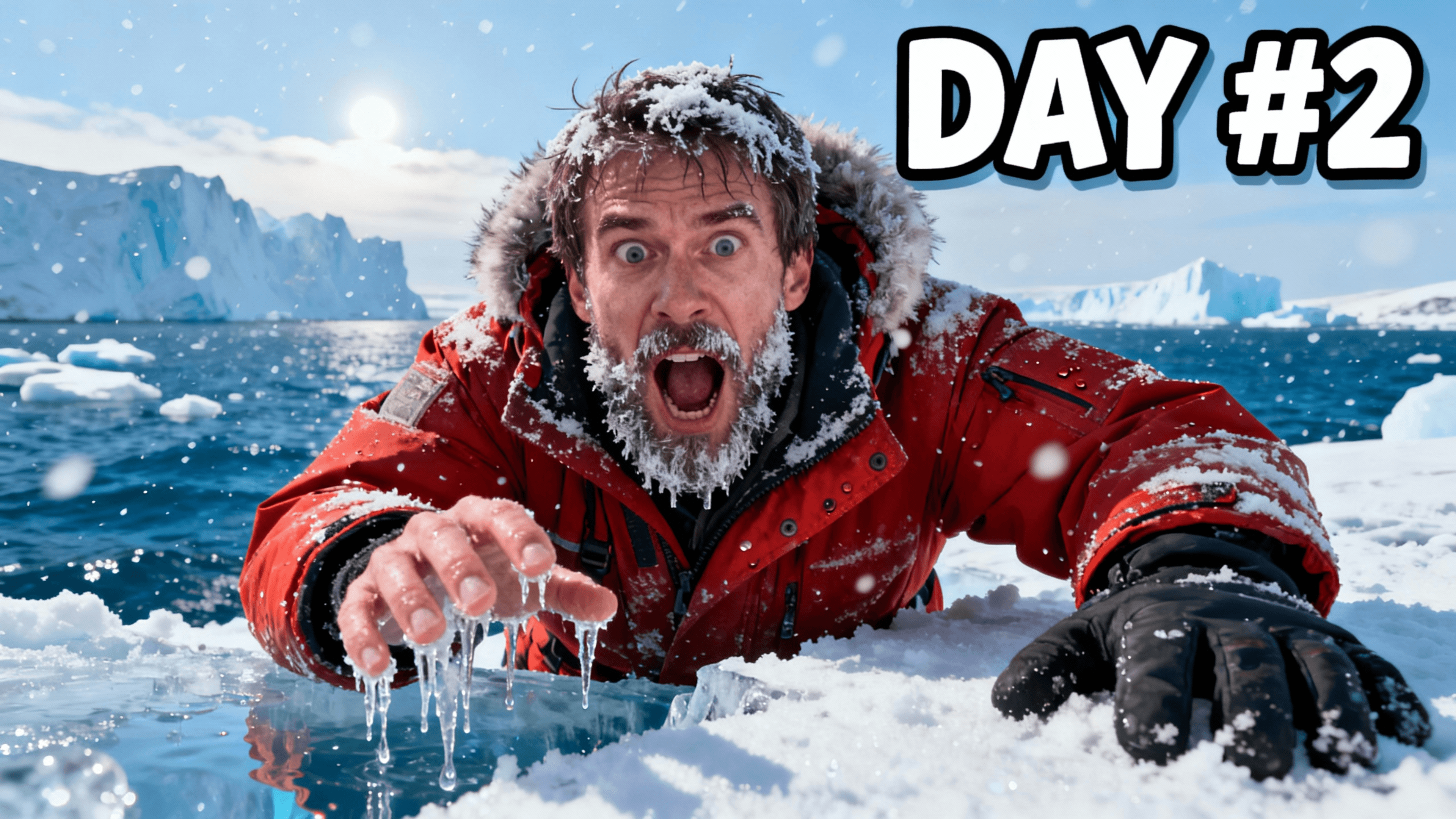
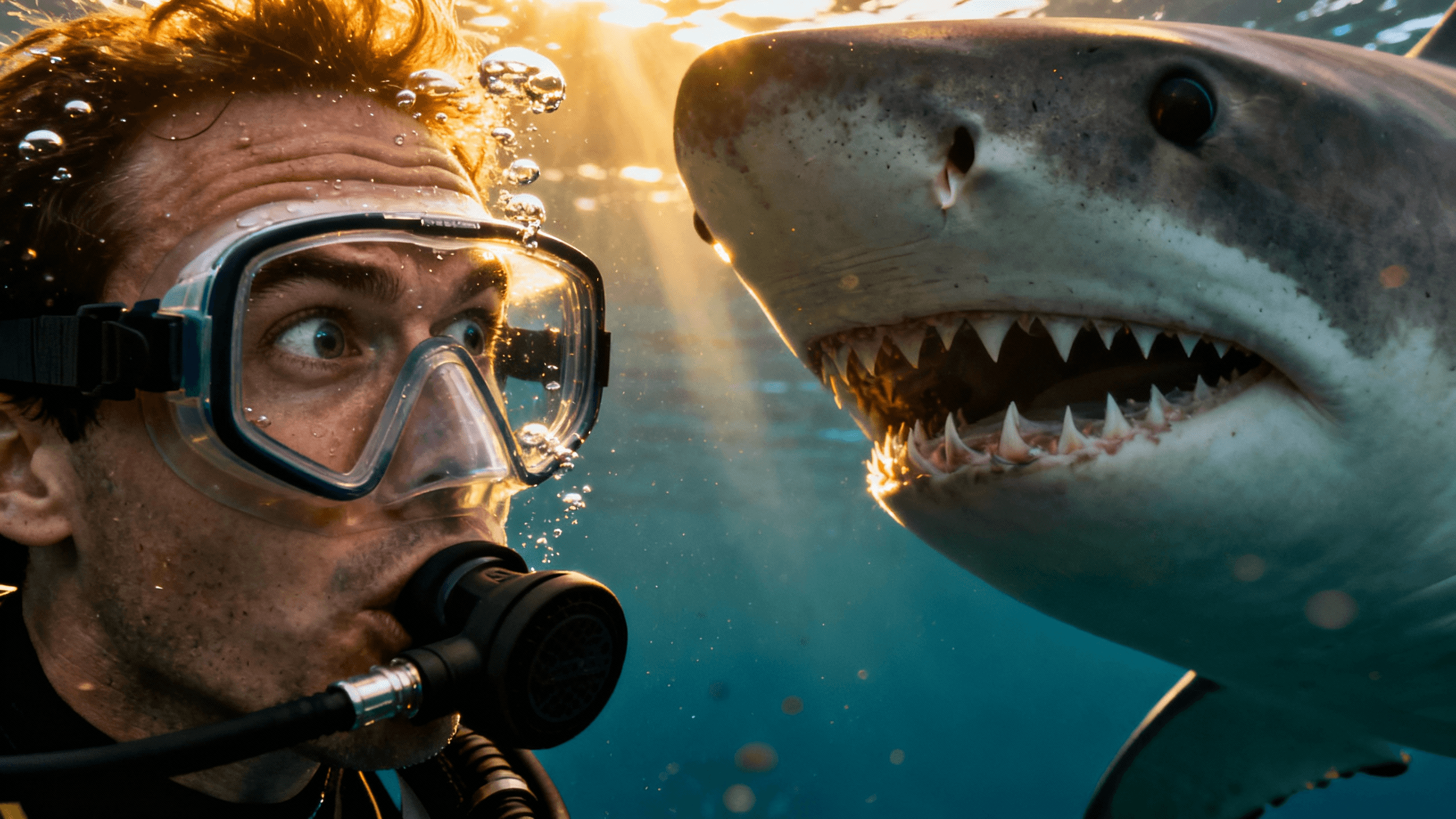
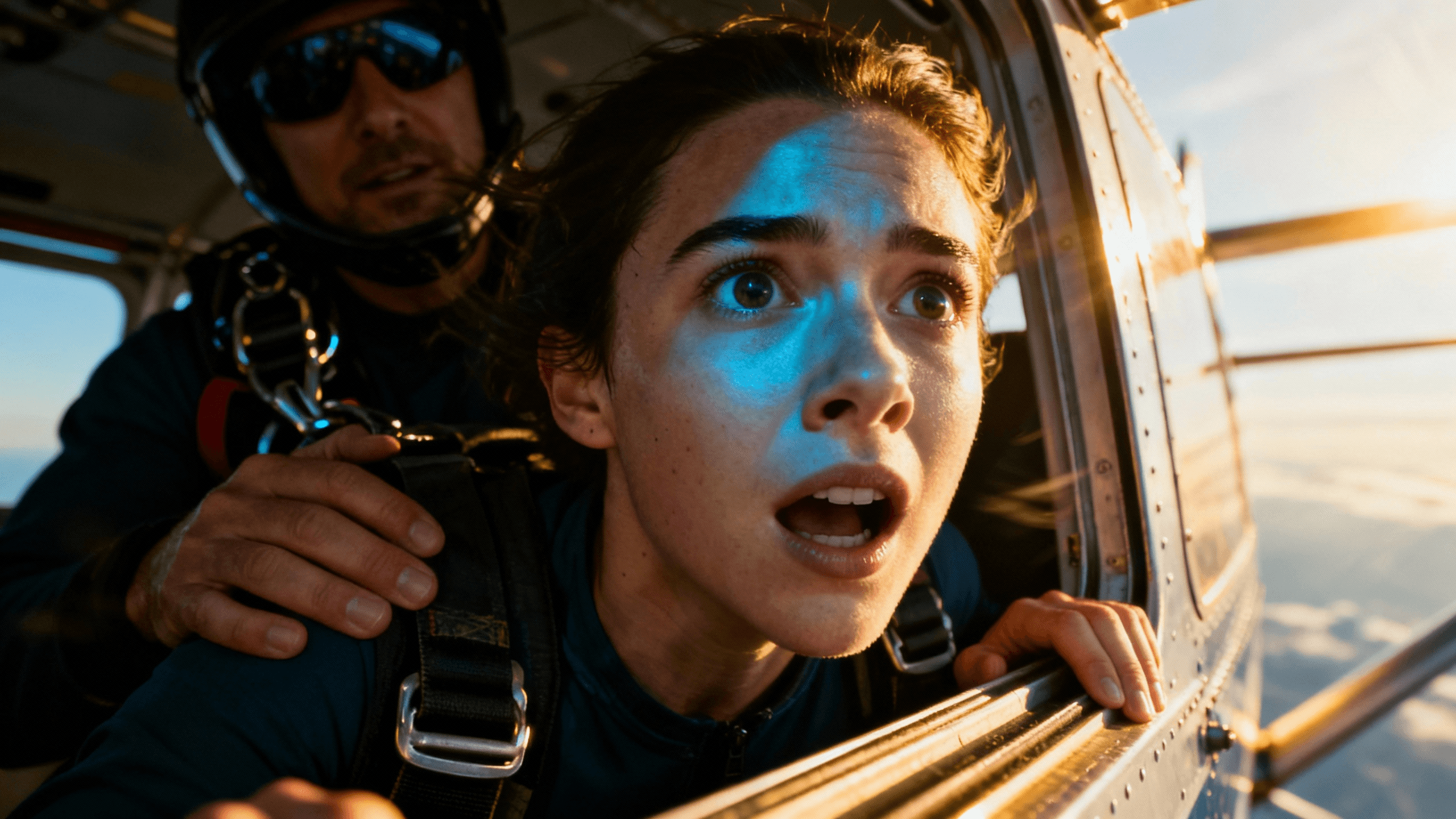

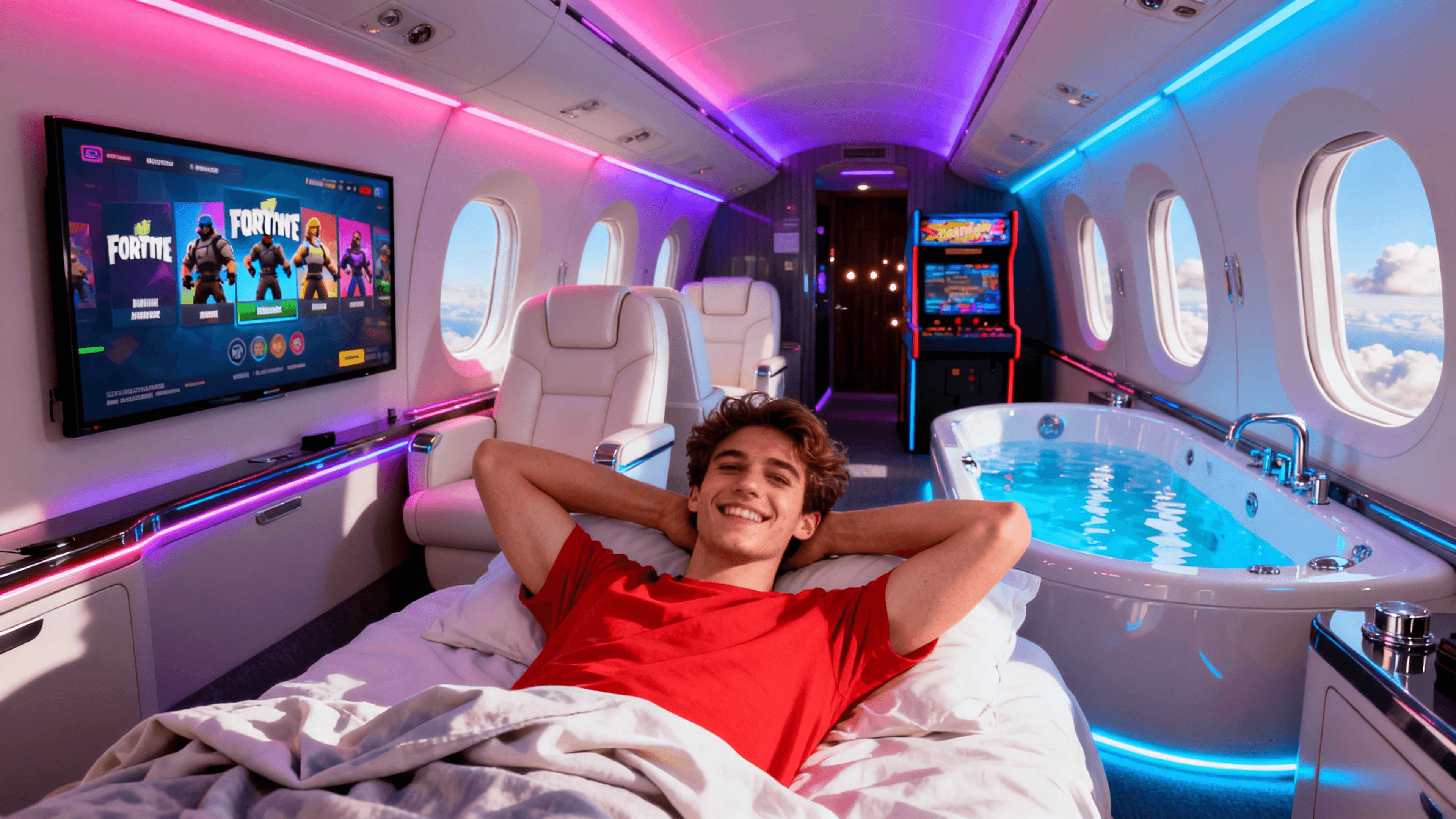

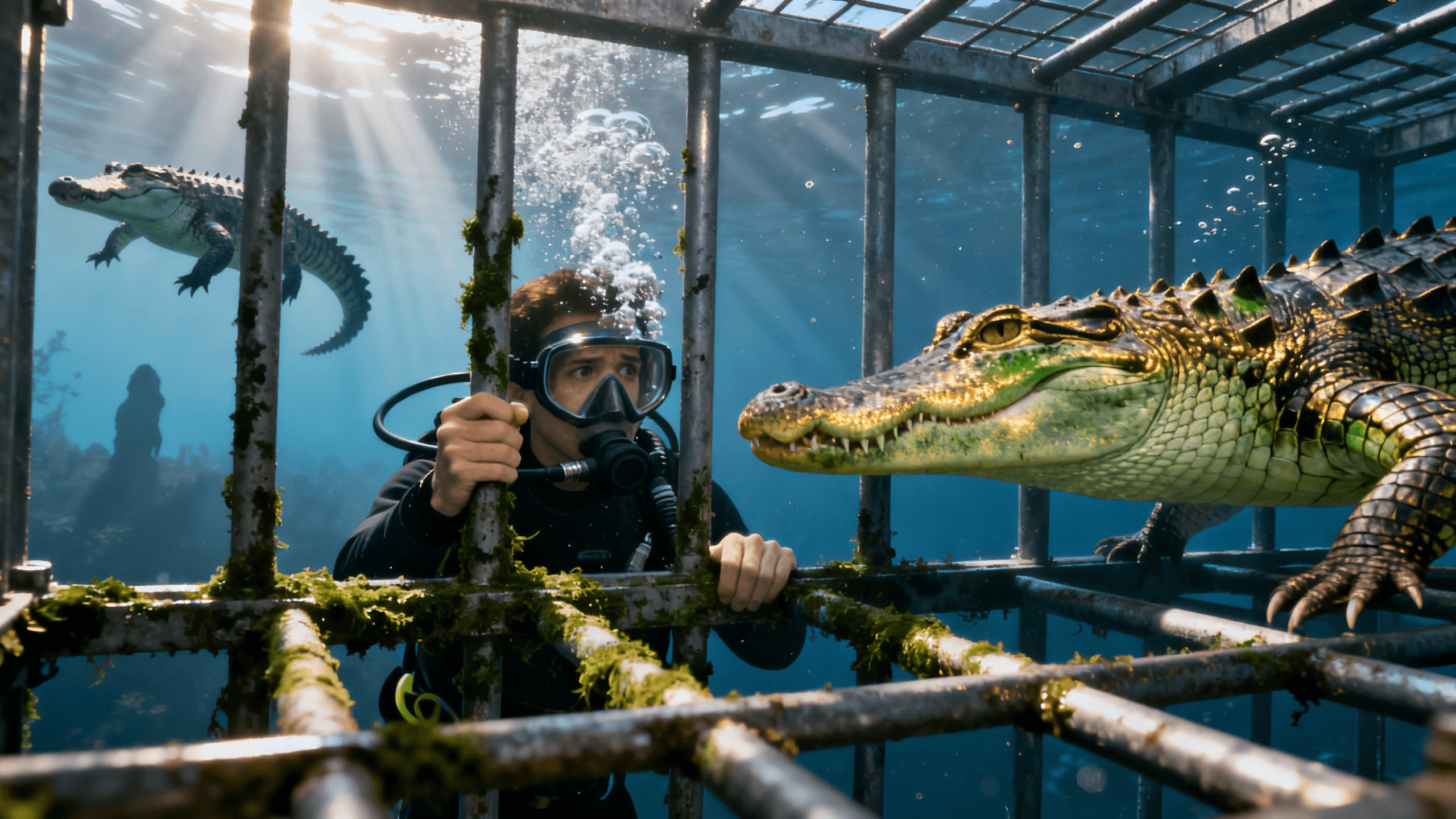
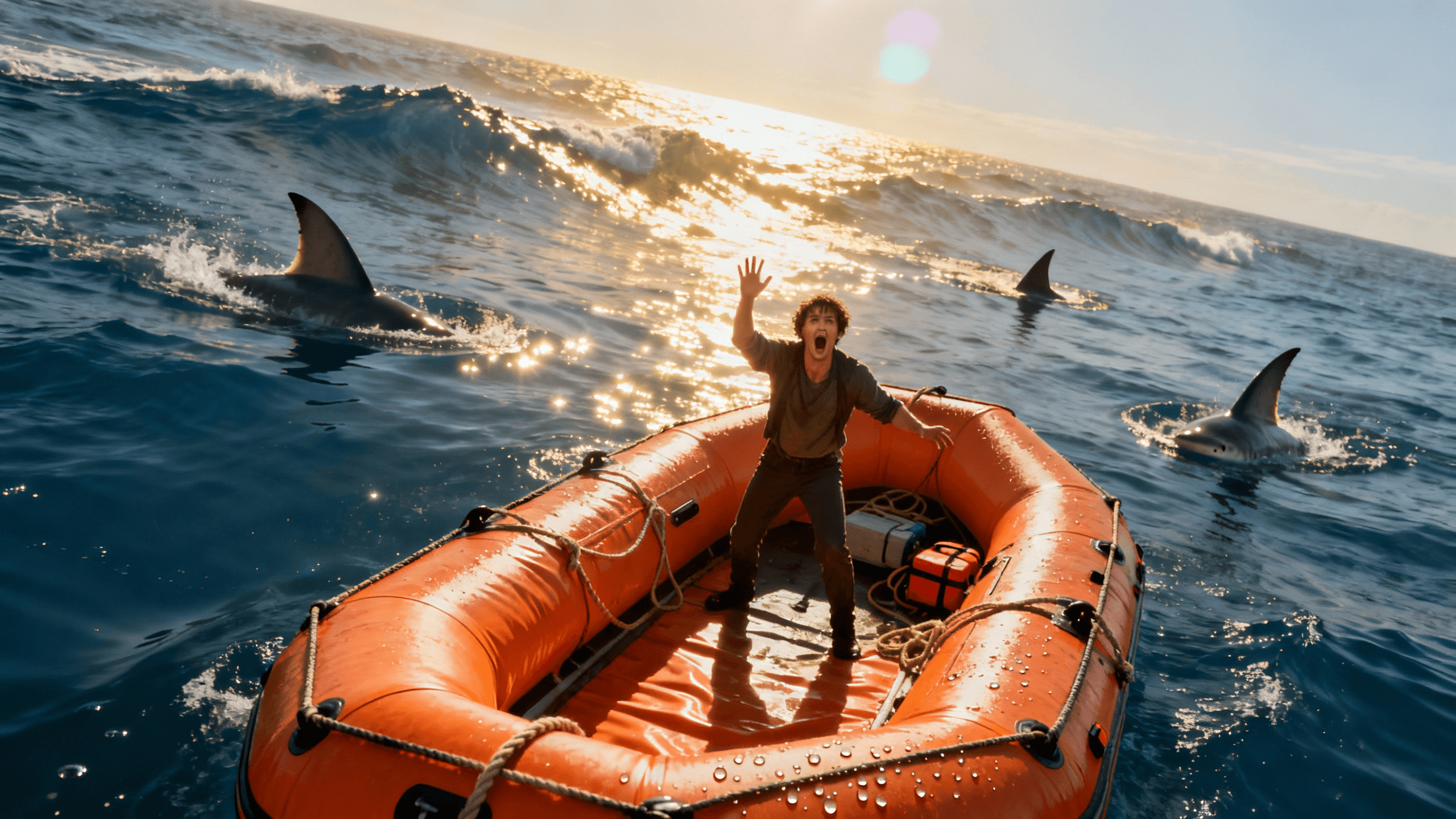

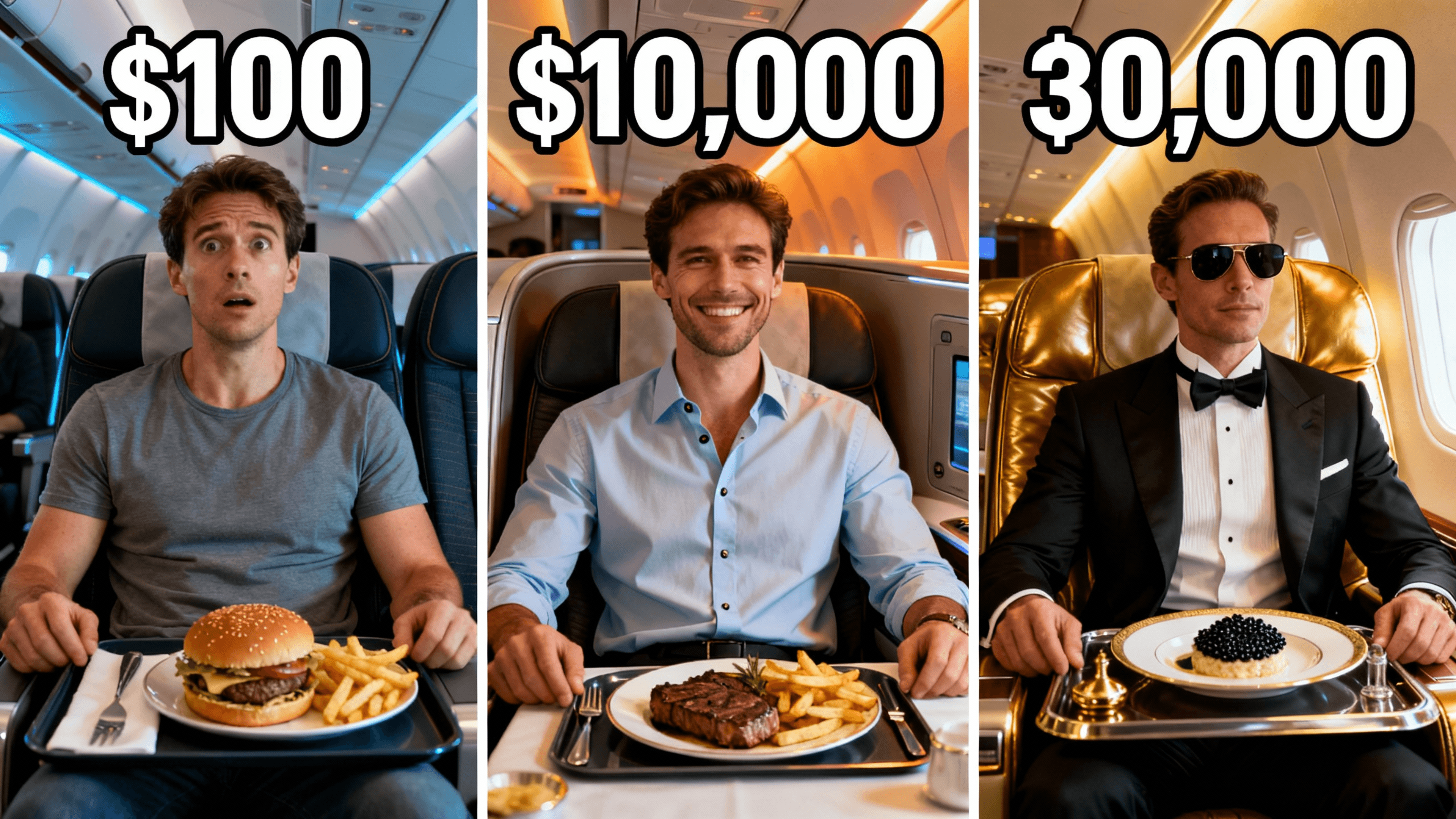
Who It's For
Creators who need usable exports from the very first download
Small channels building a professional look without a budget
Anyone who has been burned by watermarked "free" tools before
YouTubers who want to test a thumbnail tool on real videos before paying
Benefits
No logo, no "made with" text, no watermark anywhere on your thumbnail file. What you see in the editor is what you download.
Download your thumbnails at up to 4K resolution. No quality downgrade on the free trial compared to paid plans.
AI generation, canvas editing, text tools, background removal, and filters are all available. No feature is locked behind a paid upgrade during the trial.
The thumbnail you make during the trial looks the same as one made on a paid plan. No quality difference, no AI model downgrade.
Try These
“Person sitting at a clean minimal desk with a glowing laptop, focused and productive expression, soft warm lighting, space at top right for text overlay”
“Aerial view of a beautiful city at night with lights below, wide cinematic shot, dramatic sky, traveler standing on a rooftop looking out”
“Before and after split: left side shows a cluttered messy workspace, right side shows the same space clean and organized, bright natural lighting on both sides”
Start your 3-day free trial to access the full thumbnail editor and AI generator. Every export during the trial is watermark-free in up to 4K. Use the thumbnails on real videos. No branding, no logo, no "made with" text anywhere on the file.
When you use a watermarked thumbnail maker, the cost is not money. It is trust.
Your thumbnail is the first thing viewers see before clicking your video. It communicates the quality of your content before they watch a single second. A watermark from a third-party tool says one of two things: this creator cannot afford professional tools, or this creator does not care enough to check what their thumbnail actually looks like.
Neither message is what you want to send.
A small channel with no watermarks looks more professional than a larger channel with watermarked thumbnails. Viewers cannot tell your subscriber count from a thumbnail. They can tell your level of care.
The solution is not paying for expensive software on day one. It is using a trial that gives you clean exports so your early thumbnails build the right impression from the start.
You might wonder whether viewers really notice thumbnail watermarks. The answer is: sometimes consciously, always unconsciously.
| Viewer Behavior | Watermarked Thumbnail | Watermark-Free Thumbnail | |----------------|----------------------|-------------------------| | Conscious reaction | Notices the logo, questions credibility | Sees the content, evaluates the topic | | Subconscious reaction | Associates channel with "beginner" or "low effort" | No negative signal, focus stays on the content | | Click decision | Slightly lower trust reduces clicks | No trust penalty | | Return visits | Subtle negative brand association | Neutral to positive |
The watermark is rarely the only reason someone does not click. But it adds friction. And in YouTube search, where every thumbnail is competing for the same click, any unnecessary friction is a problem.
If you have been using watermarked tools and want to switch, here are the realistic options.
Canva free: Canva's free tier does not watermark most exports, but the free AI features are limited. The templates are useful but heavily used by other channels, so your thumbnails may look generic. No watermarks is a real plus.
Photoshop: Professional quality, no watermarks, full control. The trade-off is a steep learning curve and a monthly subscription that costs more than thumbnail-focused tools.
Free trial tools with no watermarks: The best option for evaluating a tool before committing. Thumbnail Studioo's 3-day trial gives you full AI generation, canvas editing, and clean 4K exports with no watermarks. Make real thumbnails, see real results, then decide.
The right answer depends on how many videos you publish and how much your thumbnail quality affects your growth. Most active channels find that a dedicated thumbnail tool pays for itself through better click-through rates.'
Best Practices
Export your trial thumbnails and upload them to YouTube. Real CTR data from a live video is the most honest signal of quality.
Download every thumbnail you make during the trial. Files on your device stay with you even if you do not upgrade.
Use the canvas editor with your own photos alongside AI generation. Upload-and-edit uses no AI credits.
Preview at mobile sizes before exporting. Most viewers encounter your thumbnail on a phone screen.
Set a calendar reminder for the end of your trial if you are not sure you want to upgrade. Canceling is easy but easy to forget.
Common Mistakes
Not downloading thumbnails before the trial ends. Once access closes, you cannot re-export from the editor.
Spending trial time exploring features instead of making real thumbnails. Build actual thumbnails for upcoming videos.
Not comparing against your old thumbnails. The clearest signal is side-by-side with what you used to make.
Forgetting to cancel if you decide not to continue. Set a reminder at sign-up.
Only using AI generation and not trying the canvas editor. Editing uploaded photos is free with no credit cost.
3-day free trial with full AI tools, canvas editor, and clean 4K exports. No branding on your downloads.
Start Free Trial, Zero WatermarksFree 3-day trial • Cancel anytime
FAQ
No. During your 3-day free trial, every export is clean with no watermarks, no company logo, and no branding of any kind on the image file. Start your 3-day free trial.
Yes. You will not be charged during the 3-day trial period. Cancel before the trial ends to avoid being billed.
Yes. No commercial restrictions apply. Thumbnails made during the trial have full commercial usage rights and you retain ownership of the files.
No. Resolution, AI model, and export quality are identical on the trial and paid plans. The only difference is the 3-day time limit.
You can export in up to 4K. Higher resolution options use credits from your plan allowance.
You have a credit allowance during the trial for AI generation. Canvas editing with your own uploaded images does not consume credits.