1
Sign Up Free
Create your account in 30 seconds to start your 3-day free trial.
How It Works
Create your account in 30 seconds to start your 3-day free trial.
Use AI generation or upload your own image and edit with the full canvas toolset.
Download in up to 4K with no watermarks, no branding, no restrictions.
Your thumbnail looks identical to a paid export. Upload it directly to YouTube Studio.
Examples
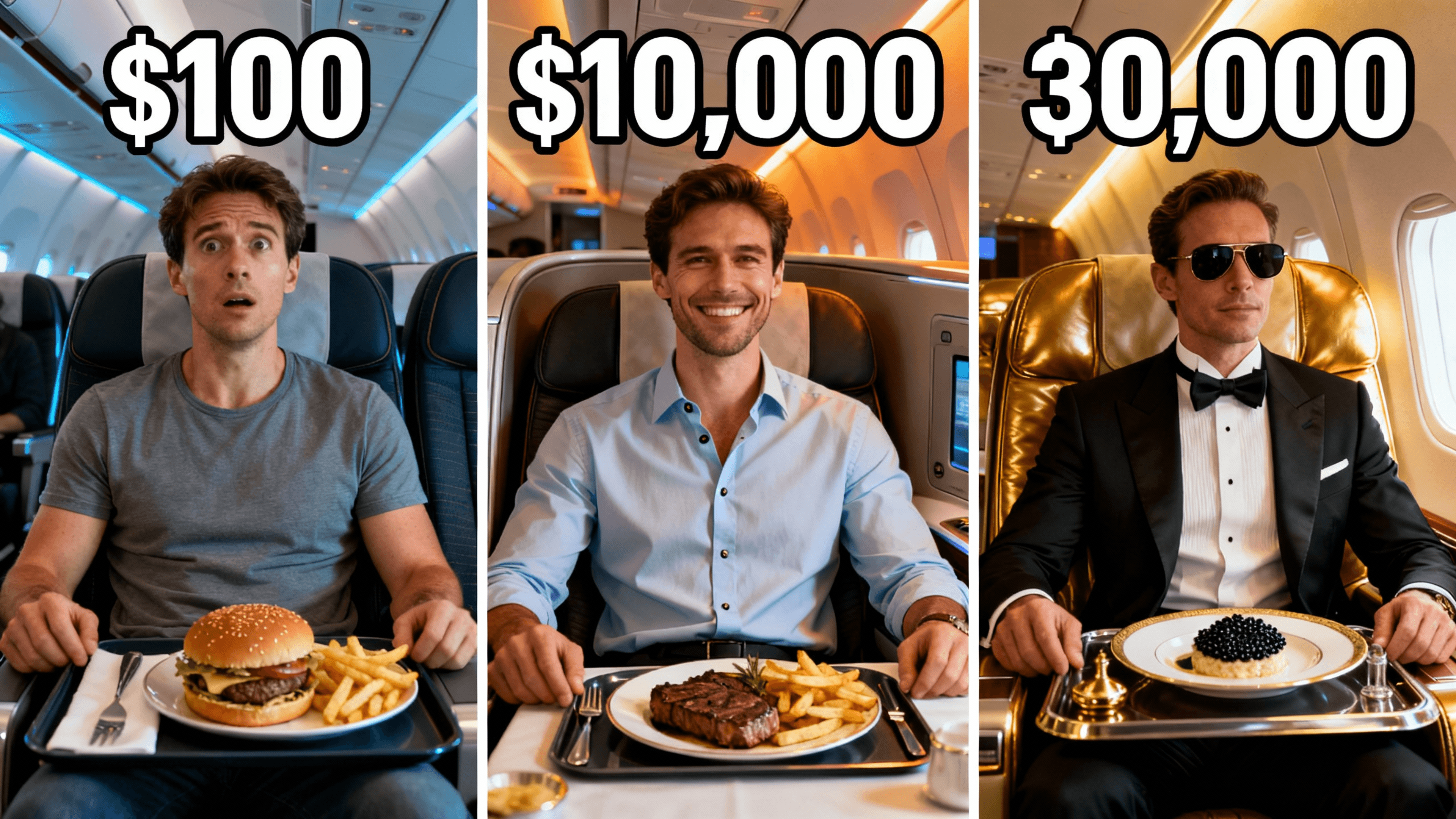
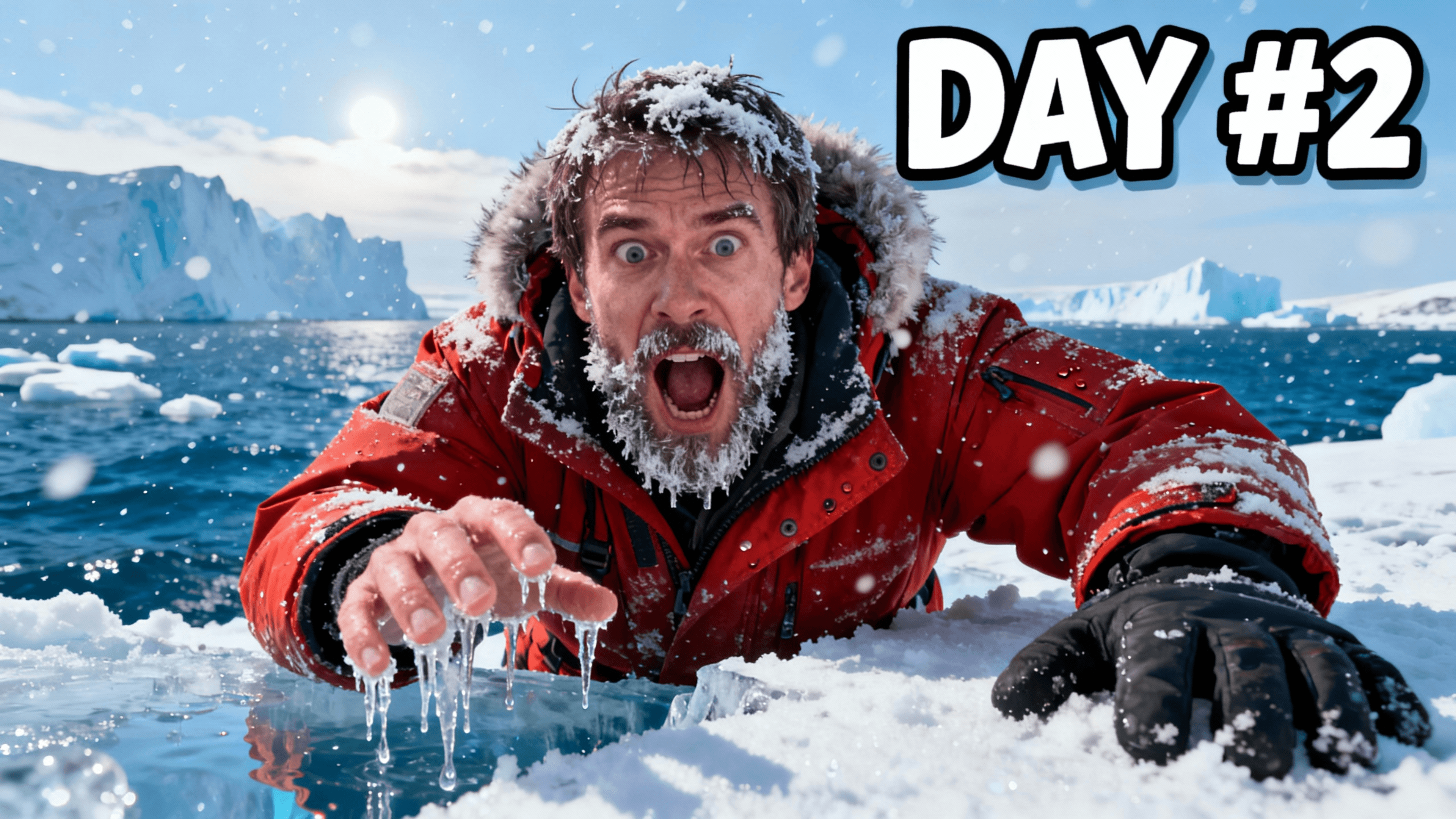

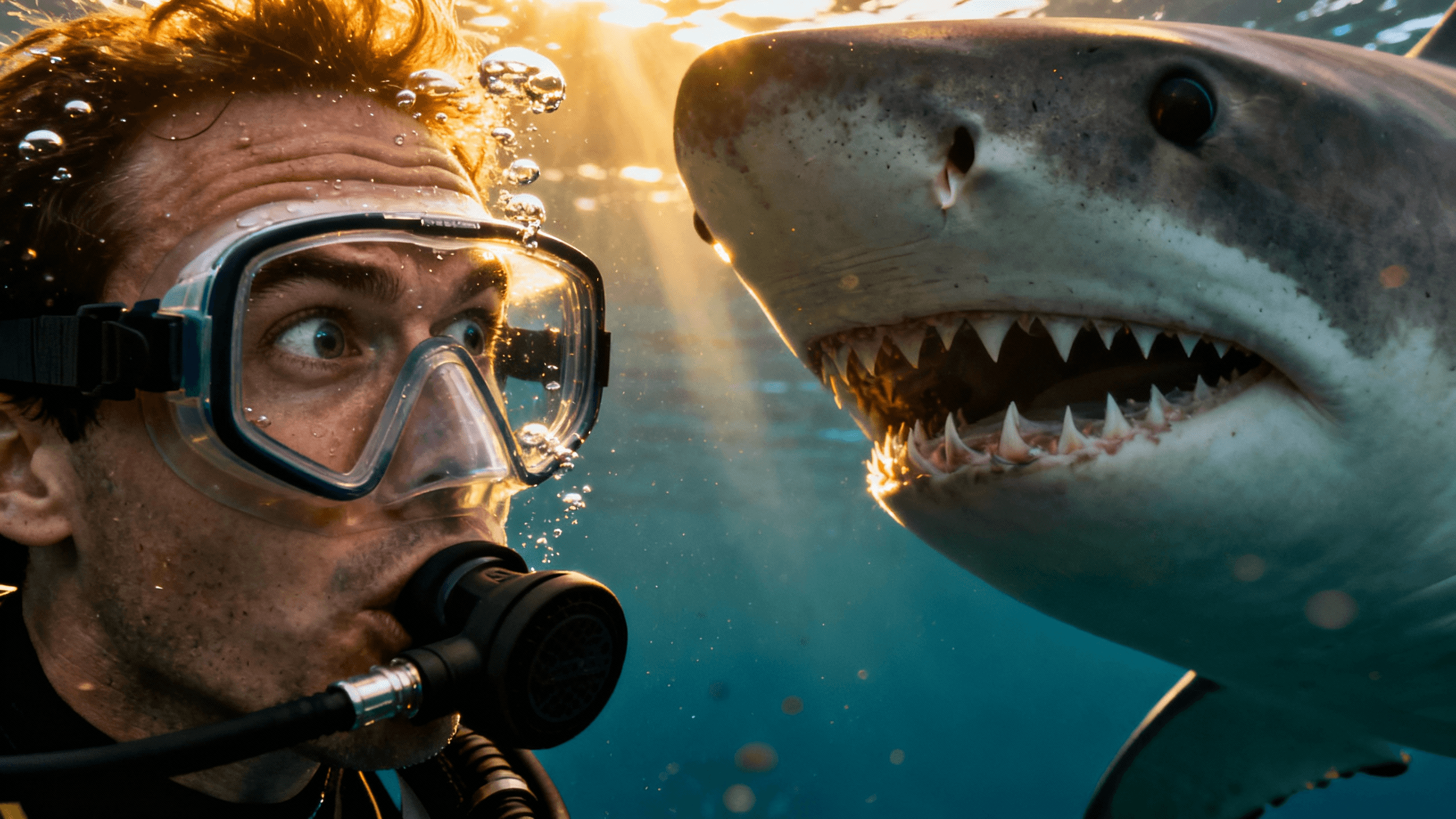

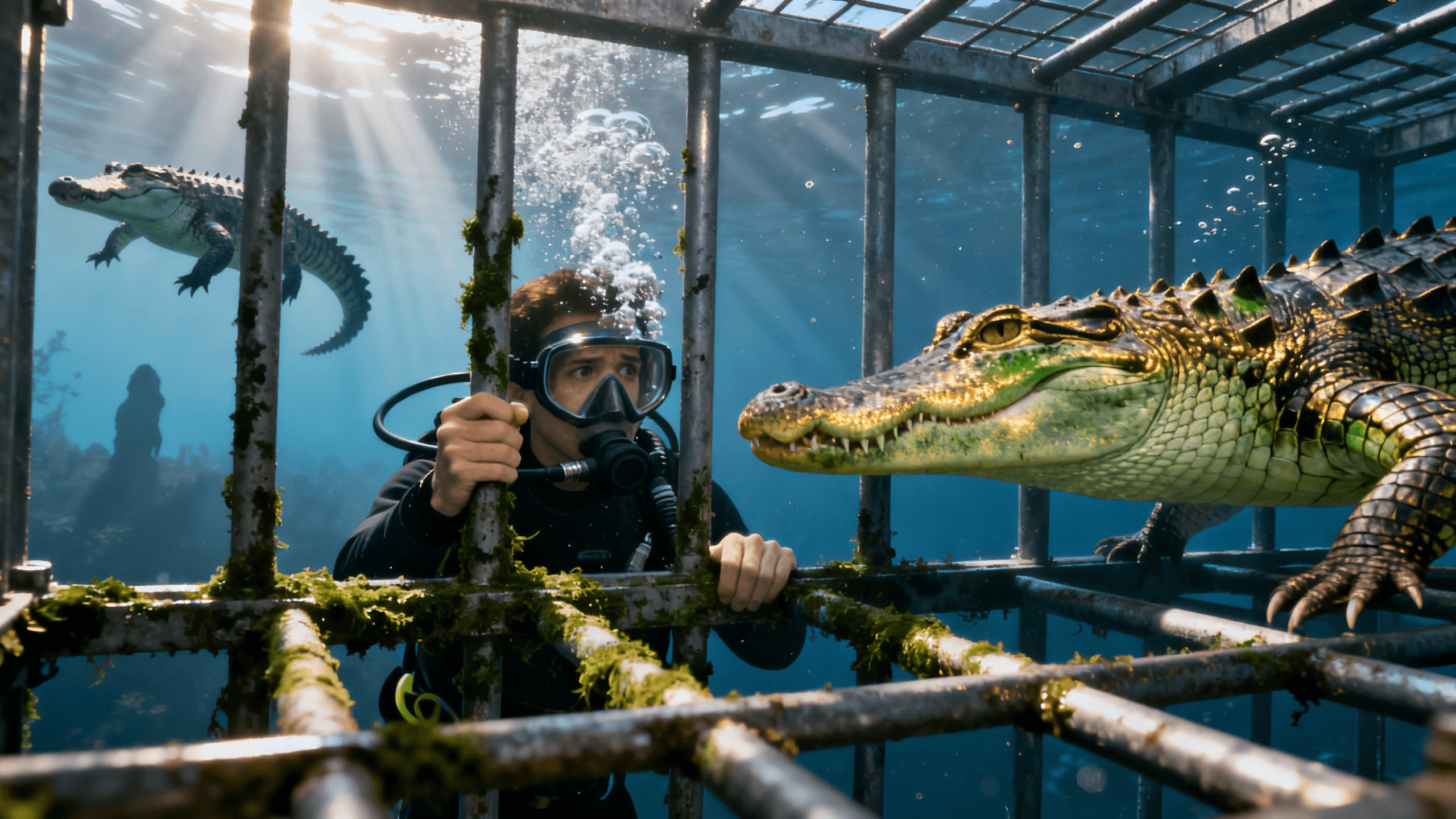
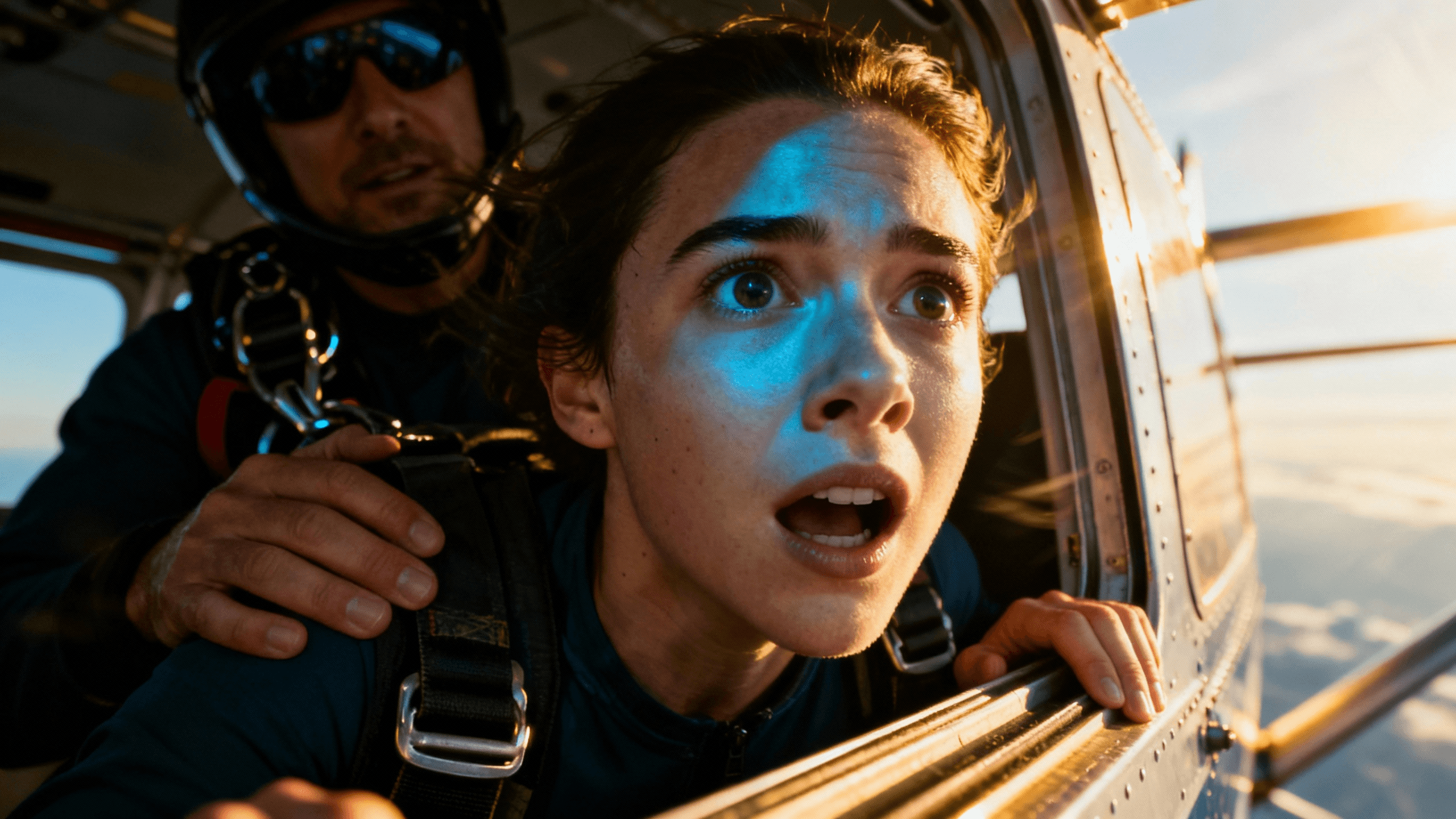
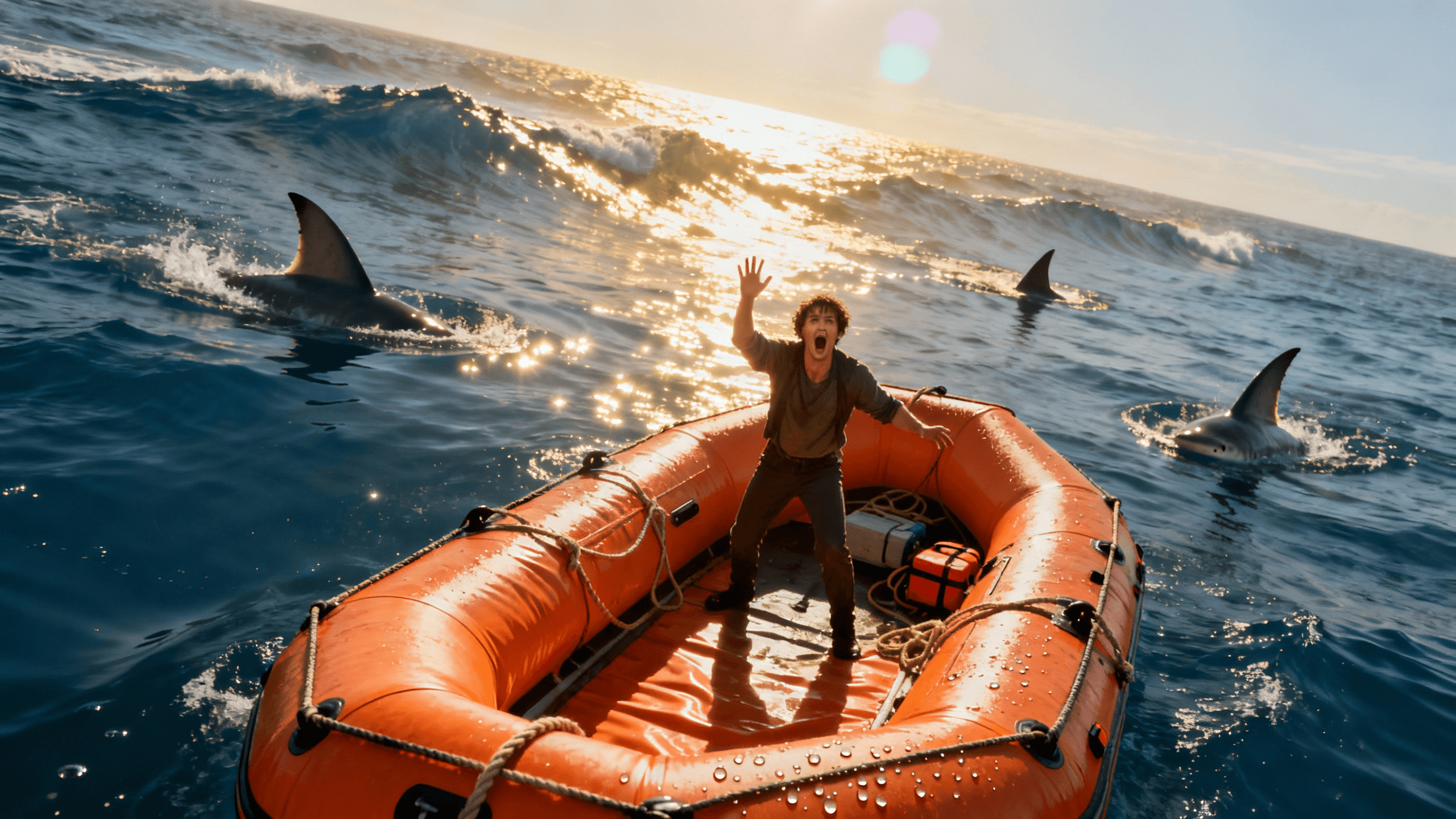


Who It's For
Creators who need clean thumbnails before they can afford a paid plan
New channels that cannot risk unprofessional watermarked exports
Anyone who wants to properly test a thumbnail tool before paying
YouTubers tired of tools that bait and switch with surprise watermarks
Benefits
Every download during your 3-day trial is clean. No company logo, no "made with" text, no branding anywhere on your image.
Download your thumbnails at up to 4K resolution. No quality downgrade on the free trial.
AI generation, canvas editor, text tools, background removal, and filters are all accessible during the trial. Nothing is held back.
Use trial thumbnails on monetized videos. You own everything you create, including thumbnails made during the free trial.
Try These
“Person pointing at a big glowing number on a scoreboard, excited face, bright studio lighting, bold graphic design feel, space at the top for text”
“Close-up of hands counting cash with stacks of money visible, dramatic lighting, dark background, wealth and success energy, room for bold headline text”
“Two laptops side by side on a desk, one showing a failed result and one showing a success, clean comparison layout, neutral background, simple and clear visual”
Start your 3-day free trial and use the full YouTube thumbnail maker and AI thumbnail generator with no watermarks on any export. Export in up to 4K, all tools unlocked, zero branding on your downloads.
If you have searched for a free thumbnail maker with no watermark, you have probably already been burned a few times. Here is how tools actually work vs. what they advertise.
Watermarked-free tools: The most common bait. You can use all the features but every single export has the company's logo burned into it, often centered or in a prominent corner. Useless for real thumbnails.
Credit-limited free tools: You get three or five free uses, then you are blocked. Not enough to know whether the tool fits your workflow, and not enough to actually use it for a channel with any upload frequency.
Downgraded-quality free tools: The free tier uses a worse AI model or lower export resolution. The paid examples look great, but your free output looks noticeably worse.
Genuine trial tools: Full features, full resolution, no watermarks, for a limited time. This is the only version of "free" that actually lets you evaluate the tool and use the exports on real videos.
Thumbnail Studioo is the last category. Your 3-day trial gives you the same exports, the same AI model, and the same canvas tools as a paid plan. The only difference is time.
Three days is enough time to make a clear judgment, but only if you use it well.
Make thumbnails for real upcoming videos. The worst way to use a trial is clicking around random features without making anything. Pick your next two or three videos, build a real thumbnail for each, and compare them side by side with what you made before.
Try AI generation and upload-and-edit separately. Some creators get better results uploading their own photos and editing them. Others prefer generating scenes from scratch with AI. Three days is enough to try both approaches and know which suits your content style.
Export and actually upload one to YouTube. Seeing your thumbnail live on your channel and checking how it looks in search results is a much better signal than just looking at it in the editor.
Compare CTR on the new thumbnail vs. your old ones. If you publish with the trial thumbnail, you will have real performance data by the end of the trial period. That is the clearest possible signal of whether upgrading is worth it.
After your 3-day trial, you can choose a paid plan to keep making thumbnails. If you decide not to continue, your account closes and you keep any thumbnails you already downloaded.
The trial does not turn into a paid subscription automatically without your payment details on file. You will not be charged unless you choose to upgrade.
Most creators who use the trial to make real thumbnails for real videos have a clear answer by day two. Either the quality is noticeably better than what they were doing before and it is worth paying for, or it is not the right fit and they cancel.
If you upload to YouTube during the trial and see a difference in click-through rate, that data tells you more than any review or comparison article.
Best Practices
Make thumbnails for your next real videos, not random experiments. Treat the trial like a paid subscription from day one.
Export and upload at least one thumbnail to YouTube during the trial. Real CTR data beats any other form of evaluation.
Try both AI generation and uploading your own photo in the same session to see which approach suits your content better.
Download all your trial thumbnails locally before the trial ends. Once your access closes, you cannot re-export from the editor.
Check your thumbnail at mobile size before exporting. Most viewers will see it on a phone screen at a small display size.
Common Mistakes
Spending the whole trial experimenting without making anything real. Build actual thumbnails for upcoming videos.
Not uploading to YouTube. Seeing the thumbnail live and watching CTR is more useful than anything else you can do with the trial.
Forgetting to cancel before the trial ends if you decide not to continue. Set a reminder on day one.
Comparing the trial to watermarked free tools. The correct comparison is with other paid thumbnail tools, not worse alternatives.
Only using one feature. Try both AI generation and canvas editing on your own photos before deciding whether the tool fits your workflow.
Full AI tools, canvas editor, and exports in up to 4K with no watermarks on any download. Start your 3-day free trial.
Start Free Trial, No WatermarksFree 3-day trial • Cancel anytime
FAQ
Yes. Your 3-day free trial gives you full access to every tool and exports in up to 4K with no watermarks on any download. Start your 3-day free trial.
Yes, a card is required to start your trial. You will not be charged during the 3-day period. Cancel before the trial ends and you will not be billed.
Yes. Thumbnails you export during the trial have full commercial usage rights. No licensing restrictions and no watermarks on the file.
Any thumbnails you downloaded during the trial are yours to keep and use. They are already on your device. Your account will lose access to the editor but your exported files are unaffected.
No. Trial exports use the same AI model and the same up-to-4K resolution as paid plans. There is no quality downgrade for the free trial.
You can export in up to 4K. Higher resolution options use credits from your plan allowance.
AI generation takes about 30 seconds. Adding text and finishing in the editor takes another 5 to 10 minutes. Most creators finish a complete thumbnail in under 15 minutes.