1
Name the Skill, Not the Subject
"3 Python Loops You're Using Wrong" communicates more than "Python Tutorial" because it names the actual takeaway.
Reviewed by Thumbnail Studioo · Updated 17 July 2026
Start Making Course ThumbnailsEducation thumbnail generator
Describe the thumbnail you want and generate it directly on this page.
Your thumbnail will appear here
Write a description and choose a style to get started.
Examples
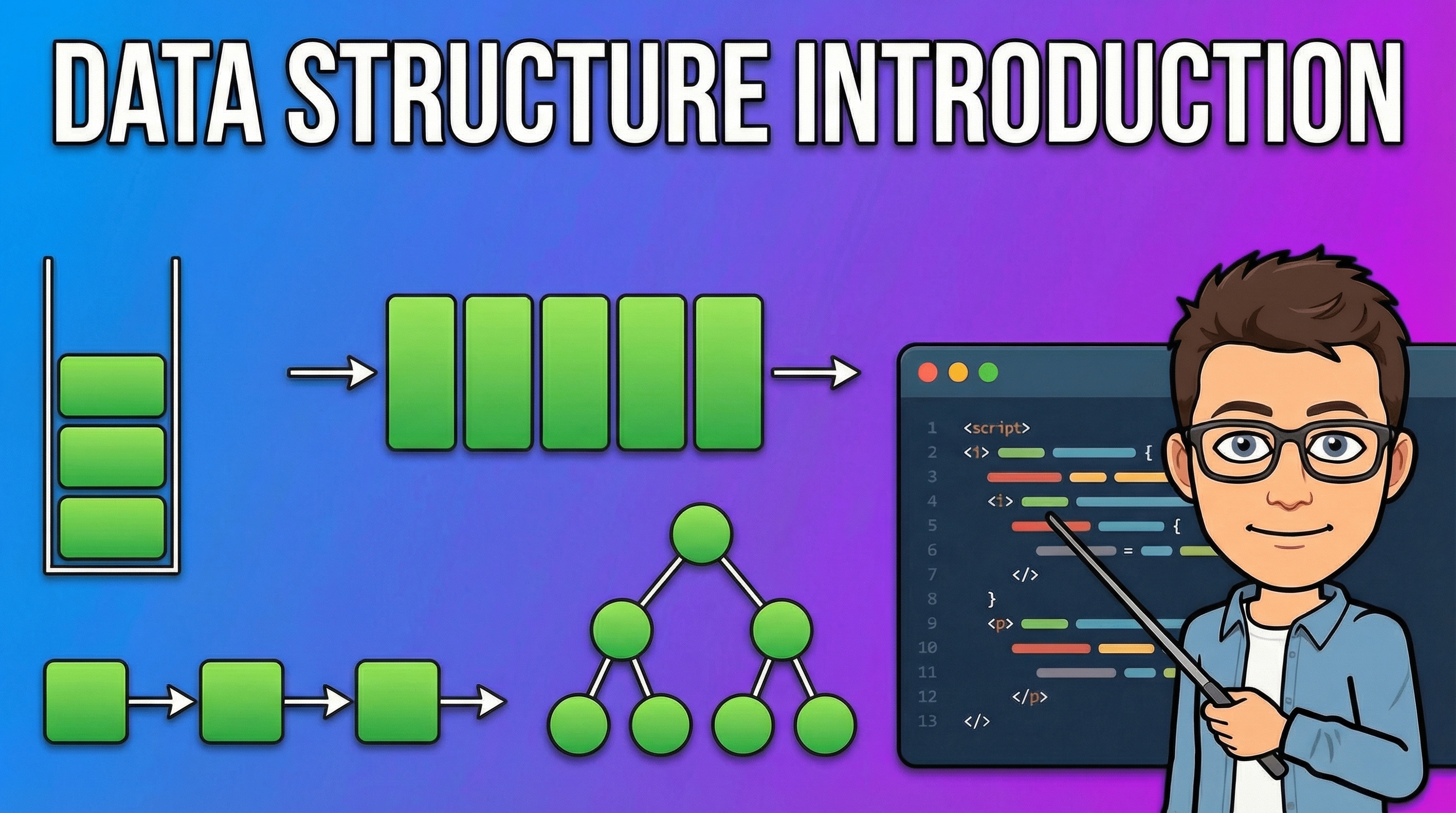
Course thumbnails need to answer one question instantly: what will I learn here. Naming the specific topic or skill ("3 Python Loops You're Using Wrong") outperforms a generic subject label ("Python Tutorial") because it promises a concrete takeaway. A clean, uncluttered background reads as more credible than a busy one, since course audiences are evaluating whether the instructor is organized and clear before they've watched a single minute.
How It Works
"3 Python Loops You're Using Wrong" communicates more than "Python Tutorial" because it names the actual takeaway.
A clean, uncluttered background signals an organized instructor before anyone presses play.
AI builds a professional visual matching your topic in about 30 seconds.
Keep the same palette and layout across every lesson so the course reads as one product.
1280x720, no watermark, ready before the lesson goes live.
Who It's For
Online course creators building thumbnails for individual lessons
Tutorial channels teaching specific skills or software
Educational creators who need to look organized and credible
Course platforms needing consistent, professional lesson thumbnails
Try These
“Clean simple background with a diagram or drawing centered in the photo, soft bright light, lots of space for text, 16:9 YouTube thumbnail”
“Teacher pointing confidently at a drawing or chart, bright clean classroom background, friendly face, 16:9 YouTube thumbnail”
“Split photo, confused person on one side, same person looking clear and confident on the other side, simple bold colors, 16:9 YouTube thumbnail”
“Close up on a focused confident face, a small related icon or drawing softly visible in the background, 16:9 YouTube thumbnail”
Benefits
Clean, professional backgrounds that build trust in the instructor before a viewer presses play.
Generate a background matching the exact concept or skill of each lesson instead of a generic subject stock photo.
Reuse the same clean style and color palette across every lesson for a recognizable course identity.
Build thumbnails for an entire course quickly instead of designing each lesson thumbnail from scratch.
Course and tutorial creators need thumbnails that communicate the topic clearly while still looking polished enough to build trust in the instructor. Generic stock photos of laptops and whiteboards rarely say anything specific about what's being taught. Creators need a fast way to build a clear, subject-specific, authoritative-looking thumbnail for every lesson.
Describe the topic and tone, a coding concept, a language lesson, a skill breakdown, and the AI thumbnail generator builds a clean, clear background around it. Add text with the thumbnail editor, export at 1280x720. Sign in to start.
Describe the topic, the concept, the takeaway. AI builds it in seconds. 1280x720 export. Try free for 3 days.
Start Making Course ThumbnailsFree 3-day trial • Cancel anytime
FAQ
1280x720 pixels works for YouTube and most course platforms. Thumbnail Studioo exports at exactly this size automatically.
Yes. Describe the concept or skill, coding, math, language learning, design, and the AI builds a clean background matching that topic.
Name the specific takeaway and use a clean background that supports the lesson. This usually communicates more than a generic subject photo, but the best choice depends on the course and audience.
Yes. Reuse the same color palette, layout, and style across every lesson thumbnail to build a recognizable course identity.
Yes. Start a 3-day free trial with full access to AI generation, the editor, and HD export. No watermarks. Cancel anytime.