1
Pick the Format
Hero product shot, side-by-side spec comparison, or hands-on close-up: start from the layout the review actually needs.
Reviewed by Thumbnail Studioo · Updated 17 July 2026
Start Making Tech Review ThumbnailsTech review thumbnail generator
Describe the thumbnail you want and generate it directly on this page.
Your thumbnail will appear here
Write a description and choose a style to get started.
Examples

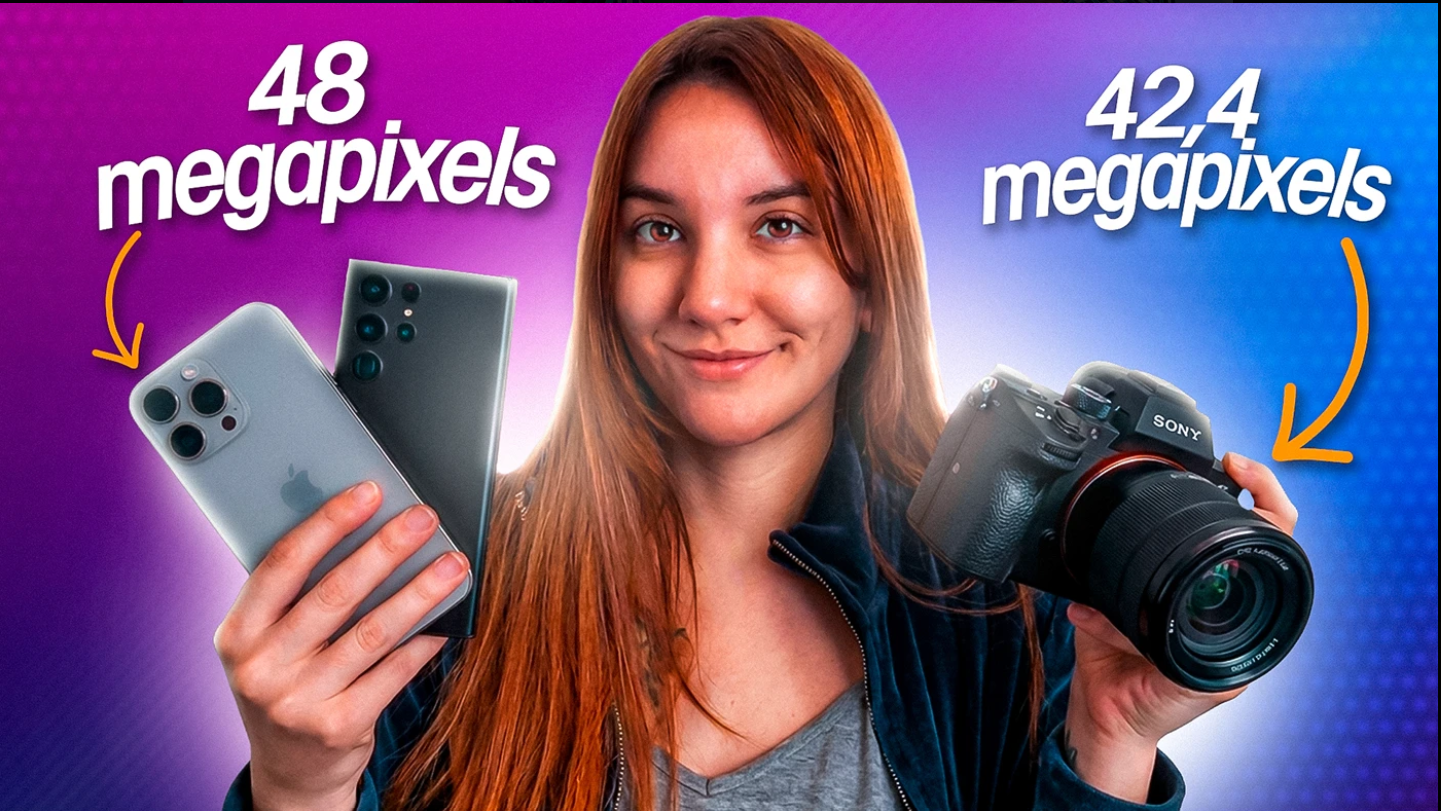
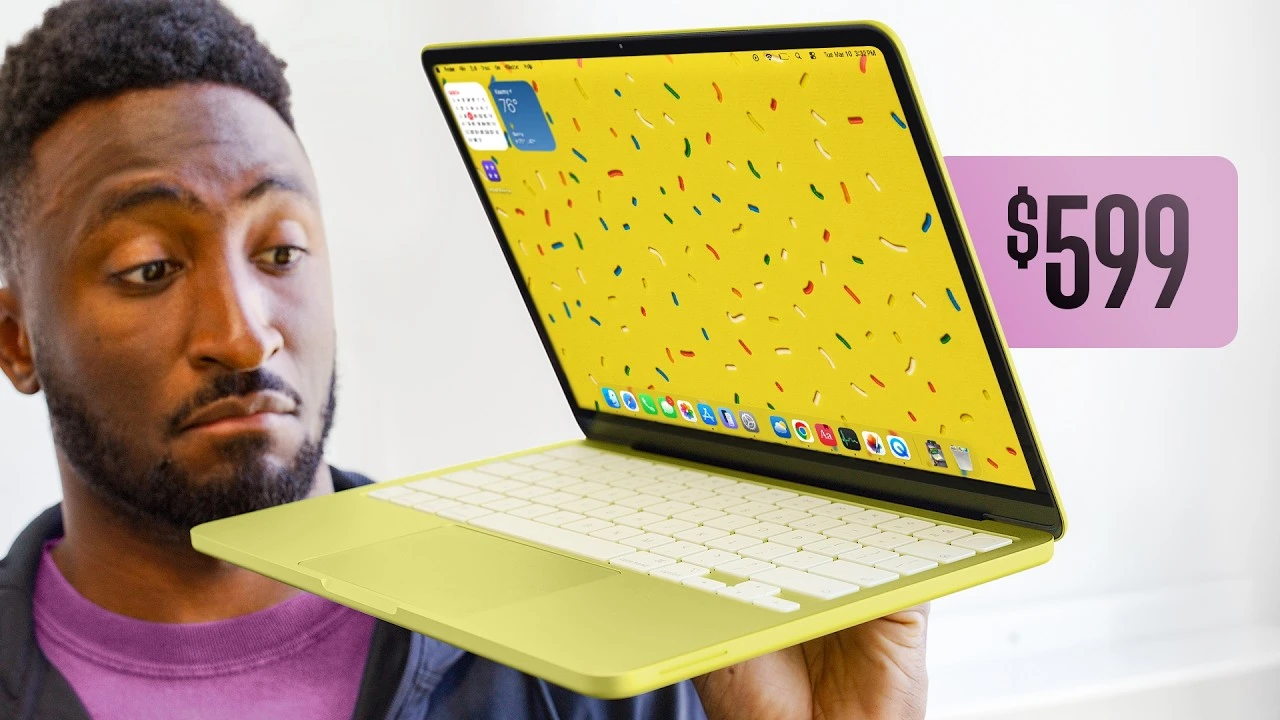
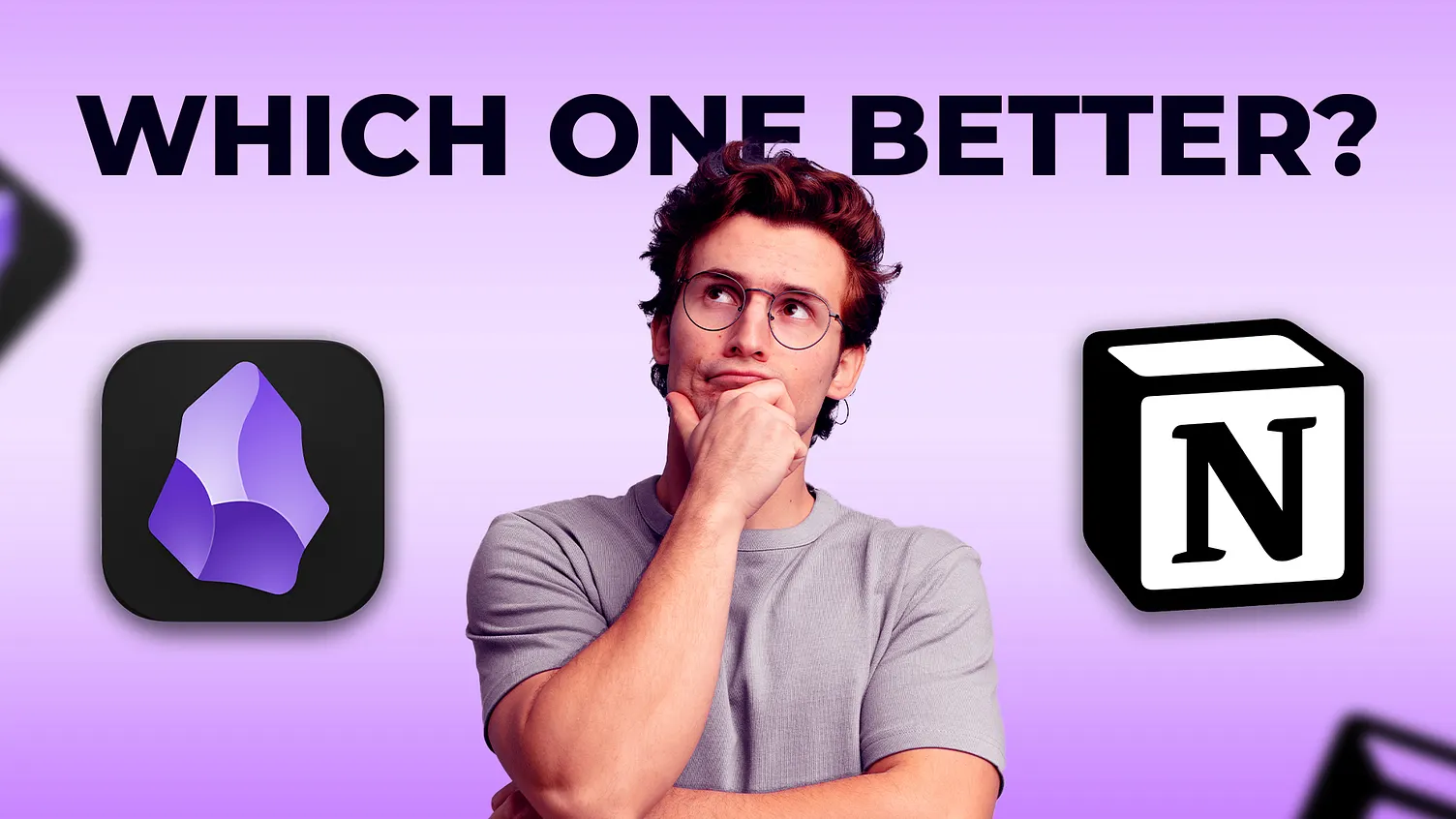


Tech audiences are skeptical of hype, so the thumbnails that perform best look authoritative rather than sensational. A clean, high-contrast background keeps the product as the focal point instead of competing visual noise. Specific comparison text, "M4 vs M3 Real Test" beats "You Won't Believe This Chip" because tech viewers click for information, not shock value. A small, confident expression works better than an exaggerated one; tech content earns trust through restraint, not drama.
How It Works
Hero product shot, side-by-side spec comparison, or hands-on close-up: start from the layout the review actually needs.
Generate a clean, minimalist background from a description, or upload your own product photo and build around it.
Add the specific spec, model, or price point being compared and export at 1280x720, no watermark.
Who It's For
Tech review channels that need a new product-focused thumbnail for every release
Comparison and "vs" format creators covering specs, price, or performance
Unboxing and first-impressions channels that need a clean, credible visual style
Creators building a consistent, trustworthy brand across every review
Try These
“Clean simple background, product in the middle on a shiny surface, soft bright light, lots of empty space for text, 16:9 YouTube thumbnail”
“Split photo, two phones or gadgets side by side, plain gray background, clear line down the middle, 16:9 YouTube thumbnail”
“Close up shot of a product, dark background, blue glowing light around the edges, sharp and clean look, 16:9 YouTube thumbnail”
“Person holding a gadget up close to the camera, curious face, clean bright background, product easy to see, 16:9 YouTube thumbnail”
Benefits
Clean, minimalist backgrounds that keep tech audiences' trust instead of looking like sensational filler content.
Generate side-by-side layouts for spec comparisons and "vs" formats without manual alignment work.
Describe the product shot you need instead of setting up lighting and a background for every review.
Reuse the same clean color palette and layout style so your reviews build a recognizable, trustworthy identity.
Tech channels compete on trust as much as excitement, so thumbnails need to look credible, not like clickbait. Stock photos rarely show the exact device or the specific comparison angle a review needs. Creators search for a way to build clean, product-centered thumbnails without a photography setup for every release.
Describe the product and layout, side-by-side spec comparison, single product hero shot, before/after setup, and the AI thumbnail generator builds a clean background around it. Add text with the thumbnail editor and export at 1280x720. Sign in to start.
Describe the product, the comparison, the layout. AI builds a clean background in seconds. 1280x720 export. Try free for 3 days.
Start Making Tech Review ThumbnailsFree 3-day trial • Cancel anytime
FAQ
1280x720 pixels, YouTube's standard 16:9 ratio. Thumbnail Studioo exports at exactly this size automatically.
Yes. Upload a product photo or describe it, then the AI builds a clean, minimalist background around it, or generates the whole scene from your description.
Prioritize credibility and clarity: a clean background, a specific comparison or specification, and an expression that matches the review. Test this focused approach against any more dramatic concept with your own viewers.
Yes. Describe a split-screen layout with two products or specs, and the AI generates a clean comparison composition you can add text to.
Yes. Start a 3-day free trial with full access to AI generation, the editor, and HD export. No watermarks. Cancel anytime.